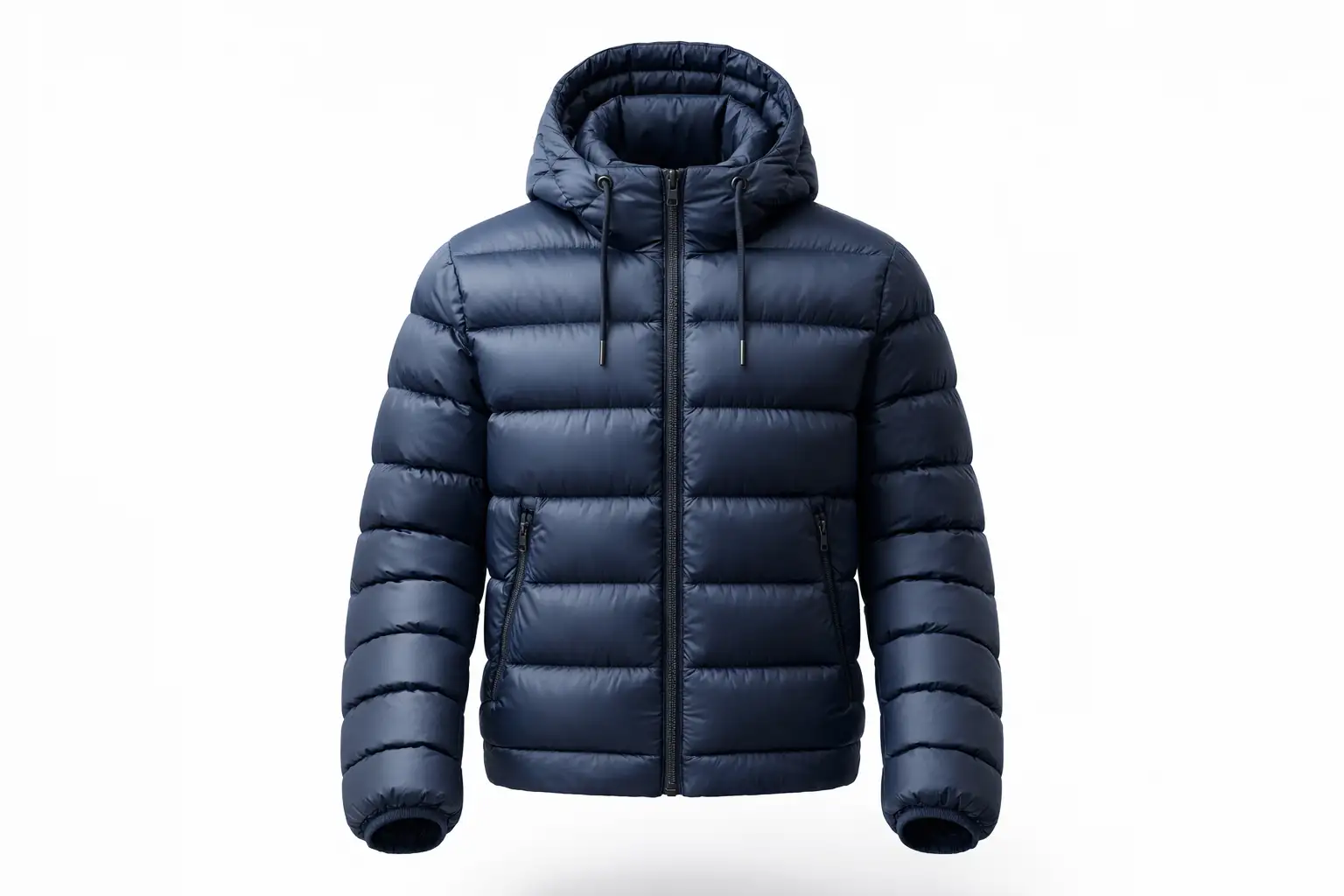

Have you ever spent hours perfecting a garment composite, only to realize the final image looks completely flat? When executing the ghost mannequin for puffer jackets, depth issues are the number one reason product photography fails to convert. Instead of plush, voluminous outerwear, the jacket looks compressed, papery, and entirely unrealistic.
In Adobe Photoshop v24.x and newer, this “flatness” occurs because the photographed inner collar and the outer shell possess varying, unnatural lighting gradients when stitched together. In this technical guide, we will break down exactly how to restore volumetric depth to your bulky outerwear using advanced mesh distortion and simulated ambient occlusion.
Why Puffer Jackets Lose Their 3D Volume
The core technical pain point in heavy outerwear retouching happens during the neck joint composite phase. When you combine the front shot of the jacket with the inside back-collar shot, the natural lighting is disrupted. The down-filled ridges lose their dimensional highlights and shadows, flattening the entire garment.
To fix this, editors must go beyond a basic clipping path. You need precise baffle alignment, mesh manipulation, and customized shading to bridge the lighting gap between the front chest piece and the inner back lining.
Method A: The Quick Fix Using the Liquify Tool
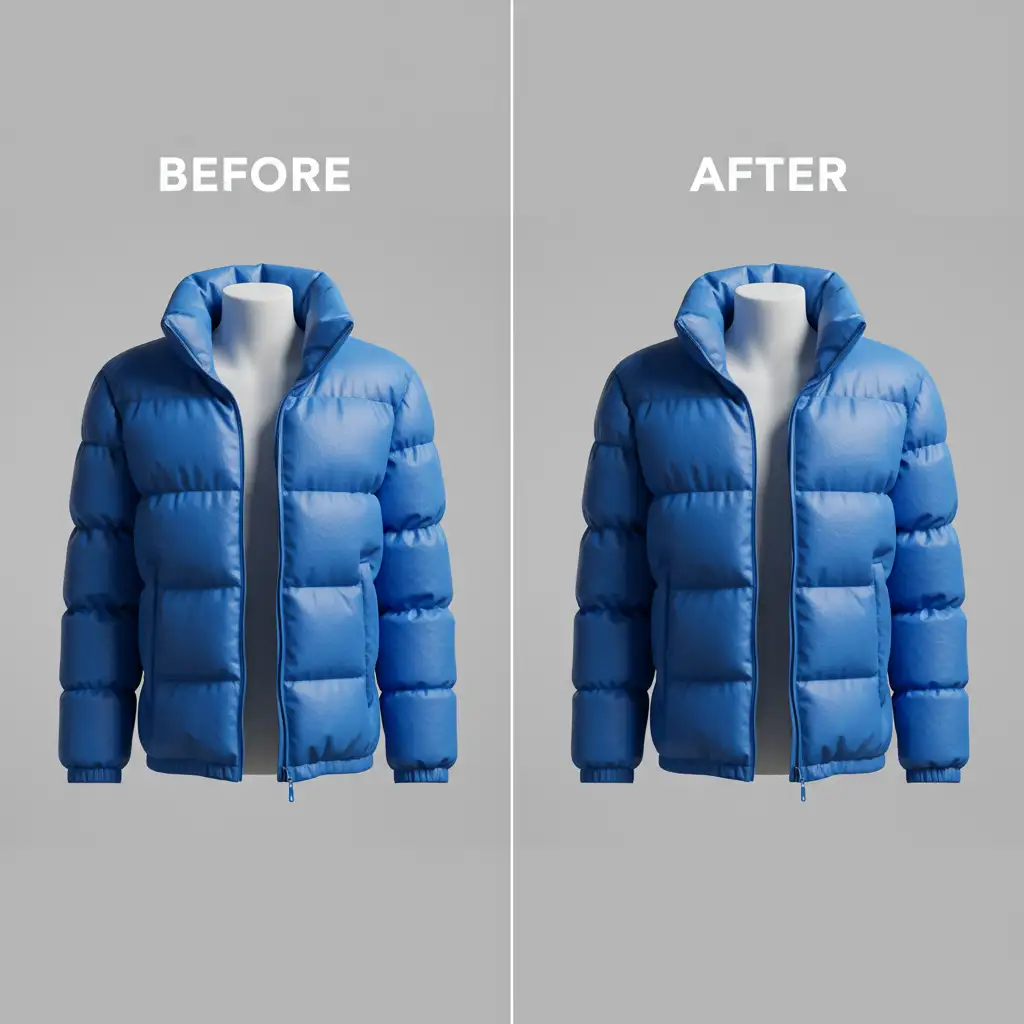
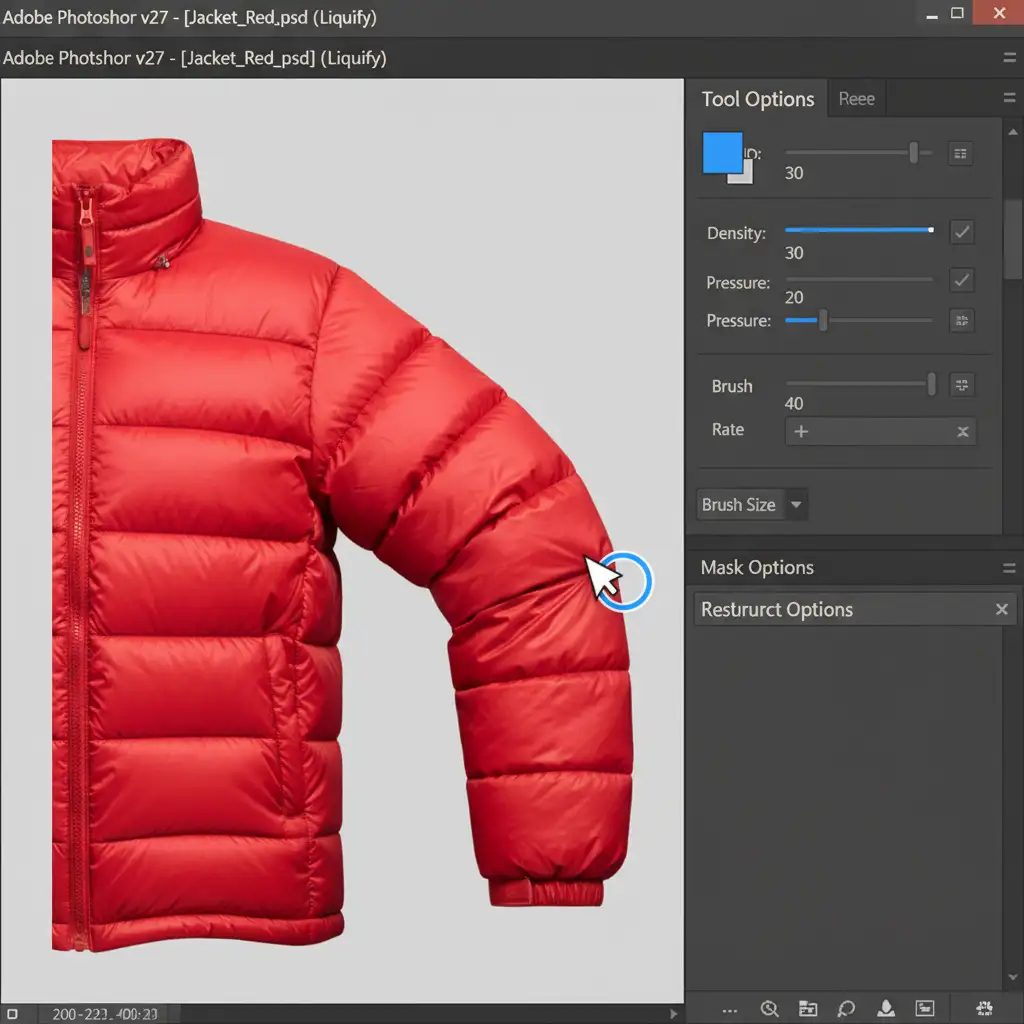
When a down jacket is photographed flat, the edges of the baffles often compress inward. While some editors attempt to use Puppet Warp to stretch the garment, it often distorts the fabric texture. The superior method is using Photoshop’s Liquify tool.
- Duplicate your jacket layer and navigate to Filter > Liquify.
- Select the Forward Warp Tool (shortcut: W).
- Use a large brush size with low pressure (around 15-20%) to gently push the outer edges of the jacket baffles outward.
- Carefully round out the shoulders and the horizontal stitch lines to immediately restore the inflated look lost during the 2D composite process.
Method B: The Pro Workaround with Non-Destructive Dodge and Burn
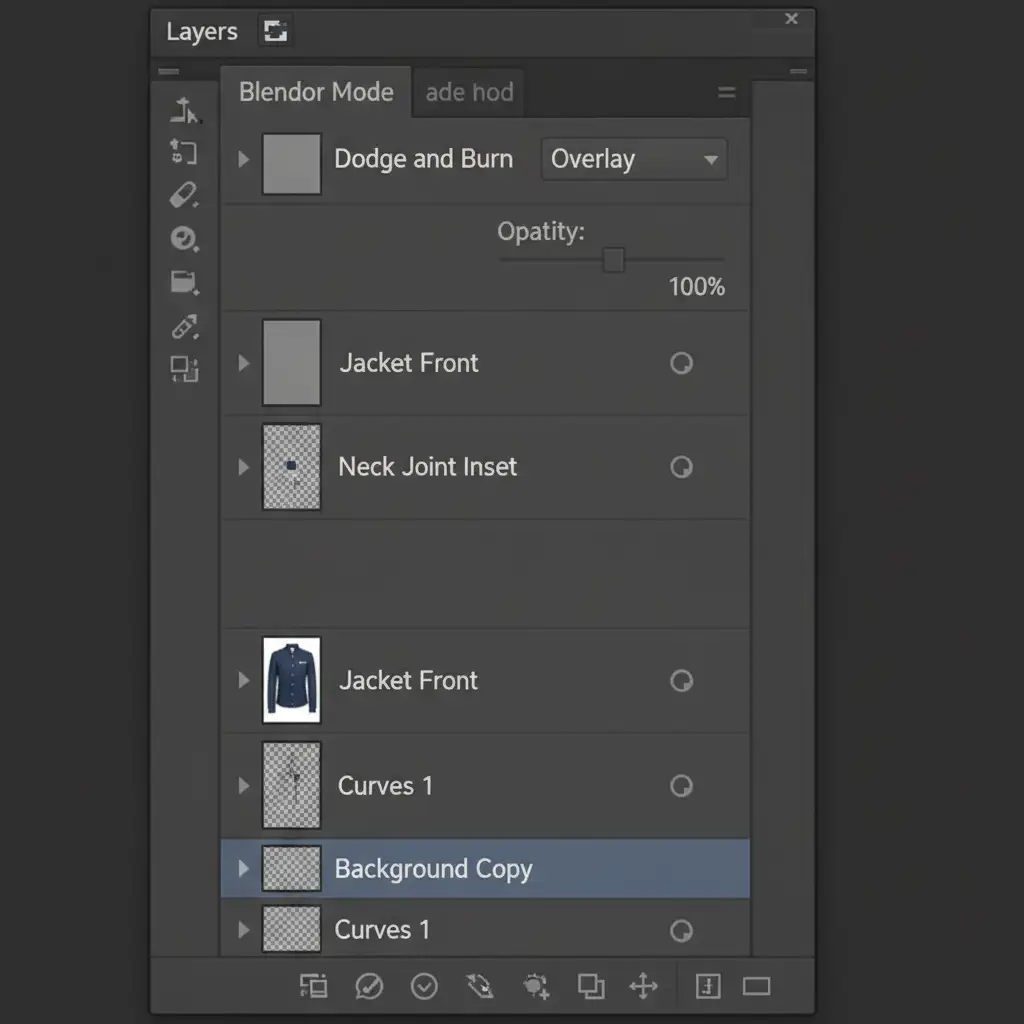
Restoring the physical shape is only half the battle; you must also restore the lighting. To fake 3-dimensional volume without destroying your original pixels, utilize non-destructive Dodge and Burn.
- Create a new layer above your jacket composite.
- Fill the layer with 50% Gray (Edit > Fill > 50% Gray).
- Change the layer’s blending mode to Overlay or Soft Light.
- Select a soft brush with a low opacity (5-10%).
- Paint with black to manually deepen the shadows inside the collar cavity and under each baffle ridge.
- Paint with white to boost the highlights on the highest points of the puffy ridges.
This technique forces the eye to perceive volumetric depth, making the jacket look thick and warm.
Method C: The Technical Deep-Dive for Perfect Ambient Occlusion
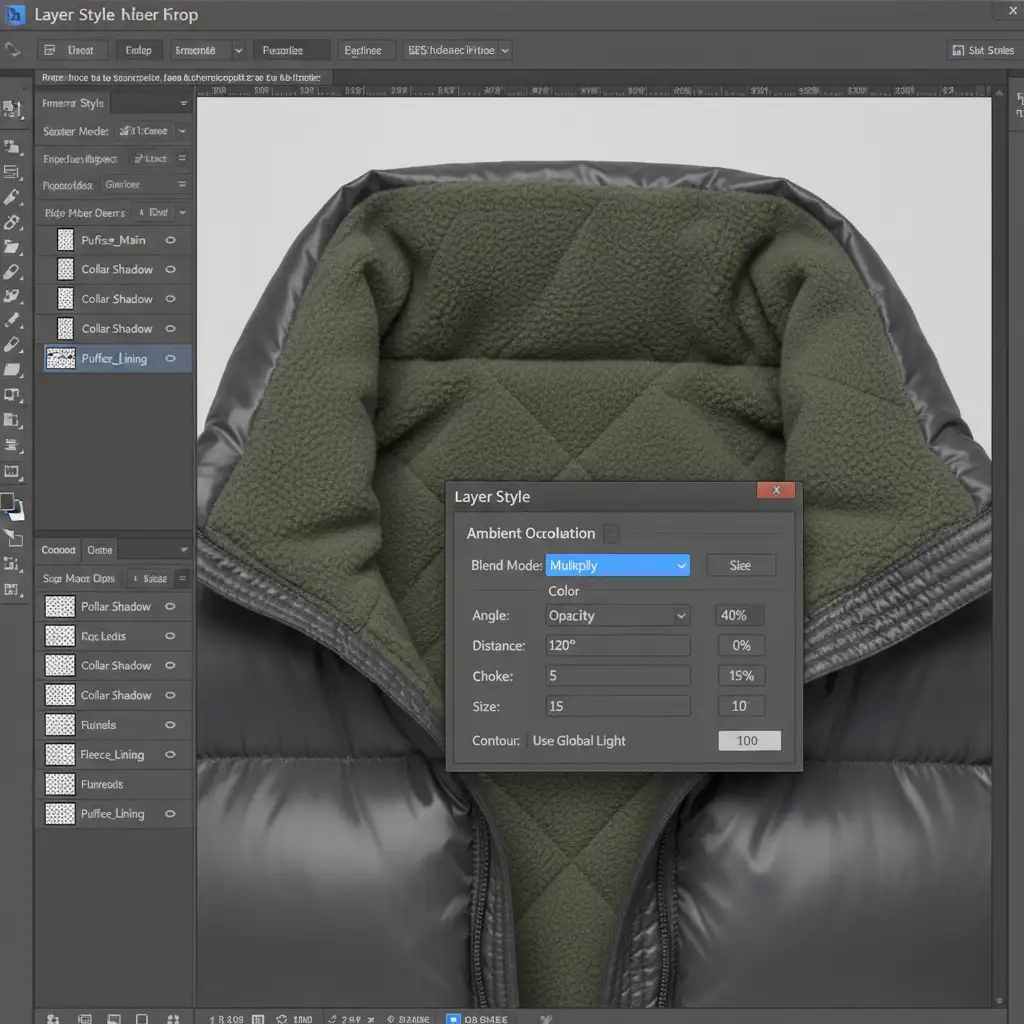
For absolute realism, especially for high-end e-commerce clients, you must implement multi-layer Smart Objects and precise drop shadows to simulate ambient occlusion.
- Isolate the inner neck joint and the outer shell as separate Smart Objects using a precise layer mask.
- Double-click the front outer shell layer to open the Layer Style dialog.
- Apply a customized Inner Shadow.
- Set the blend mode to Multiply, choose a dark tone sampled from the jacket’s natural shadows, and adjust the distance and size.
By applying this shadow to the back edge of the front collar, you simulate the natural cast shadow that the front of the jacket would throw onto the inner back lining. This perfectly bridges the lighting gap, creating a seamless, realistic neck joint composite.
Scale Your Outerwear Retouching with the Experts
Mastering ghost mannequin for puffer jackets depth issues requires significant time, technical skill, and a deep understanding of lighting physics. When you are processing hundreds of seasonal outerwear SKUs, spending 30 minutes meticulously dodging and burning a single jacket simply isn’t scalable.
Need pixel-perfect outerwear imagery without the production bottleneck? Let the experts at Image Work India and Cloud Retouch handle it. Our specialized retouching teams are experts in complex neck joint composites, precise baffle alignment, and flawless 3D depth retention. We deliver high-volume, commercial-grade ghost mannequin edits that make your apparel look its absolute best.
Contact us today to streamline your post-production workflow and ensure your heavy outerwear imagery drives sales.




