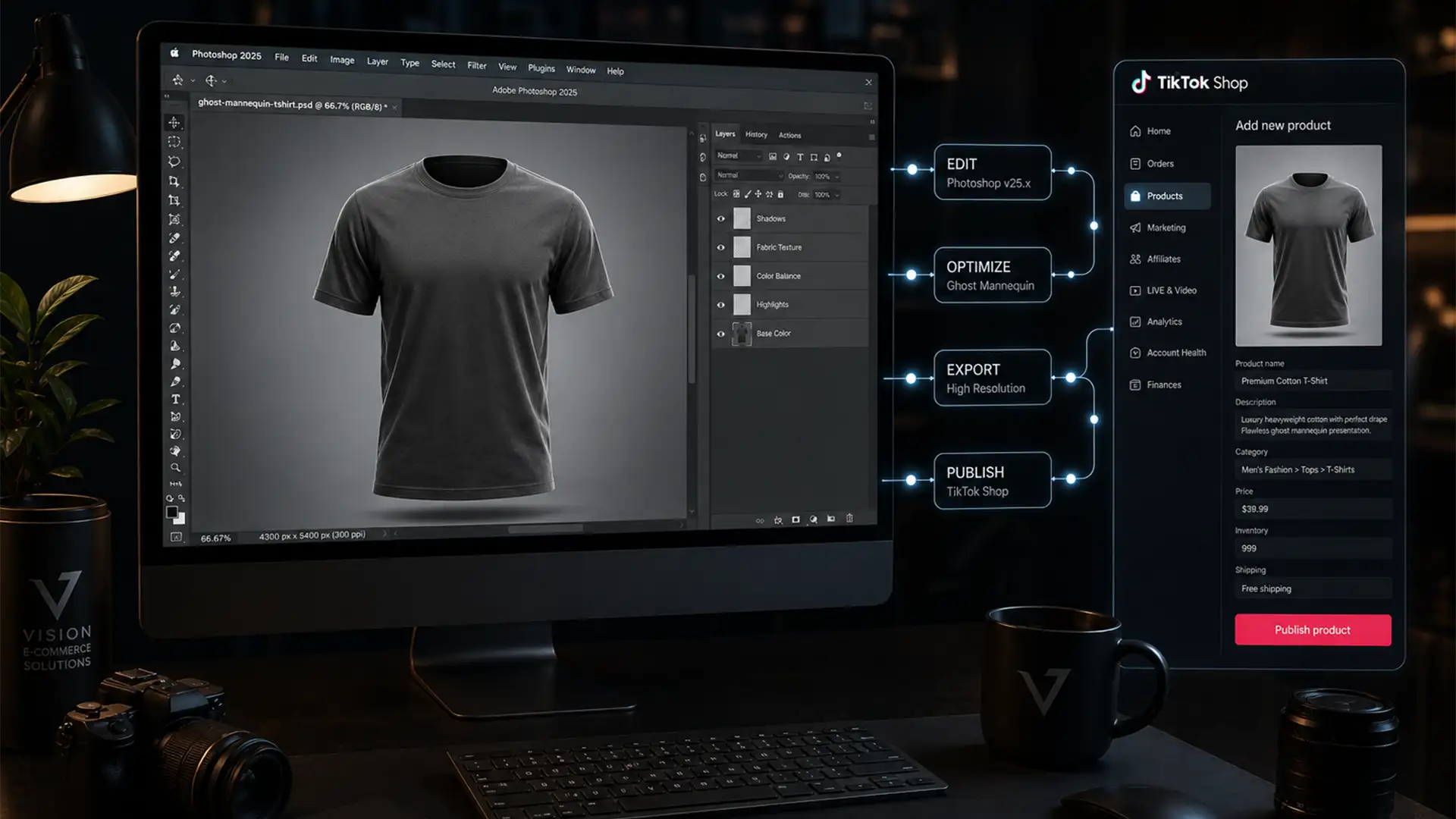

You’ve just dropped a new fast-fashion line, and a TikTok influencer is ready to promote it. But there’s a massive roadblock: you have 500+ SKUs that need immediate uploading, and manual neck joint editing is bringing your workflow to a grinding halt. When dealing with bulk apparel photography, seamlessly combining the front garment shot with the inside back shot creates massive rendering bottlenecks and memory bloat in Photoshop v25.x+. If you are missing out on viral sales because your image editing is too slow, you need a high-volume bulk ghost mannequin service for TikTok Shop.
Here is the exact technical workflow to bypass Photoshop bottlenecks, automate your composite images, and get your apparel live on TikTok Shop in record time.
Why TikTok Shop Demands a Flawless Ghost Mannequin Strategy
TikTok Shop has strict visual requirements. Product images must adhere to a mandatory 1:1 aspect ratio (typically 1080x1080px minimum) and feature clean white or transparent backgrounds.
When a user scrolls through their feed, a highly realistic ghost mannequin effect—where the garment looks naturally worn by an invisible figure—drives higher conversion rates than flat lays. However, combining the front garment shot with the neck insert while maintaining realistic fabric shadows at scale is a logistical nightmare for in-house teams.
How to Overcome Photoshop v25.x Bottlenecks for Bulk SKUs
If your design team is bogged down by memory bloat and workflow slowdowns, you need to transition from manual clipping paths to SKU automation. Here are three methods to dramatically speed up your production.
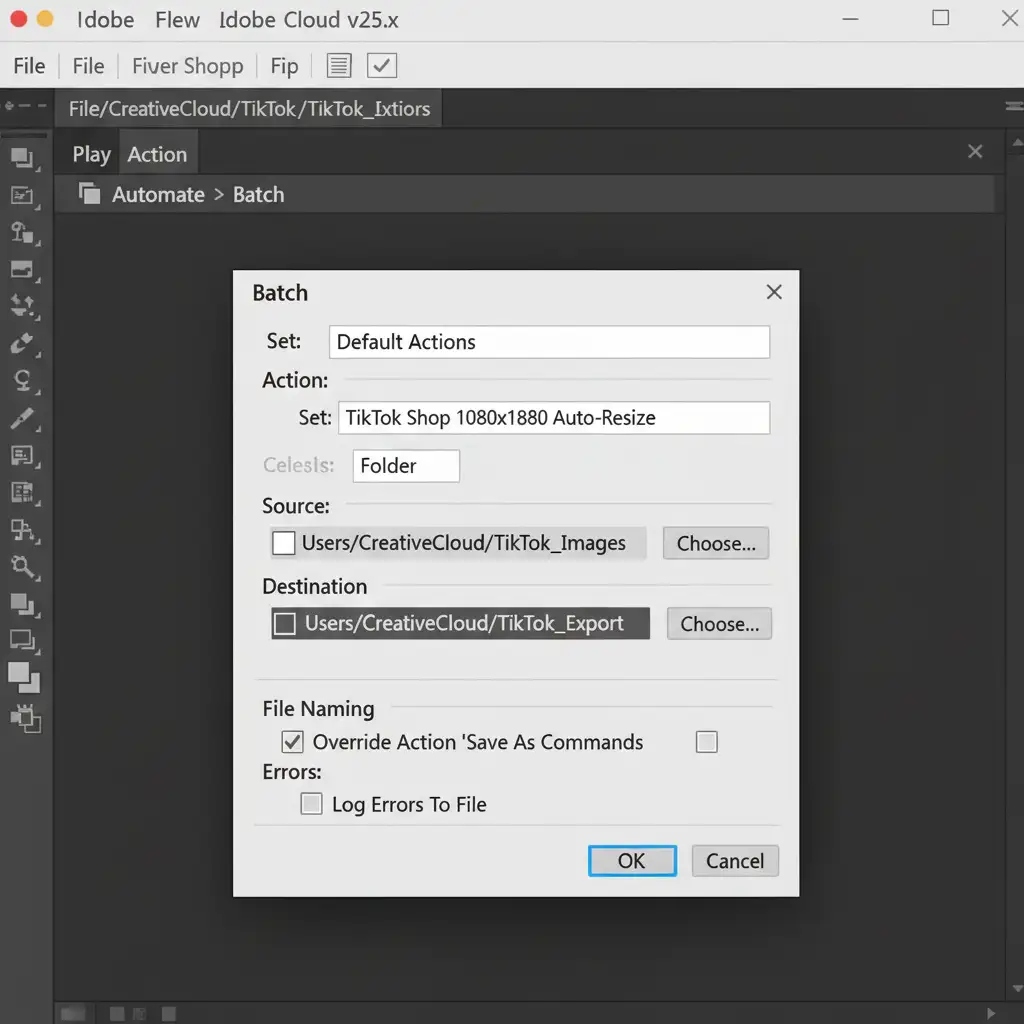
Method A: The Quick Fix – Actions & Batch Processing
The fastest way to handle base-level edits is by utilizing Photoshop Actions to automate repetitive tasks.
Record a master action that utilizes the Select Subject tool for background removal, aligns the garment, and auto-resizes the canvas to TikTok Shop’s mandatory 1080x1080px ratio. Once recorded, you can apply this to entire folders of pre-shot garments.
How to execute:
- Go to File > Automate > Batch.
- Select your newly recorded TikTok Shop Action.
- Choose your source folder containing hundreds of raw garments.
- Set your destination folder and let Photoshop run the batch processing.
Method B: The Pro Workaround – Smart Object Templating
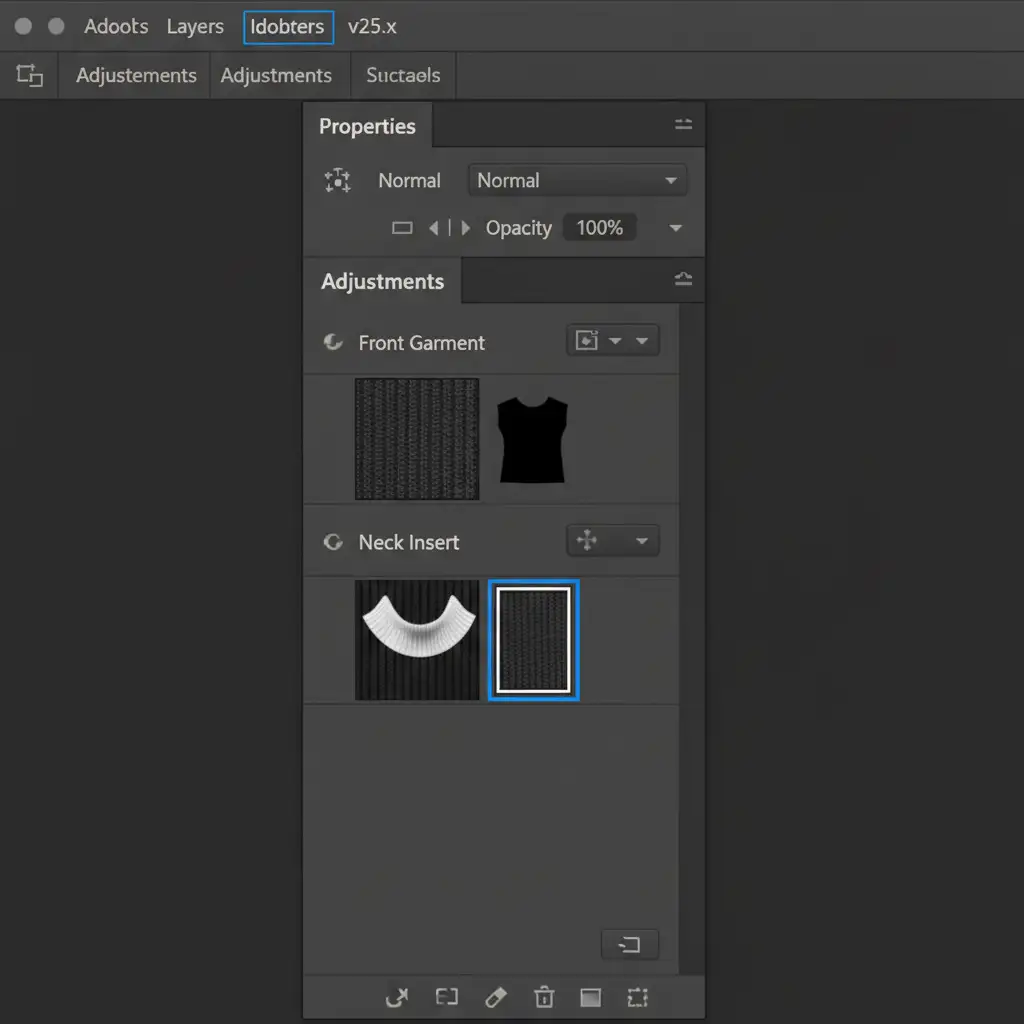
For more complex apparel where the neck joint requires precise alignment, Smart Object templating is the industry standard.
Create a master PSD template with pre-masked Smart Objects labeled ‘Front Garment’ and ‘Neck Insert’. By utilizing a dedicated layer mask for each object, you preserve the alpha channel and ensure non-destructive editing.
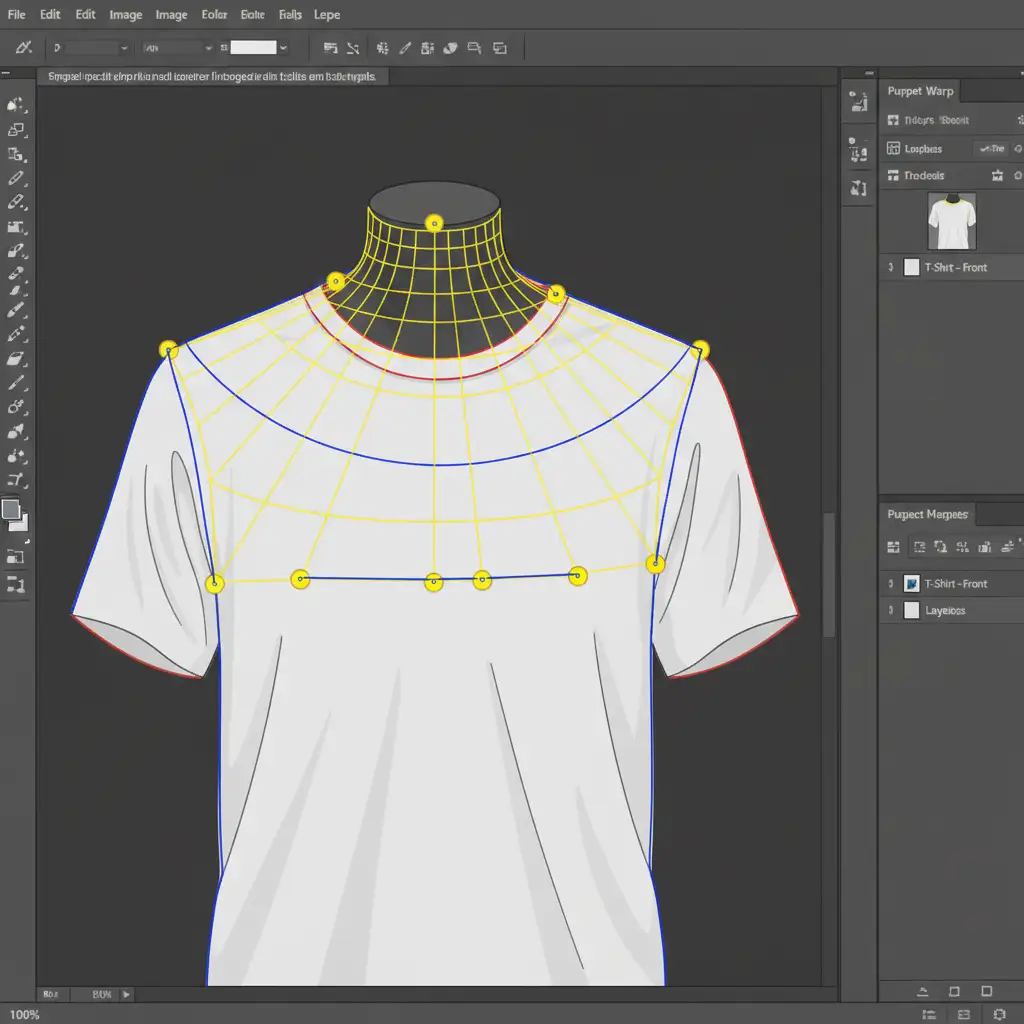
When you drop new raw images into these Smart Objects, simply use the Puppet Warp tool on the neck insert. This allows you to quickly push and pull the fabric curves to align seamlessly with the collar line without re-masking the entire garment.
Method C: The Technical Deep-Dive – Droplets and Scripting
If you are processing massive volumes for daily TikTok Shop drops, you need to eliminate opening Photoshop manually.
Export your ghost mannequin action as a Photoshop Droplet. This creates a standalone application icon on your desktop. You can drag and drop entire SKU folders directly onto the droplet to trigger the automation in the background.
For ultimate scaling, implement a custom JavaScript (.jsx) script. A custom script can auto-align the front and back layers based on transparency thresholds and auto-blend the edges. This technical setup reduces manual masking time by up to 40 percent, effectively solving the memory bloat issues associated with heavy composite image files.
Stop Missing Viral Trends: The Hybrid Solution
Even with advanced automation, scripts and droplets cannot perfectly replicate the nuanced fabric shadows and complex collar geometries of every garment. Relying entirely on automated scripts often leads to unnatural-looking neck joints that can hurt your brand’s premium feel.
The most successful fast-fashion brands use a hybrid workflow: they use batch processing for base resizing, but outsource the complex clipping path and composite work to dedicated professionals.
Scale Instantly with Image Work India & Cloud Retouch
Stop missing TikTok Shop viral trends due to slow, manual editing workflows. If you have 500+ SKUs that need to be live tomorrow, managing it in-house is a bottleneck you can’t afford.
Image Work India and Cloud Retouch provide industry-leading bulk ghost mannequin editing tailored specifically for high-volume e-commerce brands. We combine cutting-edge studio technology with expert manual retouching to deliver flawless neck joints, perfect fabric shadows, and exact 1080x1080px TikTok-ready outputs.
With our guaranteed 24-hour turnaround times, you can focus on marketing your apparel while we handle the heavy lifting. Contact Cloud Retouch today to get a free trial on your first batch of SKUs and watch your TikTok Shop sales soar.




