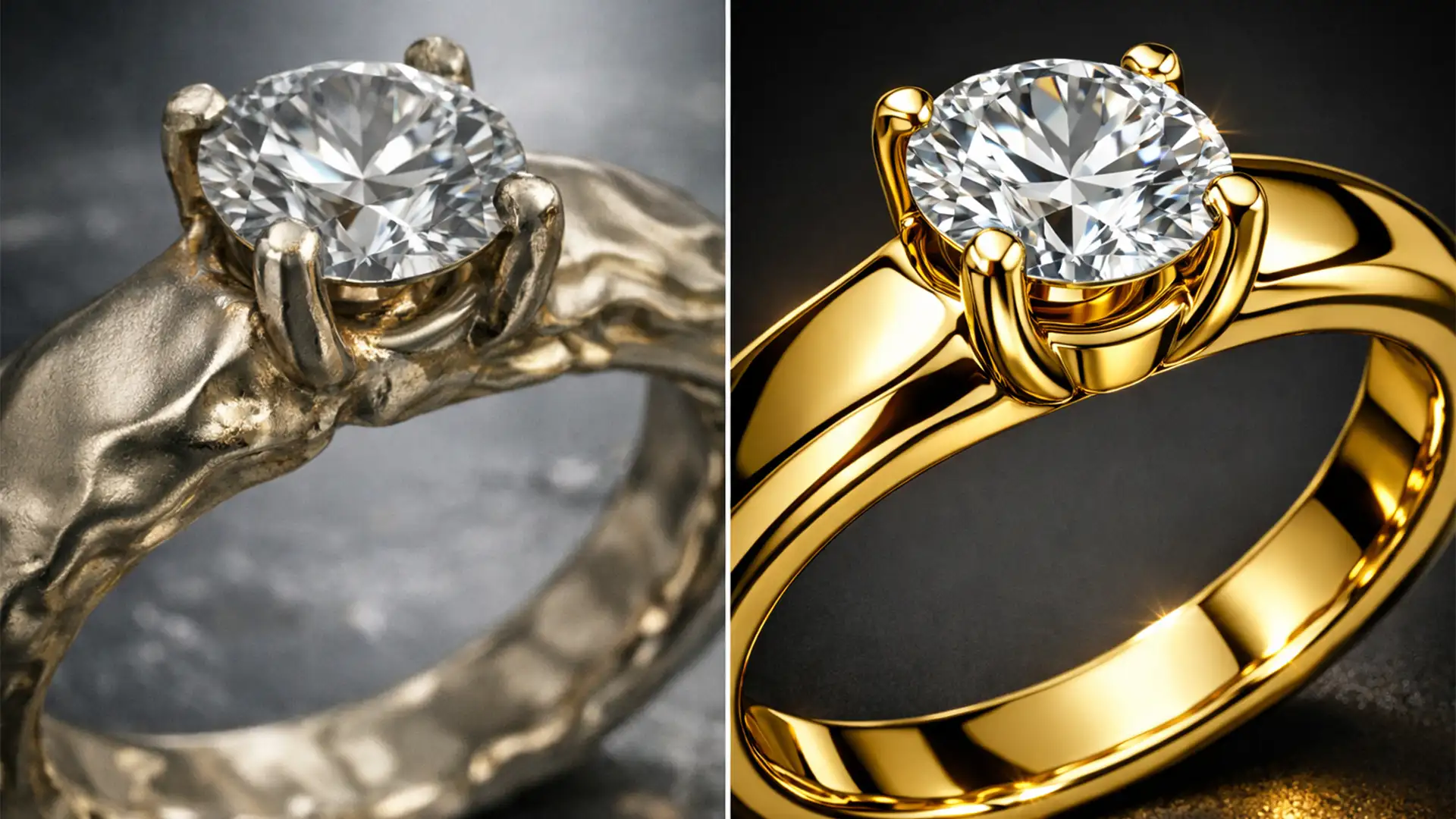

You’ve just spent hours shooting a flawless luxury jewelry campaign. You open Photoshop v25.0, select a minor blemish on a gold band, and hit Generative Fill. Instead of a clean fix, Adobe Firefly spits out a warped, melted mess that looks like a fever dream. If you are struggling to fix generative fill jewelry reflections, you aren’t alone. The diffusion model notoriously misinterprets micro-reflections on polished gold, silver, and faceted gemstones, replacing sharp specular highlights with dull, matte patches. In this guide, we will show you how to rescue your commercial jewelry photography by combining AI with high-end retouching techniques.
Why Adobe Firefly Struggles with Specular Highlights
Generative Fill is a revolutionary tool, but it has a fundamental weakness when it comes to commercial product photography. The Adobe Firefly Image 2 and 3 models are trained on vast datasets of general imagery. When faced with highly specular surfaces—like polished metals and faceted gemstones—the underlying diffusion model attempts to average out the high-frequency details.
Instead of generating the crisp, high-contrast light bounces required for realistic metal, the AI hallucinates. It misinterprets environment maps, resulting in warped prongs, melted textures, and AI artifacts that destroy the structural integrity of the jewelry.
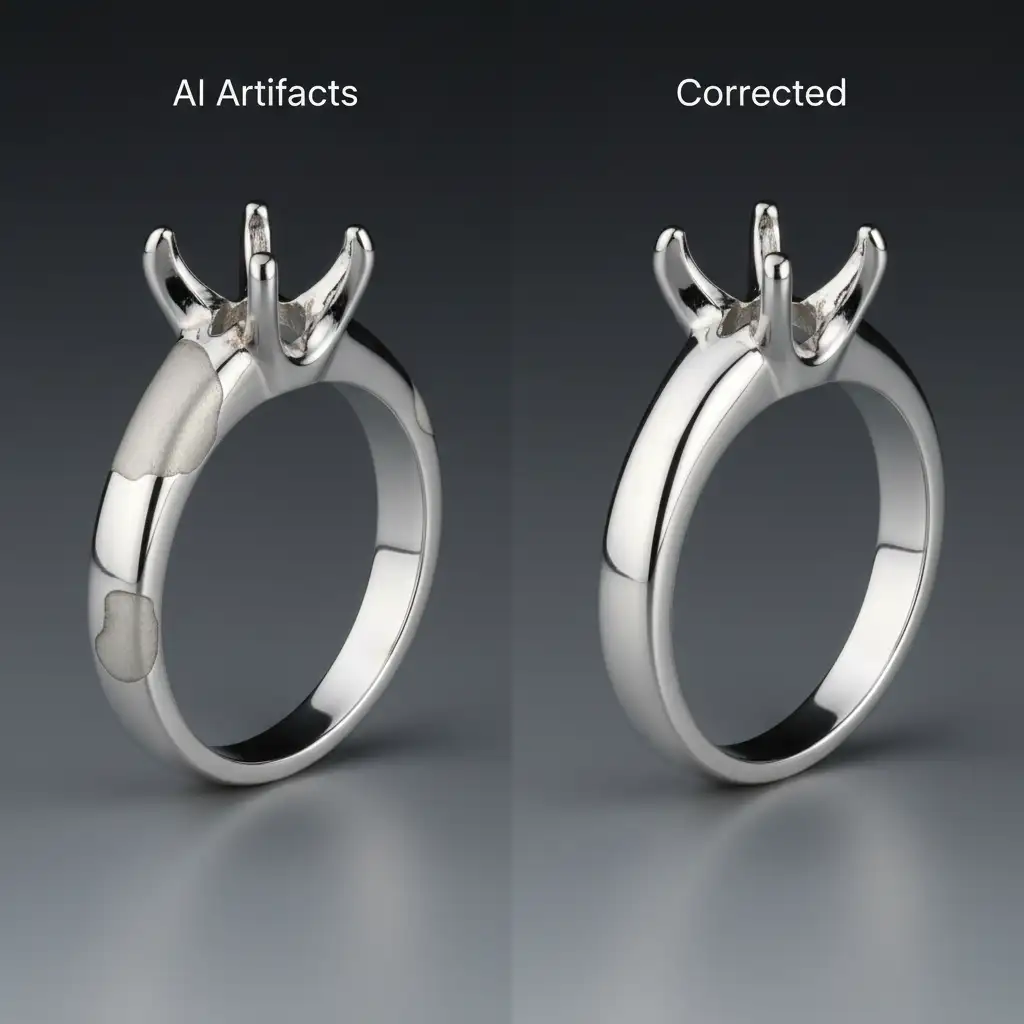
3 Pro Methods to Fix Generative Fill Jewelry Reflections
To achieve commercial-grade results, you cannot rely on AI alone. You must blend generative technology with traditional, high-end retouching workflows.
Method 1: The Quick Fix – Advanced Prompt Refinement
Most retouchers make the mistake of leaving the Generative Fill prompt blank or using vague terminology. When fixing jewelry, prompt specificity is your first line of defense against matte patches.
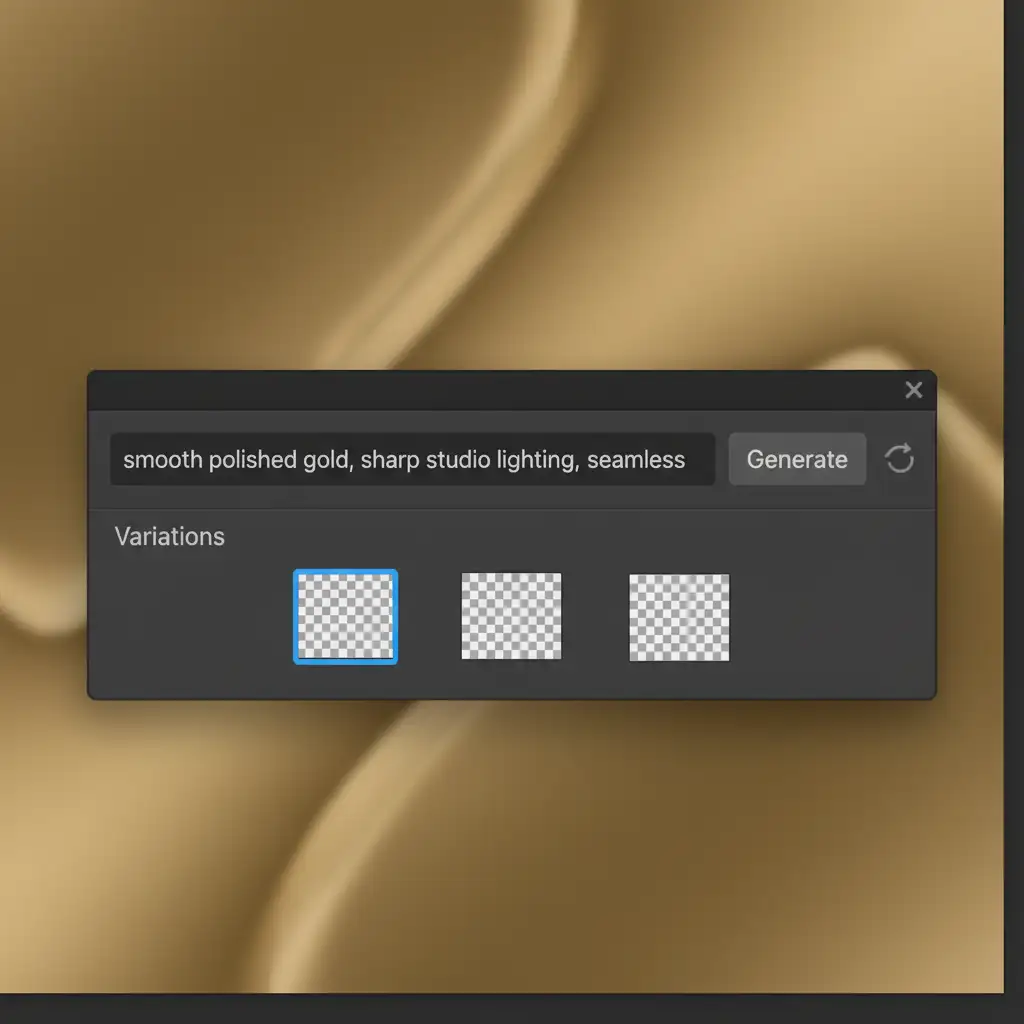
Instead of a blank prompt, dictate the exact lighting and texture you need. Use highly specific terms like: ‘smooth polished gold, sharp studio lighting, seamless metal’.
Once you generate the variations, don’t leave the layer at 100%. Lower the Generative Fill layer opacity to around 80%. This allows the original structural integrity of the metal to bleed through, grounding the AI’s color generation in reality.
Method 2: The Pro Workaround – Frequency Separation & Layer Masking
When AI hallucinates structural elements—like adding extra prongs or warping a gemstone setting—you need to separate the color data from the texture data.
- Run Generative Fill on a duplicate layer.
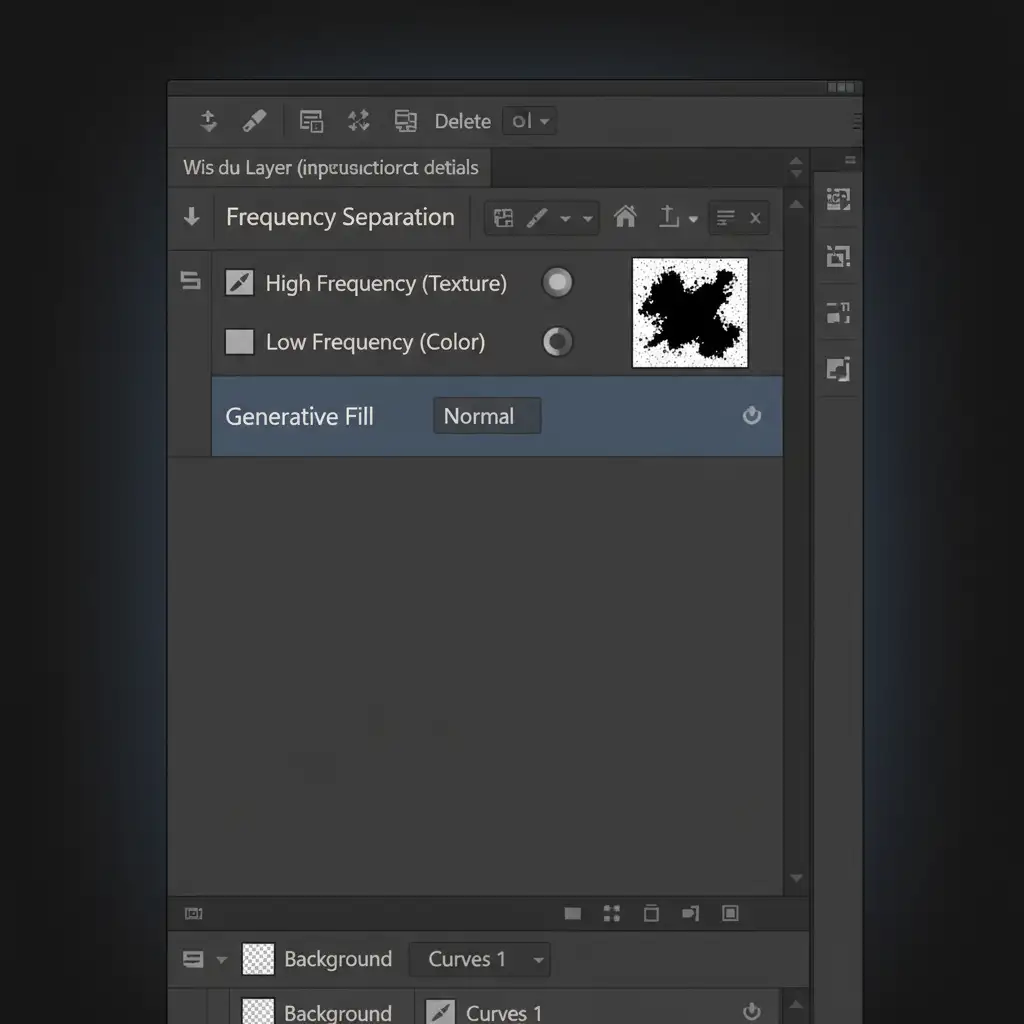
- Apply Frequency Separation to split your image into a high-frequency layer (texture) and a low-frequency layer (colors and tones).
- Keep your original, crisp metallic texture on the high-frequency layer. This preserves the realistic micro-scratches and sharp light bounces.
- Utilize the AI-generated layer’s low-frequency color gradients to smooth out the underlying metal tones.
- Finally, use layer masking with a soft black brush to meticulously hide hallucinated structural errors from the AI layer.
Method 3: The Technical Deep-Dive – Targeted Blend Modes and Rasterization
For the most stubborn AI artifacts, you must bypass the diffusion model’s limitations entirely by manually reconstructing the light.
First, rasterize the AI-generated layer. Generative Fill layers are dynamic, but rasterizing locks the pixels in place, allowing for destructive pixel-level editing.
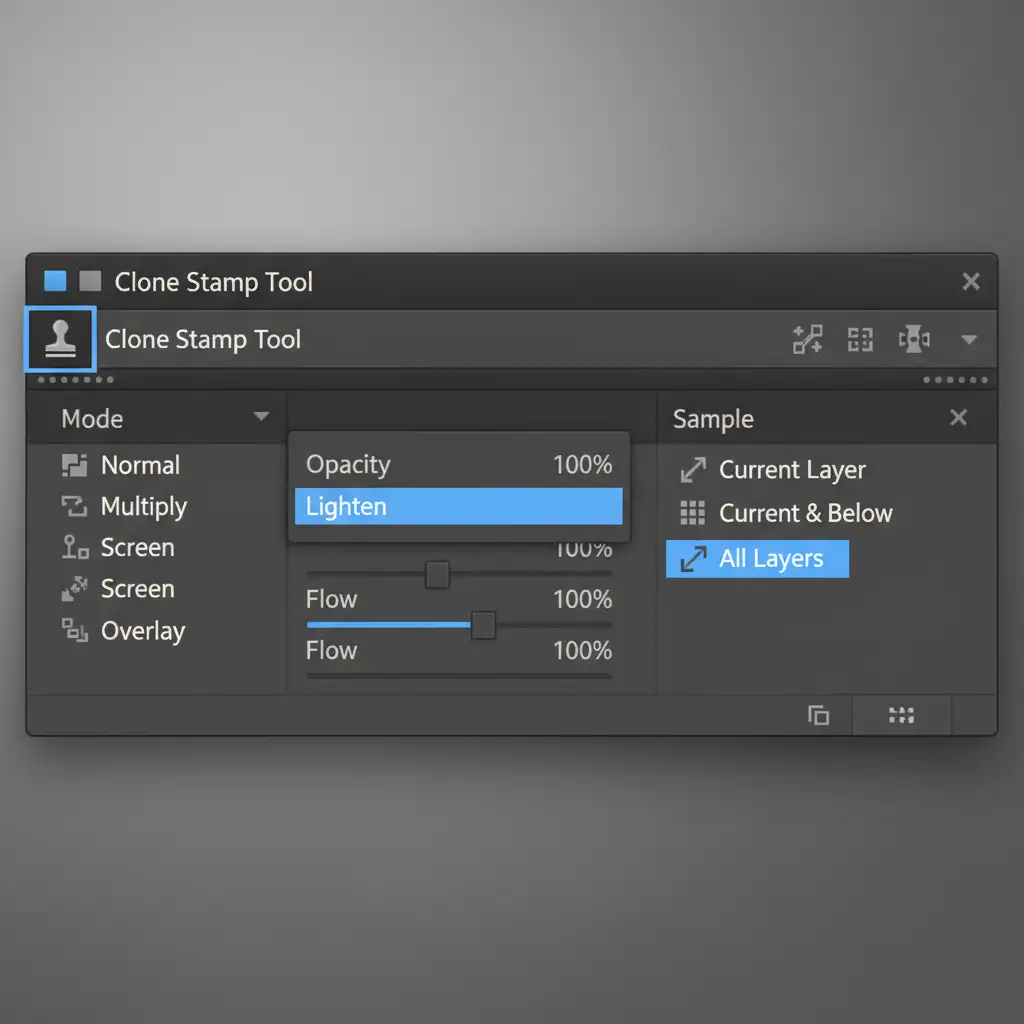
Next, select the Clone Stamp tool. The secret here is altering your blend modes. Set the Clone Stamp to ‘Lighten’ (to build up specular highlights) or ‘Darken’ (to carve out shadows). Ensure ‘Sample All Layers’ is checked, and use a soft brush to manually clone clean metallic gradients over the AI’s melted textures.
Stop Fighting AI: Let the Experts Handle Your Jewelry Retouching
Learning how to fix generative fill jewelry reflections takes time, patience, and a deep understanding of how light interacts with metal. While AI is a powerful starting point, flawless commercial jewelry photography still requires the trained eye of a professional retoucher to manage Frequency Separation, layer masking, and specular highlight reconstruction.
Need flawless jewelry catalogs without the headache of AI hallucinations? Don’t let melted textures ruin your brand’s luxury appeal. Hire the expert retouchers at Image Work India and Cloud Retouch. Our team specializes in pixel-perfect, high-end jewelry editing, ensuring every gemstone sparkles and every metal surface shines exactly as it should.
Contact us today to elevate your jewelry imagery to the highest commercial standard!




