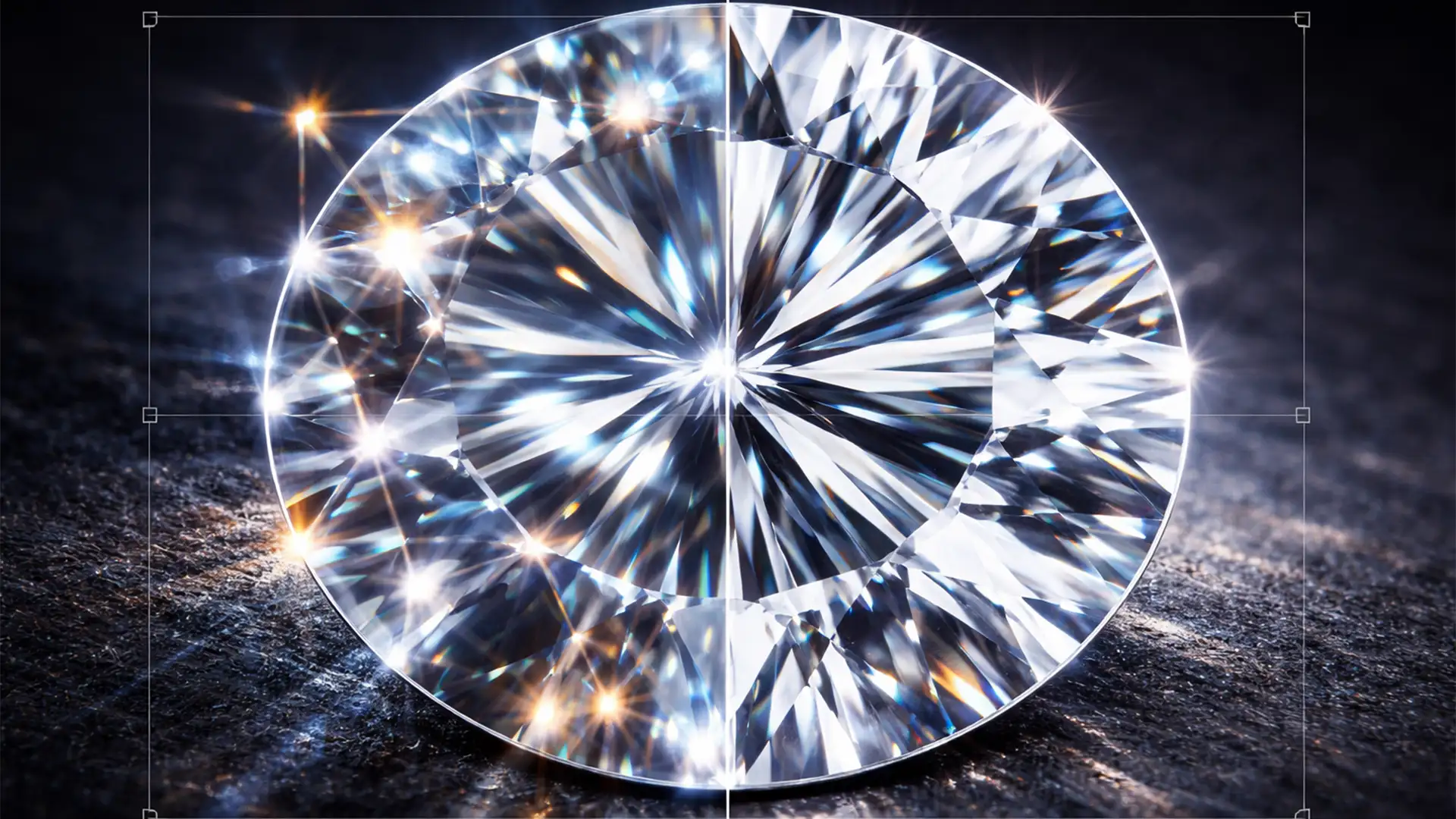

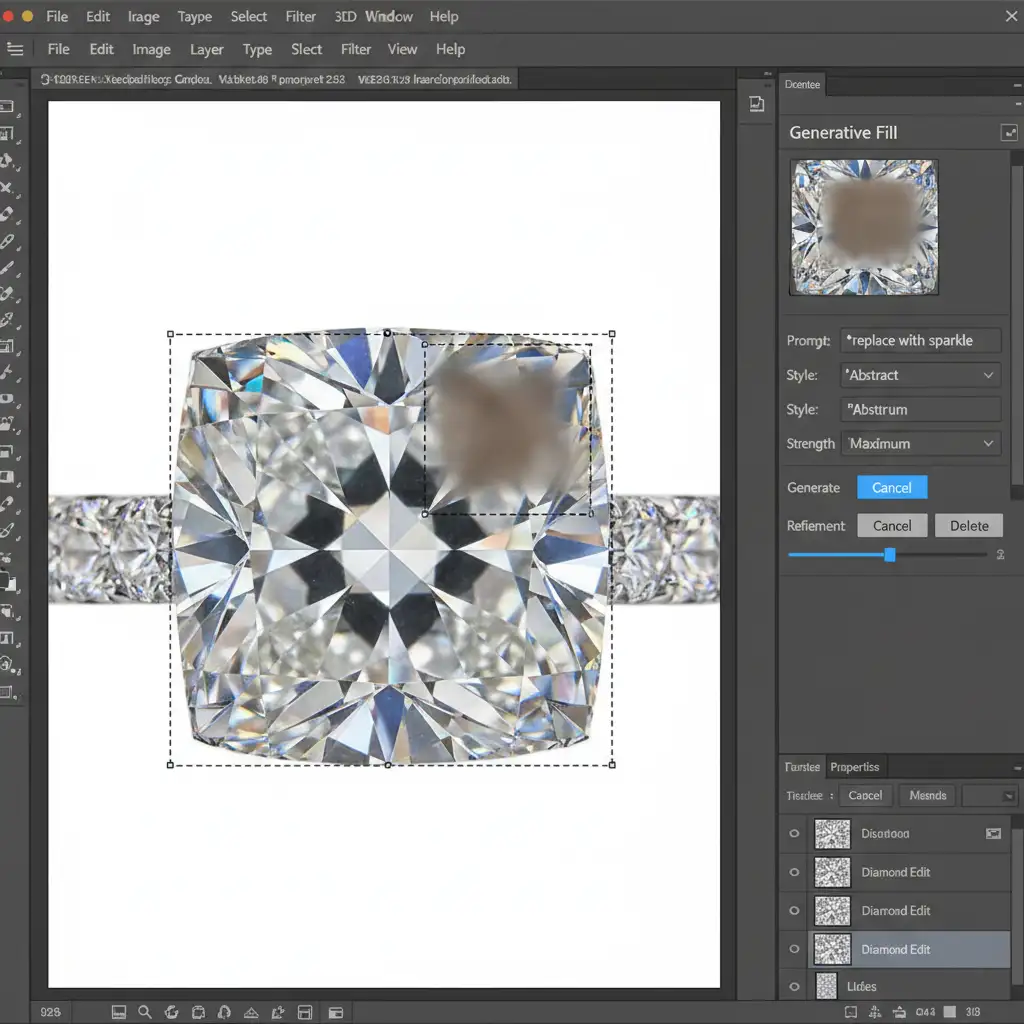
You’ve spent hours capturing the perfect macro jewelry shot. You open Photoshop, lasso a dust speck on the main diamond, and hit Generative Fill. Instead of a clean gemstone, the Firefly AI replaces your razor-sharp geometry with a melted, organic smudge. Sound familiar?
Fixing AI generative fill diamond distortion is currently one of the biggest headaches for high-end jewelry retouchers. While Photoshop’s AI is incredible for organic backgrounds, it fundamentally lacks the contextual awareness required for strict geometric optics.
In this guide, we will break down exactly why AI ruins your gemstone cuts and show you three professional, manual workflows to clean up diamonds while preserving perfect facet integrity.
Why Firefly AI Fails at High-End Jewelry Retouching
In Photoshop v25.x and v26.x, the Firefly AI model is trained heavily on natural, organic imagery. When it encounters the high-frequency, geometrically rigid patterns of a diamond, it panics.
Attempting to remove inclusions, scratches, or unwanted reflections from a gemstone forces the AI to guess what belongs there. Because it doesn’t understand the complex refractive index or the precise angles of crown and pavilion facets, it hallucinates soft textures. It smears specular highlights and destroys the crispness that gives a diamond its value.
To fix this, we must bypass the AI for structural edits and return to foundational, high-end retouching techniques.
3 Professional Fixes for AI Generative Fill Diamond Distortion
Depending on the severity of the inclusion or reflection you are trying to remove, here are three proven methods to clean your diamonds without relying on unpredictable AI generation.
Method 1: The Quick Fix Using Blend Modes
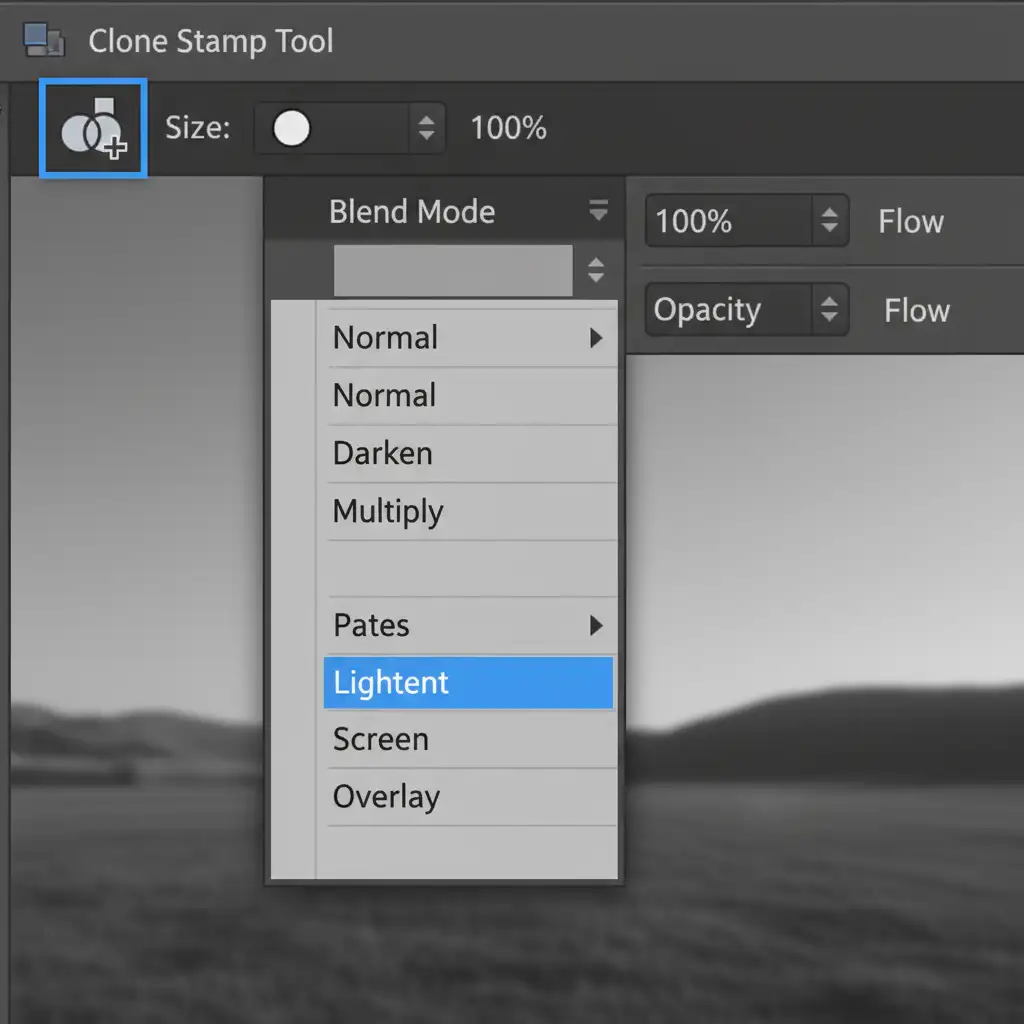
For minor dust spots and tiny carbon inclusions, the traditional Clone Stamp Tool is still your best friend-if you use it correctly.
Instead of cloning blindly, change your tool’s Blend Modes.
- Select the Clone Stamp Tool and choose a hard brush (80-90% hardness) to match the sharp edges of the stone.
- If you are removing a dark inclusion on a bright facet, set the Blend Mode to Lighten.
- If you are removing a bright, blown-out reflection on a dark facet, set it to Darken.
- Sample an adjacent clean facet with the exact same angle and paint over the flaw.
This ensures you only affect the specific tonal range of the dust spot without muddying the surrounding geometric lines.
Method 2: The Pro Workaround with Vector Masks
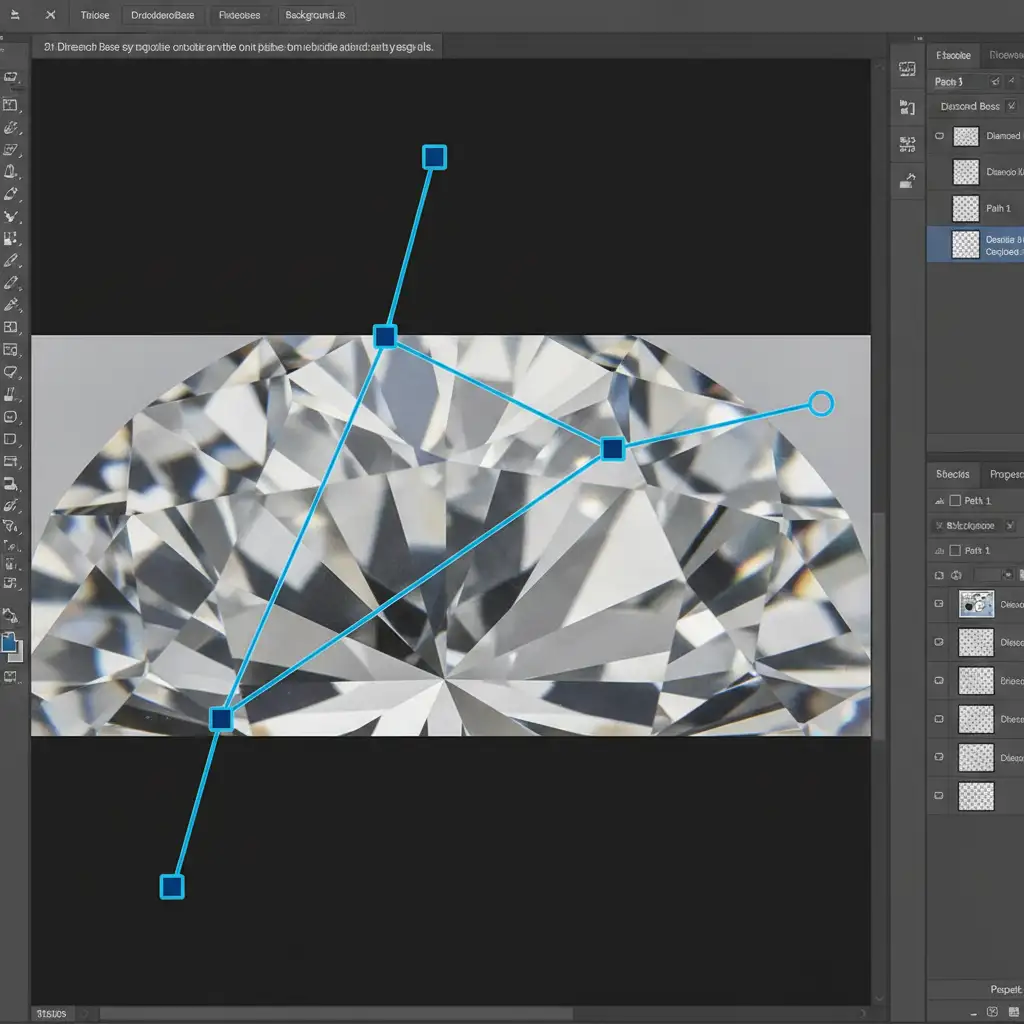
When an entire facet is ruined by a bad reflection or a heavy scratch, cloning won’t work. You need to rebuild the facet from scratch. Instead of relying on the unpredictable marching ants of a Magic Wand selection, use precision paths.
- Duplicate your diamond layer.
- Select the Pen Tool and draw a precise path outlining the exact perimeter of the damaged facet.
- Turn that path into a Vector Mask.
- Apply a Linear Gradient overlay directly to this isolated facet. Sample the brightest and darkest points of the original light falloff to create a flawless, mathematically perfect gradient that mimics the diamond’s natural light behavior.
Method 3: The Technical Deep-Dive (Frequency Separation)
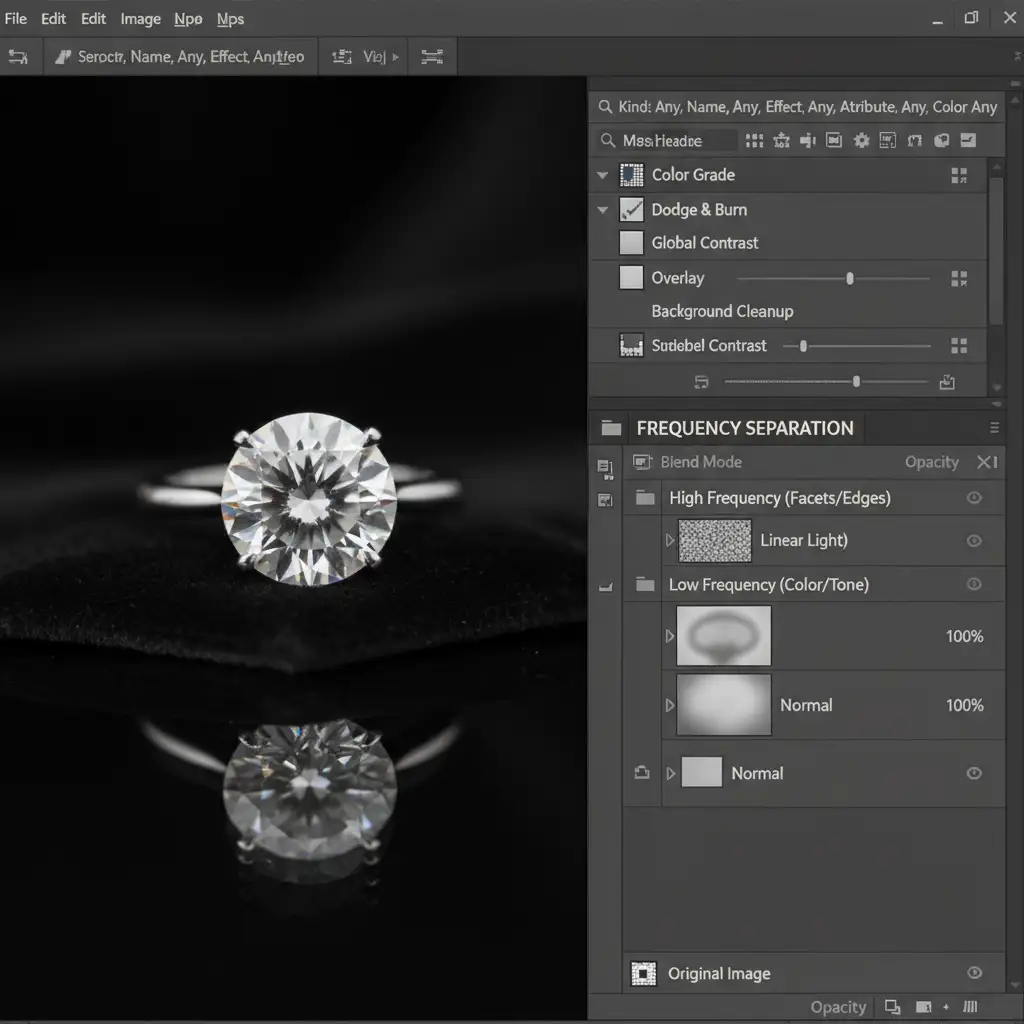
If you are dealing with severe color casts within the diamond but want to utilize the speed of AI without losing structure, Frequency Separation is the ultimate solution.
Frequency separation splits your image into two distinct layers:
- Low-Frequency Layer: Contains only the color, tone, and broad light refraction.
- High-Frequency Layer: Contains only the razor-sharp texture, facet edges, and micro-contrast.
Here is the secret: You can safely use Generative Fill only on the low-frequency (color) layer to instantly fix weird color casts or deep shadows. Because the texture layer remains untouched, the AI’s soft hallucinations are hidden underneath your perfectly preserved, high-frequency facet grid. You then manually clone the high-frequency layer to fix physical scratches.
Stop Fighting AI-Let the Experts Handle Your Jewelry Retouching
Fixing AI generative fill diamond distortion requires patience, a deep understanding of optical physics, and advanced Photoshop mastery. While these manual techniques guarantee perfect facet integrity, they are incredibly time-consuming.
If you are processing hundreds of e-commerce jewelry shots or preparing a high-end editorial campaign, you shouldn’t be wasting hours fighting with Firefly AI hallucinations.
At Image Work India and Cloud Retouch, our dedicated team of expert jewelry retouchers specializes in pixel-perfect gemstone editing. We don’t rely on automated shortcuts that melt your diamonds; we use industry-leading manual techniques to ensure every facet, specular highlight, and reflection is mathematically flawless.
Ready to elevate your jewelry imagery? Contact Cloud Retouch today and let us deliver geometrically perfect, high-converting images for your brand.




