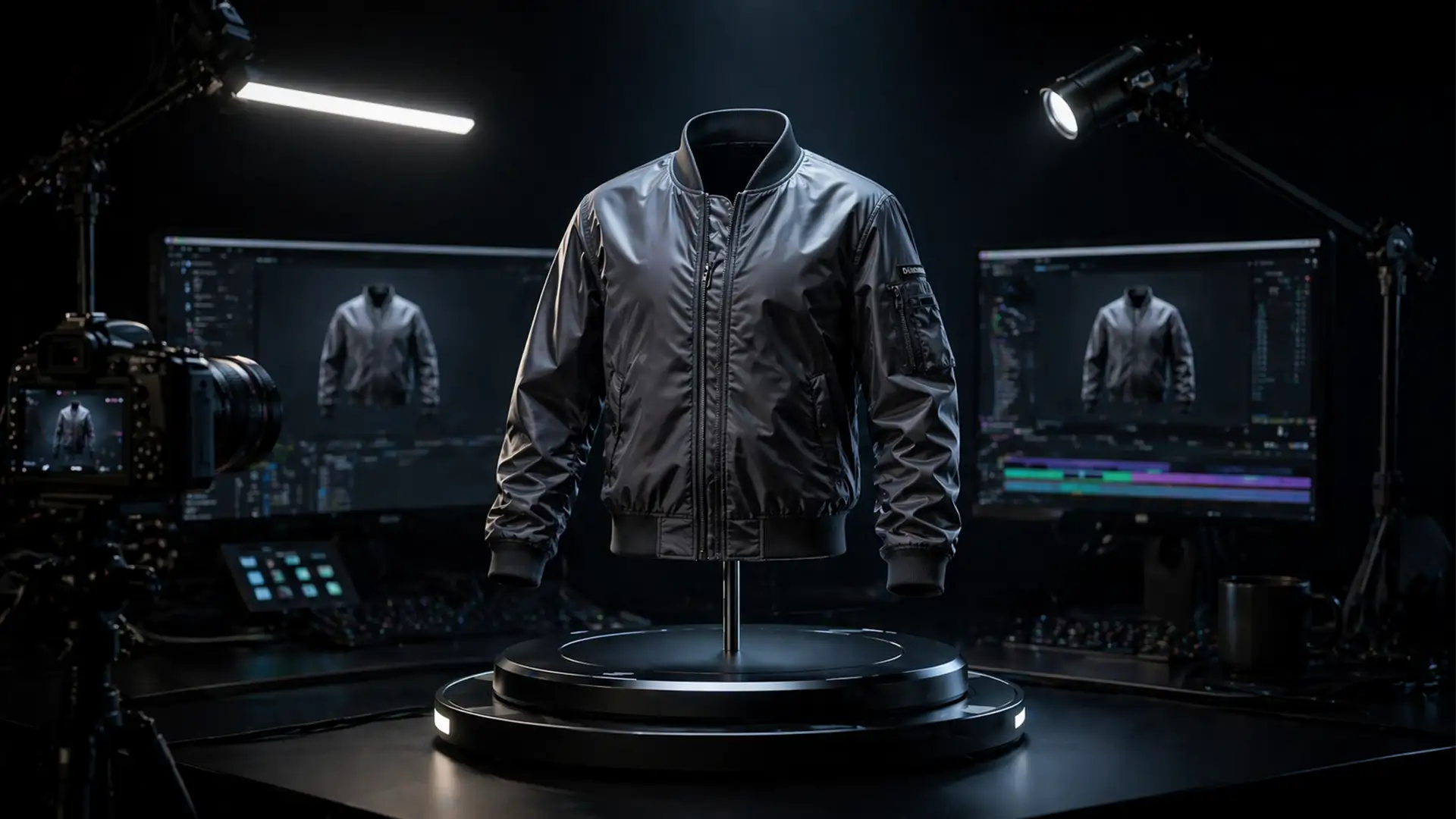

If you are transitioning your e-commerce product pages from static images to dynamic motion, you already know the nightmare of trying to create a ghost mannequin for 360 apparel video.
When moving from Photoshop to video compositing, standard static techniques instantly break down. You are suddenly fighting frame-by-frame edge jitter, and seamlessly blending the interior neck or hem plate becomes nearly impossible as the camera angle continuously shifts. A static neck plate will warp unnaturally during a full 360-degree rotation, destroying the illusion and making your premium apparel look cheap.
To fix this, you need to leave static photo editing behind and step into advanced video compositing using Adobe After Effects v24.x. Here is the definitive guide to achieving a flawless rotating invisible mannequin effect.
Why Static Ghost Mannequin Techniques Fail in 360 Video
In traditional photo editing, creating a ghost mannequin involves taking two pictures: one of the garment on the mannequin, and one of the garment inside-out to capture the back of the neck and the brand label (the neck joint plate). You mask out the mannequin and stitch the two together.
In a 360-degree video shot on a turntable rig, the garment is in constant motion. Applying a static 2D neck plate behind a rotating 3D object results in severe perspective distortion. Furthermore, relying on manual masking for a 300-frame video will result in edge jitter—a visible shaking along the edges of the garment where the mask isn’t perfectly consistent from frame to frame.
To solve this, you must utilize dynamic tracking, multiple reference plates, and advanced video compositing.
How to Create a Ghost Mannequin for 360 Apparel Video
Depending on your turnaround time and technical expertise, there are three distinct workflows to achieve this effect.
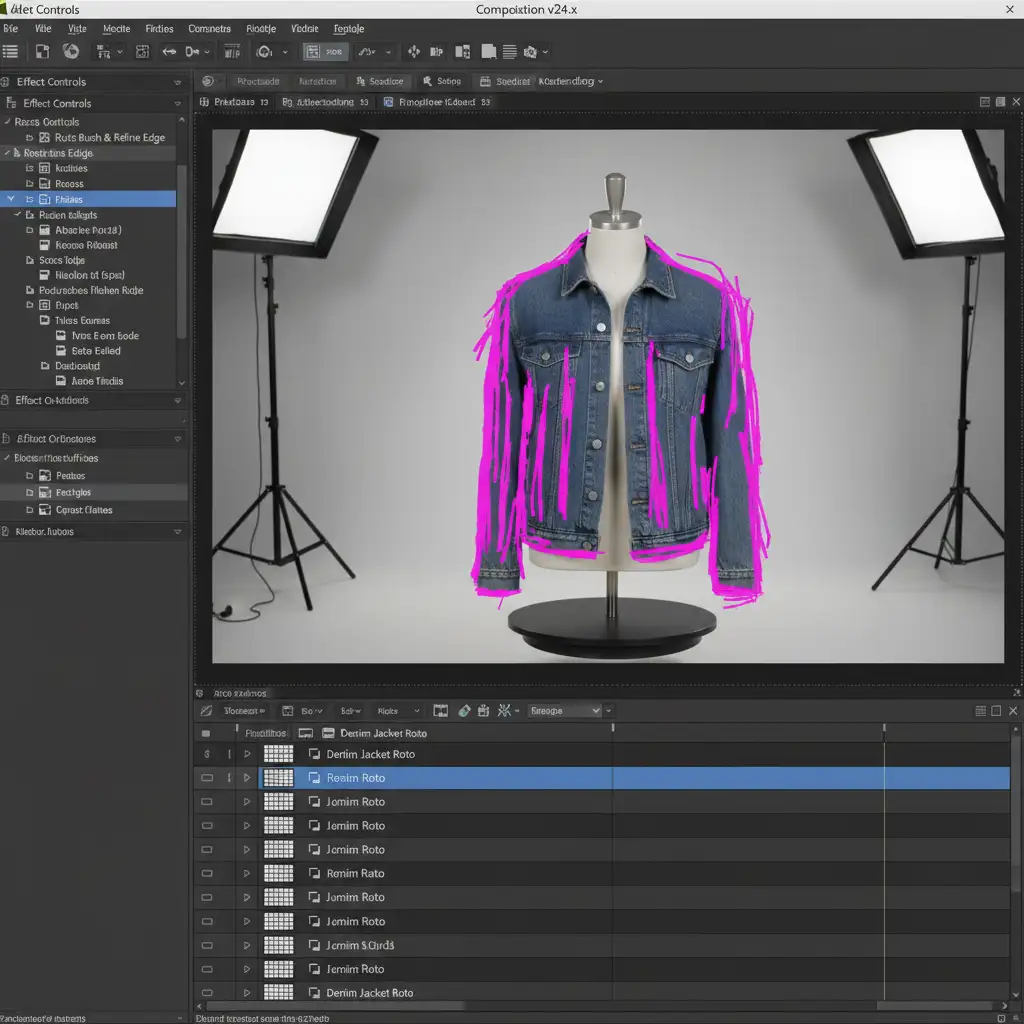
Method A: The Quick Fix (After Effects Roto Brush 3.0)
If you need to process a high volume of videos quickly, leveraging AI-assisted rotoscoping is your best starting point.
- Import your raw turntable footage into Adobe After Effects v24.x.
- Double-click your footage layer to open it in the Layer panel.
- Select the Roto Brush 3.0 tool. Paint over the apparel to isolate it from the physical mannequin. Roto Brush 3.0’s improved edge detection significantly reduces edge jitter across the 360 turntable spin.
- Once the garment is isolated, invert the mask to target the visible mannequin parts (like the neck).
- Use Content-Aware Fill for Video to analyze the surrounding pixels and replace the mannequin neck with a clean background.
Note: This method works best for garments with small collar openings where the interior back is barely visible.
Method B: The Pro Workaround (Multi-Plate Tracking)
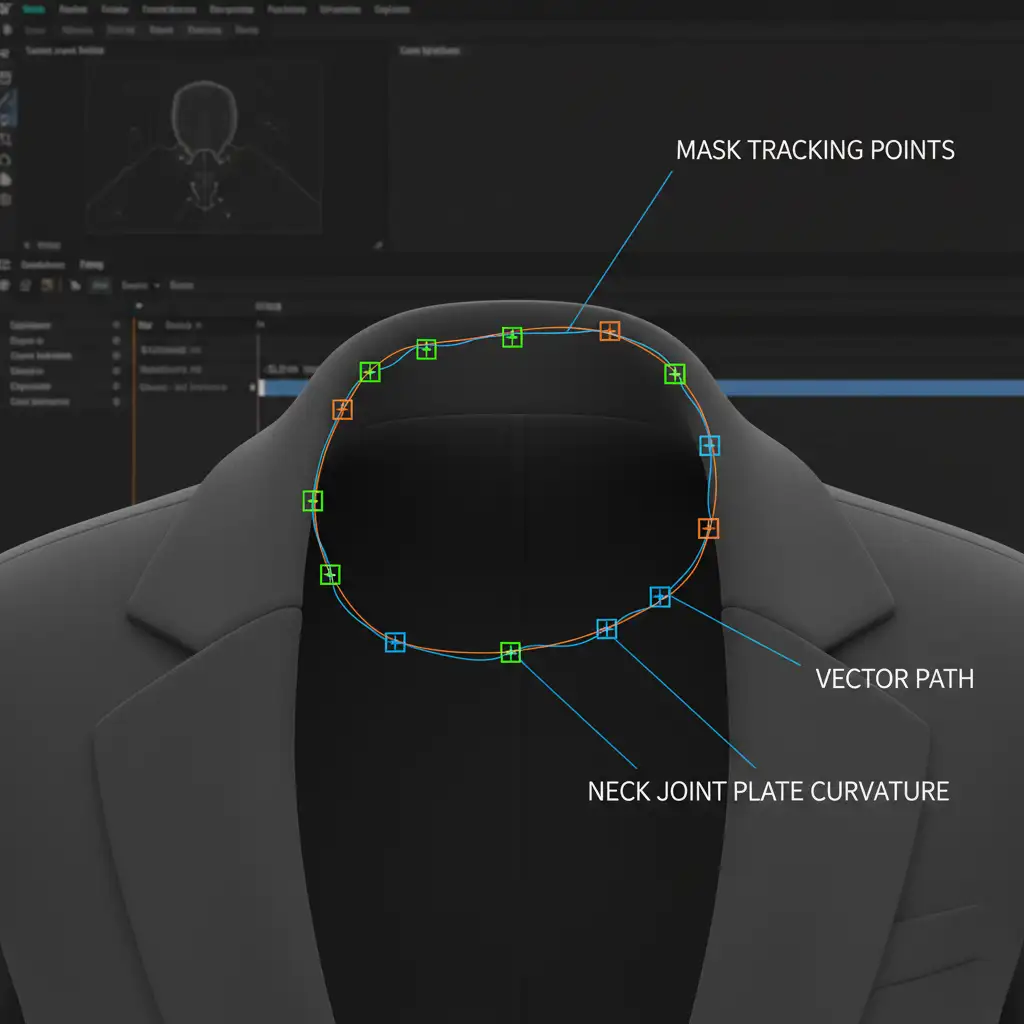
For premium e-commerce listings, the interior collar and label must look perfect. This requires shooting multiple reference plates and utilizing mask tracking.
- During production, shoot 4 to 8 static interior ‘neck joint’ and ‘hem’ reference plates at different rotation angles matching the turntable.
- In After Effects, isolate your main rotating garment.
- Use the After Effects Point Tracker to track the movement of the collar’s edges as it rotates.
- Import your interior plates and position them beneath the main apparel layer.
- Link the interior plates to your tracking data so they move in tandem with the garment.
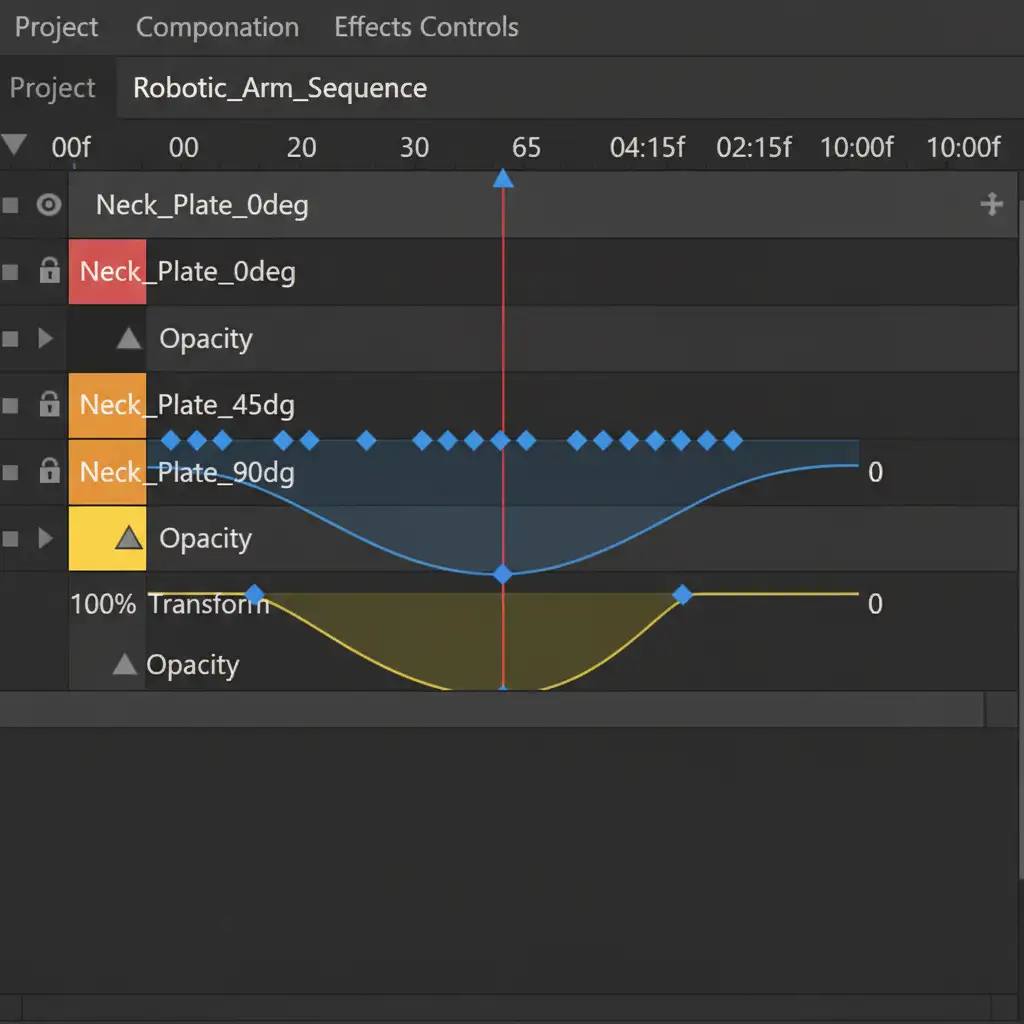
- As the garment rotates, use keyframe interpolation on the Opacity property to crossfade smoothly between the different interior plates. This maintains a realistic perspective of the interior label and stitching as the camera angle changes.
Method C: The Technical Deep-Dive (3D Projection Mapping)
For ultimate realism, especially for luxury brands utilizing Shopify’s 3D/Video integrations or TikTok shops, combining After Effects with a 3D workspace is the gold standard.
- Rotoscoping the 360 apparel video in After Effects and export it with an Alpha Channel (transparent background).
- Import the video sequence into a 3D workspace like Blender or AE’s Advanced 3D renderer.
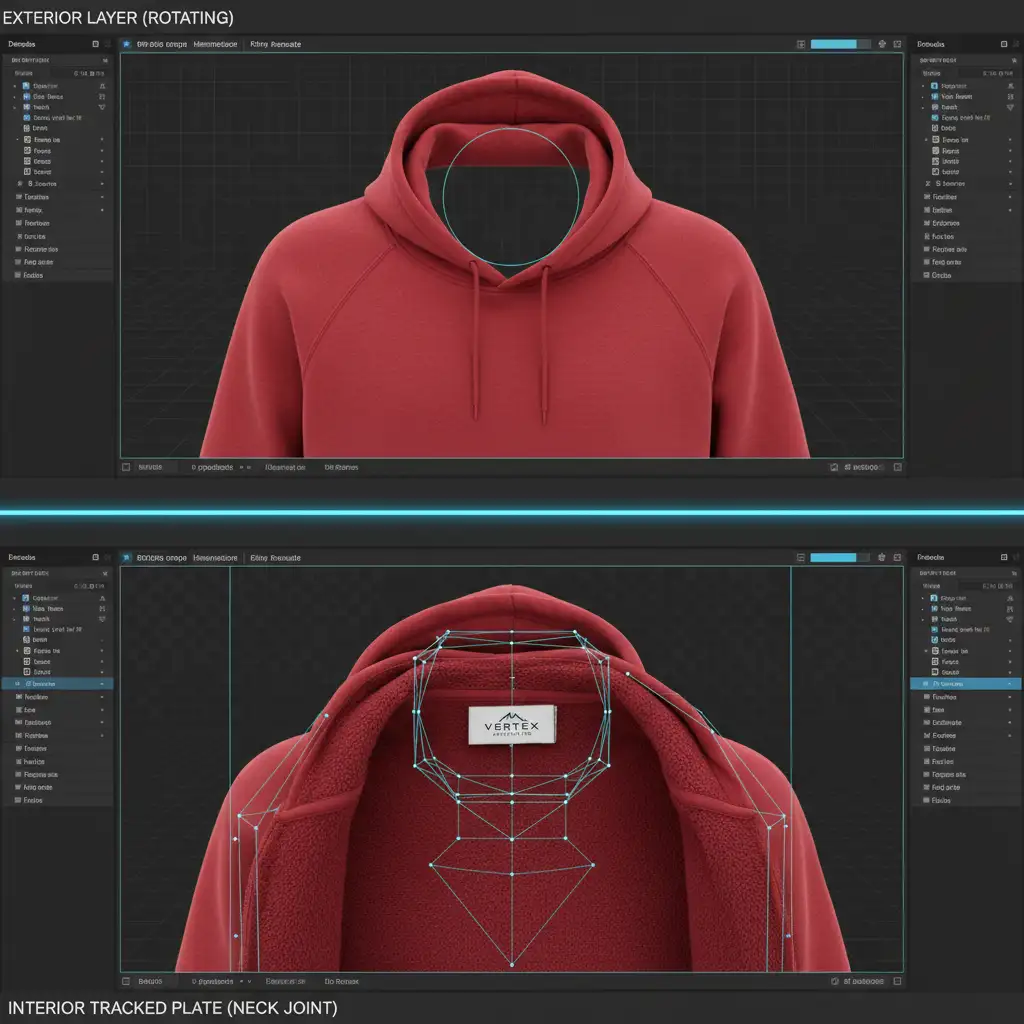
- Create a 3D cylindrical mesh that mimics the physical shape of the garment’s interior.
- Use 3D projection mapping to project your high-resolution interior back and collar texture onto this mesh.
- Mask the 3D mesh strictly inside the collar opening of your 2D video layer.
- Sync the rotation speed of the 3D mesh exactly with the physical turntable’s speed. As the video turns, the 3D interior naturally reveals different perspectives without the need for manual opacity fading.
Essential Glossary for 360 Apparel Video Compositing
To master this workflow, ensure your editing team is familiar with these concepts:
- Chroma Key: Using a green or blue mannequin to easily key out the physical form, though this can cause color spill on reflective fabrics.
- Alpha Channel: A color component that represents the degree of transparency of a color, essential for exporting isolated garments.
- Keyframe Interpolation: The mathematical process After Effects uses to fill in the values between two keyframes (crucial for smooth opacity crossfades).
Skip the Grind: Let Image Work India & Cloud Retouch Handle Your 360 Videos
Mastering the ghost mannequin for 360 apparel video requires a deep understanding of video compositing, motion tracking, and 3D space. Struggling with frame-by-frame video masking and warped neck plates can stall your product launches and drain your post-production budget.
Save hours of editing time and guarantee flawless, conversion-boosting 360-degree product videos by partnering with the experts. Image Work India and Cloud Retouch specialize in high-volume, complex e-commerce post-production. Whether you need advanced Roto Brush isolation, multi-plate tracking, or full 3D projection mapping, our dedicated team of video editors delivers pixel-perfect invisible mannequin videos ready for Shopify, Amazon, and social commerce.
Contact Image Work India and Cloud Retouch today to scale your 360-degree product video production effortlessly.




