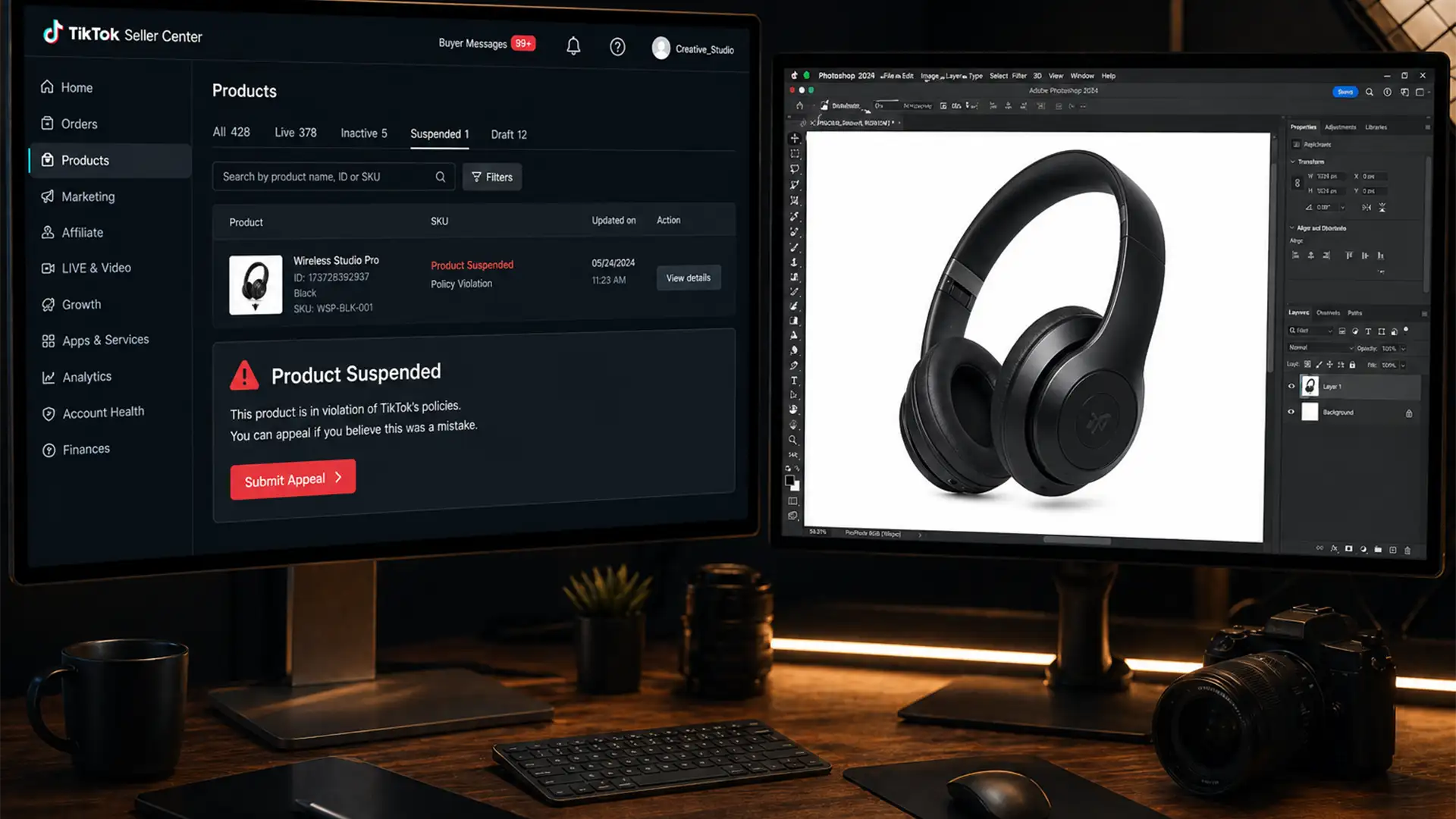

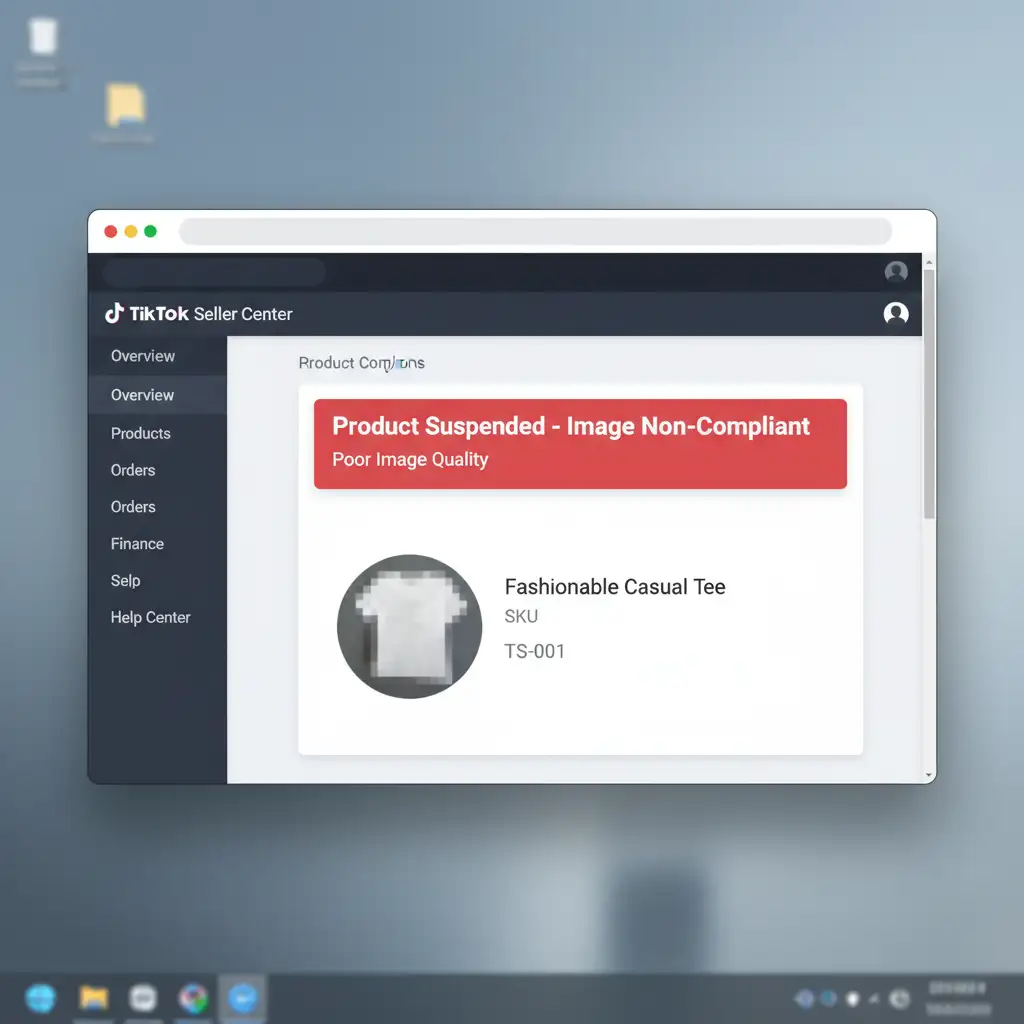
Are you waking up to a dashboard full of “Product Suspended – Image Non-Compliant” notifications in your TikTok Seller Center? In 2024, TikTok Shop implemented aggressive algorithmic moderation, meaning a single watermark, incorrect pixel density, or a slightly off-white background can instantly suppress your best-selling listings. Every minute your product is down, you are losing revenue to competitors.
Navigating these strict vision AI parameters doesn’t have to be a frustrating guessing game. In this comprehensive guide, we will show you exactly how to fix your listings to meet strict image compliance standards, and explain why utilizing a professional TikTok Shop image compliance service might be the ultimate growth strategy for your e-commerce brand.
Understanding TikTok Shop’s 2024 Image Moderation Algorithm
TikTok Shop relies heavily on automated vision AI to scan every product upload. If your image triggers a “Poor Image Quality” or “Non-Compliant” error, it usually means you have violated one of their core technical requirements.
To guarantee approval, your primary product images must meet the following criteria:
- Aspect Ratio: Mandatory 1:1 (Square).
- Resolution: Minimum 600×600 pixels (800×800 pixels is highly recommended to enable the user zoom functionality).
- File Size: Maximum of 5MB.
- Background: Pure White Background or transparent for the primary image.
- Prohibited Elements: Absolutely no watermarks, seller logos, or promotional text (e.g., “Free Shipping”, “50% Off”).
When your catalog contains hundreds of SKUs, manually fixing these issues becomes a massive bottleneck. Here are the precise Photoshop workflows to bypass these automated rejections.
How to Fix TikTok Shop Image Rejections in Photoshop
Method 1: The Quick Fix (Aspect Ratio & Resolution)
If your image was flagged for incorrect dimensions or file size, the fix is straightforward.
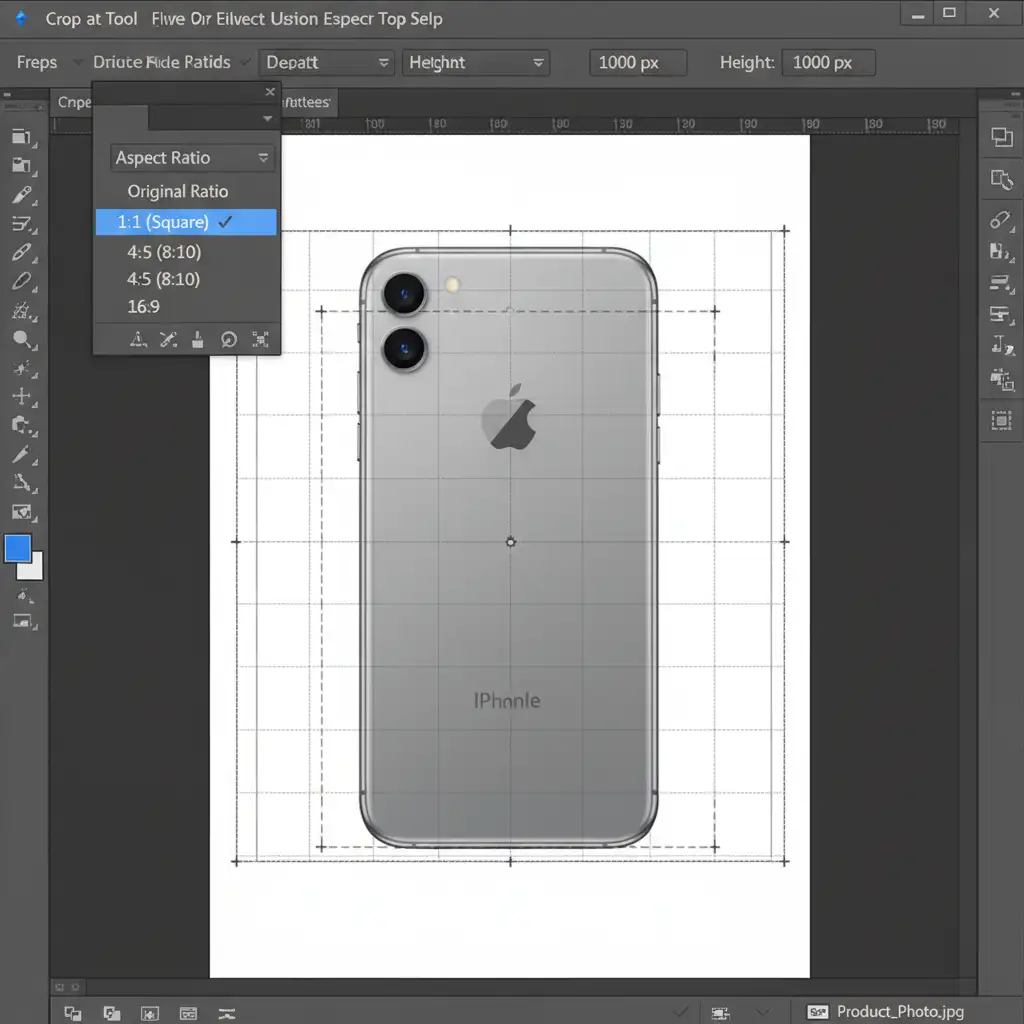
- Open your image in Photoshop and select the Crop Tool.
- In the top options bar, set the ratio exactly to 1:1 (Square).
- Once cropped, navigate to Image > Image Size and adjust the dimensions to 800×800 pixels. This ensures you have the optimal pixel density for TikTok’s zoom feature.
- Save the file as an optimized JPG to ensure it stays under the strict 5MB limit.
Method 2: The Pro Workaround (Pure White Backgrounds)
Cluttered backgrounds are the number one trigger for algorithmic suppression. You need to isolate your product perfectly.
- Use the Select Subject tool to automatically outline your item.
- Refine the edges using the Select and Mask workspace to cleanly remove any complex background elements.
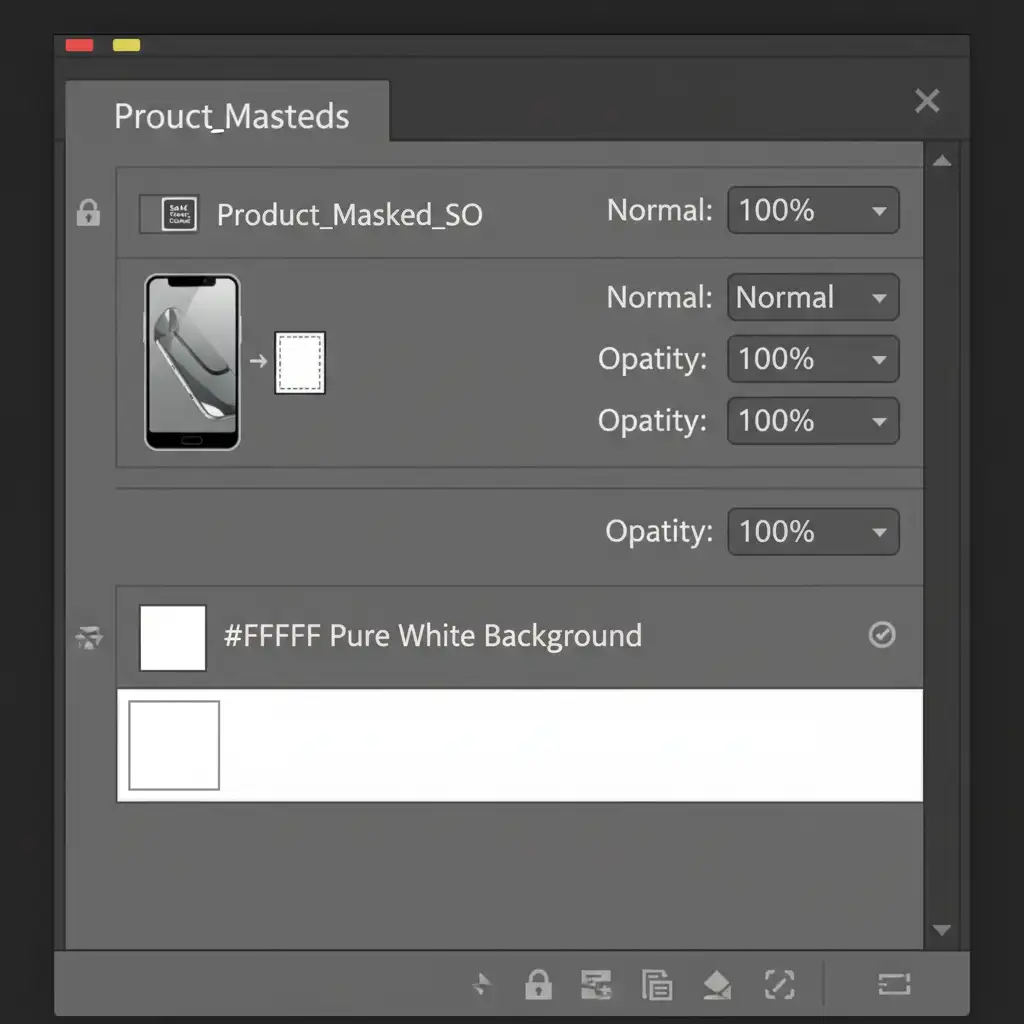
- Place the extracted product onto a new solid fill layer set to pure white (#FFFFFF).
- Pro Tip: Convert the product layer to a Smart Object. This allows for non-destructive editing and makes batch processing multiple SKUs much faster without needing to rebuild your layout.
Method 3: The Technical Deep-Dive (Color Profiles & Metadata)
Sometimes, an image looks perfectly fine to the human eye but gets rejected by TikTok’s AI due to hidden backend data.
- Fix Color Profiles: Color profile mismatches can trigger automated flags. Go to Edit > Convert to Profile and select sRGB Color Profile. This is the web standard that TikTok’s AI expects.
- Canvas Occupancy: Ensure your product occupies exactly 60 to 70 percent of the canvas. If the product is too small, it fails the “clear product focus” requirement.
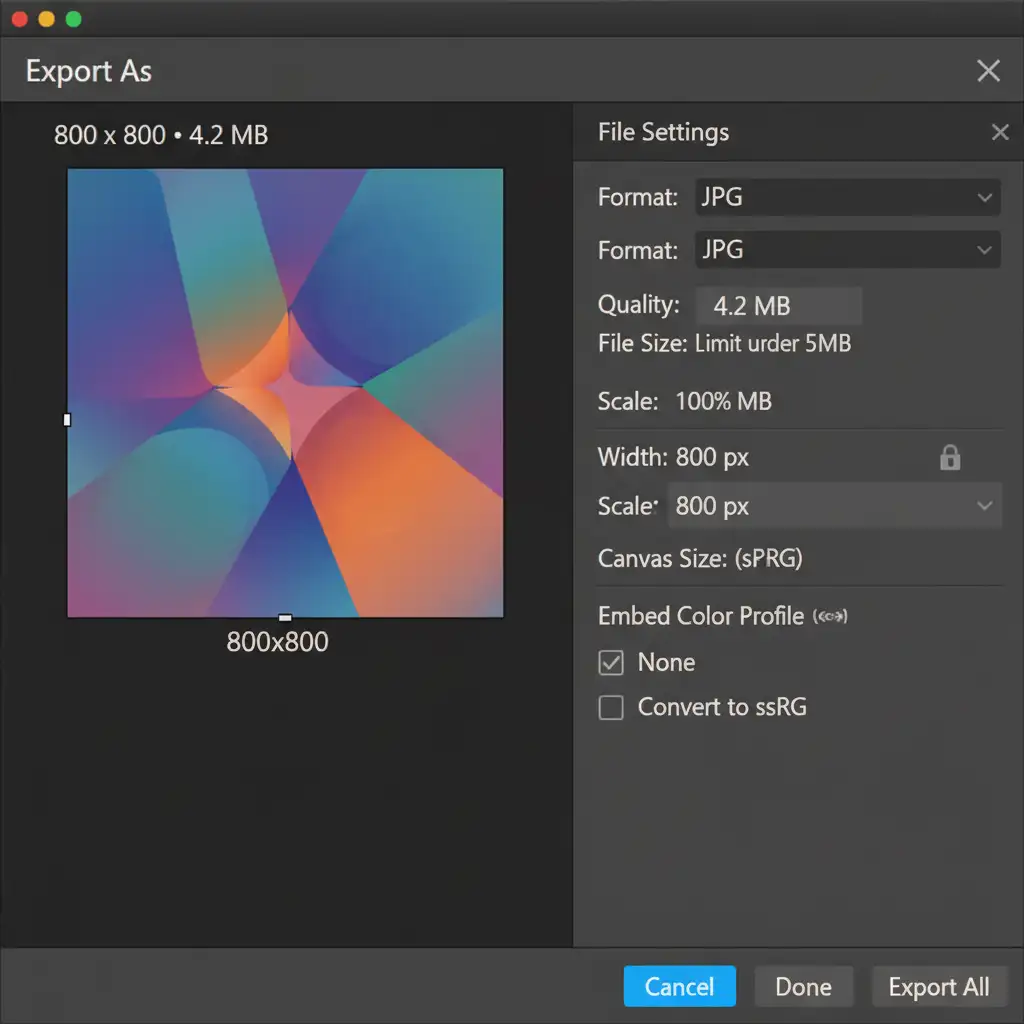
- Strip Metadata: Bloated EXIF metadata can occasionally cause upload errors. Use File > Export > Export As. Ensure your file size is under 5MB, and check the box to ‘Embed Color Profile’ (sRGB) while leaving EXIF data stripped.
Scale Your E-Commerce with a TikTok Shop Image Compliance Service
Fixing one or two rejected images manually is manageable. But what happens when TikTok Shop flags 500 of your SKUs overnight? E-commerce sellers cannot afford to spend hours meticulously adjusting pixel density, creating complex clipping paths, and managing batch processing workflows.
Stop losing revenue to automated TikTok Shop rejections. Partner with Image Work India and Cloud Retouch.
As a premier TikTok Shop image compliance service, our expert retouching teams specialize in high-volume, fully compliant bulk image editing. From pixel-perfect background removal to strict aspect ratio formatting, we guarantee your entire catalog meets TikTok’s 2024 standards—getting your listings approved instantly so you can focus on making sales.
Contact Image Work India and Cloud Retouch today to get your product catalog optimized, compliant, and ready to convert.




