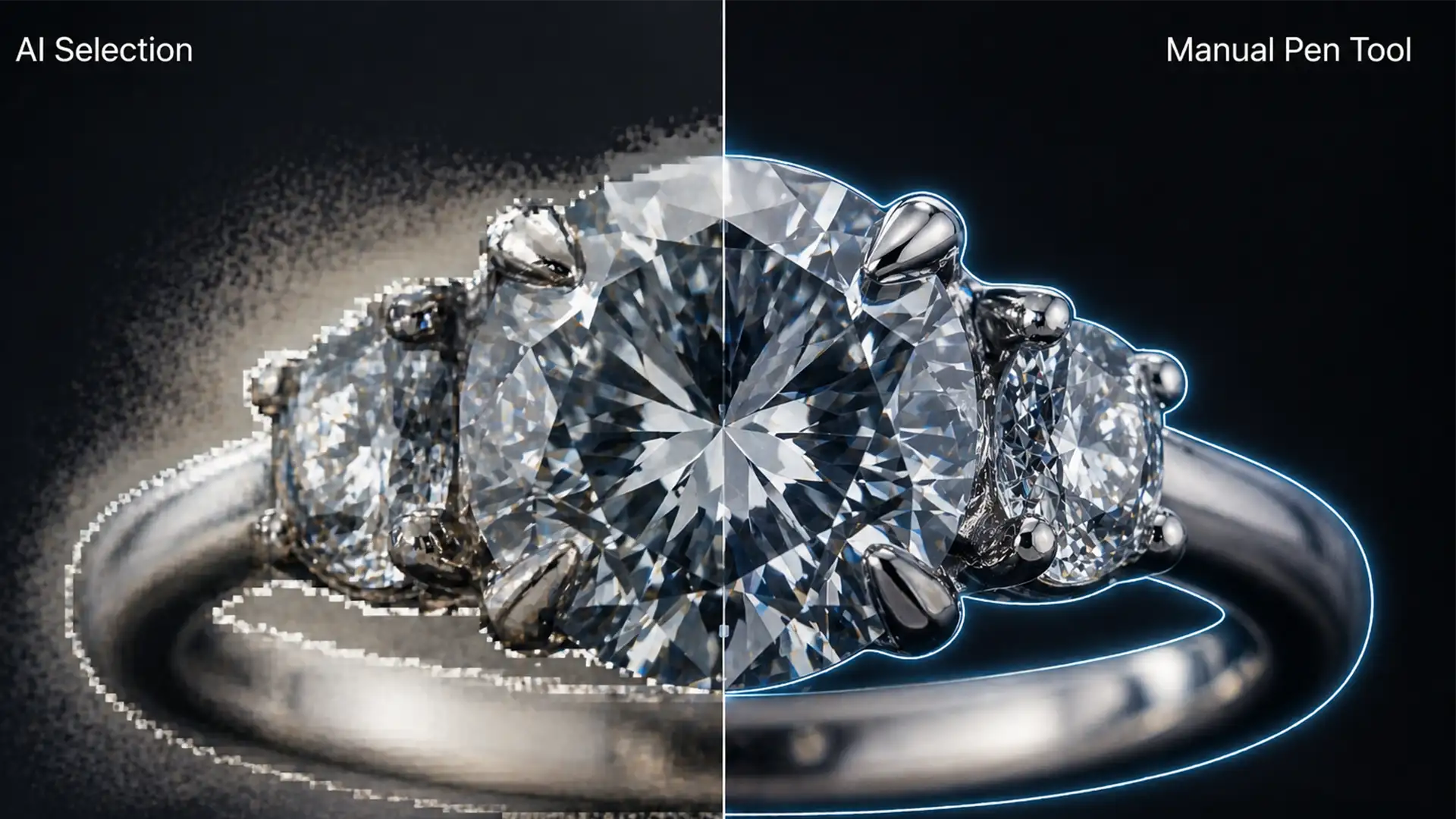

You’ve just photographed a stunning diamond ring, loaded it into Adobe Photoshop v25.x, and clicked “Select Subject.” Instead of a flawless cutout, you get a disaster. The delicate diamond prongs are amputated. The gemstone facets are blurred into an unrecognizable smudge. An ugly background color halo bleeds through the tiny chain links.
If this sounds familiar, you’ve discovered the hard way that automated masking is not ready for high-end e-commerce. When isolating intricate metals and translucent stones, the debate of jewelry clipping path Pen Tool vs AI has a clear winner. Here is exactly why algorithmic tools fail on jewelry, and how to execute the professional manual workaround required to make your products sell.
The Core Problem: Why the Select Subject Algorithm Fails on Jewelry
AI features like ‘Select Subject’ and ‘Object Selection’ in Photoshop v25.x are trained on broad pixel grouping and basic contrast detection. Jewelry presents a unique nightmare for these algorithms.
Metals reflect their environment, creating high-contrast spots that AI misinterprets as background elements. Furthermore, the micro-facets of a diamond refract light, causing the AI to blur sharp edges or leave an edge halo inside translucent stones. Complex pieces with tiny gaps—like chain links or rings with multiple prongs—require precise negative space masking that automated tools simply cannot process without destroying the structural integrity of the piece.
Jewelry Clipping Path Pen Tool vs AI: The Technical Comparison
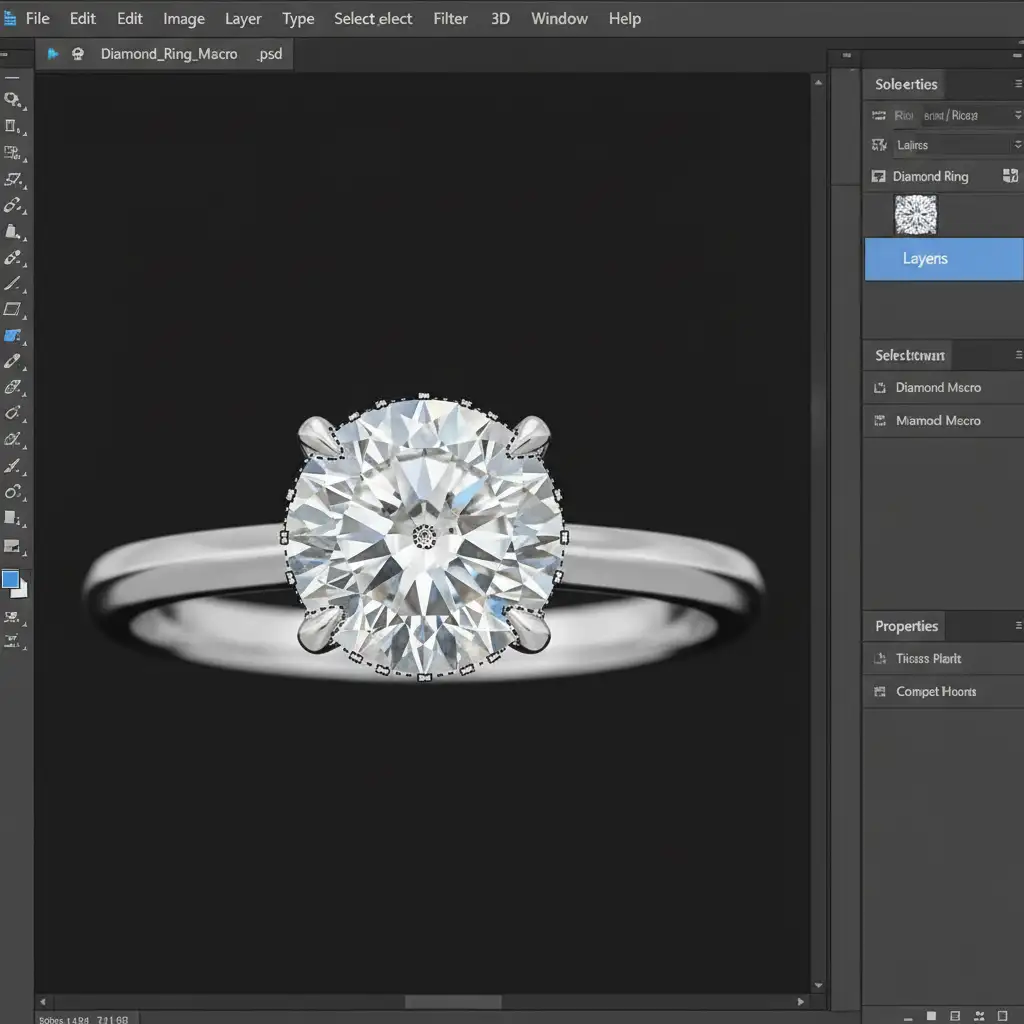
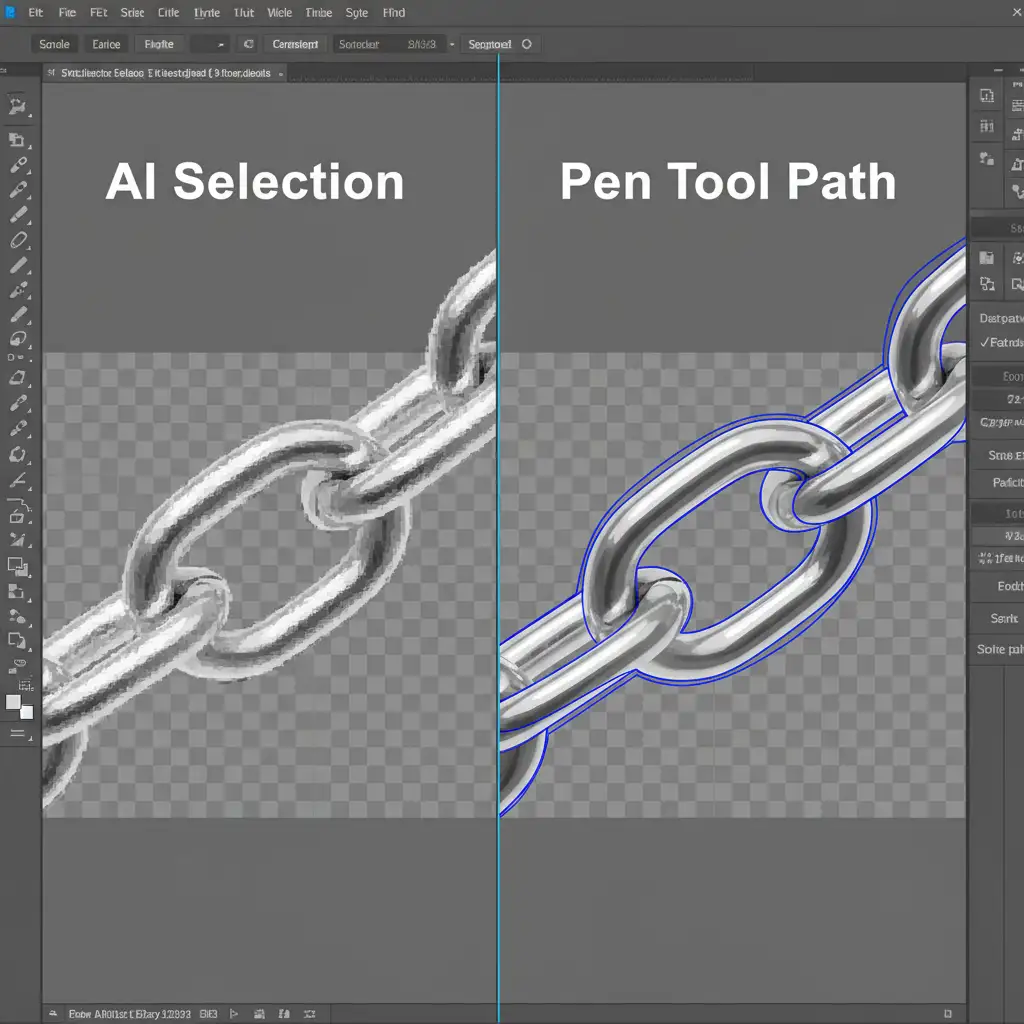
To understand why professional retouchers abandon AI for jewelry, look at how the edges are rendered. AI relies on pixel-based raster masks, which often result in poor anti-aliasing—leaving edges looking soft, fuzzy, or jagged.
Manual vector clipping relies on mathematical lines. By using the Pen Tool, retouchers create a clipping path using precise Bezier curves. This guarantees a mathematically perfect, razor-sharp edge that retains the hard geometric lines of the metal, regardless of how much the image is scaled.
How to Perfectly Isolate Jewelry in Photoshop (Step-by-Step)
If you want your jewelry to look premium, you must adopt a strict manual workflow. Here is the industry-standard method for isolating complex pieces.
Step 1: The Quick AI Assessment (Knowing What to Fix)
Before starting manual work, use the Object Selection tool on a complex necklace to identify the immediate failure points. You will quickly notice fused chain links, blurred gemstone facets, and areas where the background color bleeds into the metal’s reflection. This assessment highlights exactly where your manual path needs the most attention.
Step 2: The Pro Manual Workaround (Pen Tool Mastery)
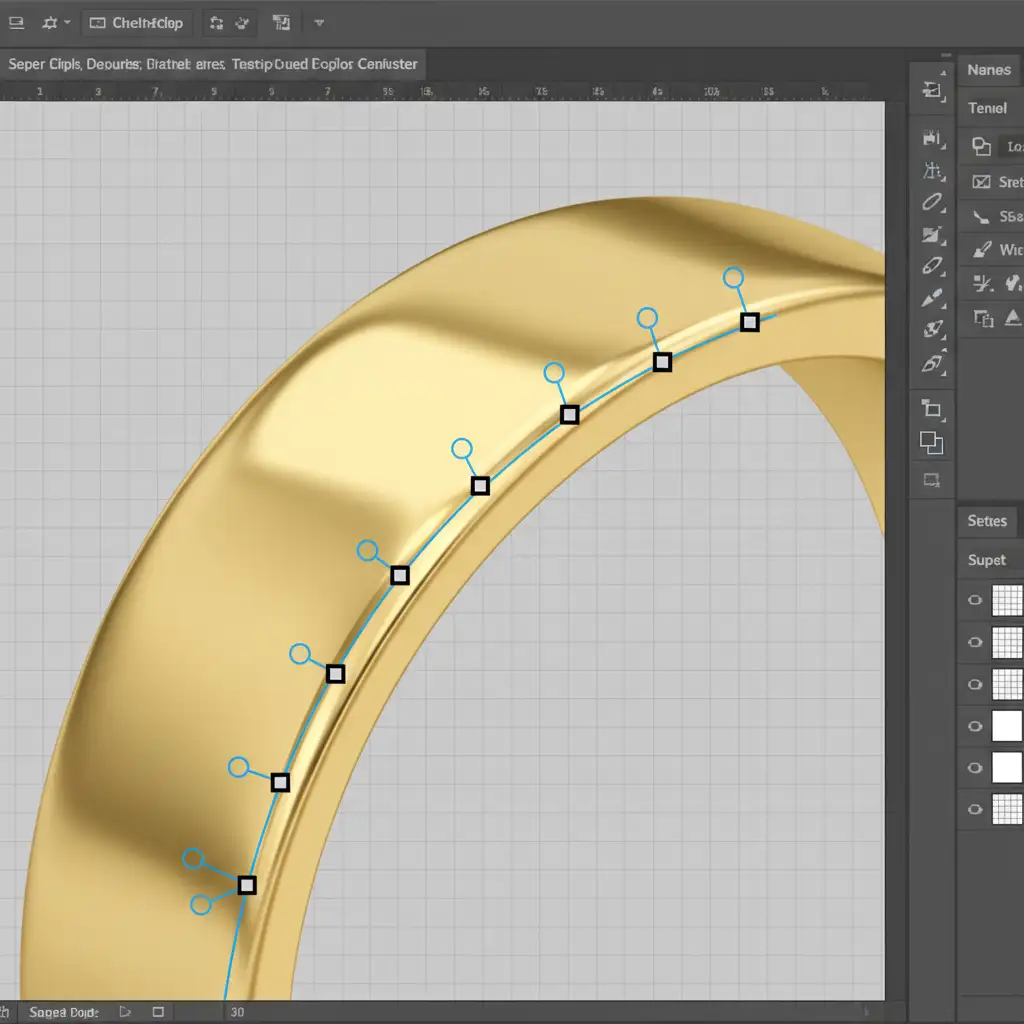
Ditch the automated tools. Select the Pen Tool (P) and set it to ‘Path’ mode in the top options bar.
Begin tracing the jewelry. The secret to professional e-commerce retouching is placing your anchor points exactly 1 to 2 pixels inside the metallic edge. This micro-inset guarantees you eliminate any background color spill. Click and drag to create smooth Bezier curves that perfectly trace the swooping bands of rings and the sharp angles of gemstone settings.
Step 3: The Technical Deep-Dive (Advanced Masking & Flatness)
For high-end pieces, a standard path isn’t always enough. You must combine your vector paths for the solid metal areas with advanced channel masking for the translucent gemstones. This dual-method approach ensures a flawless separation of hard metallic lines and soft light refractions.
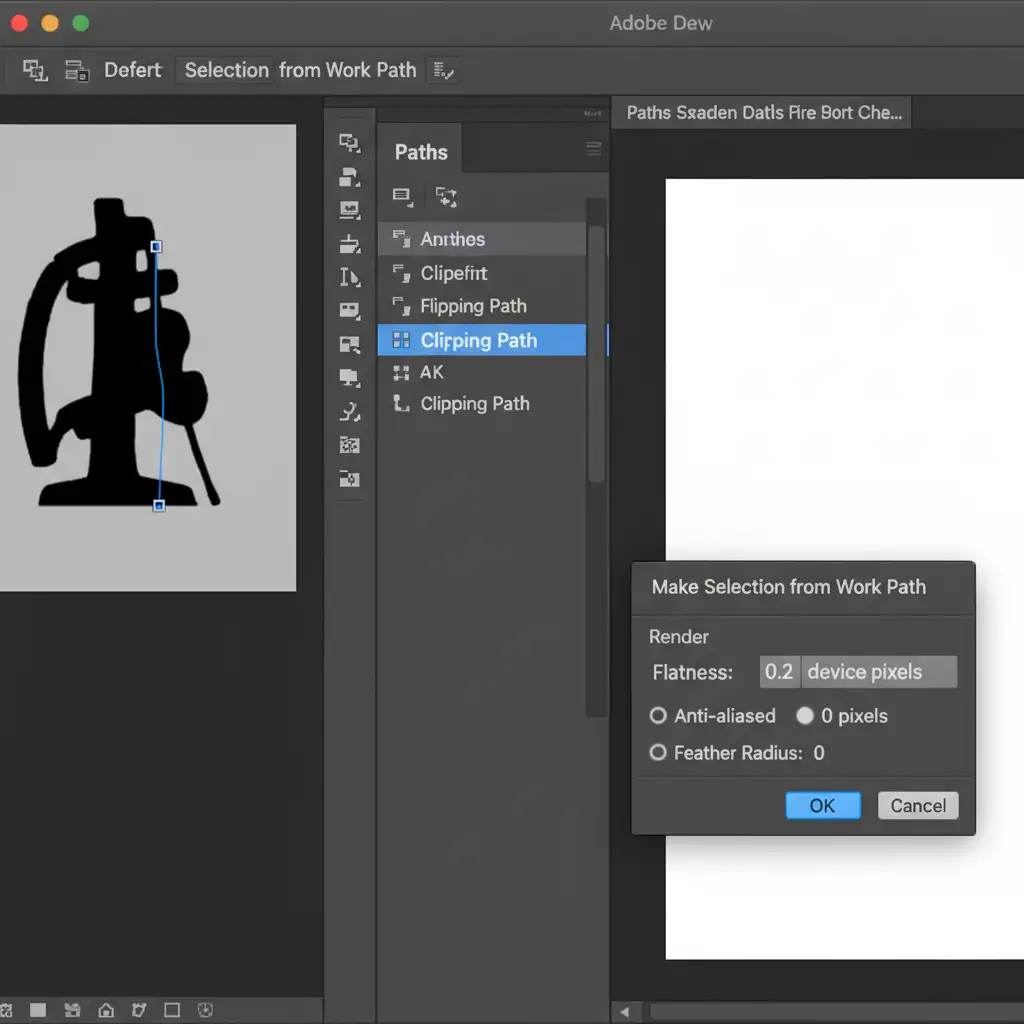
Once your path is complete, double-click it in the Paths panel to save it. Then, set it as a Clipping Path. Crucial Step: Set the “Flatness” setting to 0.2 device pixels. This ensures the curve renders with maximum fidelity on high-resolution e-commerce websites.
Stop Losing Sales to Bad Edges
In the luxury e-commerce space, trust is built visually. If your product images feature amputated diamond prongs, blurry edges, and messy background halos, customers will assume the product itself is cheap. The reality of the jewelry clipping path Pen Tool vs AI debate is that AI simply cannot deliver the pixel-perfect precision required for high-end jewelry.
However, drawing meticulous Bezier curves around hundreds of chain links and diamond facets is incredibly time-consuming.
Stop letting automated tools ruin your high-end product images, and stop wasting hours trying to fix them yourself. Hire Image Work India and Cloud Retouch. Our expert retouchers specialize in pixel-perfect, manual Pen Tool clipping paths and advanced channel masking. We guarantee flawless edges, perfectly preserved gemstone facets, and realistic reflections that make your products shine and your conversion rates soar. Contact us today to elevate your jewelry catalog.




