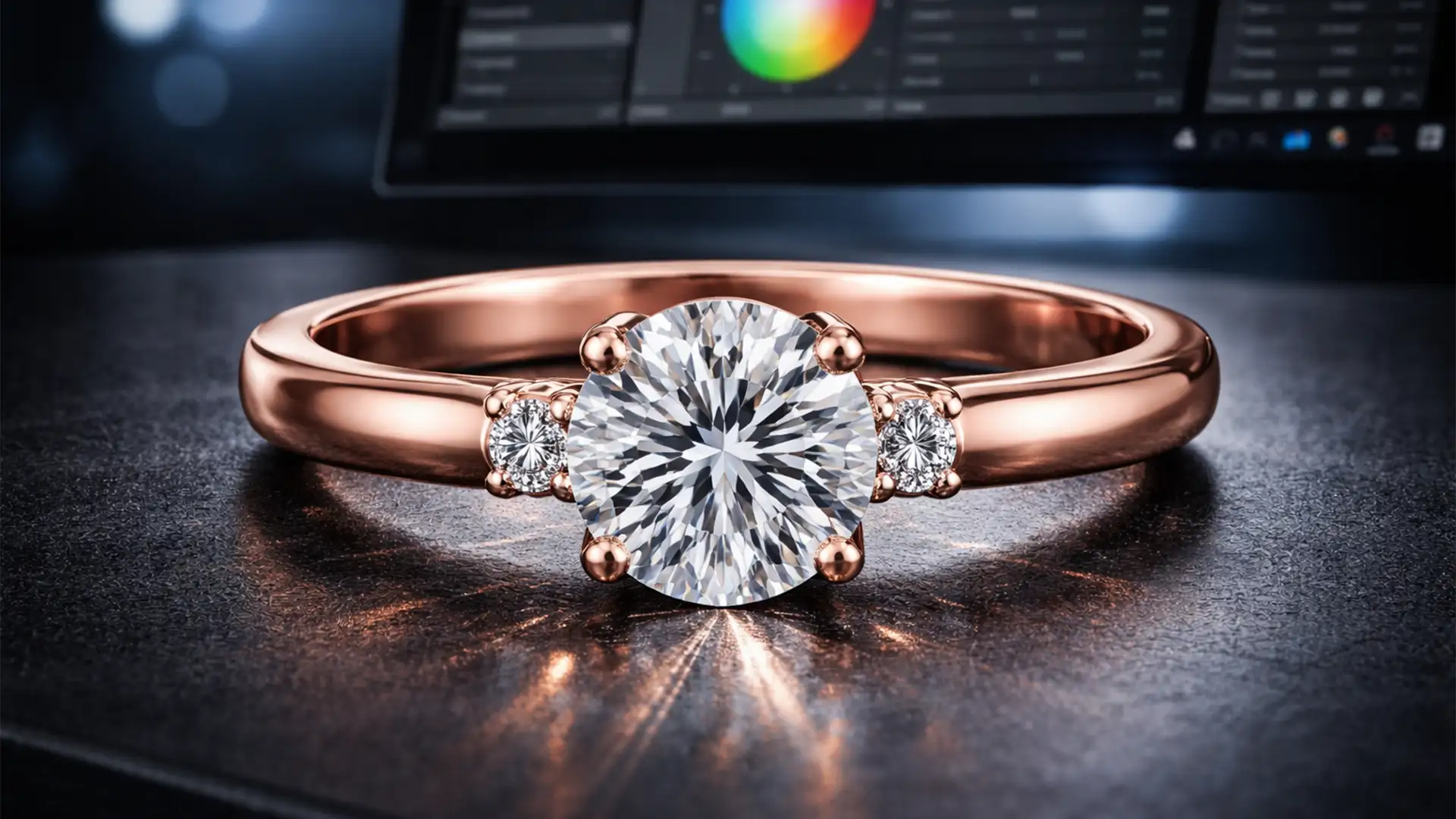

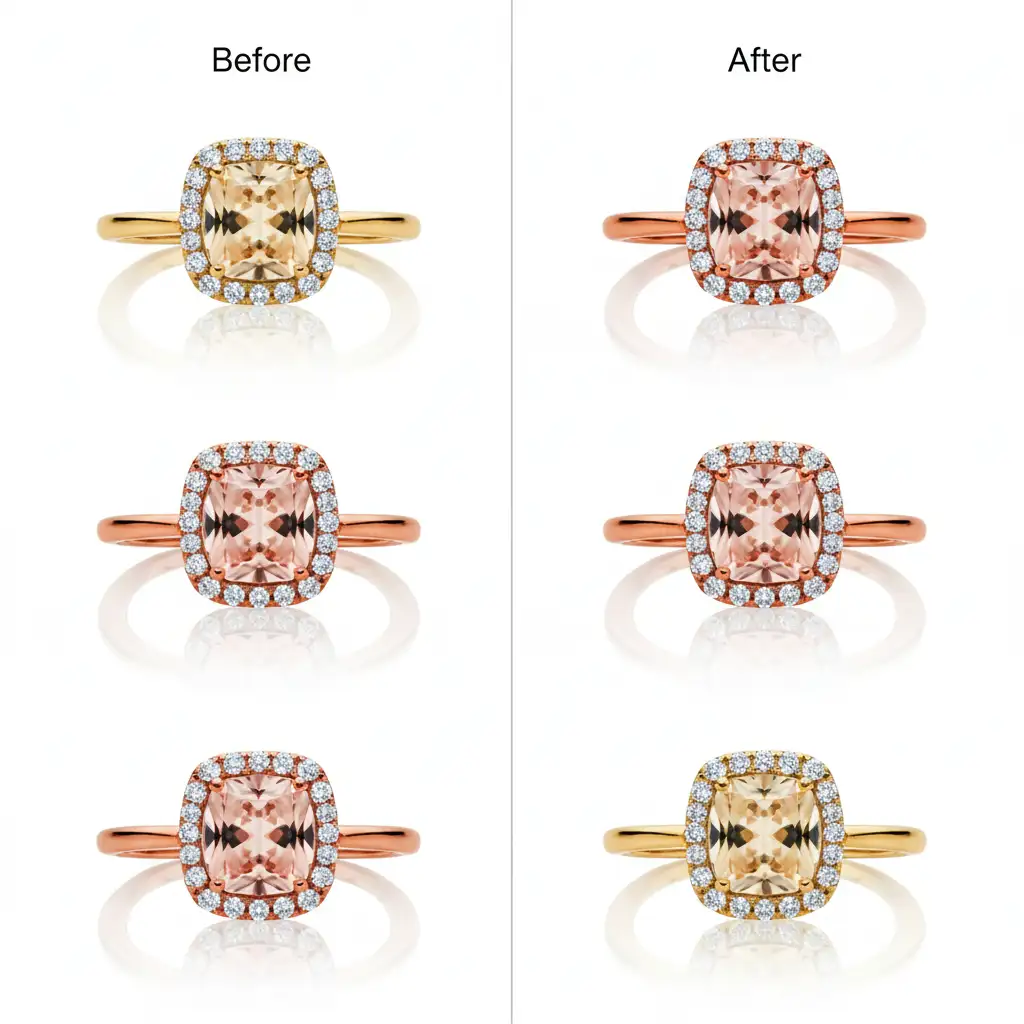
Are you tired of reviewing your e-commerce store only to find your rose gold rings look like a mismatched collection of copper and yellowish-pink metals? In high-volume jewelry retouching, inconsistent studio lighting and unwanted environmental reflections inevitably cause severe color casts. When a customer browses a collection, these variations destroy the illusion of premium quality.
If you want to match rose gold color across your jewelry catalog, you must normalize the base metal without flattening the natural specular highlights that make the jewelry shine. In this guide, we will walk you through the exact high-end Photoshop v25.x workflows to achieve pixel-perfect color consistency across thousands of SKUs.
The Challenge of Rose Gold Color Consistency
Rose gold is notoriously difficult to photograph and retouch. Unlike pure silver or yellow gold, rose gold relies on a delicate balance of copper and gold alloys. Standardized rose gold typically sits within the hexadecimal color codes ranging from #B76E79 to #C07C88.
When shooting multiple pieces, varying camera sensors and bouncing light create unpredictable shifts. The technical challenge is isolating the metal using precise masking and applying uniform color grading. You must target the midtones specifically to inject the correct pinkish-gold hue while preserving shadow depth and highlight brilliance.
3 Methods to Match Rose Gold Color Across a Jewelry Catalog
Whether you are fixing a single hero image or standardizing an entire seasonal collection, here are the three professional methods to achieve perfect metallic tones.
Method 1: The Quick Fix Using Selective Color
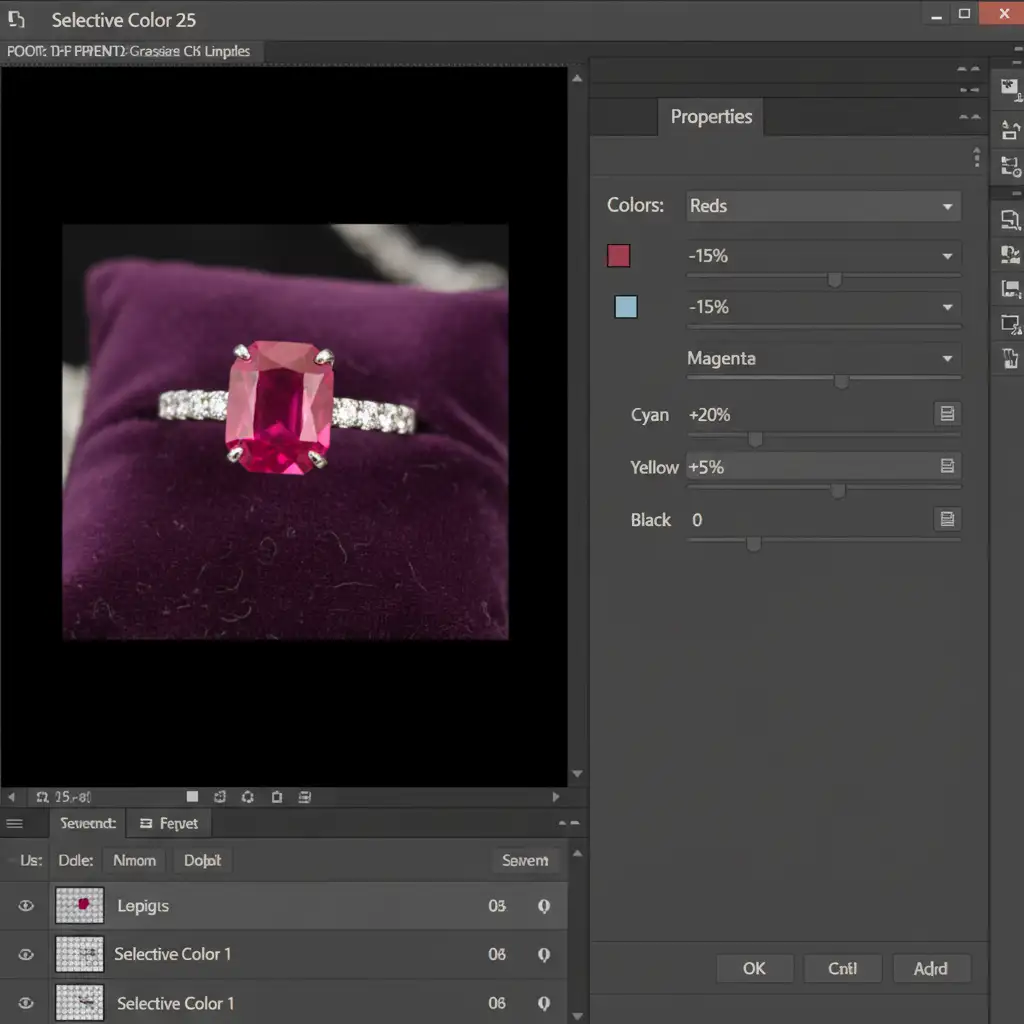
If you have a slight color cast and need a rapid adjustment, the Selective Color tool is your best option.
- Create a highly accurate clipping mask around the rose gold metal using the Pen Tool.
- Add a Selective Color adjustment layer and clip it directly to your jewelry mask.
- In the Properties panel, target the Reds and Yellows.
- Gently adjust the Cyan slider down (to remove muddiness) and push the Magenta slider up to inject that signature rose tone.
Method 2: The Pro Workaround with Gradient Maps
For metals that are heavily distorted by reflections, a Gradient Map offers unparalleled control over the tonal range. By mapping specific colors to the shadows, midtones, and highlights, you completely override the existing color cast.
- Add a Gradient Map adjustment layer and clip it to your metal mask.
- Change the Color blend mode of the layer to “Color”.
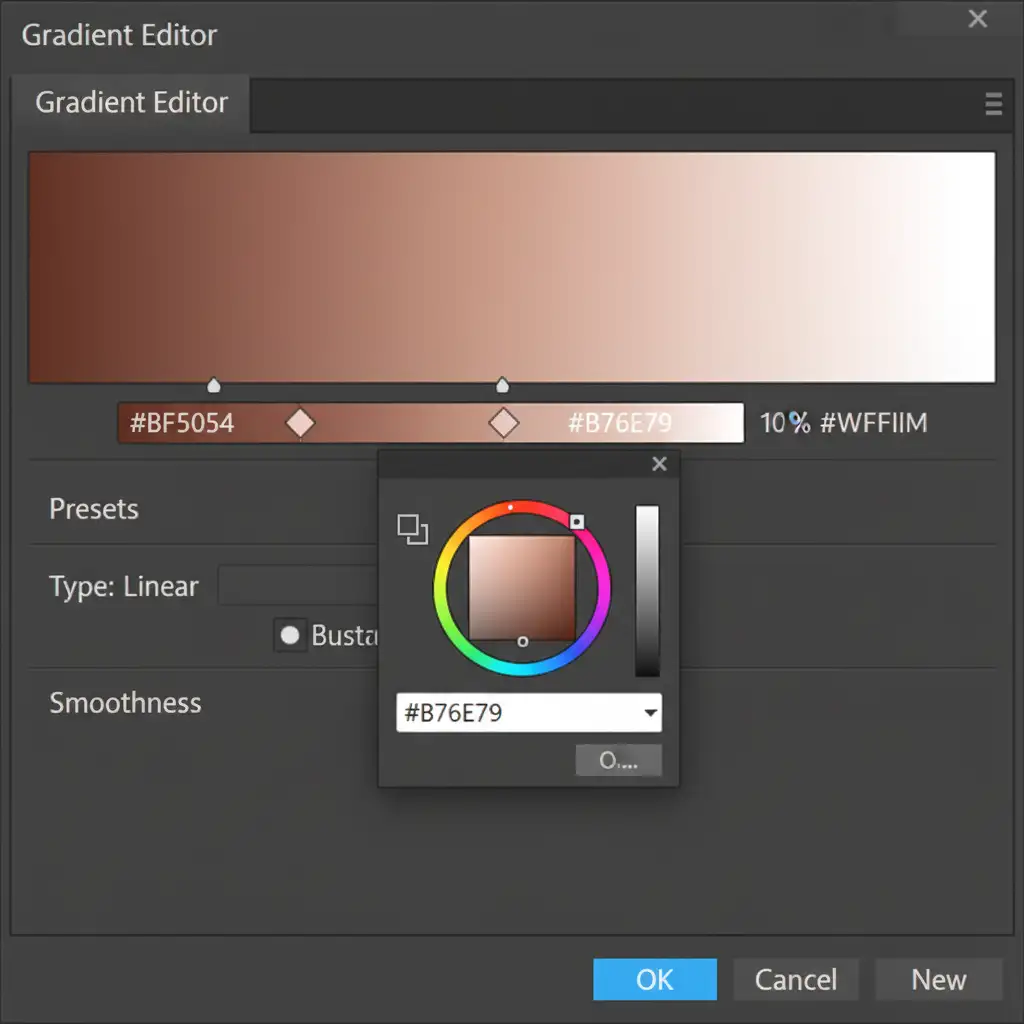
- Open the Gradient Editor and build a custom gradient:
- Shadows (Left): A dark, rich rose gold hex code (e.g., #6B3F46).
- Midtones (Center): Your baseline rose gold (#B76E79 or #C07C88).
- Highlights (Right): Pure white (#FFFFFF) to protect the specular highlights.
- Drop the layer opacity to between 60% and 80% to blend the mapped colors naturally with the underlying metallic texture.
Method 3: The Technical Deep-Dive for Batch Processing
When you need to match rose gold color across a jewelry catalog containing thousands of images, manual layer adjustments become inefficient. You need a scalable solution using the Camera Raw Filter and automated batch processing.
- Open your raw files or convert your isolated jewelry layers to Smart Objects.
- Open the Camera Raw Filter.
- Use the Basic panel to set precise Temperature and Tint values to neutralize the base image.
- Navigate to the Color Mixer to standardize the copper and pink hues globally.
- Save these exact settings as a preset or export them as a custom Look Up Table (LUT).
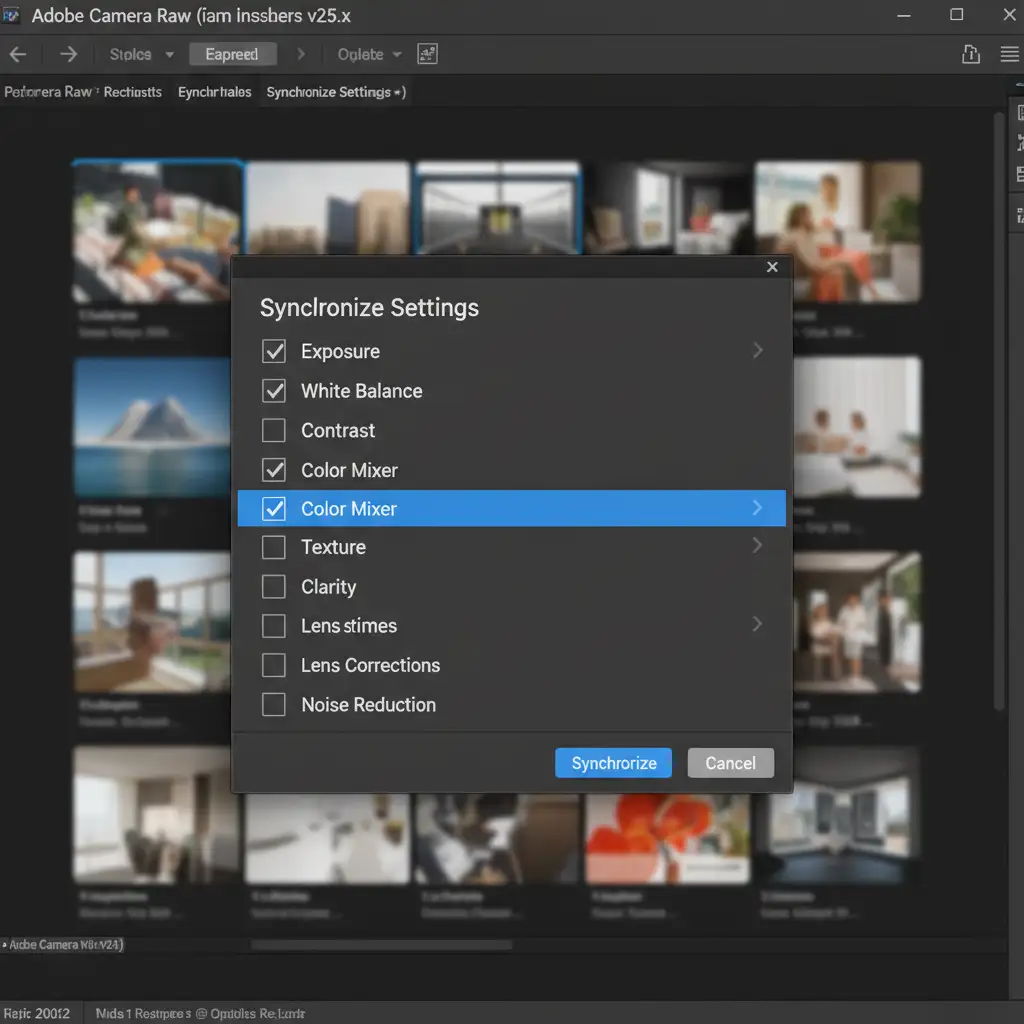
- Use Camera Raw Sync via Adobe Bridge or record an automated Photoshop Action to apply this exact profile across the entire image batch.
The Impact of Synchronized Metallic Tones
Implementing these techniques ensures that whether a customer is looking at a delicate pendant or a chunky bracelet, the rose gold reads as the exact same premium material. Removing distracting environmental reflections and unifying the hex values elevates the perceived value of your products and directly increases e-commerce conversion rates.
Scale Your E-Commerce Retouching with Image Work India
Learning how to match rose gold color across a jewelry catalog is one thing, but executing it flawlessly across thousands of SKUs under tight seasonal deadlines is a massive operational challenge.
Struggling to maintain color consistency across your e-commerce store? Let the expert retouchers at Image Work India and Cloud Retouch handle your high-volume jewelry catalog. Our dedicated teams specialize in complex clipping paths, reflection removal, and pixel-perfect color grading. We guarantee consistent, luxurious metallic tones at scale so you can focus on growing your brand.
Contact Image Work India today for a free trial and see the difference professional color synchronization can make for your bottom line!




