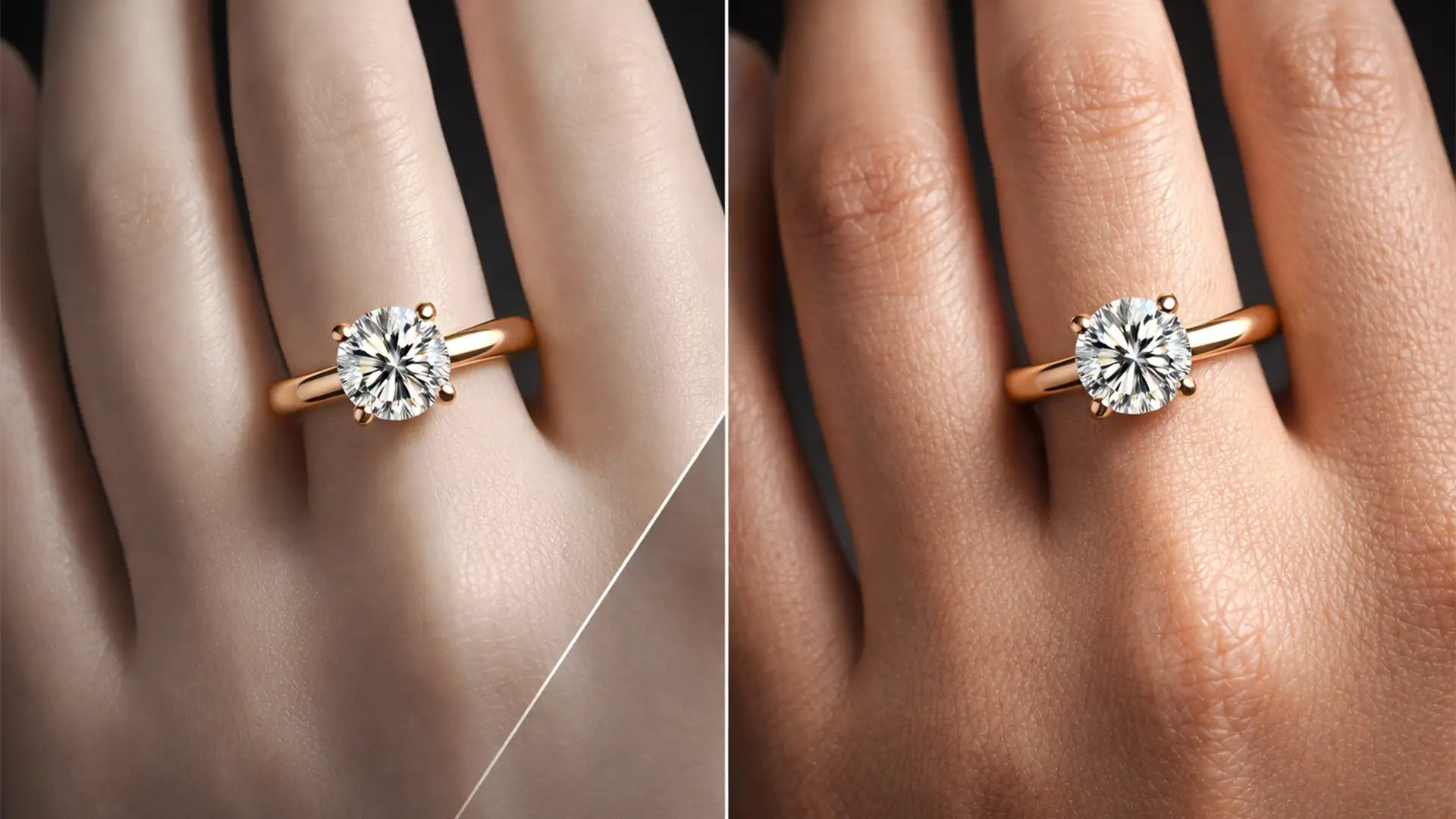

You’ve just generated a stunning lifestyle shot of a diamond ring using Midjourney v6 or Stable Diffusion. The lighting is perfect, the gemstone sparkles—but the hand modeling it looks like it belongs to a plastic department store dummy.
This waxy, artificial “mannequin hand” destroys the high-end appeal of your product, instantly breaking buyer trust. AI generators notoriously struggle with the complex micro-contrast of human skin, especially when interacting with intricate jewelry reflections. If you want to convert browsers into buyers, you must fix this.
Here is the definitive guide to help you replace mannequin hands in jewelry photography AI using professional retouching workflows.
Why AI Struggles with Skin Textures in Jewelry Photography
In popular AI models and early generative tools like Photoshop v25.0+, artificial intelligence attempts to smooth out visual noise to create a “clean” image. Unfortunately, human skin relies on that exact noise—pores, fine lines, and dermal micro-contrast—to look real.
When AI renders a hand wearing jewelry, it prioritizes the sharp metadata of the metallic reflections and smooths out the surrounding skin. The result is a waxy, plastic finish. To fix this, we need a workflow that retains the beautiful AI-generated jewelry while reconstructing authentic human dermal textures.
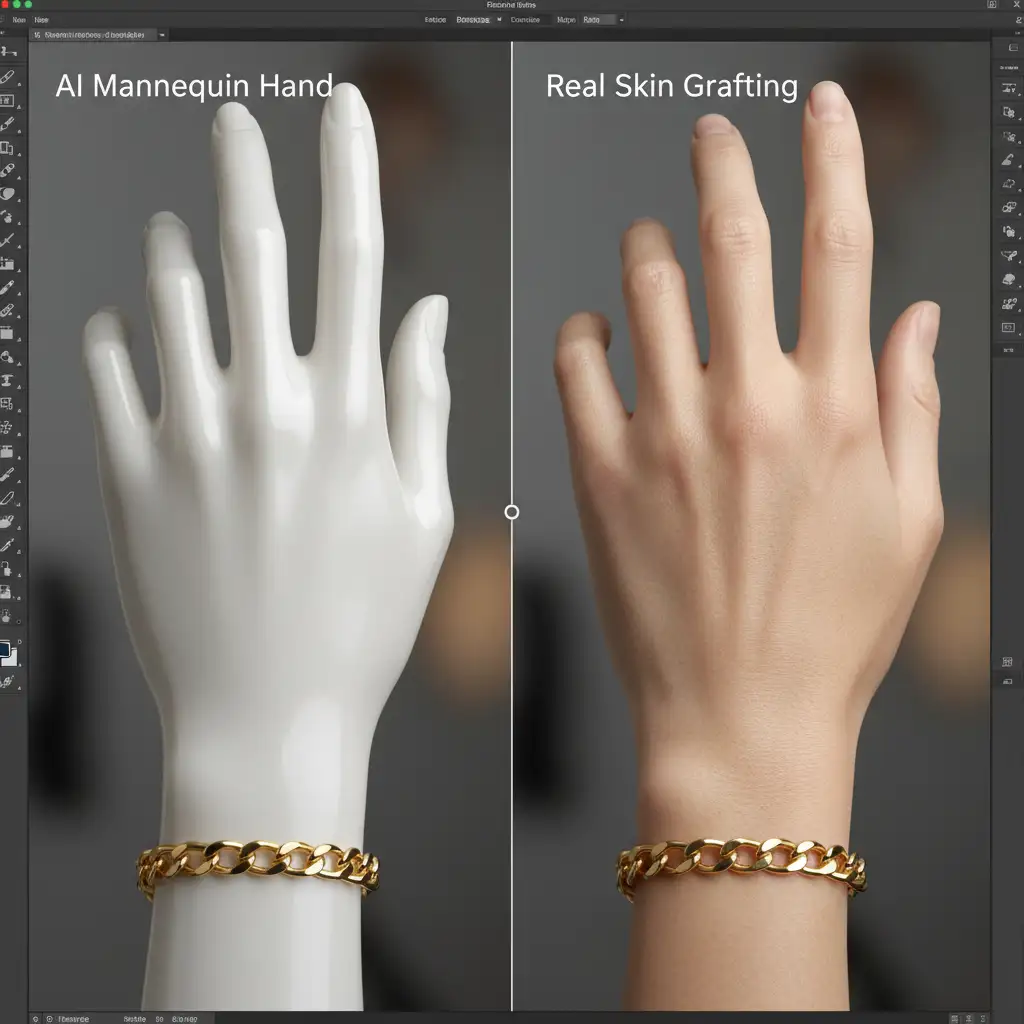
3 Workflows to Replace Mannequin Hands in AI Shots
Depending on your skill level and time constraints, here are three proven methods to restore realism to your AI jewelry photography.
Method 1: The Quick Fix Using Photoshop Generative Fill
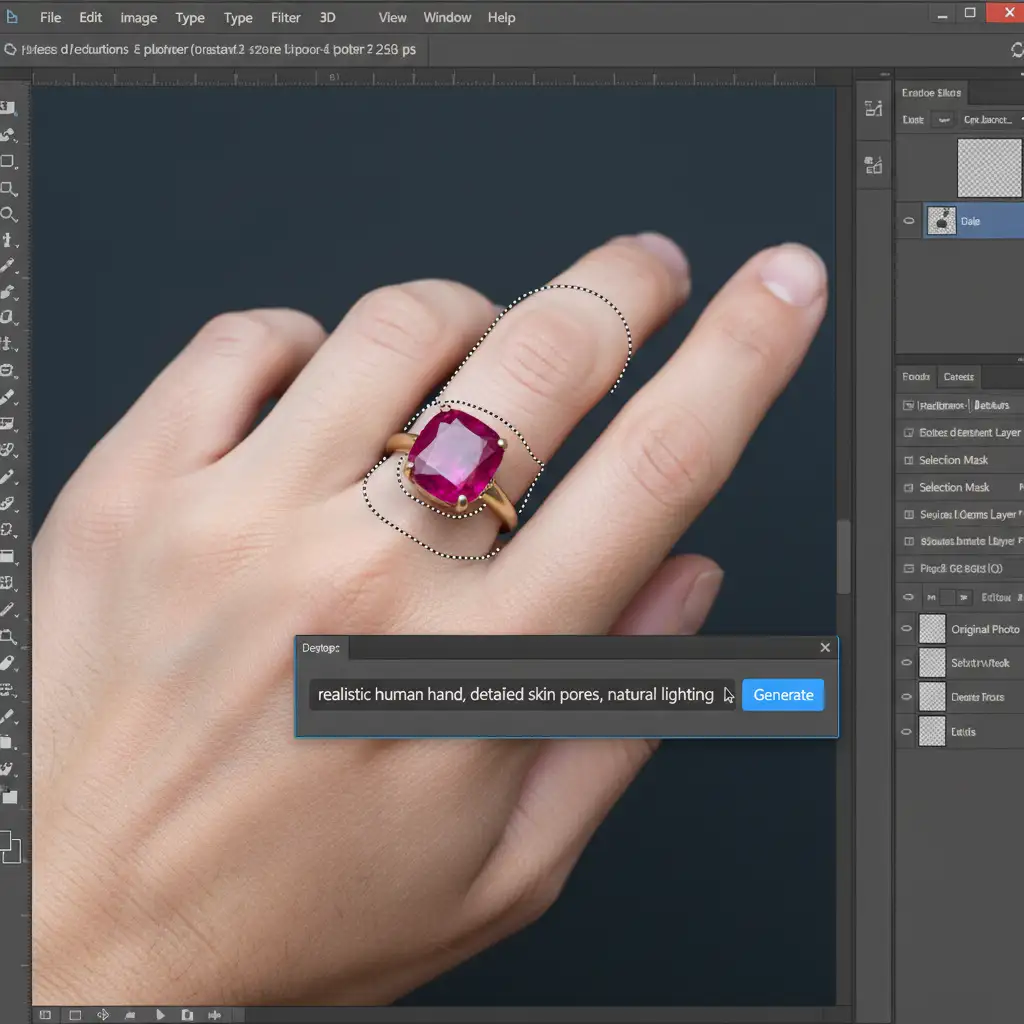
If you need a rapid solution, Generative Fill in Photoshop v25.0+ is your first line of defense. The secret to success here is precise Prompt Engineering and careful selection boundaries.
- Open your AI-generated jewelry image in Photoshop.
- Select the Lasso Tool (L).
- Carefully trace around the mannequin hand, but leave a strict 10-pixel buffer around the jewelry piece to protect its original AI-generated lighting and reflections.
- Click on the Generative Fill taskbar.
- Enter the exact prompt: realistic human hand, detailed skin pores, natural lighting.
- Generate and cycle through the variations until you find a natural match.
Method 2: The Pro Workaround – Hybrid Compositing
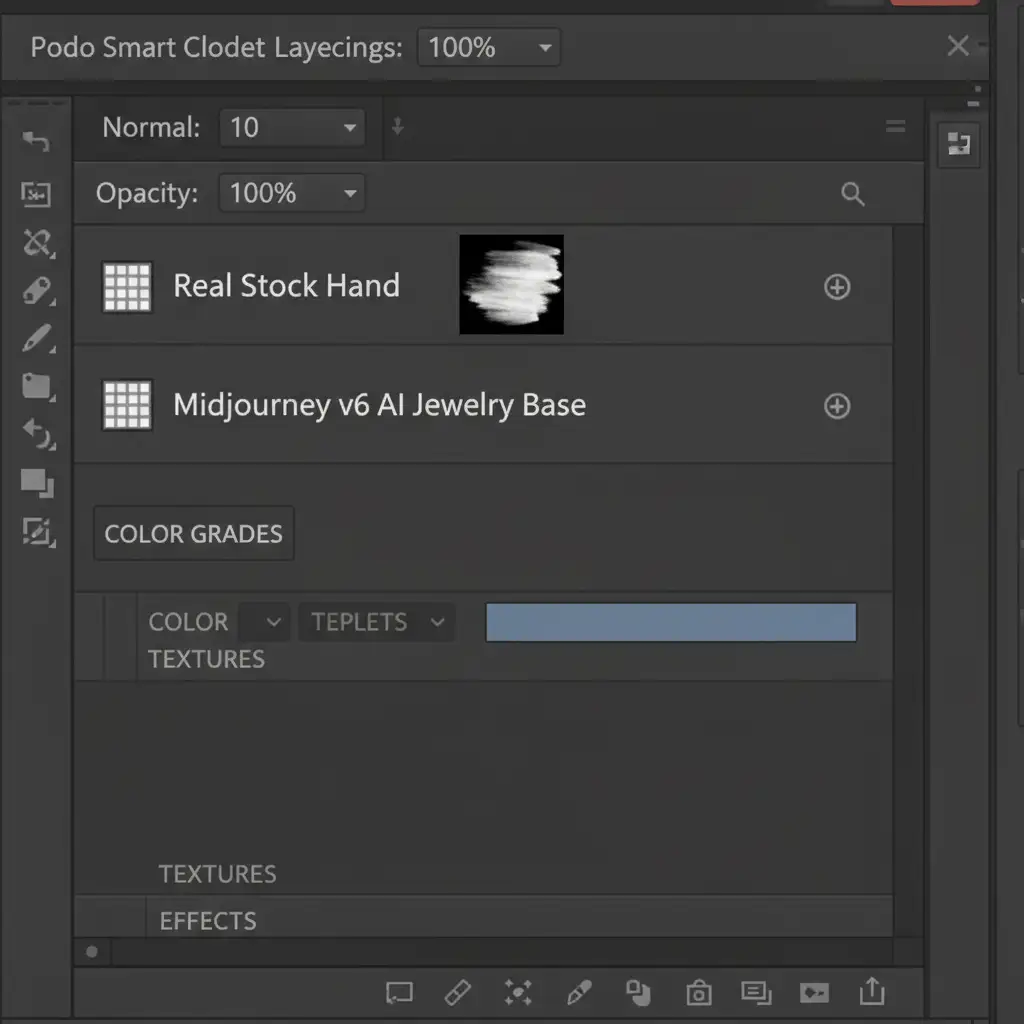
Sometimes, AI just can’t get the anatomy right. When Generative Fill fails, professional Compositing is required. This method uses Smart Objects and Layer Masking to blend a real stock photo with your AI jewelry.
- Source a high-resolution stock image of a real human hand matching the lighting and angle of your AI image.
- Import the stock image into your Photoshop document and convert it to a Smart Object for Non-destructive Editing.
- Lower the layer opacity to 50% so you can see the AI image underneath, and perfectly align the real hand with the jewelry.
- Return opacity to 100%. Add a Layer Mask (filled with black to hide the real hand).
- Using a soft, white brush at low flow (10-15%), carefully paint over the waxy skin to reveal the real skin texture, ensuring you retain the original jewelry shadows from the AI layer.
Method 3: The Technical Deep-Dive – Frequency Separation Texture Grafting
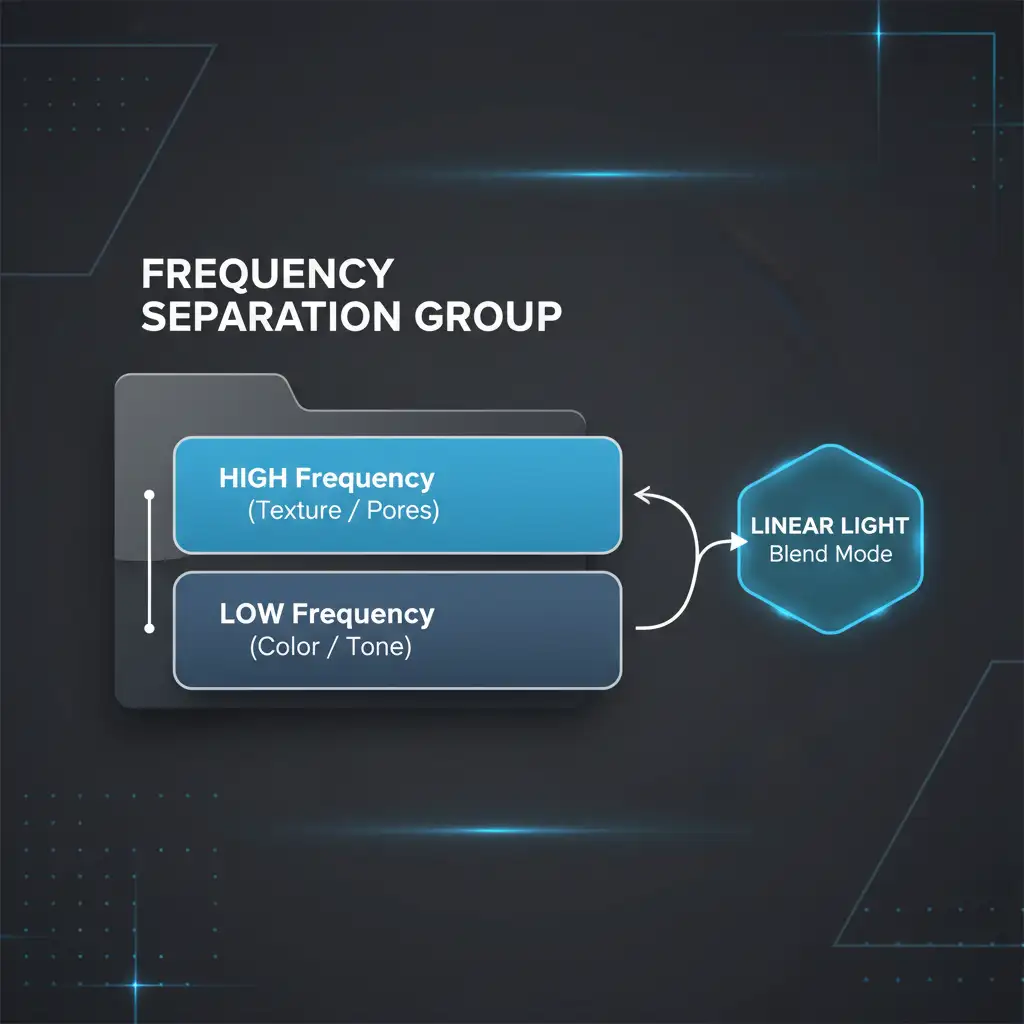
For ultimate high-end Skin Retouching, we use a technique called texture grafting via Frequency Separation. This allows you to steal the pores from a real hand and paste them onto the AI hand without altering the AI’s perfect color or lighting.
- Set up a standard Frequency Separation group on a real, high-resolution stock photo of a hand. This splits the image into a “Low” (color/tone) layer and a “High” (texture/detail) layer.
- Copy the “High” frequency layer from the real hand.
- Paste it into your AI jewelry document, placing it directly above your mannequin hand layer.
- Clip the High layer to the AI hand layer (Alt/Opt + Click between layers).
- Change the High layer’s blend mode to Linear Light.
- You have now successfully grafted real micro-contrast and skin pores onto the artificial hand, instantly curing the plastic look.
Stop Losing Buyers to Fake AI Hands
Learning how to replace mannequin hands in jewelry photography AI can save a great concept from the trash bin. However, mastering Frequency Separation, hybrid compositing, and prompt engineering takes years of practice—and your time is better spent growing your e-commerce brand.
Skip the tedious masking and texture grafting. At Image Work India and Cloud Retouch, our team of elite digital artists specializes in flawless, hyper-realistic jewelry retouching. We blend cutting-edge AI generation with pixel-perfect manual retouching to ensure your product shots look luxurious, authentic, and ready to convert browsers into buyers.
Contact Image Work India today to elevate your jewelry photography and leave the plastic hands behind!




