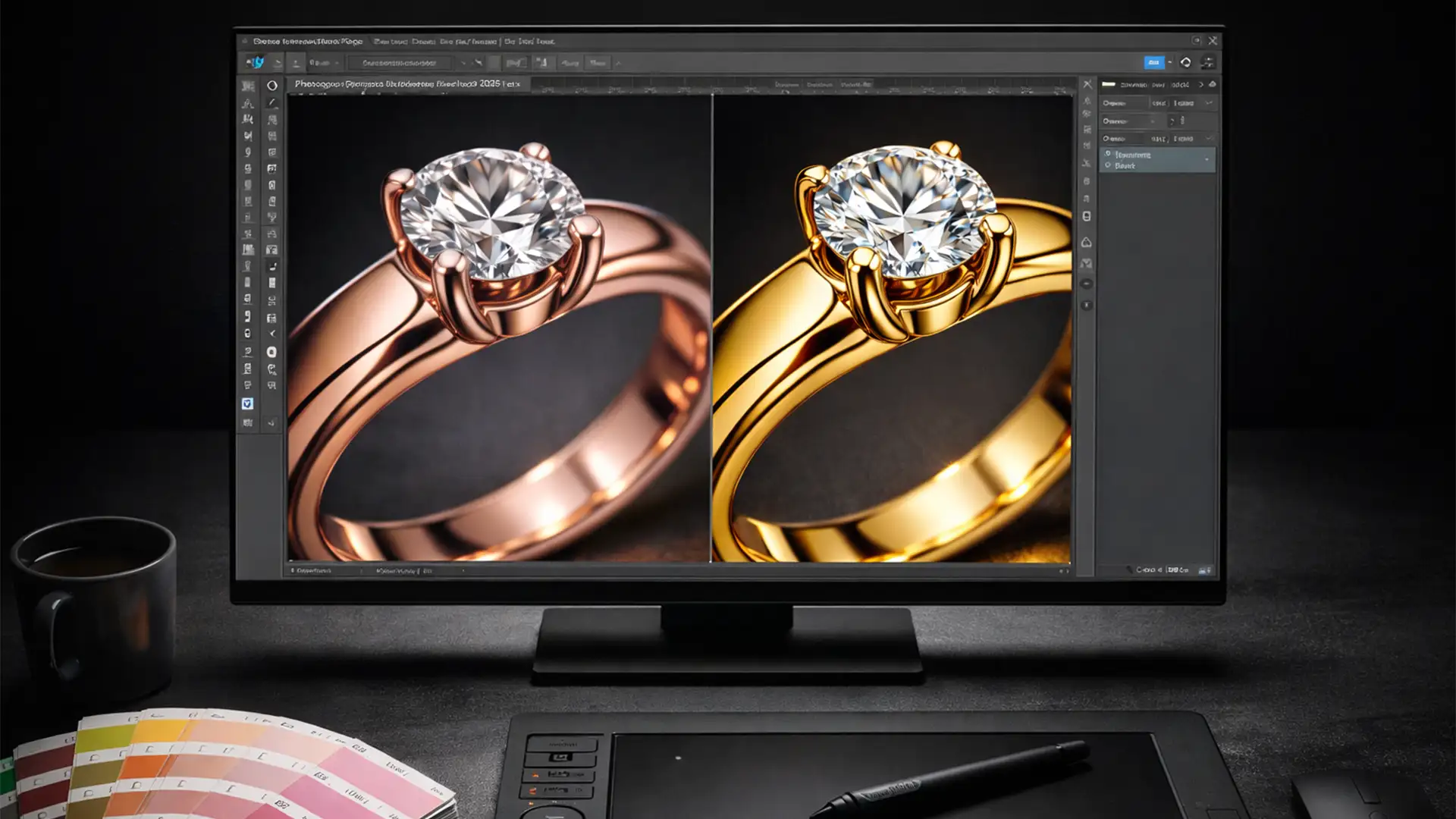

Are your e-commerce jewelry return rates skyrocketing simply because a customer expected a delicate, pinkish ring but received a peachy-yellow one? You are not alone. Differentiating between 14k and 18k rose gold is notoriously difficult, and a slight misstep in your editing workflow can cost your business thousands in refunds.
Mastering rose gold color correction in Photoshop 2025 is no longer just an aesthetic choice; it is a financial necessity. With the latest v26.x and v27.x updates, Photoshop’s advanced color engine can sometimes misinterpret subtle copper hues on uncalibrated displays.
In this guide, we will break down the exact technical workflow to achieve perfect hex code accuracy for both 14k and 18k rose gold, ensuring what your customers see online is exactly what they get in the box.
The E-Commerce Nightmare: 14k vs 18k Rose Gold
Before diving into the software, a retoucher must understand the physical properties of the metal. Rose gold gets its signature color from a copper alloy mixed with pure gold.
- 14k Rose Gold: Contains more copper, resulting in a distinctively pinkish, rosy hue.
- 18k Rose Gold: Contains more pure gold, pushing the color toward a warmer, peachy, or slightly yellowish tone.
When editing product photos, failing to respect this metallurgical difference leads to a gamut warning disaster where colors look muddy or completely inaccurate upon web export.
Pre-Requisite: Fixing Your Color Profile (The Foundation)
Before applying a single adjustment layer, you must ensure your workspace is configured for web accuracy. Photoshop 2025’s new color engine requires strict adherence to web standards to prevent color shifting.
Step 1: Monitor Calibration
Ensure your external monitor undergoes strict color calibration targeting a D65 white point. If your monitor is too cool or too warm, your rose gold will never match reality.
Step 2: Photoshop Color Settings
You must configure your working space to prevent Adobe RGB to sRGB conversion errors upon export.
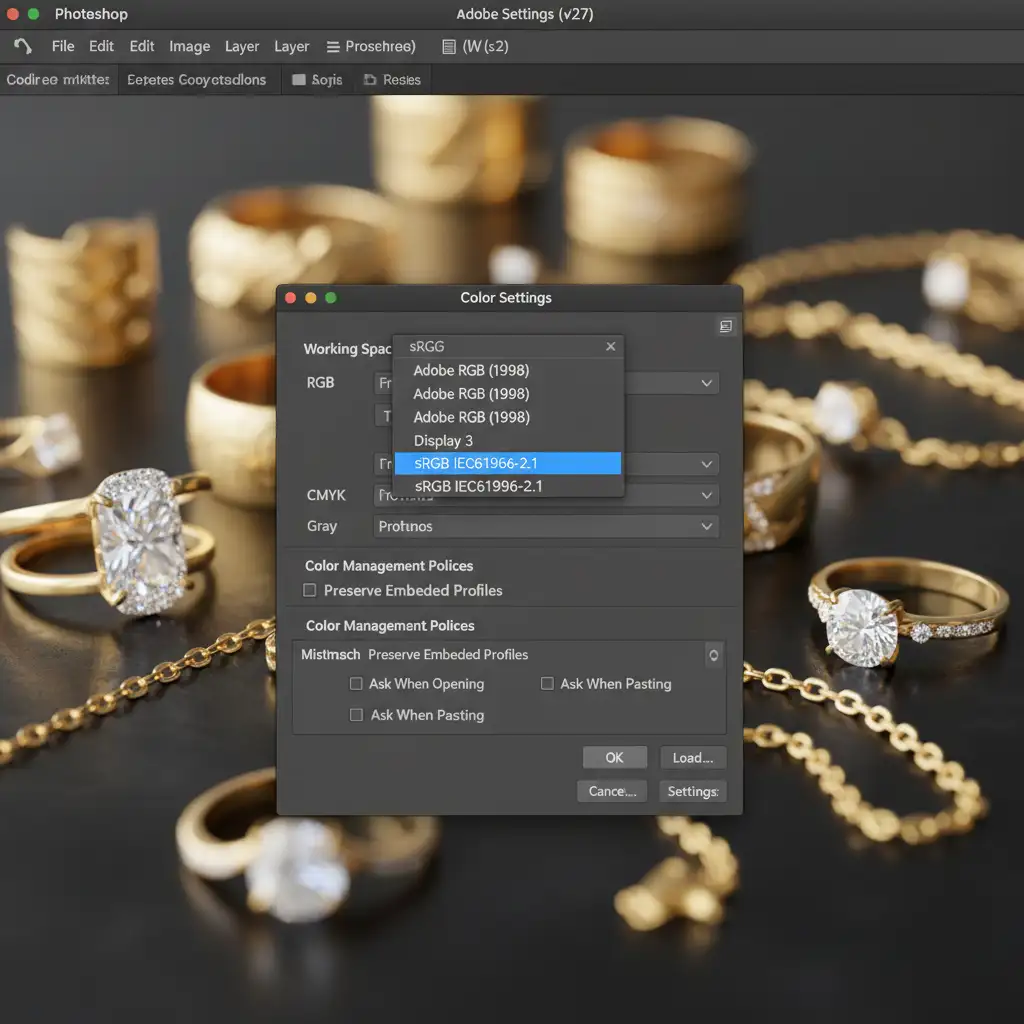
- Navigate to Edit > Color Settings.
- Under Working Spaces, set RGB to sRGB IEC61966-2.1.
- Ensure Color Management Policies are set to “Convert to Working RGB”.
How to Edit 14k vs 18k Rose Gold in Photoshop 2025
Once your color profile is locked in, you can begin the precise color correction process. We rely on strict hex code matching to guarantee consistency across an entire e-commerce catalog.
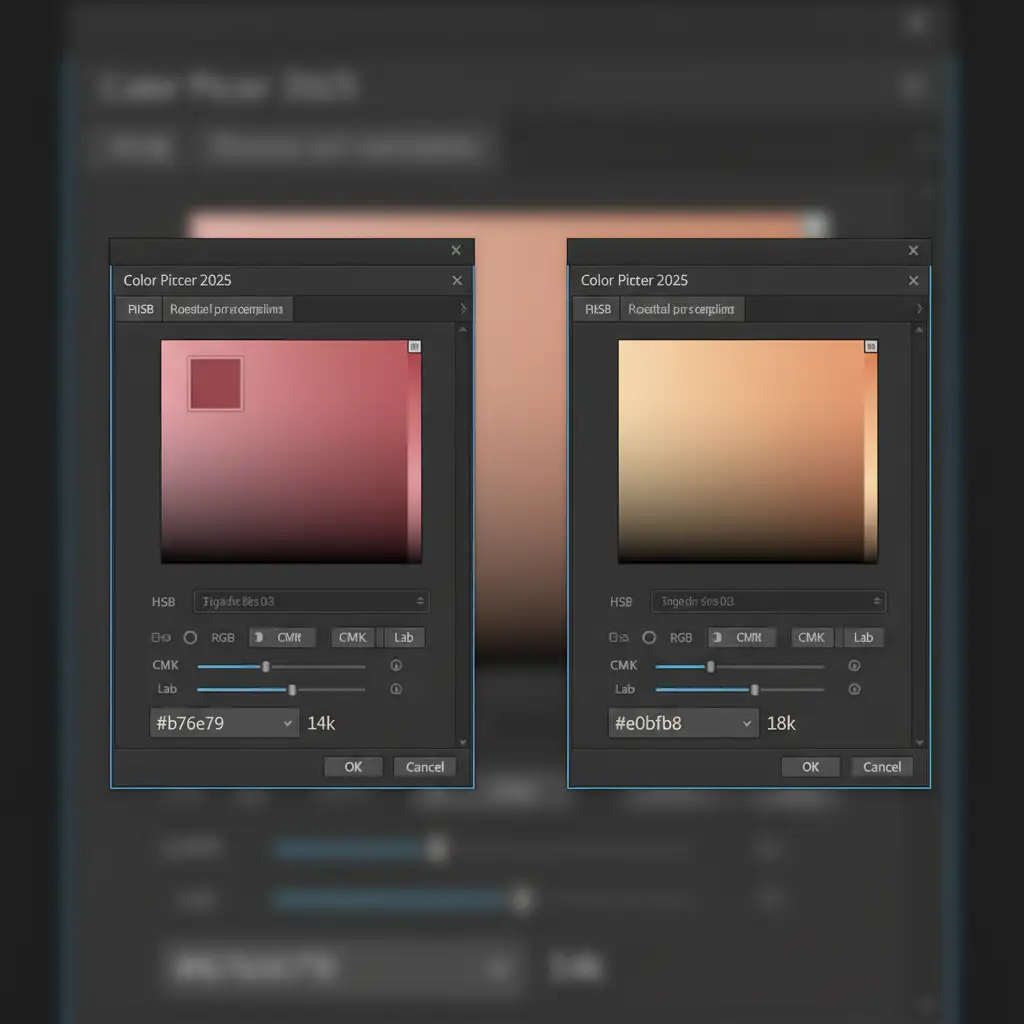
- 14k Rose Gold Target Hex: #b76e79
- 18k Rose Gold Target Hex: #e0bfb8
Method A: The Quick Fix (Selective Color)
For minor corrections where the base metal is already close to the target, the Selective Color adjustment layer is your fastest route.
For 14k Rose Gold (Pinker):
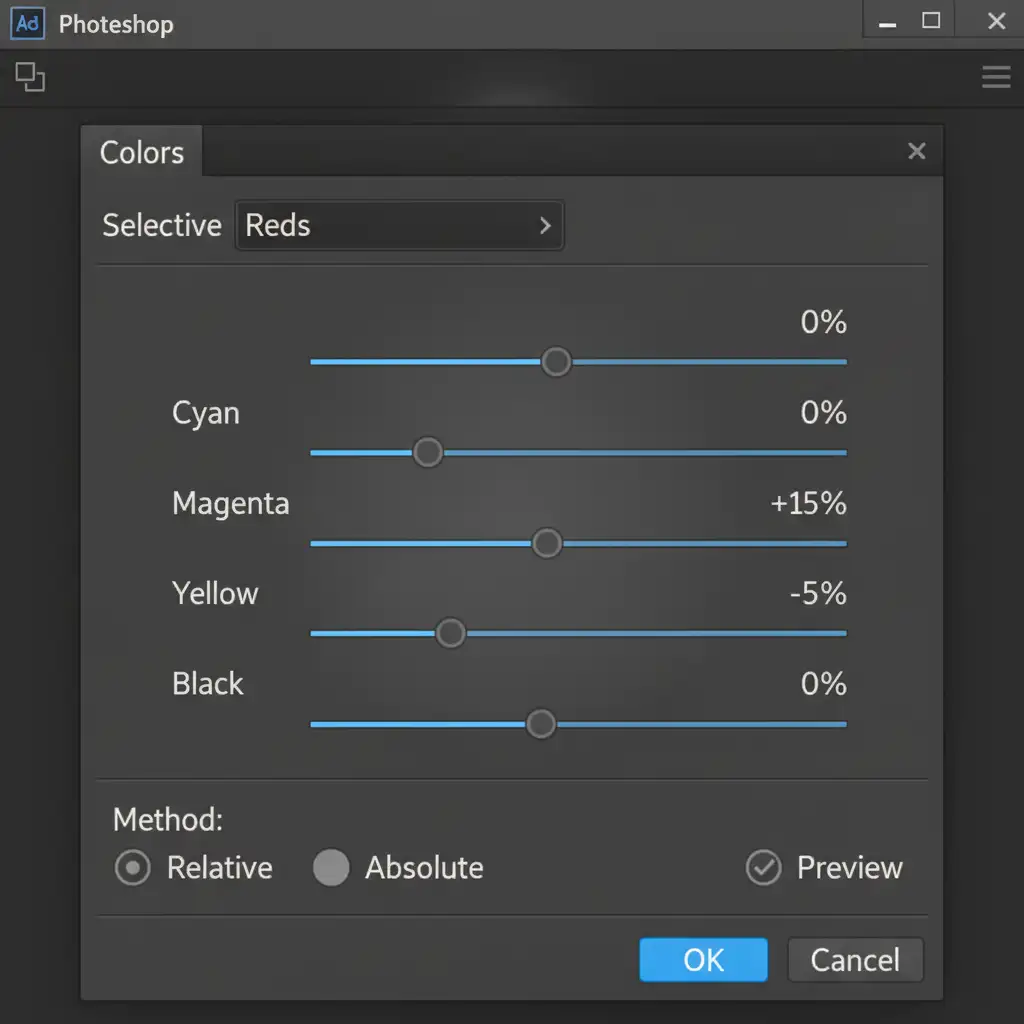
- Add a Selective Color adjustment layer.
- Target the ‘Reds’ and ‘Neutrals’ (midtones).
- Add +15 Magenta/Red and -5 Blue/Yellow to push the copper tones forward.
For 18k Rose Gold (Yellower):
- Target the ‘Yellows’ and ‘Neutrals’.
- Add +10 Yellow and slightly reduce Magenta to bring out the pure gold properties.
Method B: The Pro Workaround (Targeted Hue/Saturation)
For heavy color casts or when converting yellow gold to rose gold, you need a non-destructive, highly controlled method.
- Create a layer mask that perfectly isolates the jewelry metal from the gemstones and background.
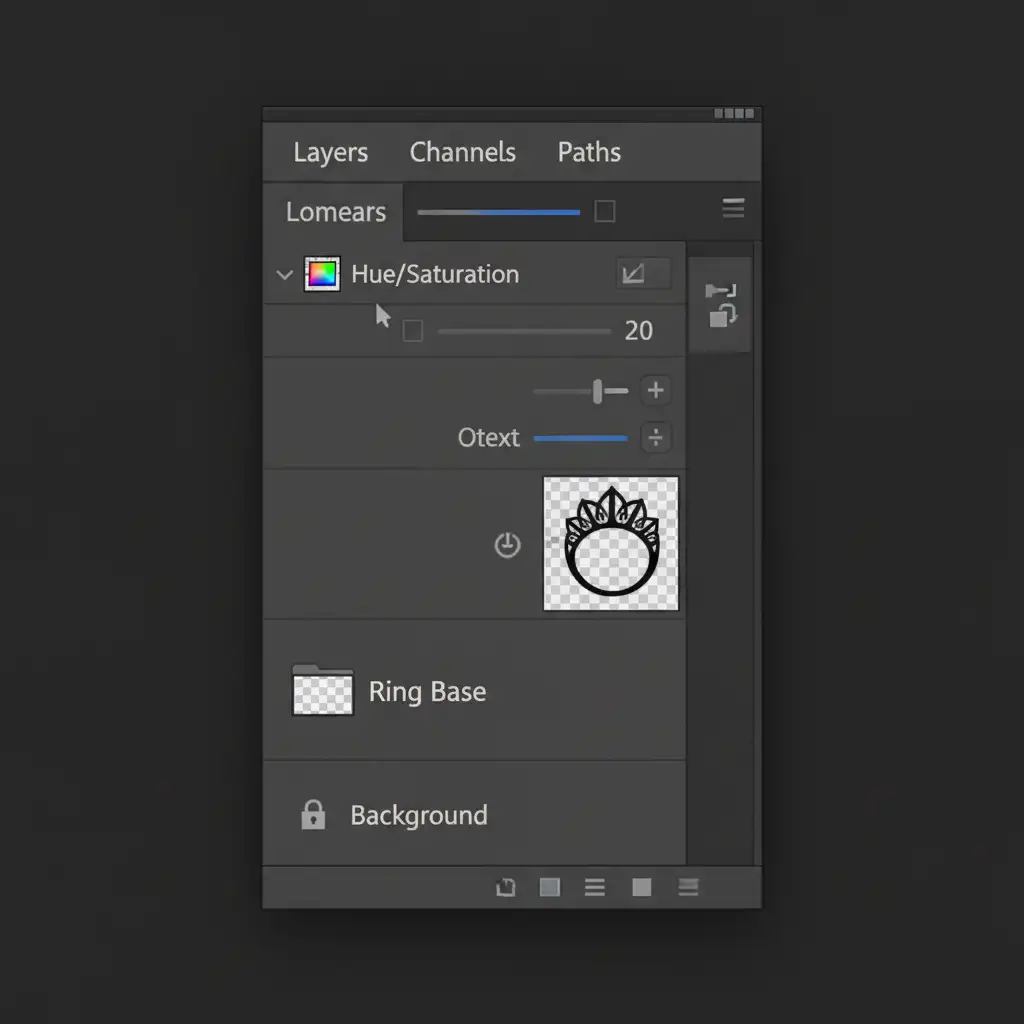
- Add a Hue/Saturation adjustment layer.
- Create a clipping mask (Alt/Option + Click between layers) to ensure the color only affects your isolated metal layer.
- Open the Properties panel and select the ‘Reds’ or ‘Yellows’ channel from the dropdown (avoid editing the Master channel).
- For 14k: Slide the Hue slightly to the left (towards magenta/pink) and adjust lightness to match #b76e79.
- For 18k: Slide the Hue slightly to the right (towards yellow/orange) and adjust lightness to match #e0bfb8.
Method C: The Photoshop 2025 Color Replacement Update
If you are fully updated to Photoshop v27.x, you can leverage the refined Color Replacement tool.
- Create a solid color fill layer using your exact target hex code (#b76e79 or #e0bfb8).
- Change the layer blend mode to Color.
- Invert the layer mask to black (Ctrl/Cmd + I).
- Using a soft white brush at low opacity (10-15%), carefully paint over the metal areas that need color correction. This method forces the pixels to adopt the exact hue and saturation of your swatch library while retaining the original luminosity and metallic reflections.
Stop Losing Money on Jewelry Returns
Achieving perfect rose gold color correction in Photoshop 2025 requires a deep understanding of metallurgy, strict color profiling, and advanced masking techniques. A minor slip in hex code accuracy can be the difference between a happy customer and a costly return.
If your in-house team is struggling to keep up with the technical demands of high-end jewelry retouching, it is time to bring in the experts.
Image Work India and Cloud Retouch specialize in pixel-perfect, color-accurate jewelry editing. We calibrate our workflows to guarantee your 14k and 18k rose gold pieces look flawless, reducing your e-commerce return rates and elevating your brand’s visual identity.
Contact Image Work India and Cloud Retouch today for a free trial, and let us perfect your e-commerce jewelry catalog.




