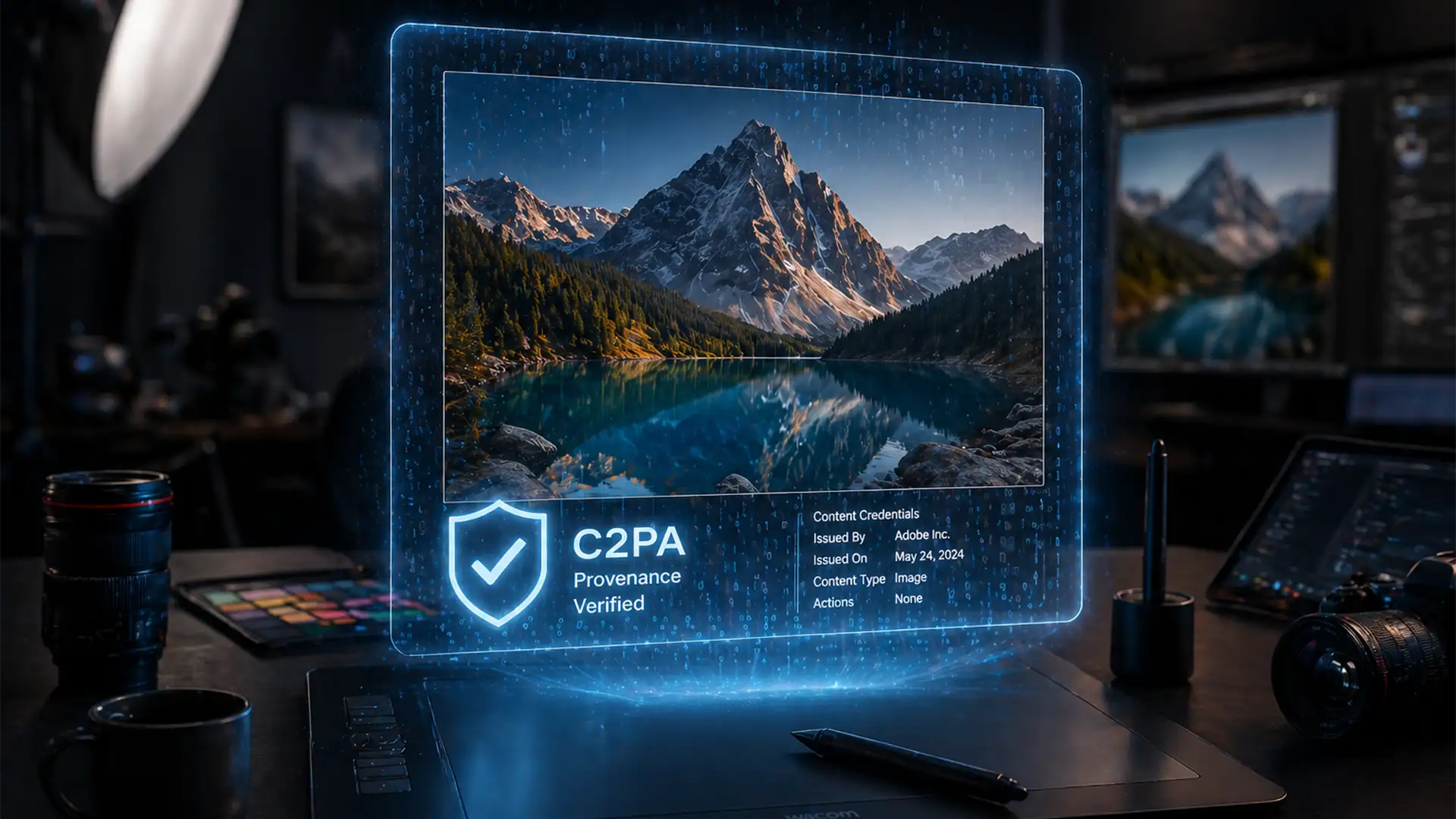

C2PA Guide: How to Prove Your Photo Retouching Isn’t ‘Just AI’
You just spent hours meticulously dodging, burning, and clone-stamping a high-end portrait. You deliver the final file, but your client asks, “Did you just use AI for this?” Worse, you upload it to Instagram, and it gets automatically flagged with...
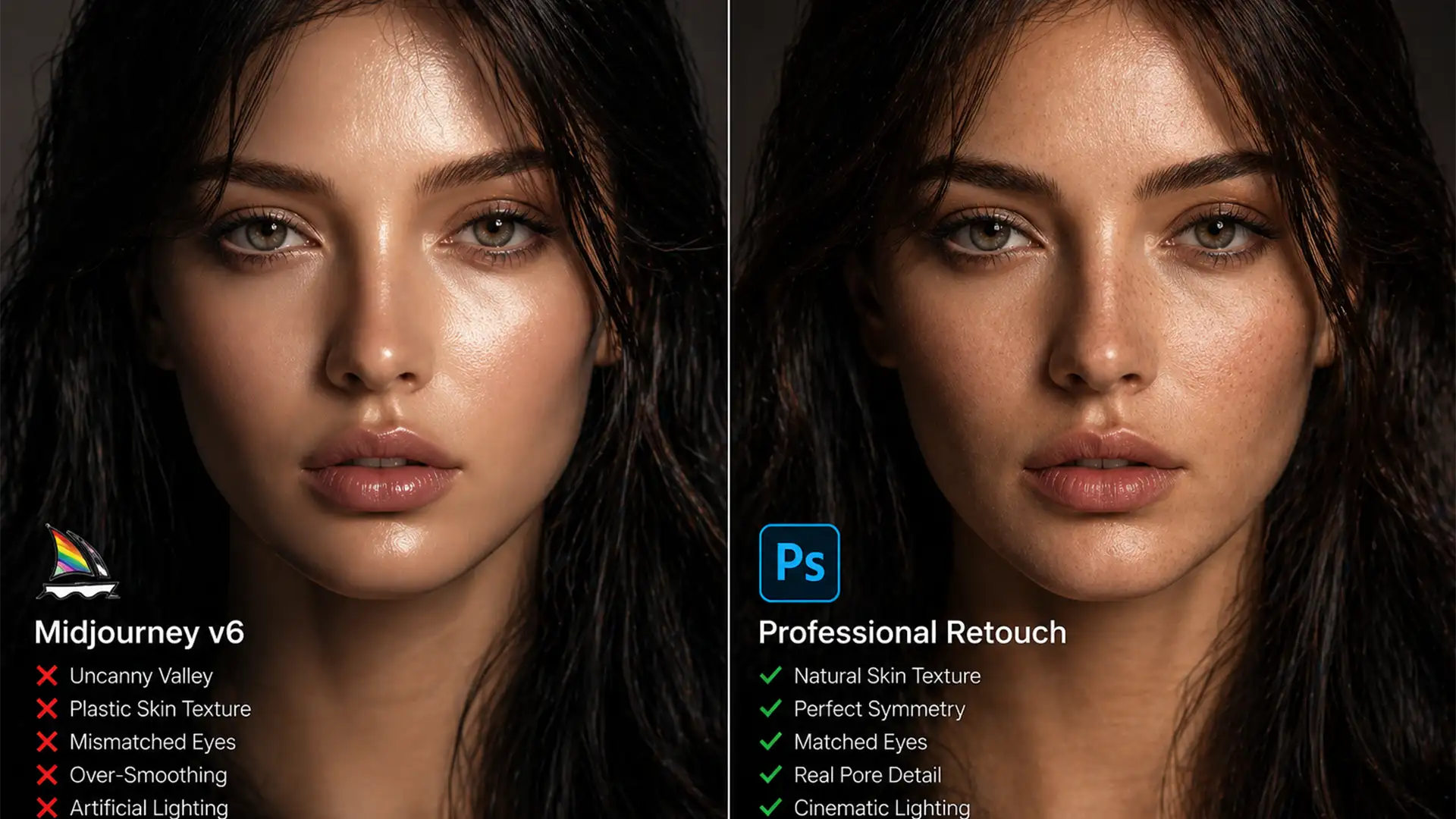
AI Portrait Cleanup Service: Fixing the Uncanny Valley
You’ve just generated a stunning portrait using Midjourney v6 or Stable Diffusion XL. At first glance, it looks like an award-winning photograph. But as you zoom in, the illusion shatters. The skin looks like plastic, the eyes have mismatched catchlights,...
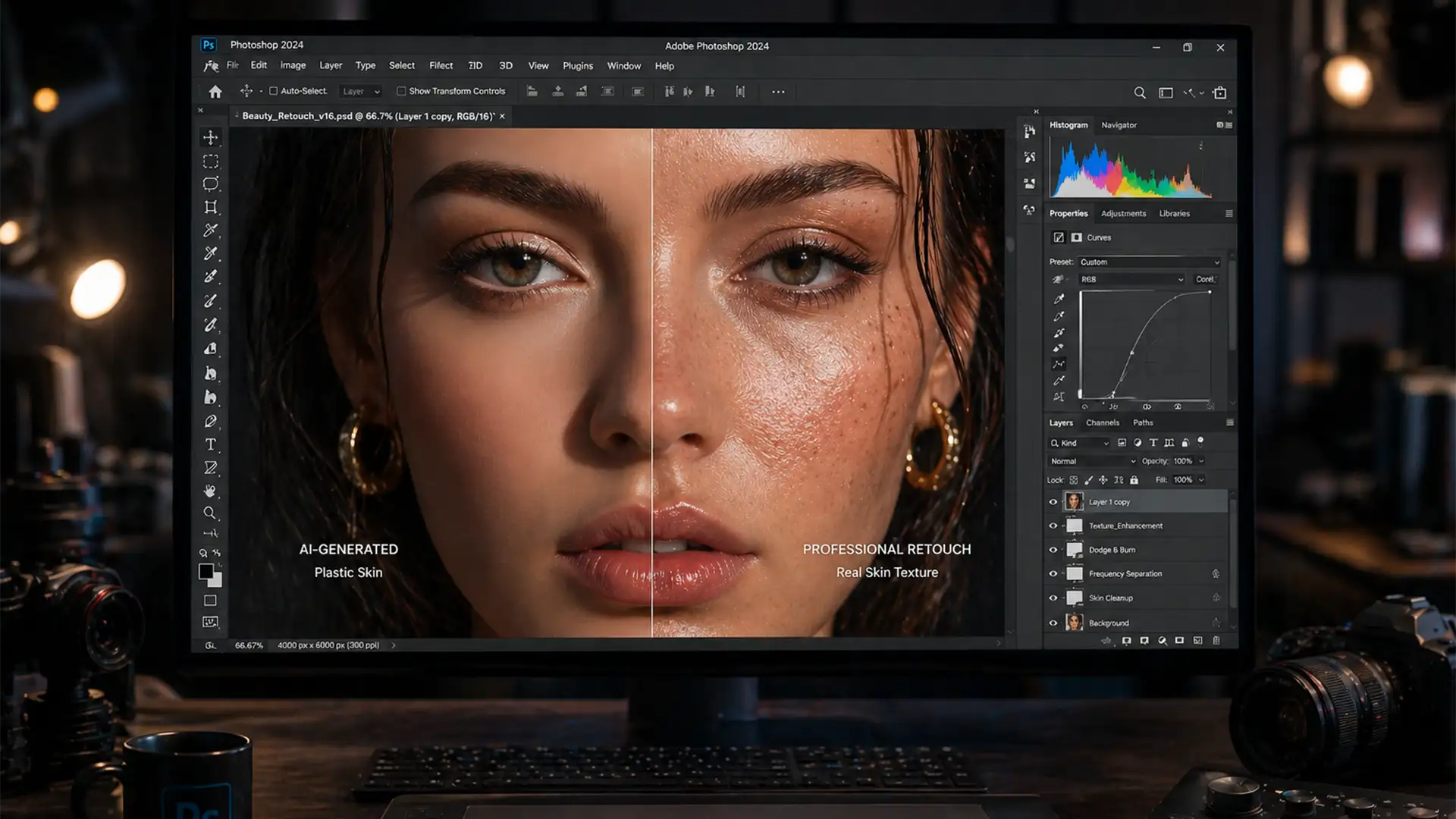
Fixing Firefly 3 Skin Artifacts: Professional Techniques
You’ve just executed what you thought was the perfect Generative Fill on a high-resolution commercial portrait, but zooming in to 100% reveals a glaring issue: the newly generated pixels look like a plastic mannequin. The organic micro-contrast is gone, the...
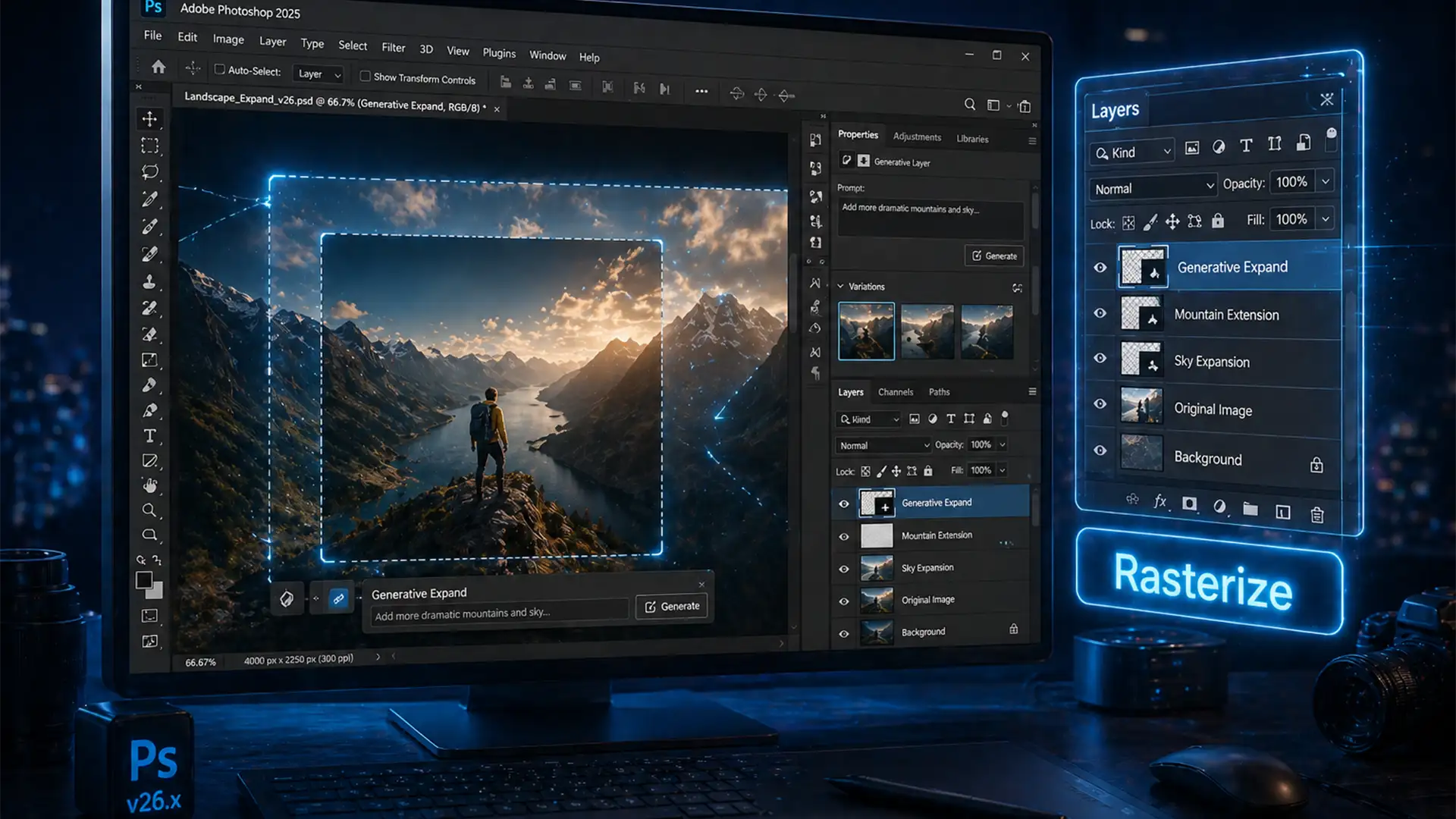
How to Edit Area After Generative Expand in Photoshop
You just used Adobe Firefly to magically expand your canvas. The new background looks incredible, but there is a tiny artifact you need to clean up. You grab the Spot Healing Brush, hover over the image, and BAM—you get the...
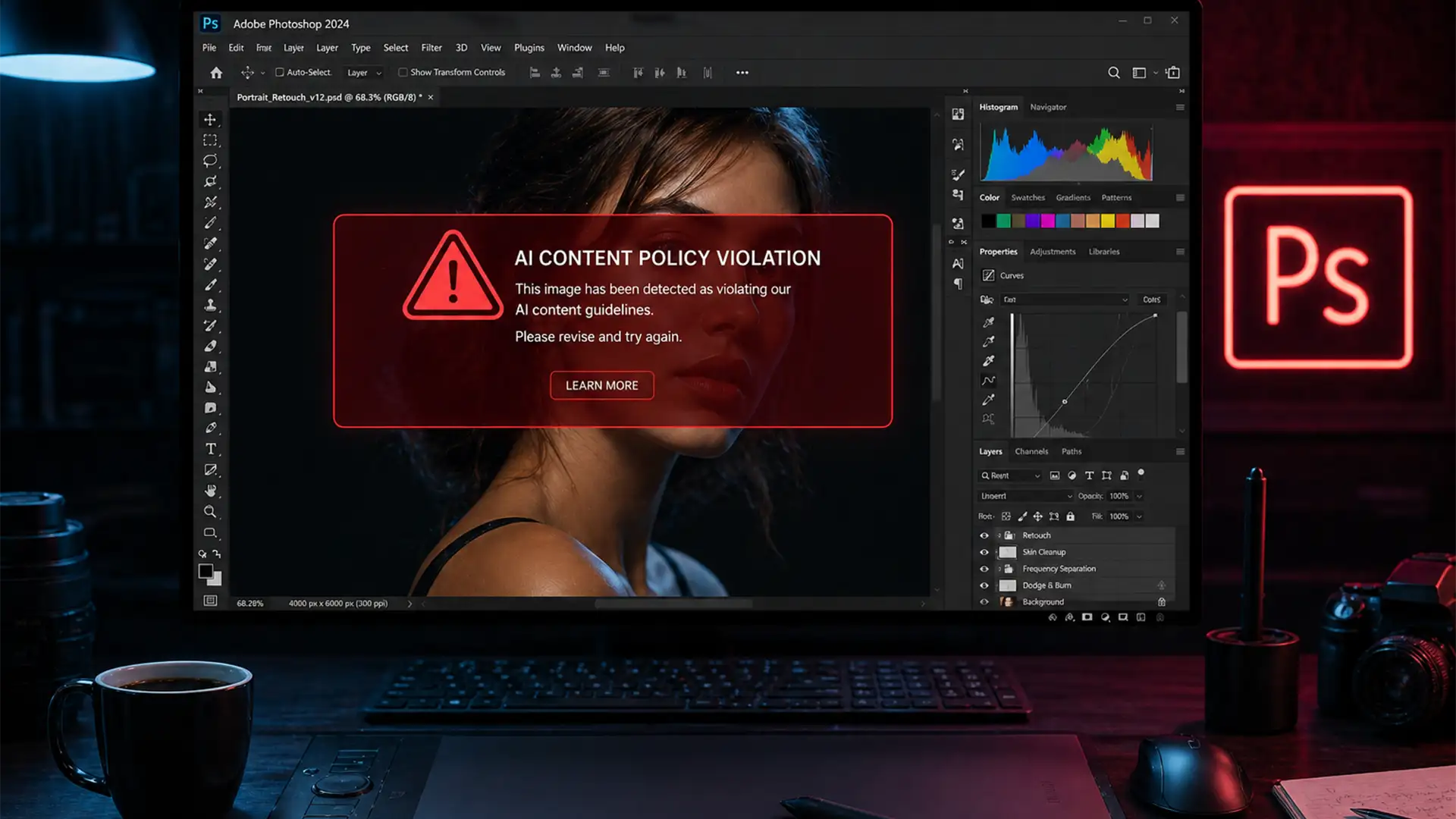
Fix Photoshop Generative Fill Violation Errors on Skin
You are deep into editing a high-end maternity shoot or boudoir session. You make a standard selection to expand the background or clean up a distraction, hit “Generate,” and suddenly your workflow hits a brick wall. A red banner appears:...
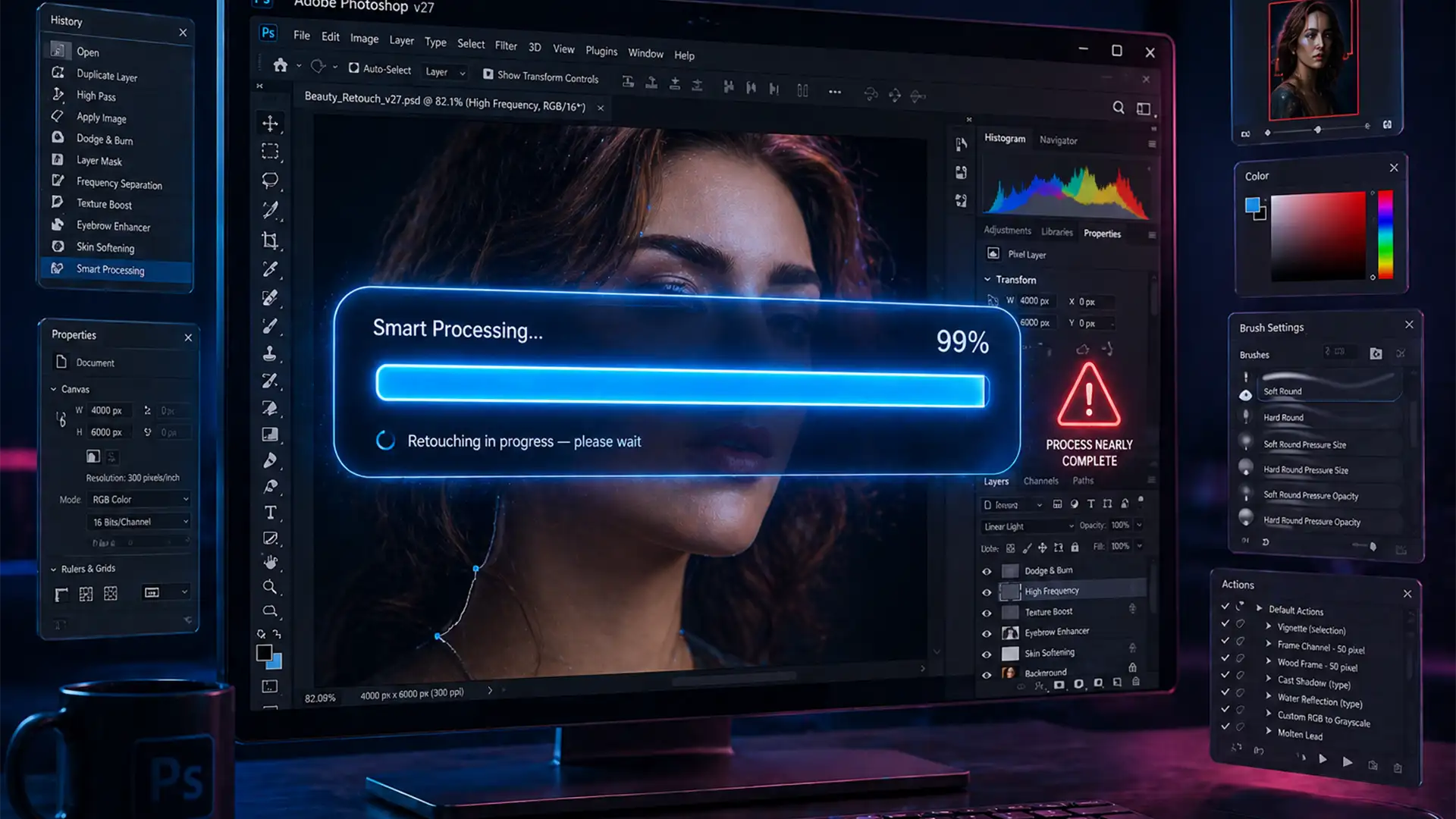
Fix: Photoshop Remove Tool Stuck on ‘Required Components’ (2026)
You are on a tight deadline, ready to clean up a client’s image. But when you select the AI-powered Remove Tool, Photoshop freezes. Instead of seamless edits, you are hit with a banner that refuses to disappear: “Required components are...
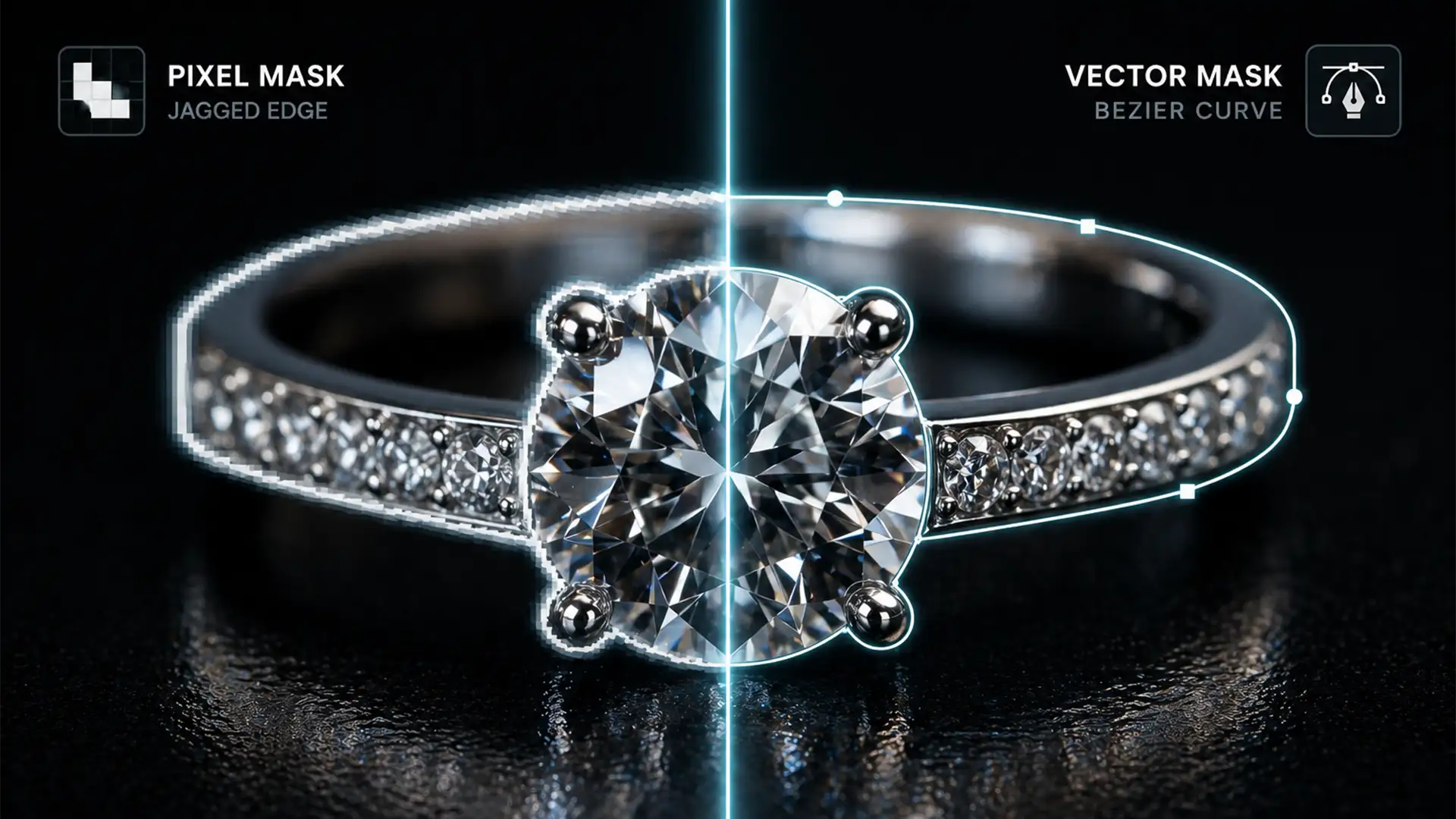
Layer Mask vs Vector Mask for Jewelry Retouching
You’ve just spent hours shooting a breathtaking macro image of a diamond ring, but when you zoom in on the final edit, the edges look soft, jagged, and synthetic. If you rely on automated selection tools, you are likely suffering...
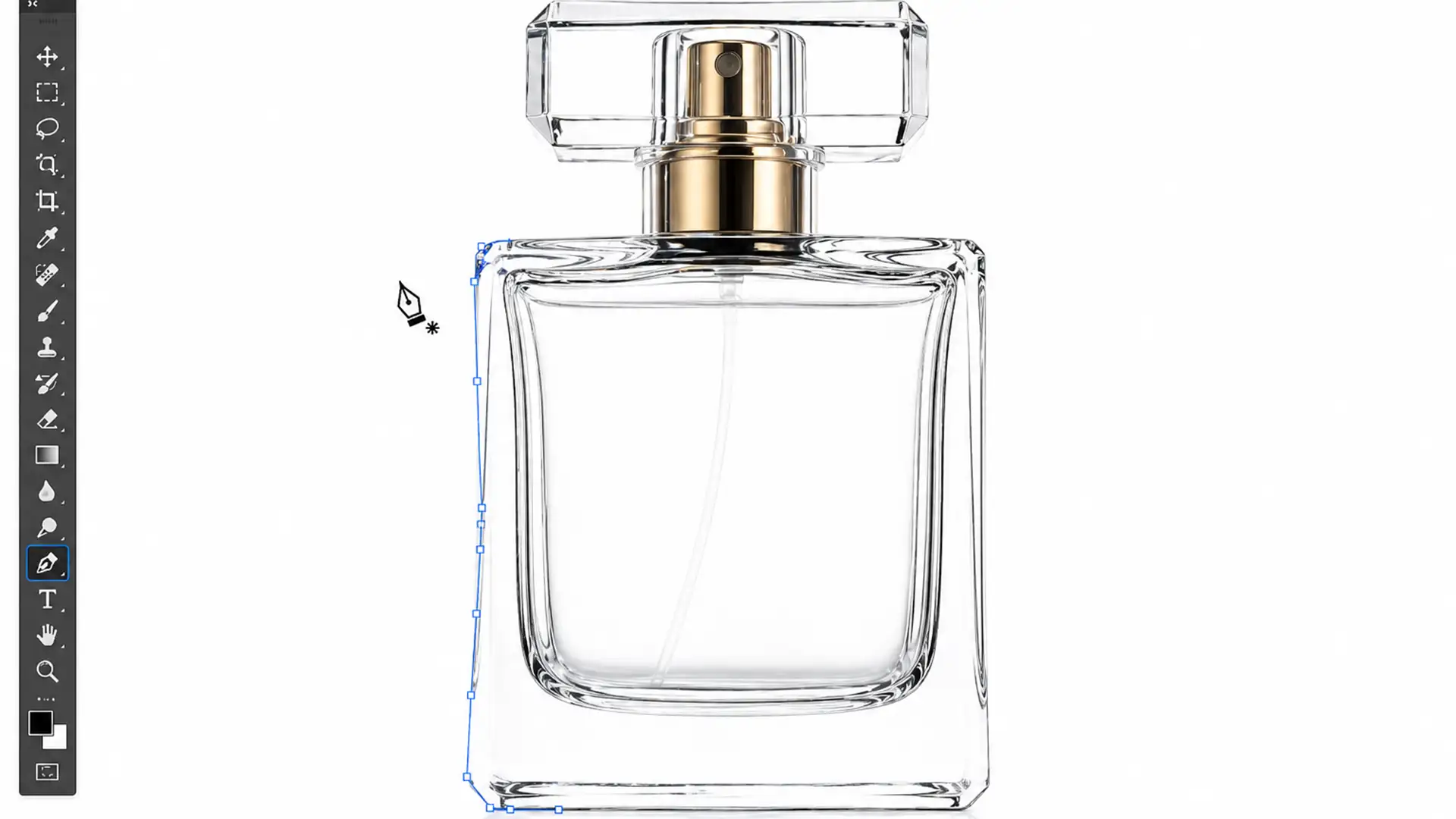
Mastering Transparency: Masking Glass for E-commerce
You click “Remove Background” on a beautiful glass product photo, and Photoshop spits back a jagged, opaque, dirty-looking mess. The crisp reflections are gone, the delicate transparency is destroyed, and it looks absolutely nothing like the premium item you want...
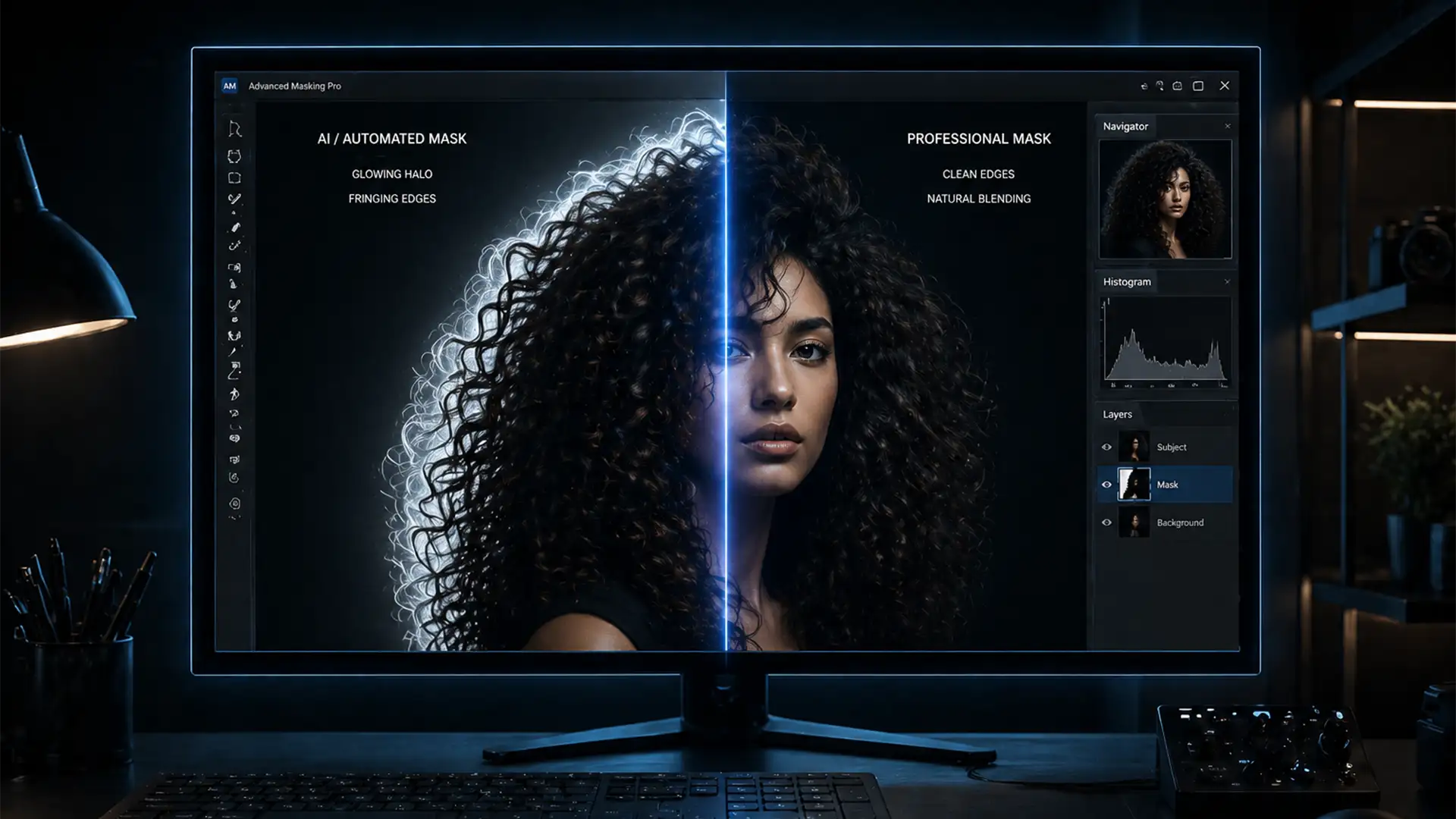
How to Fix AI Hair Selection Halos: Manual Masking Techniques for 2024
You’ve spent hours perfecting a composite image, but the moment you drop your subject onto a dark background, the illusion shatters. A glowing white outline surrounds their head. If you are desperately searching for a reliable Photoshop 2024 hair selection...
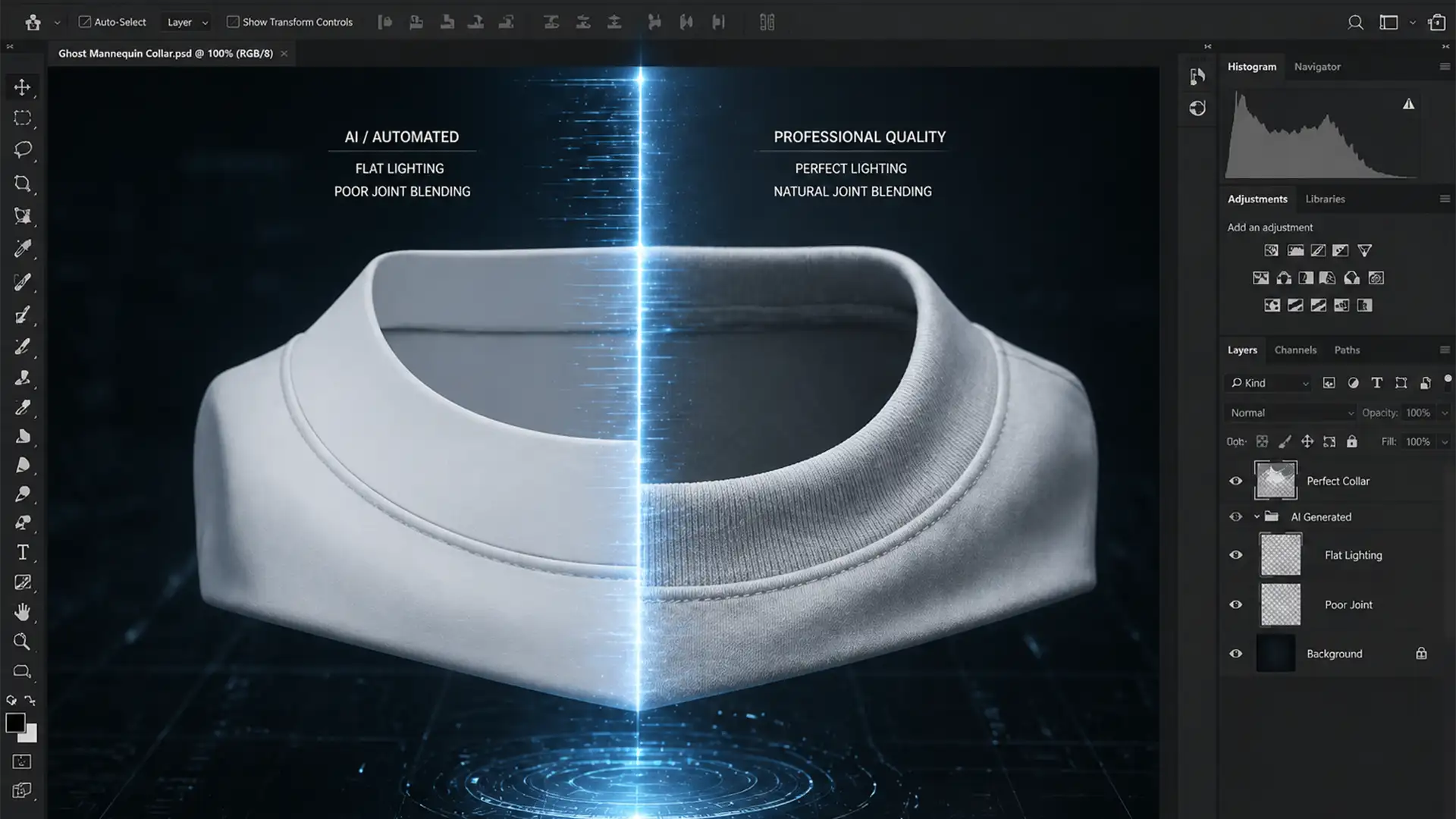
Seamless Neck Joints: Fix Lighting Mismatches in Photoshop
Are you staring at a ghost mannequin edit where the inner collar looks completely disconnected from the main garment? You are not alone. That “floating neck” ruins the 3D illusion, screams “amateur edit,” and ultimately hurts e-commerce conversion rates. This...