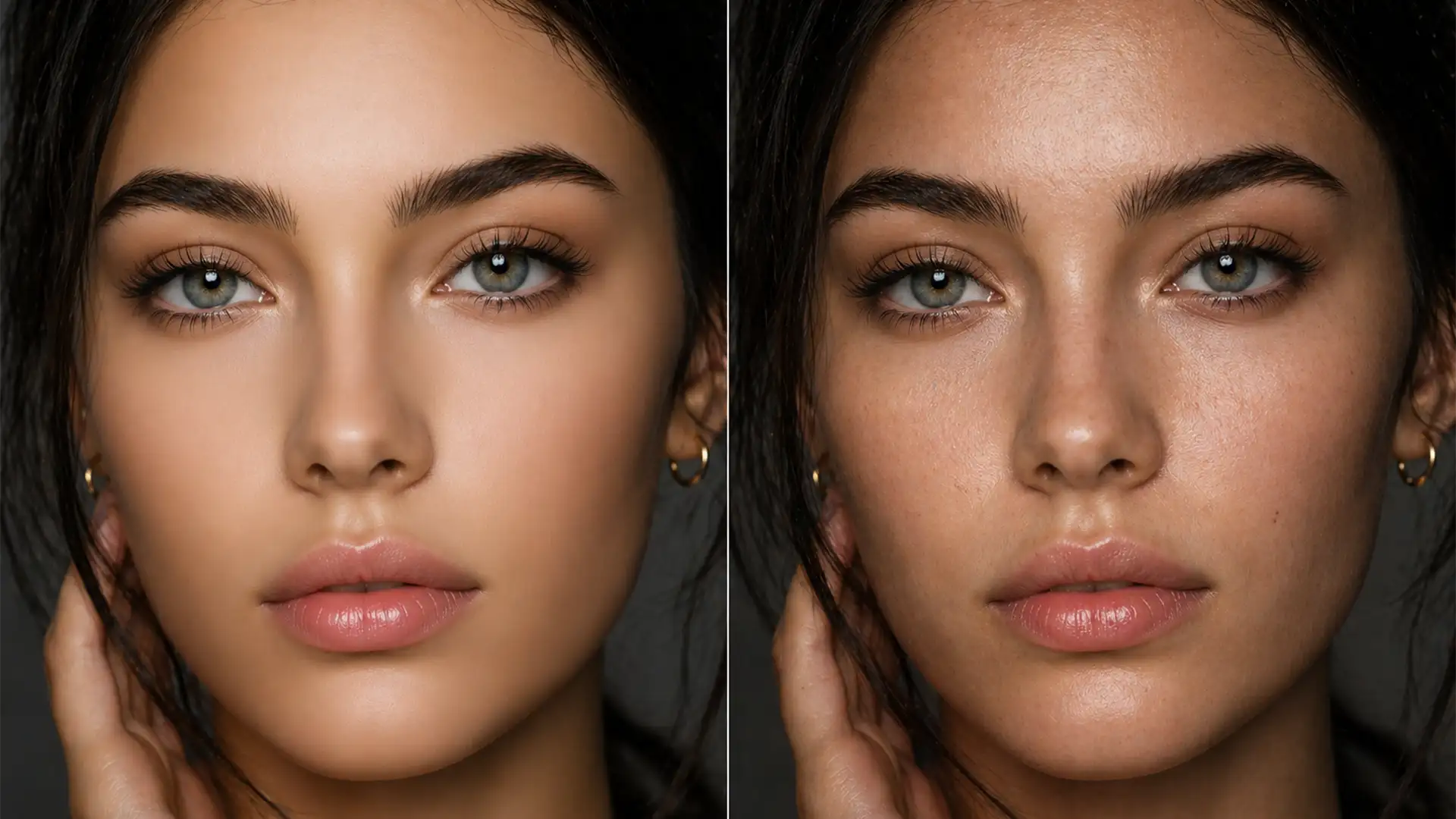

Restore Natural Skin Texture to AI Photos
Have you ever run a portrait through Adobe Neural Filters, Topaz Photo AI, or Retouch4me, only to end up with a subject who looks like a plastic mannequin? You are not alone. While modern AI smoothing algorithms are incredibly efficient...
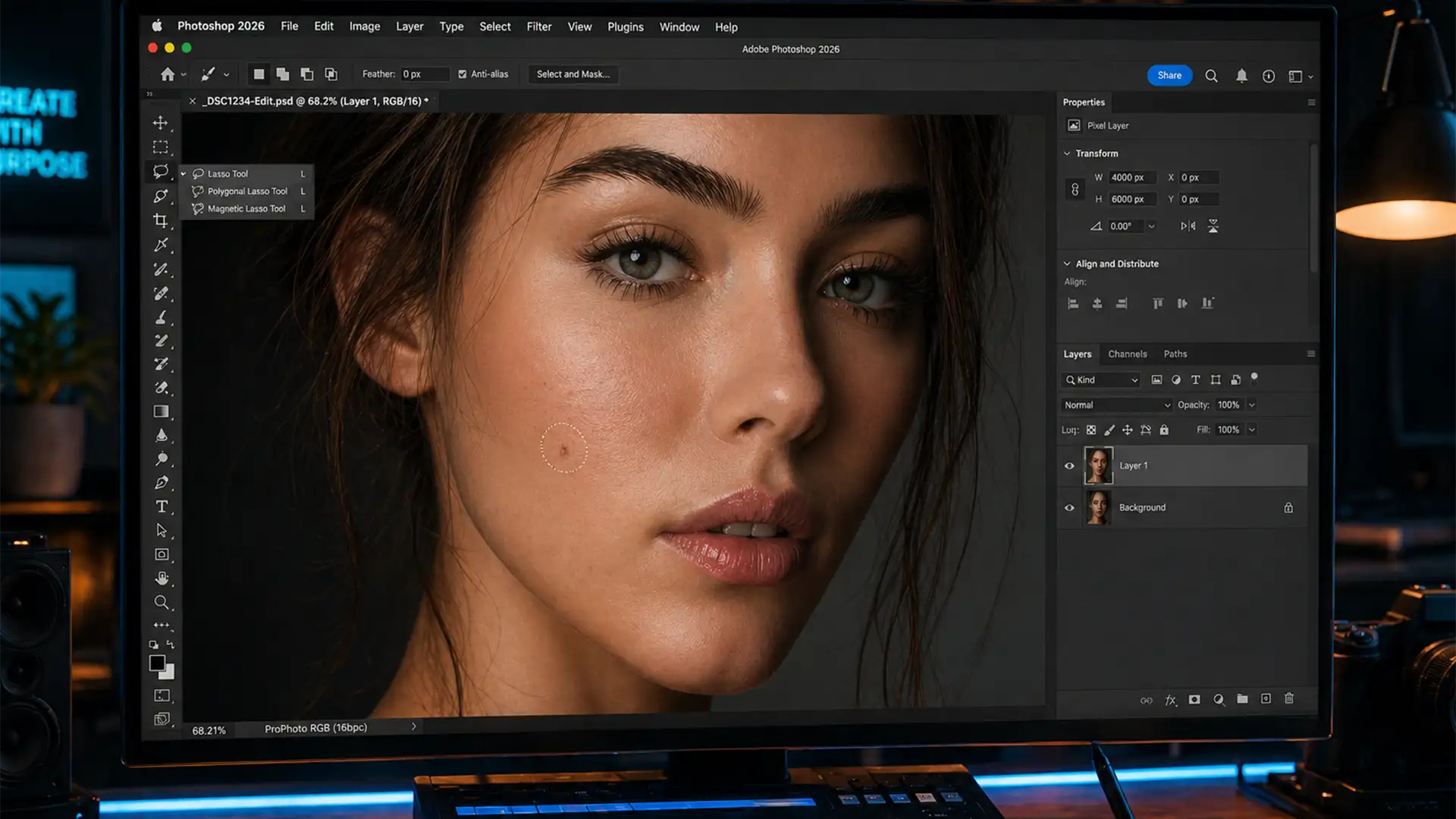
Fix Photoshop Generative Fill Skin Prompt Errors
You are in the middle of a high-end beauty retouching session. You grab the Lasso Tool, circle a minor skin blemish, type “smooth skin” into the Contextual Task Bar, and hit Generate. Instead of a flawless edit, you are slapped...
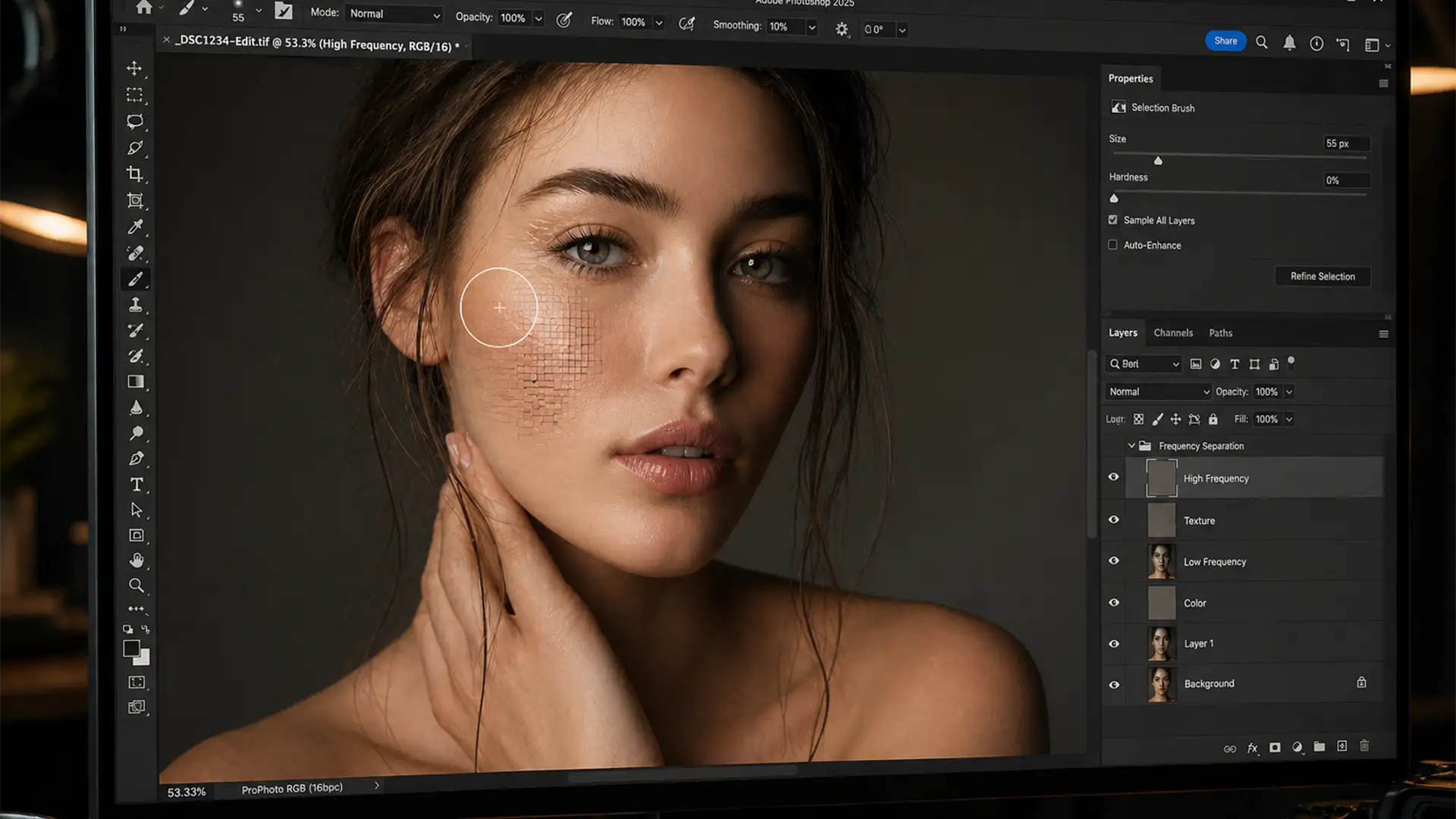
Fix the Photoshop Selection Brush Pattern Bug (v27.5)
You are rushing to meet a tight client deadline. You swipe the new Selection Brush over a minor background distraction, expecting a seamless blend. Instead, Photoshop leaves behind a bizarre, repeating mosaic pattern that ruins the image. If this sounds...

Flambient vs AI HDR: Why Luxury Real Estate Needs Pro Edits
Are you losing premium real estate clients because your interior shots look flat and artificial? You are not alone. Real estate photographers love the speed of automated editing, but when it comes to luxury listings, relying solely on software algorithms...
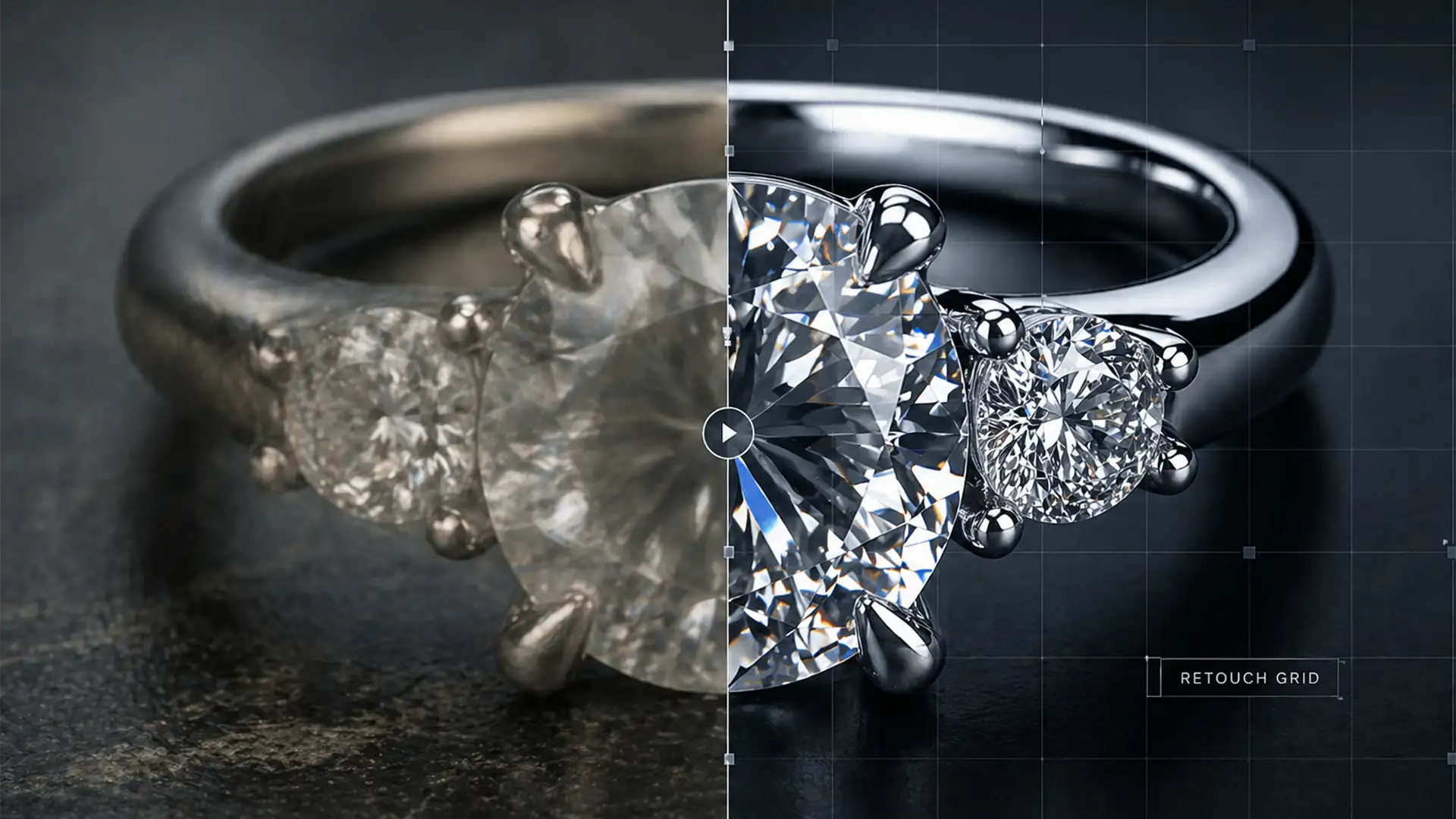
Repairing AI Artifacts in Jewelry Retouching: Restoring Metallic Brilliance
Are you tired of watching Adobe Photoshop v25.0’s Generative Fill turn your high-end commercial jewelry photos into melted plastic? You are not alone. While AI tools are revolutionizing background replacement, they frequently fail when confronted with the rigid geometry and...
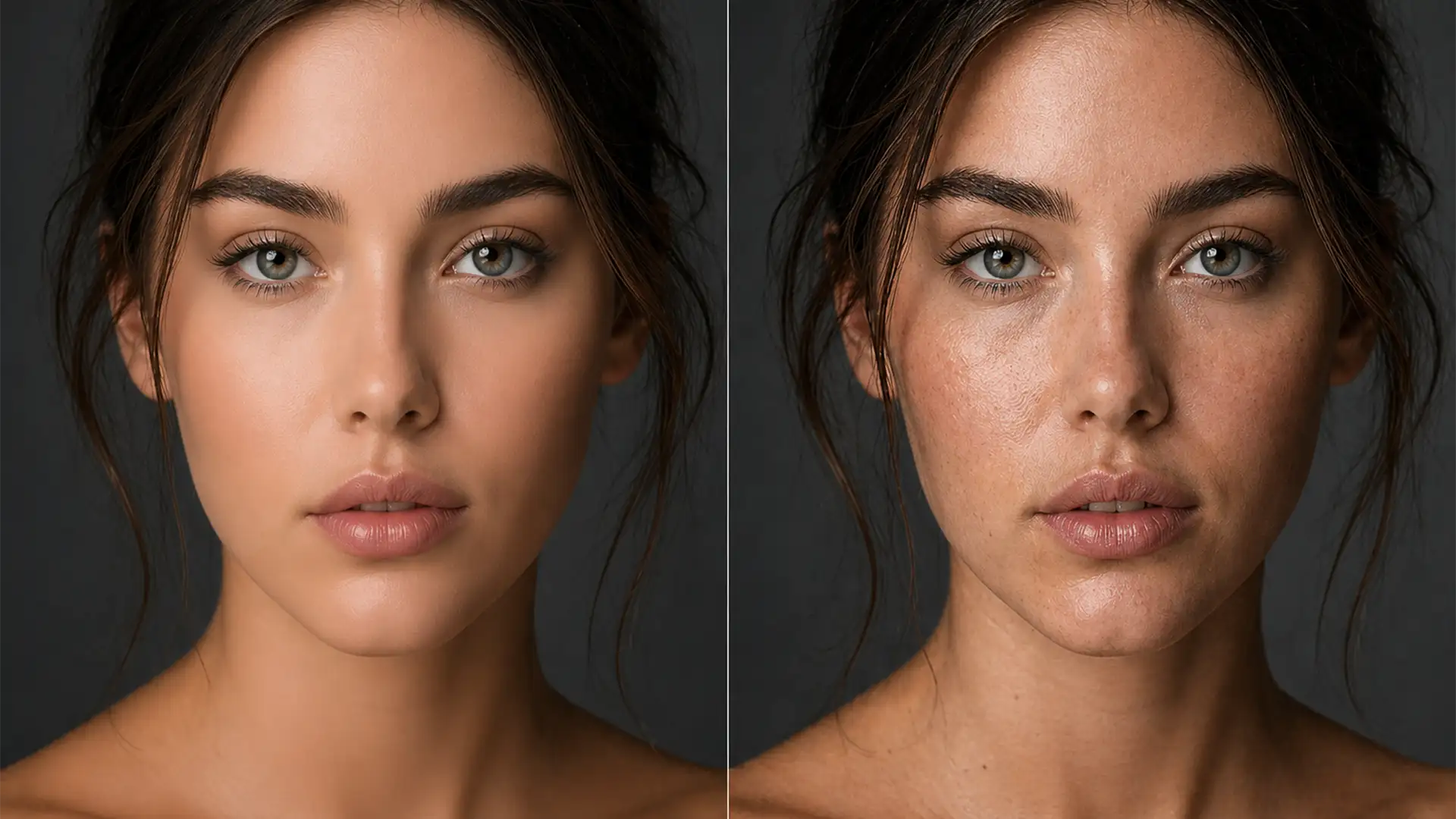
Fixing AI Over-Smoothed Skin Texture: Restore Natural Pores
You just ran a batch of headshots through Photoshop Neural Filters (v24.x+) or a third-party plugin like Evoto. The blemishes are gone, but there’s a massive problem: your subject now looks like a wax mannequin. If you are struggling with...
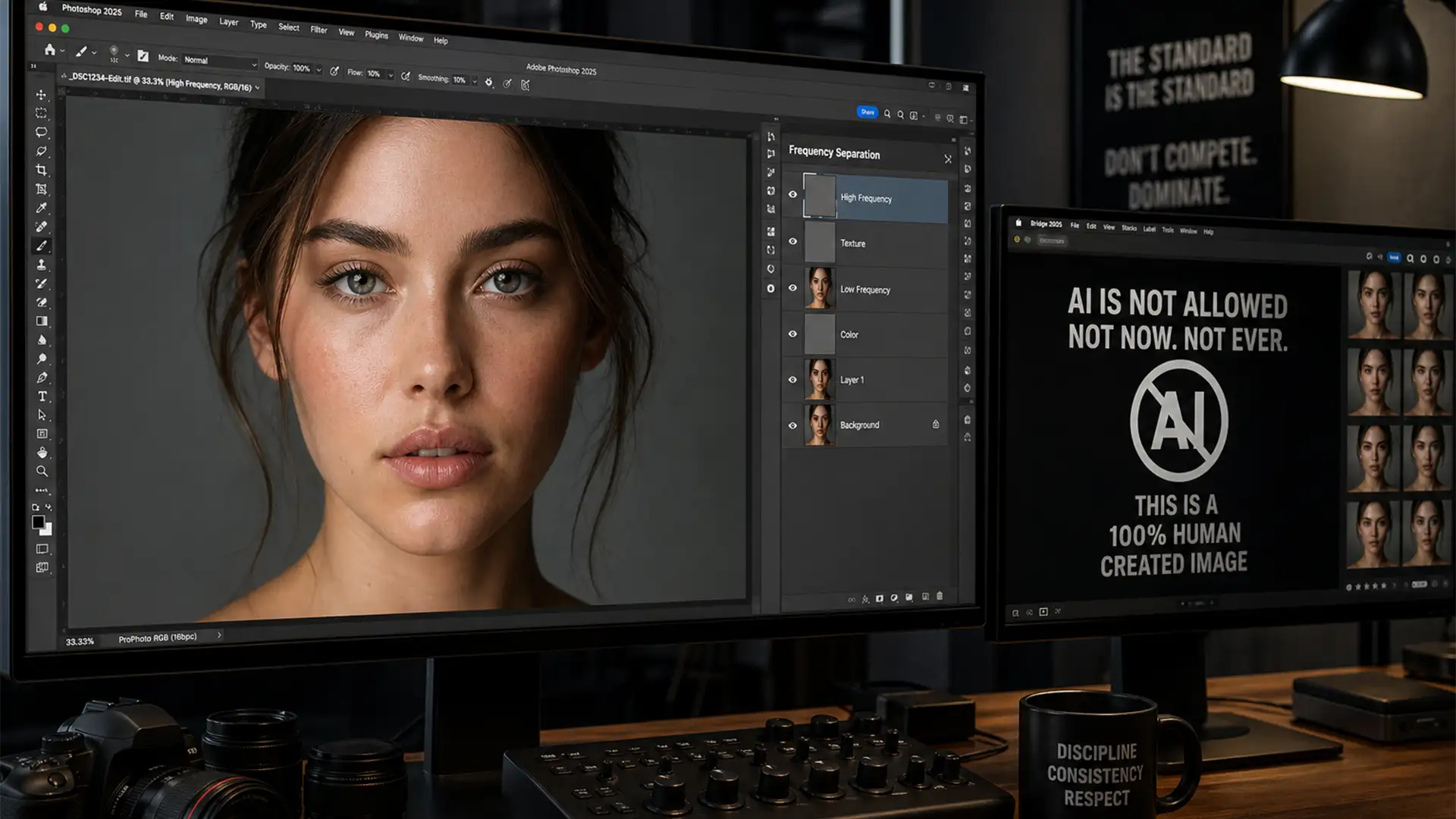
AI-Free Retouching: Competition-Safe Photo Editing Guide
Imagine spending weeks capturing the perfect shot, meticulously editing it, and submitting it to a prestigious photography competition—only to be instantly disqualified. The culprit? Accidental AI contamination. With recent updates to Adobe Photoshop (v25.0+), tools like the AI-powered Remove Tool...
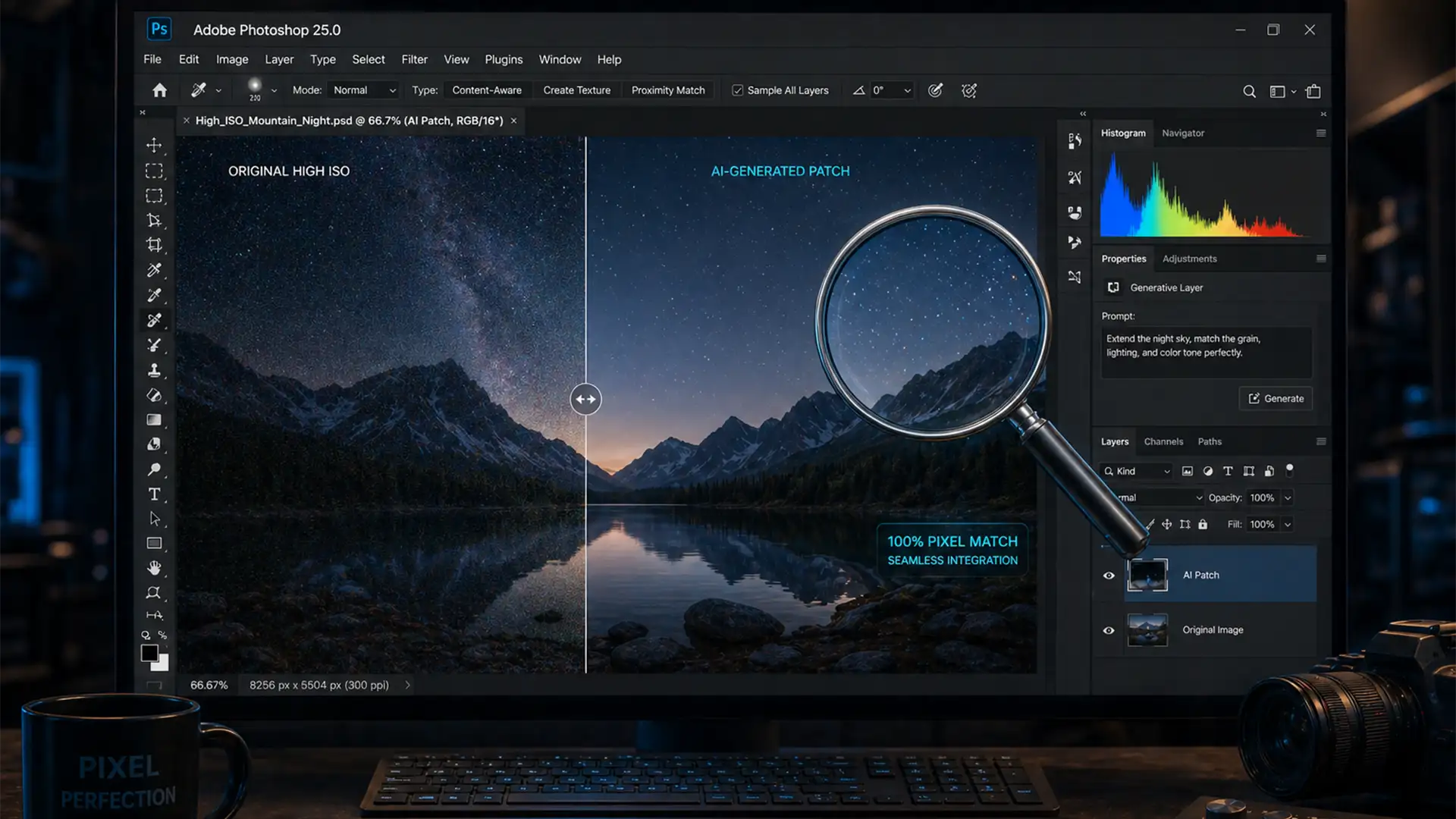
Fix Grain Mismatch in Photoshop Generative Fill (Pro Guide)
You’ve just used Adobe Photoshop’s Generative Fill to seamlessly remove an object or extend a background. Structurally, the composition looks perfect. But when you zoom in to 100%, disaster strikes: the AI-generated patch is completely smooth, creating a glaring, plastic-looking...
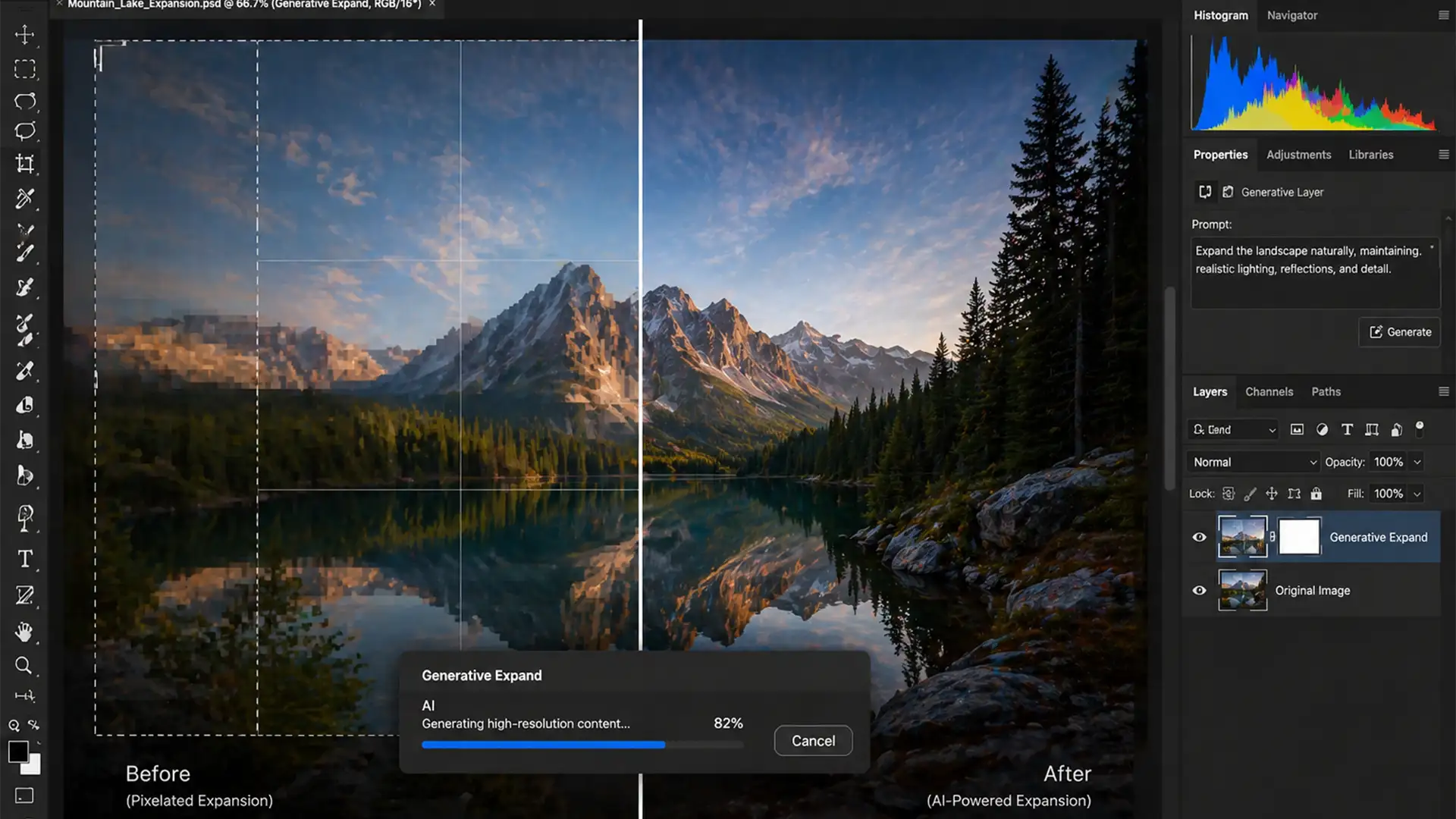
How to Fix Blurry Edge Seams in Photoshop Generative Expand
You just shot a brilliant high-resolution campaign, but the client suddenly needs the images in a wider aspect ratio. You fire up Photoshop v25.0, drag the Crop Tool outward, and hit Generative Expand. The result? A glaring, blurry seam exactly...
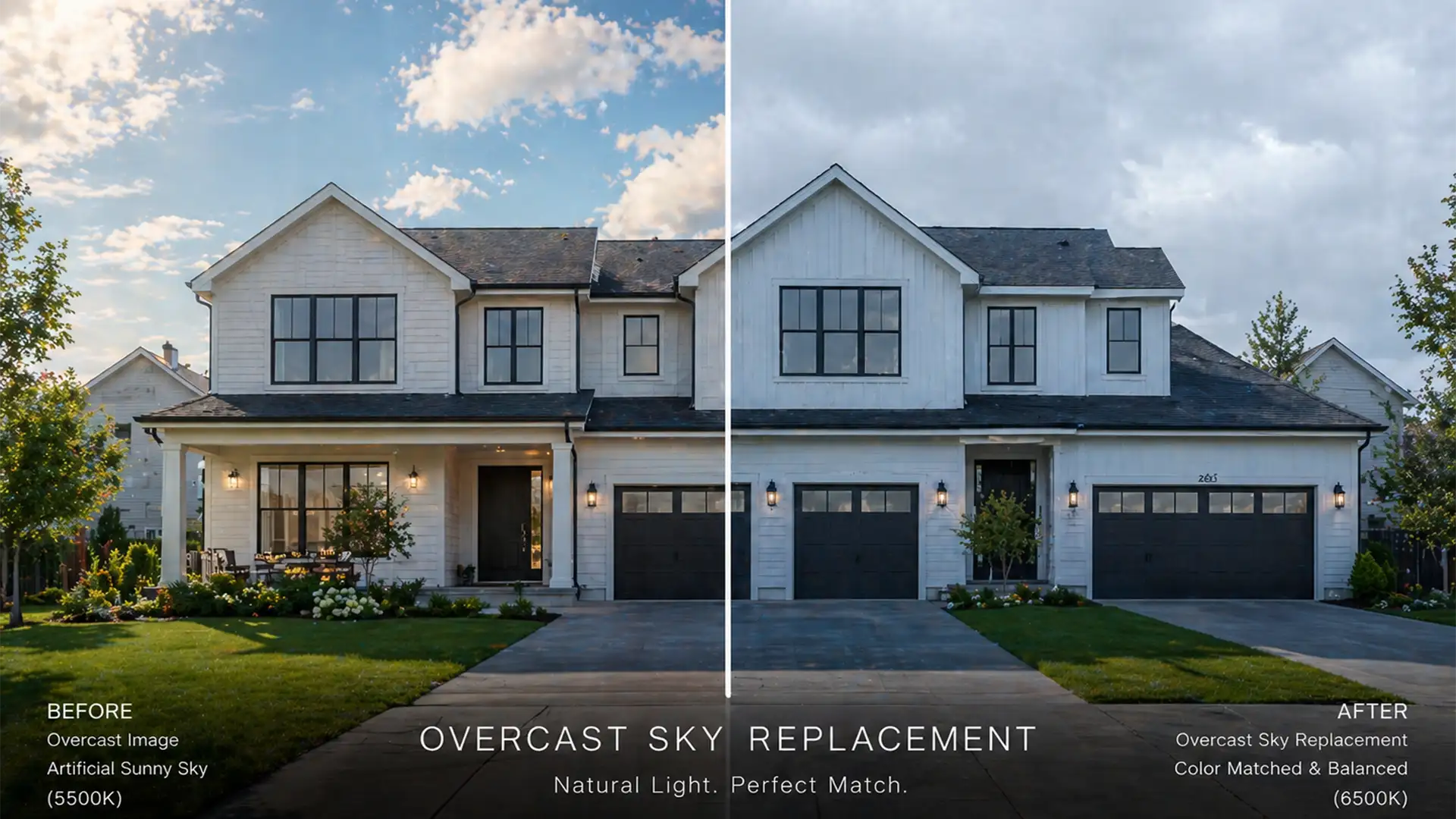
Natural Real Estate Edits: Matching Sky Replacements to Overcast Lighting
There is nothing worse than a beautifully composed real estate exterior ruined by a fake-looking sky. You know the look: the property was shot on a gloomy Tuesday, but the editor dropped in a blazing, high-contrast summer sky. This creates...