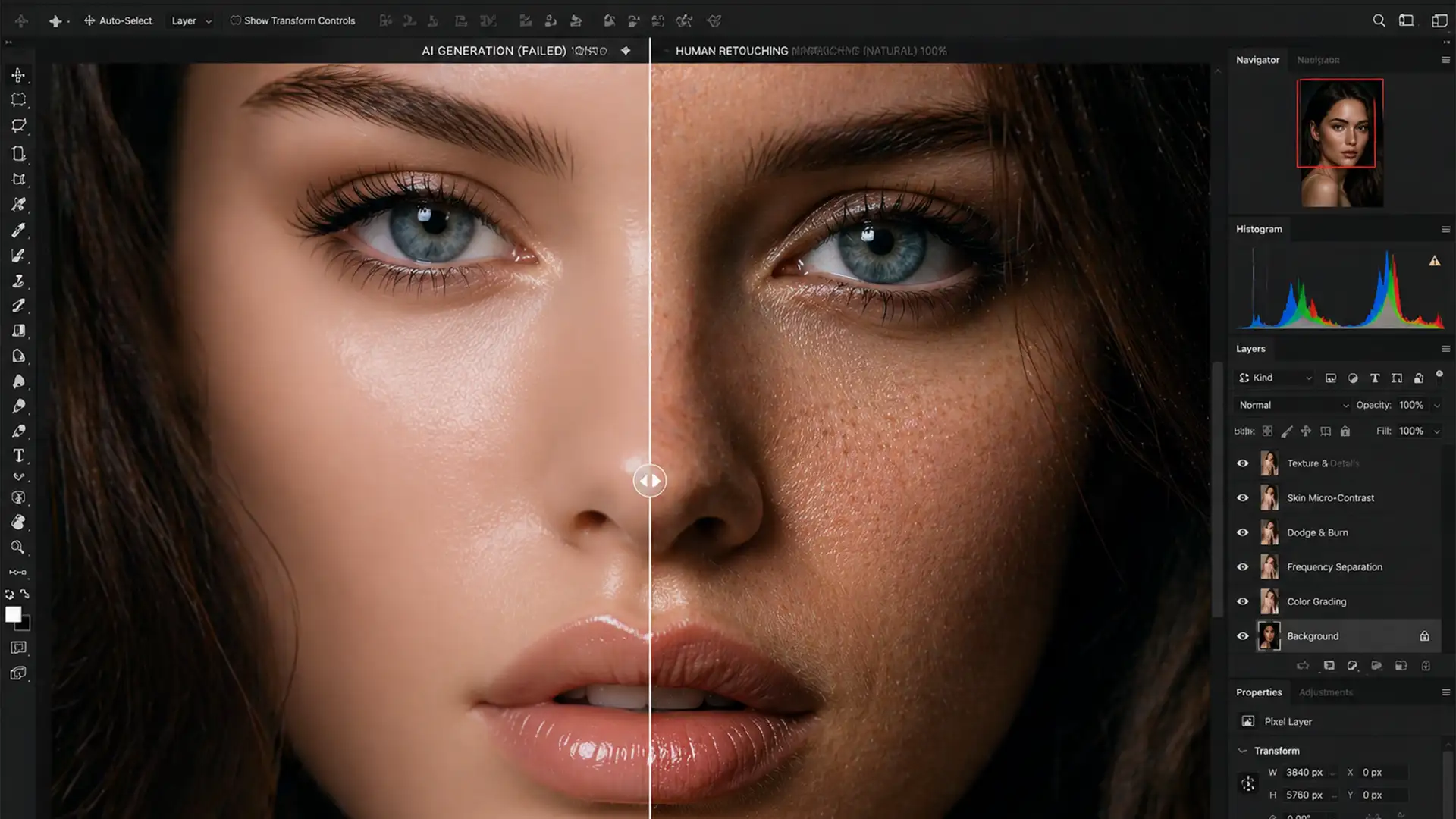

Fix Waxy Skin: Restore Texture After Gen Fill
You’ve just used Photoshop’s Generative Fill to remove a distracting blemish or seamlessly expand a background on a stunning, high-resolution portrait. The overall composition looks great, but as you zoom in to 100%, your heart sinks. The AI-edited area looks...
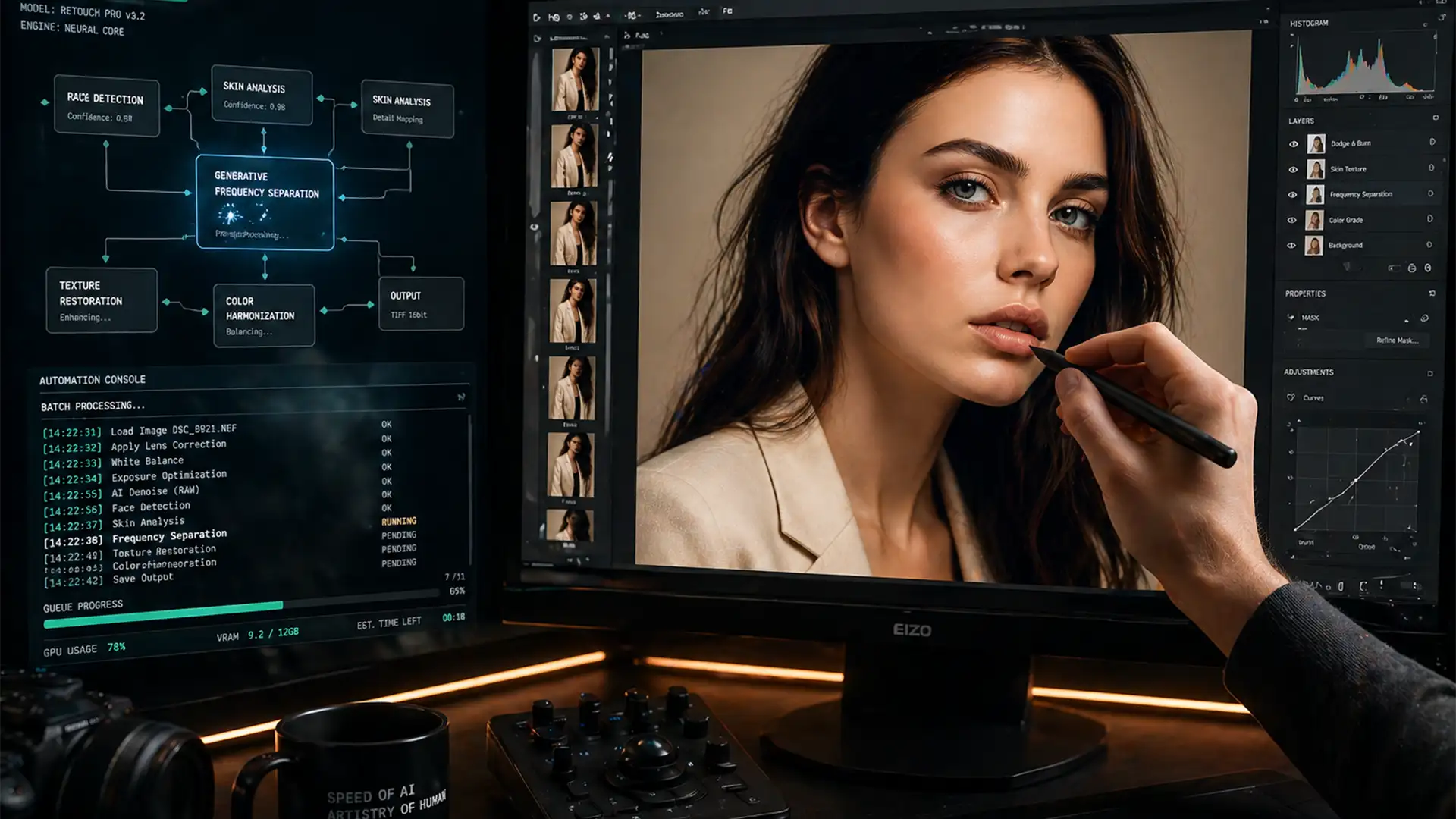
Why Hybrid Retouching is the Standard for High-End Brands in 2026
Are you struggling to balance massive e-commerce imagery demands with premium editorial quality? You aren’t alone. As brands scale their visual content in 2026, relying purely on automated tools like Photoshop v27 Generative Fill often triggers the dreaded uncanny valley...
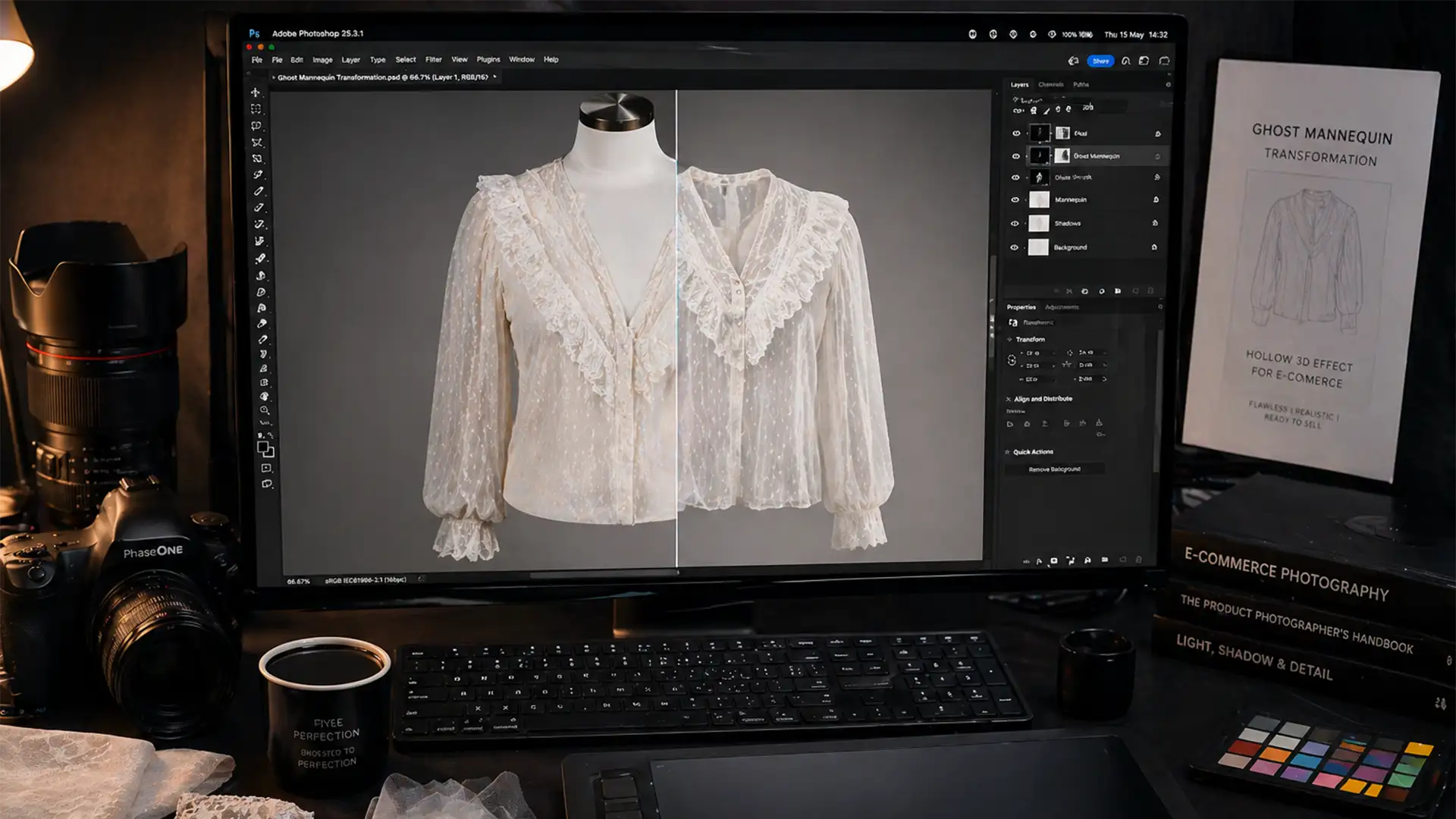
Ghost Mannequin for Sheer Lace Fabrics: Expert Guide
If you run an e-commerce apparel store, you know the nightmare of creating a ghost mannequin for sheer lace fabrics. In Adobe Photoshop v25.x and newer, AI-based tools like Object Selection and Select Subject are incredible—until you feed them translucent...
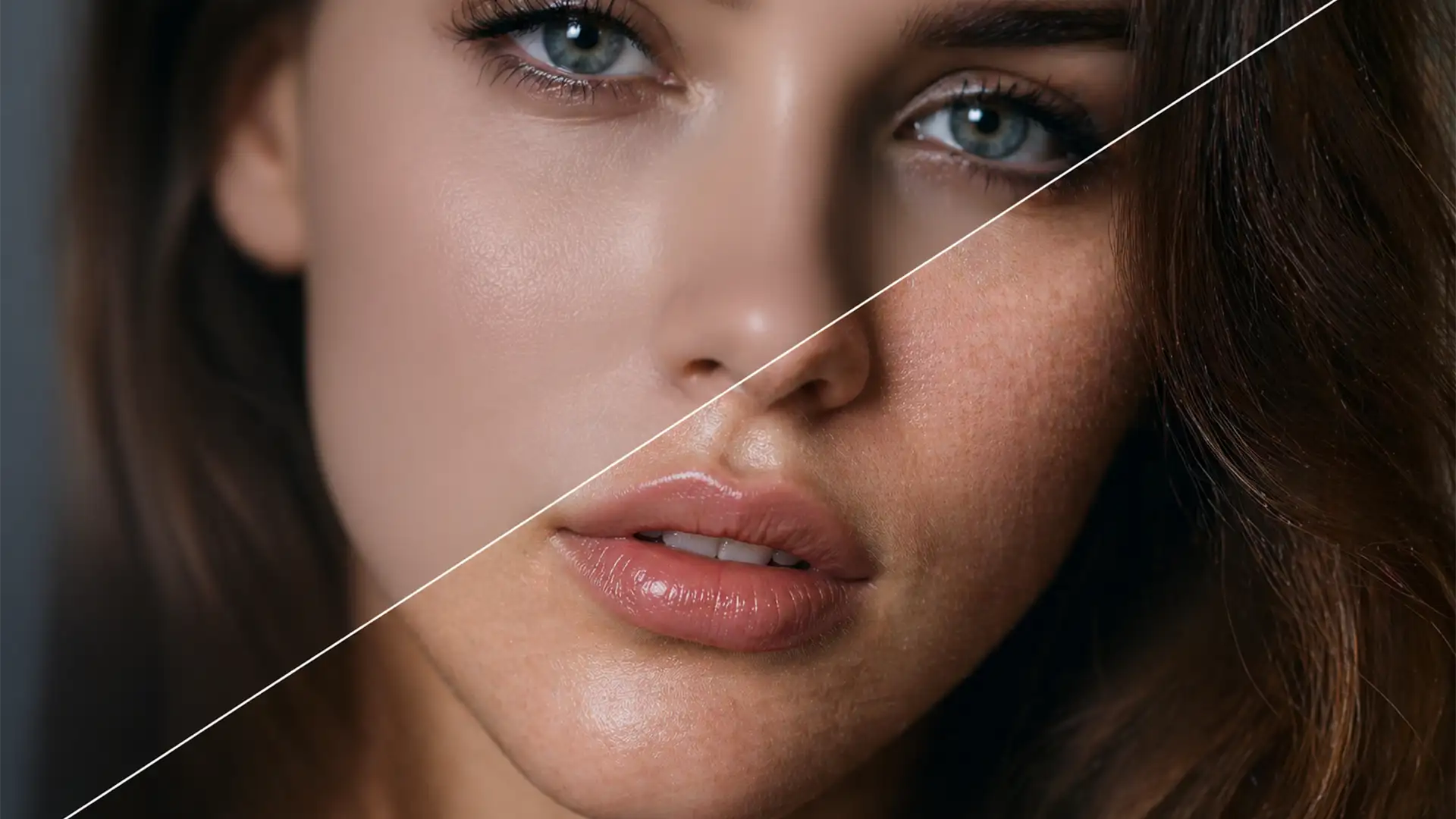
How to Restore Natural Skin Texture to AI-Edited Photos
Have you noticed that Photoshop’s latest AI updates are turning your high-end portraits into mannequins? While Neural Filters and Generative Fill in Photoshop v24.x and v25.x are powerful, they frequently produce uncanny valley artifacts and “plastic” skin. The AI engine...
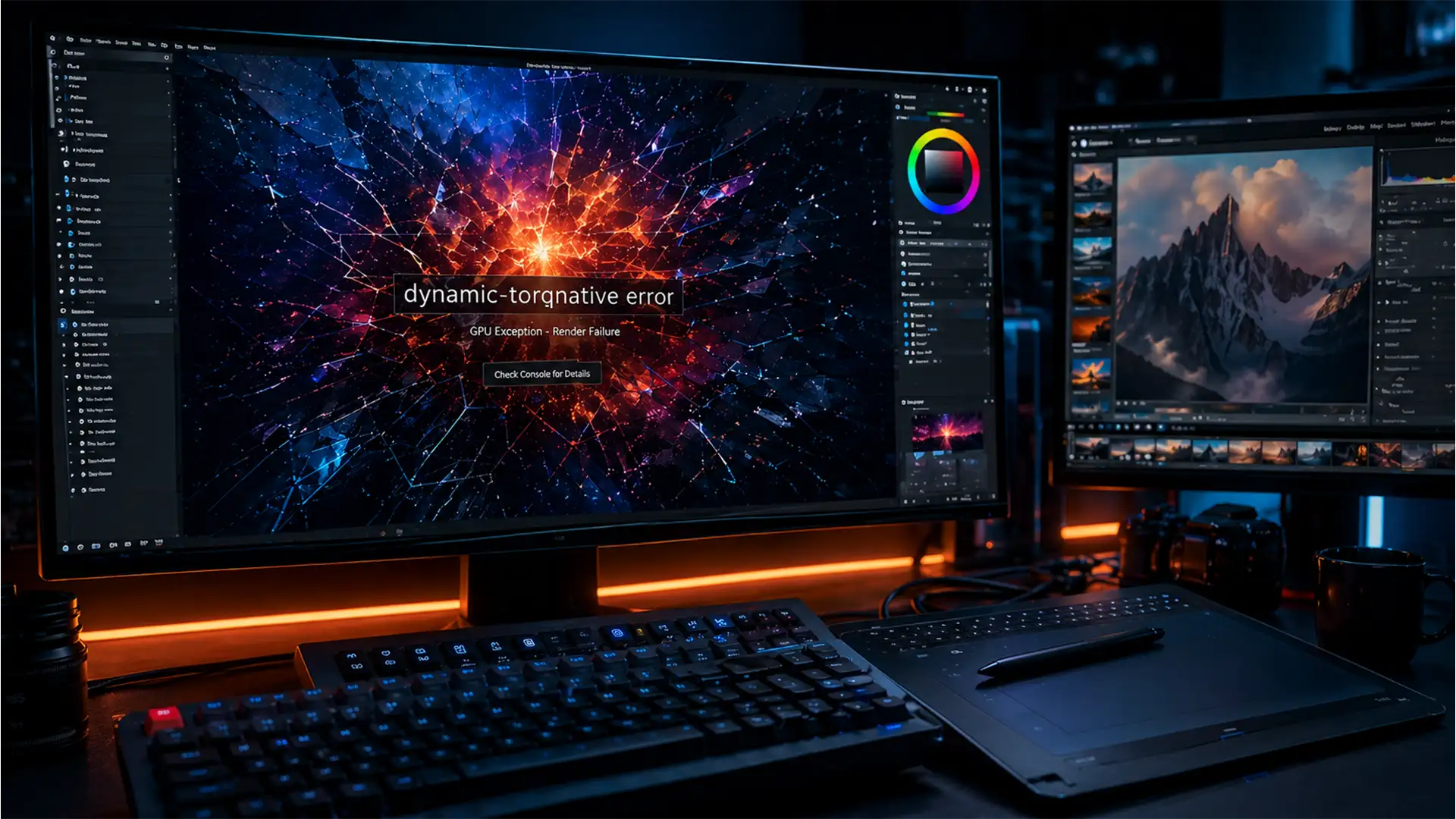
How to Fix Photoshop 2026 dynamic-torqnative GPU Crashes
You are hours deep into a complex composite, you hit the generative AI prompt, and suddenly-your screen freezes. The application closes without warning. If you are experiencing this exact scenario, you are likely dealing with the notorious rendering engine failure...
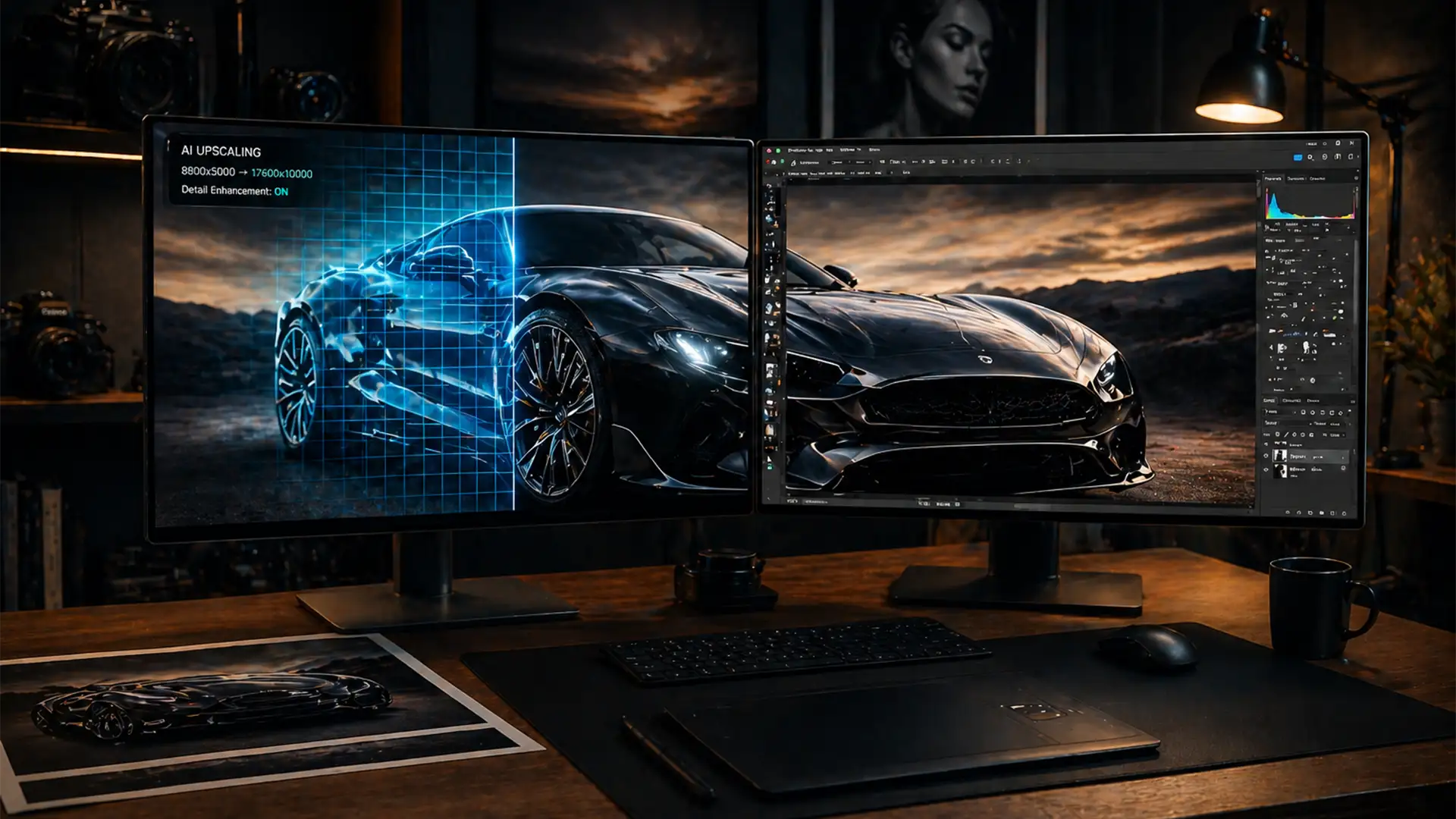
Fixing Blurry Edits: How to Upscale Generative Fill for Print
You’ve just used Photoshop’s Generative Fill to expand the background of a stunning commercial portrait. Zoomed out, it looks flawless. But when you zoom in to 100% to prep the file for a high-end print run, disaster strikes. The AI-generated...
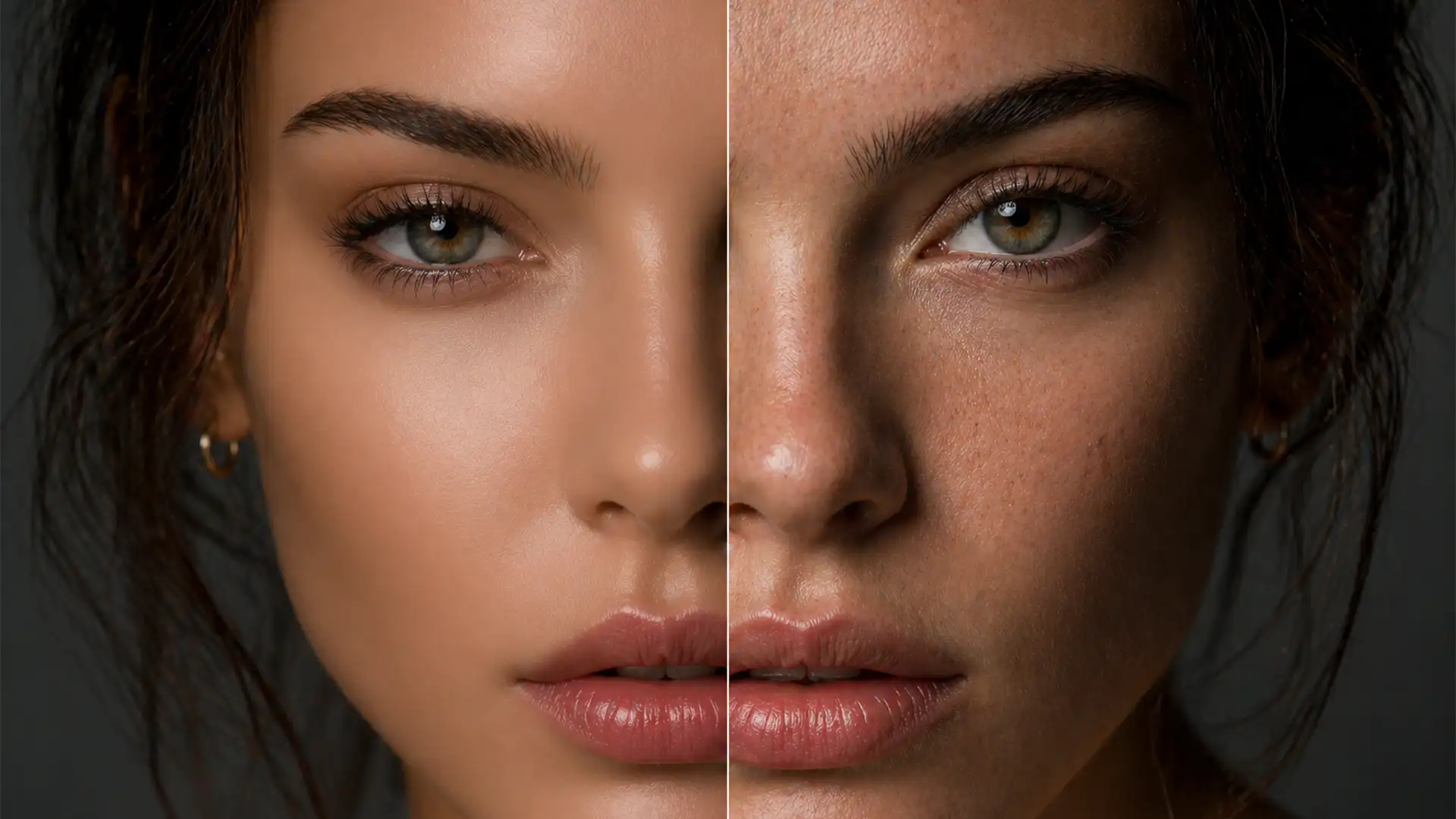
Humanizing AI Portraits: How to Restore Skin Texture and Realistic Pores
You just generated a stunning portrait using Midjourney v6 or Stable Diffusion XL. The lighting is perfect, the composition is flawless, but when you zoom in, the subject looks like a synthetic mannequin. This waxy, overly smoothed appearance immediately gives...
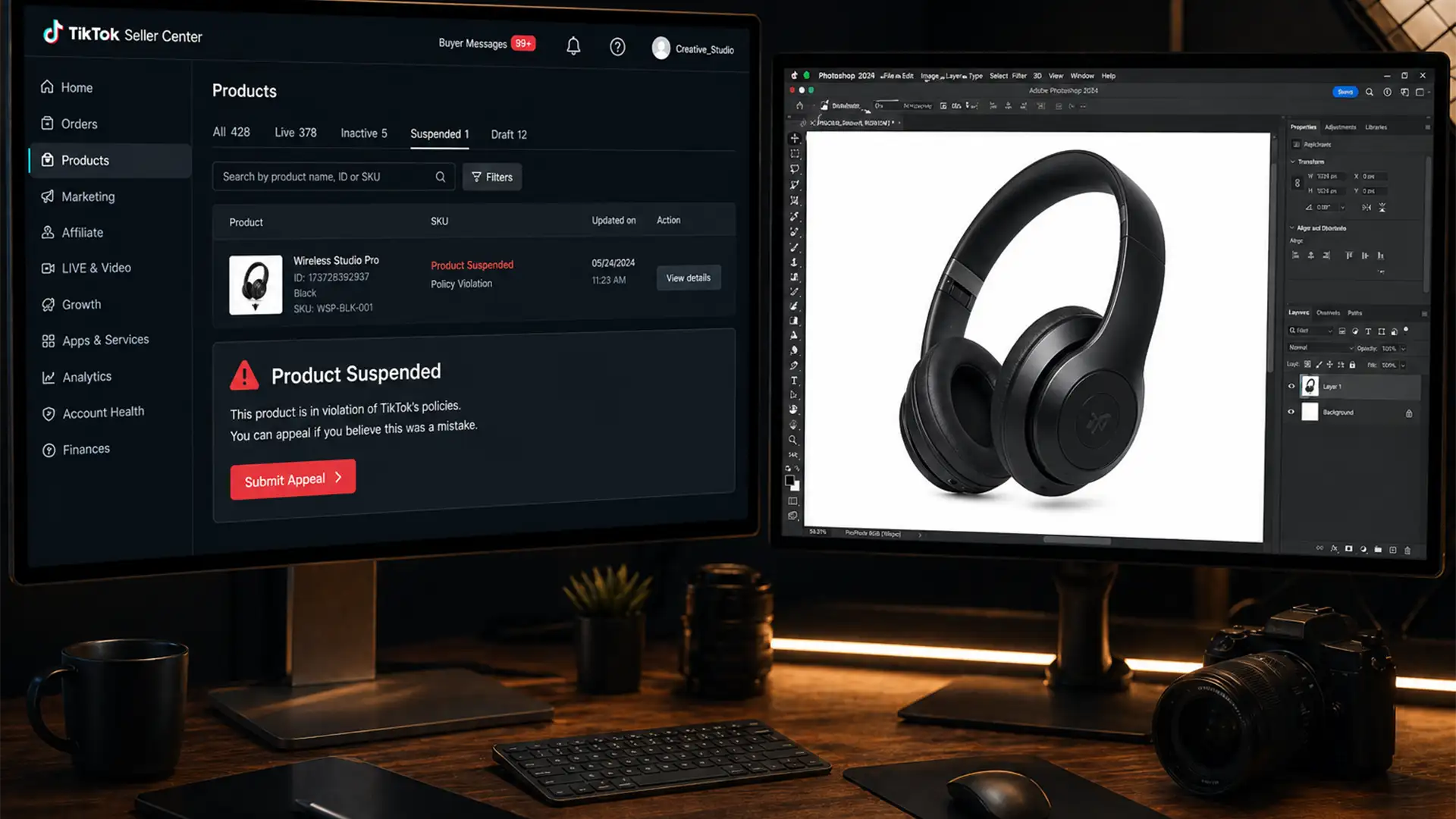
How to Fix TikTok Shop Product Image Rejections: A 2024 Compliance Guide
Are you waking up to a dashboard full of “Product Suspended – Image Non-Compliant” notifications in your TikTok Seller Center? In 2024, TikTok Shop implemented aggressive algorithmic moderation, meaning a single watermark, incorrect pixel density, or a slightly off-white background...
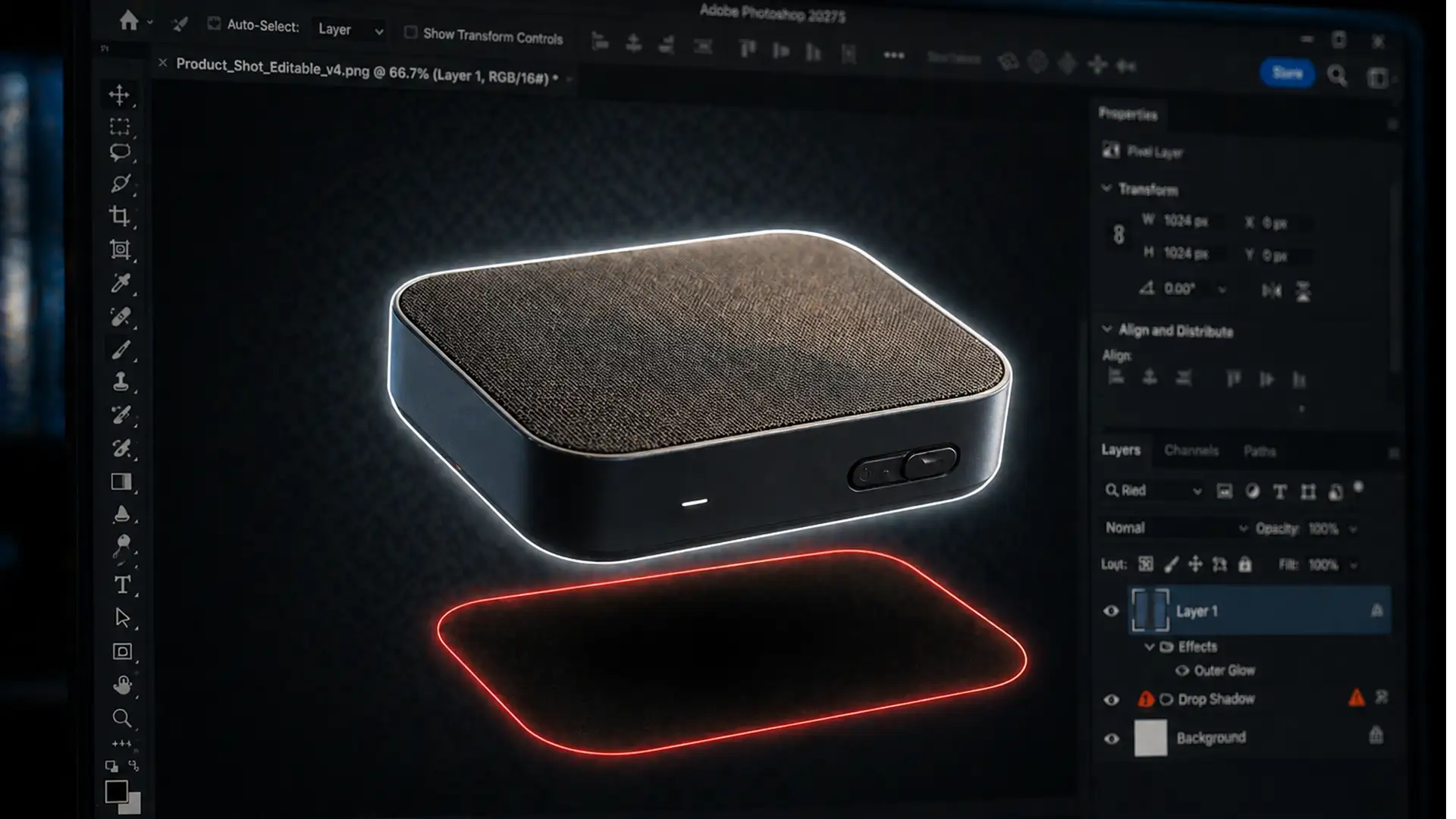
Fixing the PNG Drop Shadow Shift in Photoshop v27.5
You just spent precious time dialing in the perfect drop shadow for a product image in Photoshop v27.5. It looks flawless on your canvas. But the moment you hit “Export As” and open the final file, disaster strikes: the shadow...
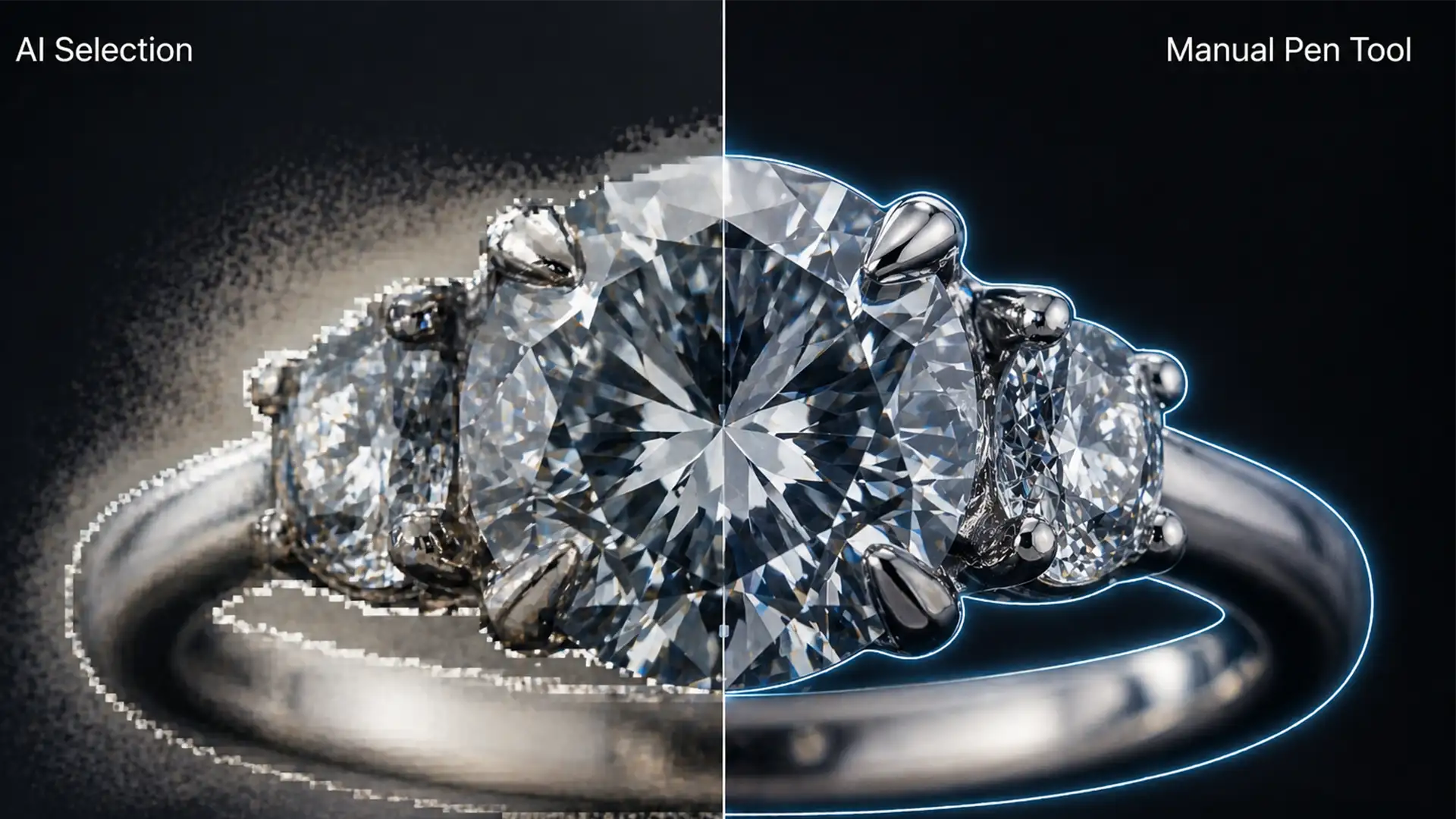
Why AI Fails at Jewelry Retouching: Pen Tool vs AI
You’ve just photographed a stunning diamond ring, loaded it into Adobe Photoshop v25.x, and clicked “Select Subject.” Instead of a flawless cutout, you get a disaster. The delicate diamond prongs are amputated. The gemstone facets are blurred into an unrecognizable...