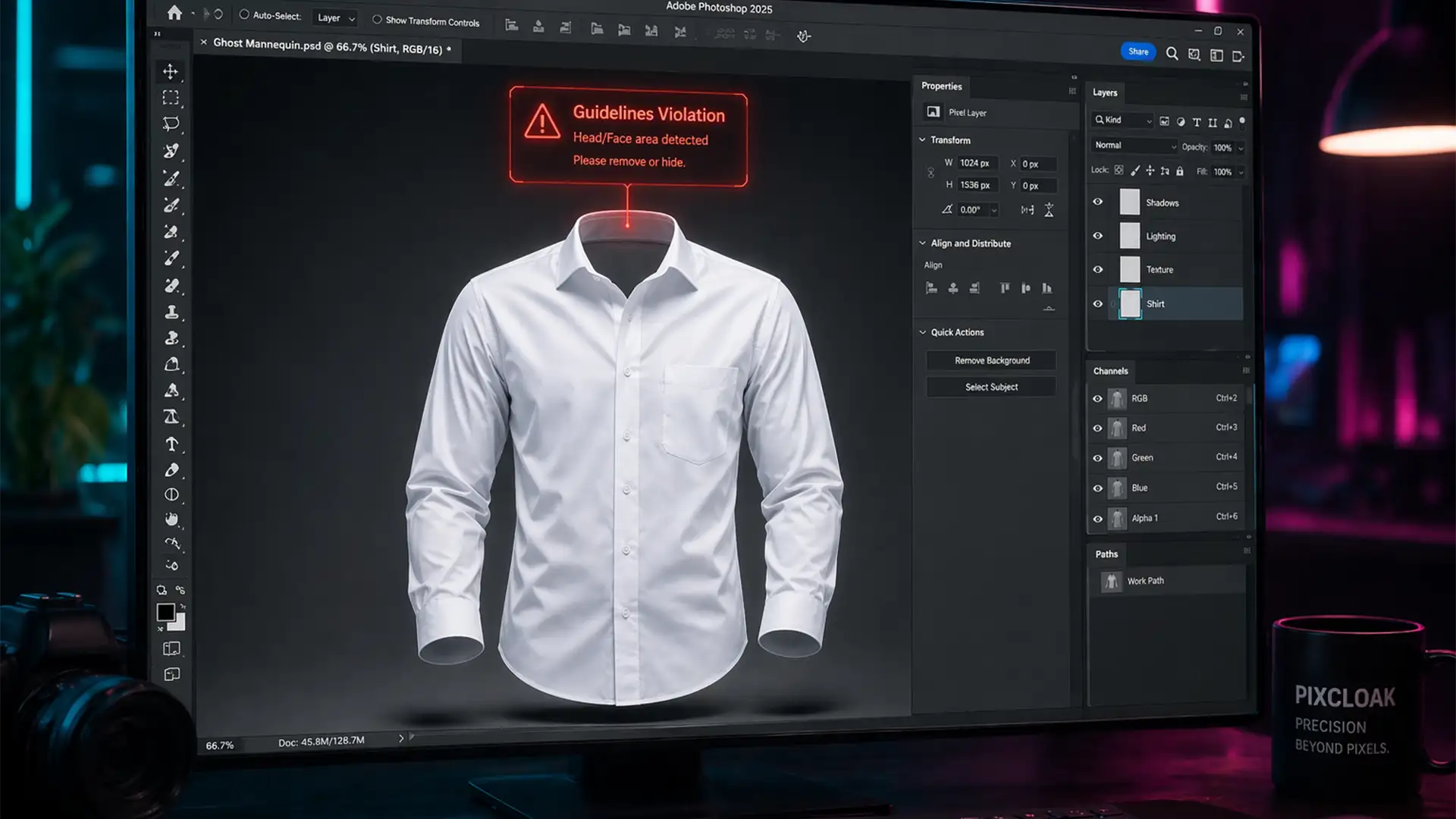

Fix Generative Fill Guidelines Violation For Clothing
You are in the middle of a massive e-commerce retouching batch, reconstructing ghost mannequin necklines. You make your selection, hit “Generate,” and instead of a seamless collar, Photoshop slaps you with a red warning. Your workflow halts instantly. Since Adobe...
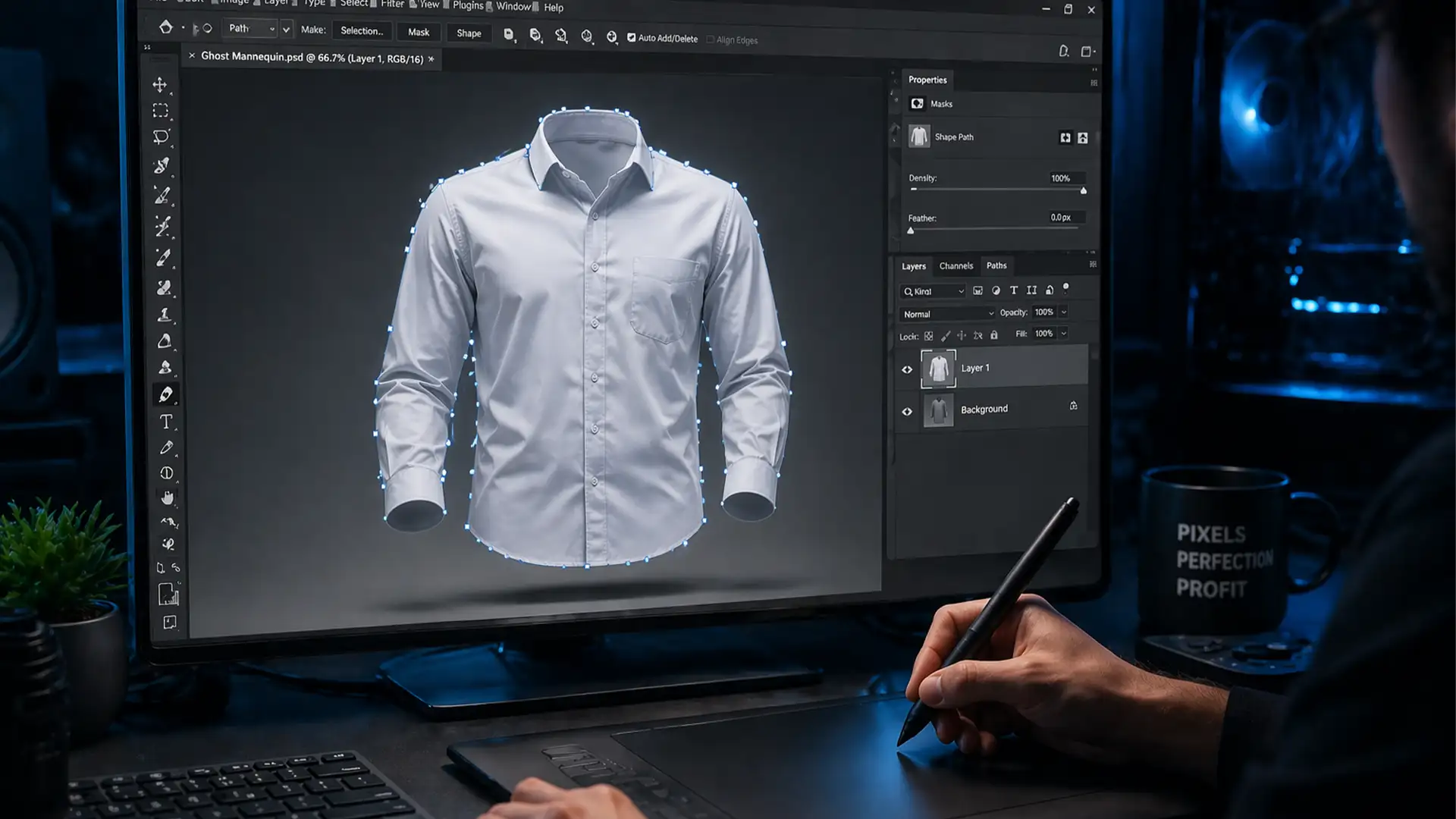
Fix Photoshop v25.12 Pen Tool Lag on macOS Sequoia
Plotting an anchor point only to wait a full second for the bezier curve to appear is maddening. If you are running Adobe Photoshop v25.12 on macOS Sequoia, you have likely experienced this extreme Pen Tool latency. For product retouchers...
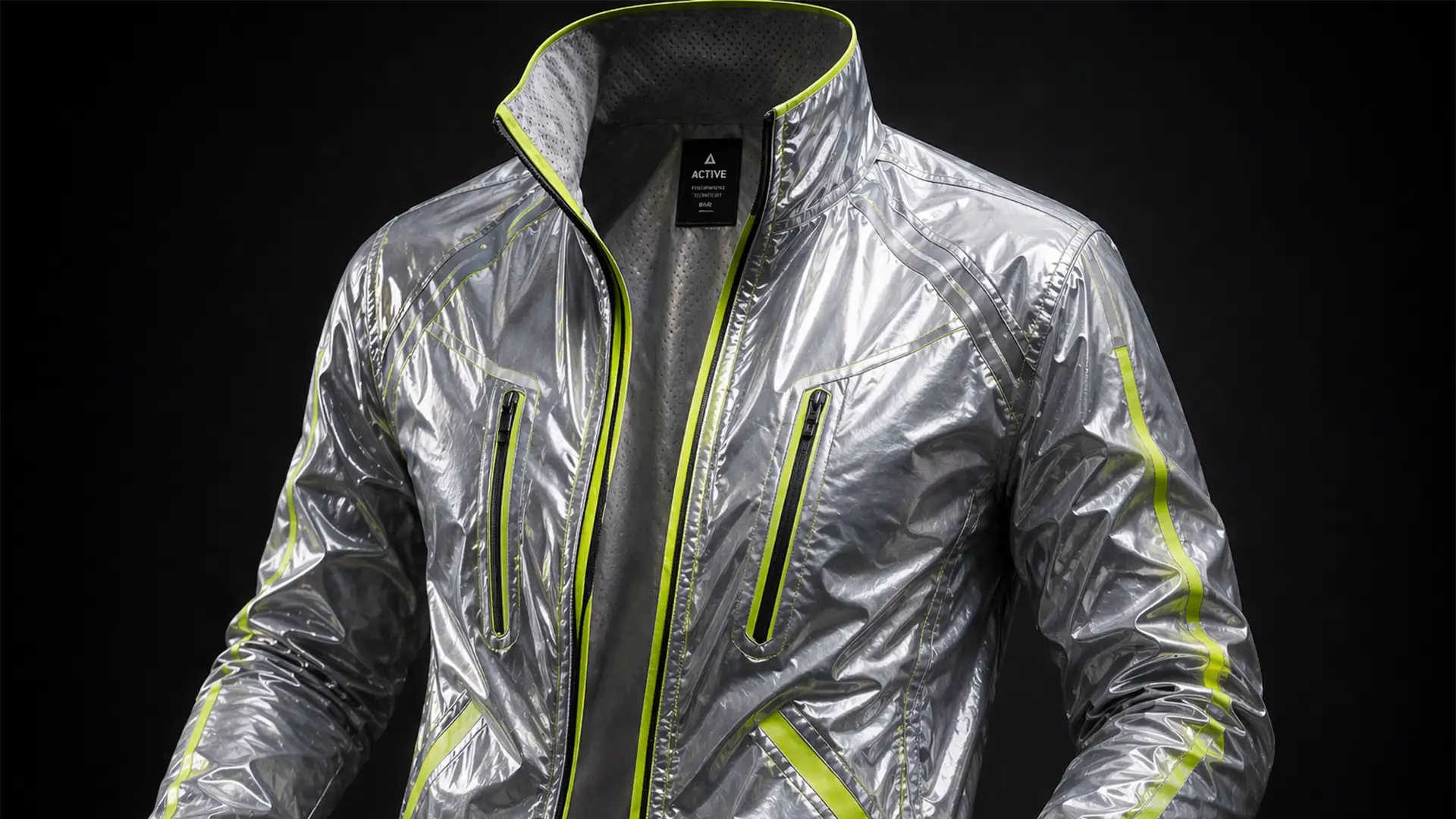
Ghost Mannequin for Reflective Activewear: A Pro Guide
If you are retouching premium gym apparel in Adobe Photoshop CC v25.x, you already know the nightmare of creating a ghost mannequin for reflective activewear. Standard neck joint masking techniques completely flatten the reflective tape or warp the delicate metallic...
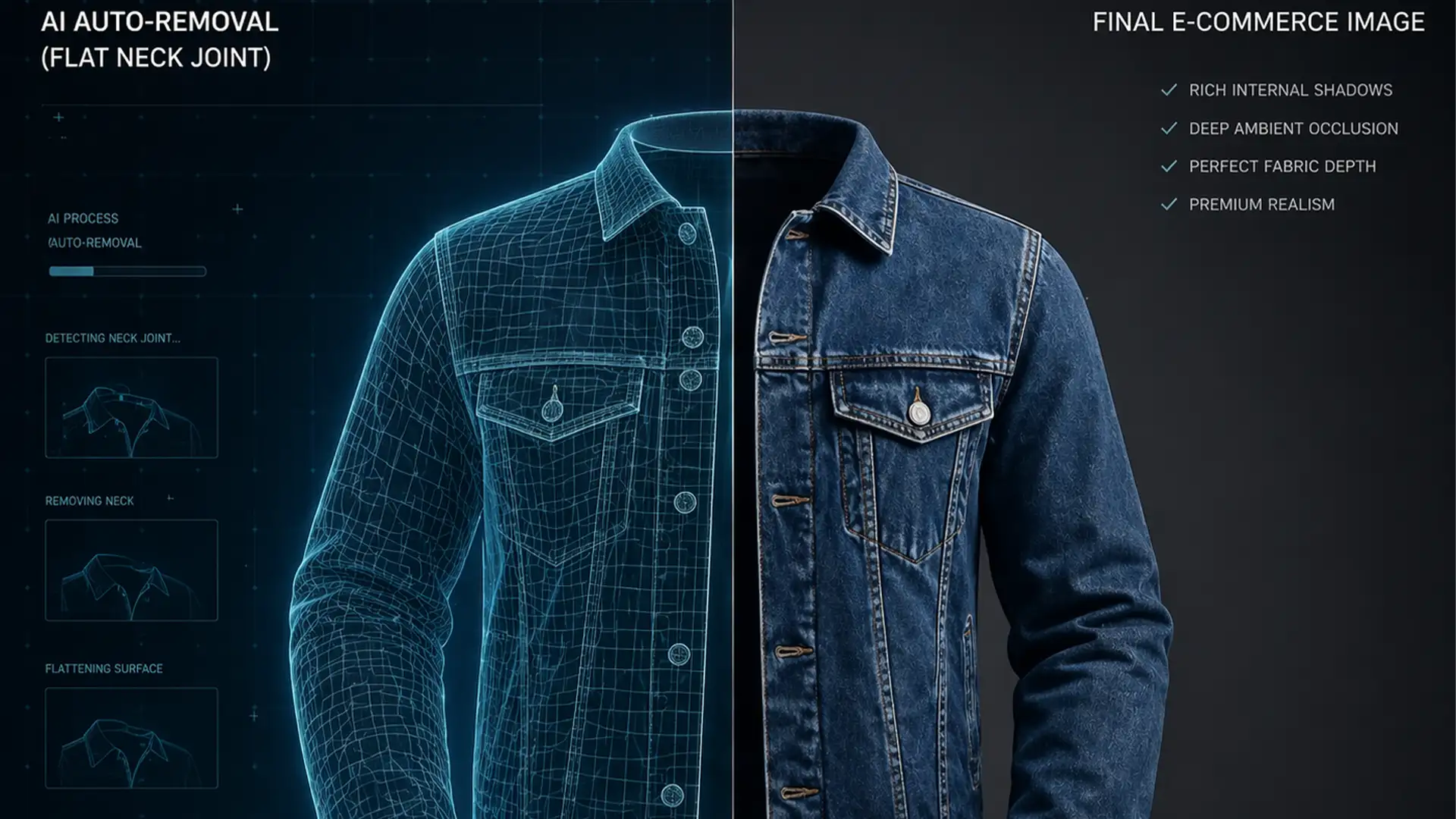
Add Realistic Internal Shadows to AI Ghost Mannequins
E-commerce brands love the speed of AI auto-removal tools, but there is a hidden cost: the dreaded “2D paper doll” effect. When specialized software like Photoroom or AutoRetouch strips away the dummy, it leaves behind a perfectly clean—but completely flat—garment....
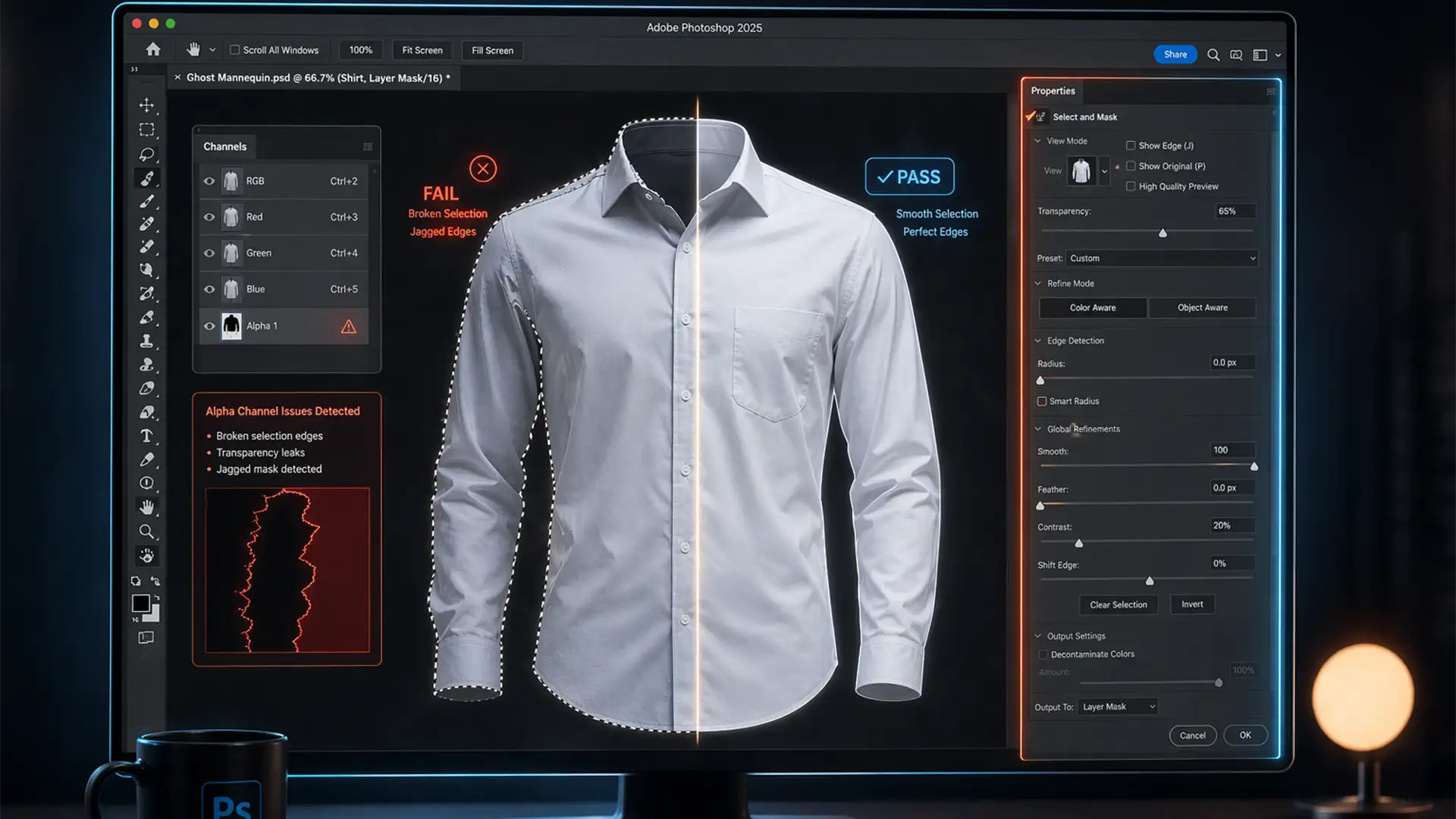
Fix Photoshop 2025 Select and Mask Action Bug (Batch Edit)
Imagine setting up a massive batch processing run for your latest e-commerce apparel shoot. You execute your trusted action script, step away for a coffee, and return to an absolute disaster. Every single image features jagged edges, broken marching ants,...
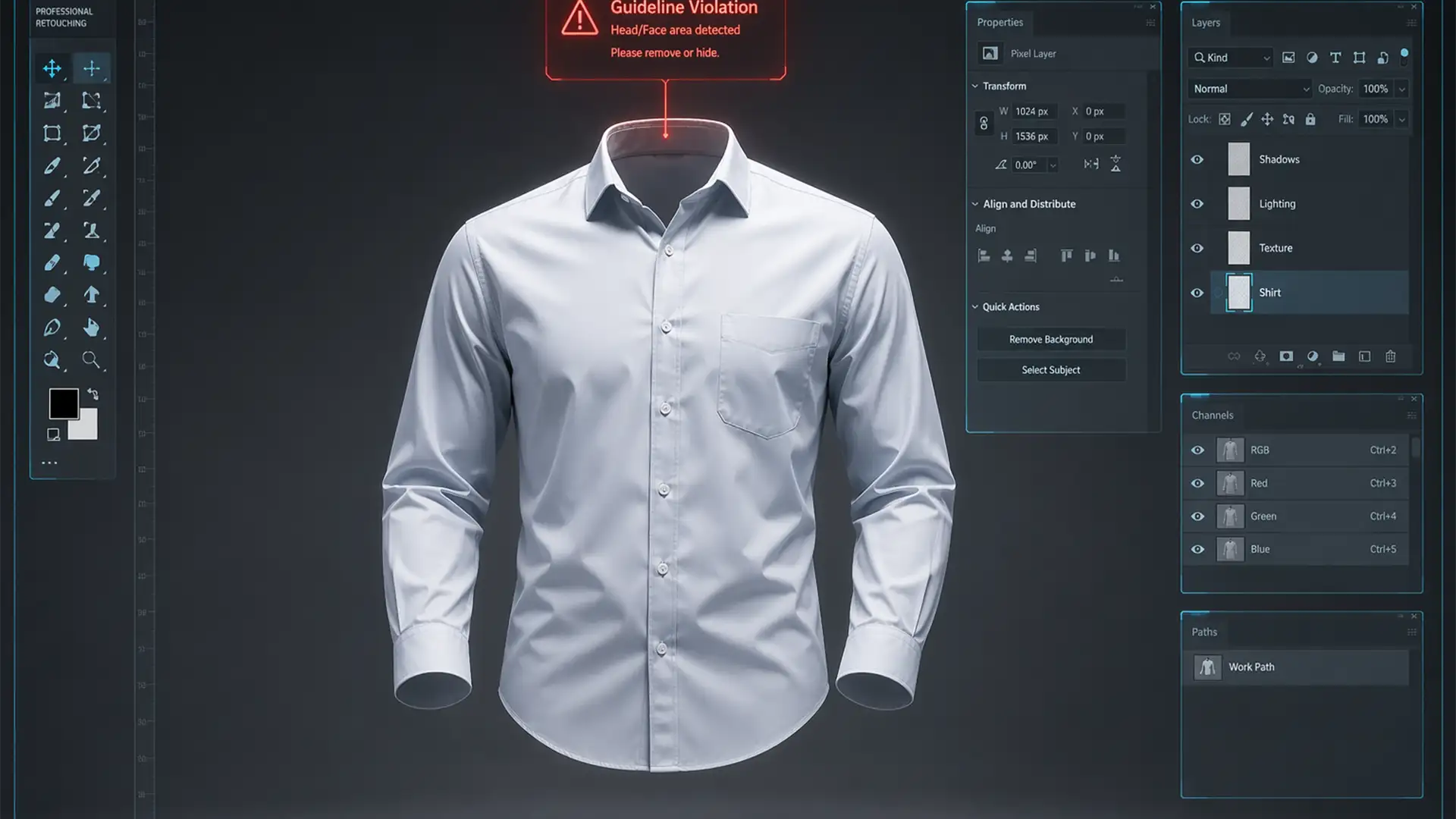
How to Bypass Adobe Generative Fill ‘Guideline Violations’ for Ghost Mannequin Editing
You are in the middle of a massive e-commerce batch, editing ghost mannequin apparel. You select the neck cavity, hit generate, and immediately get slapped with a red error: “Guidelines Violation.” Your workflow grinds to an absolute halt. In Adobe...
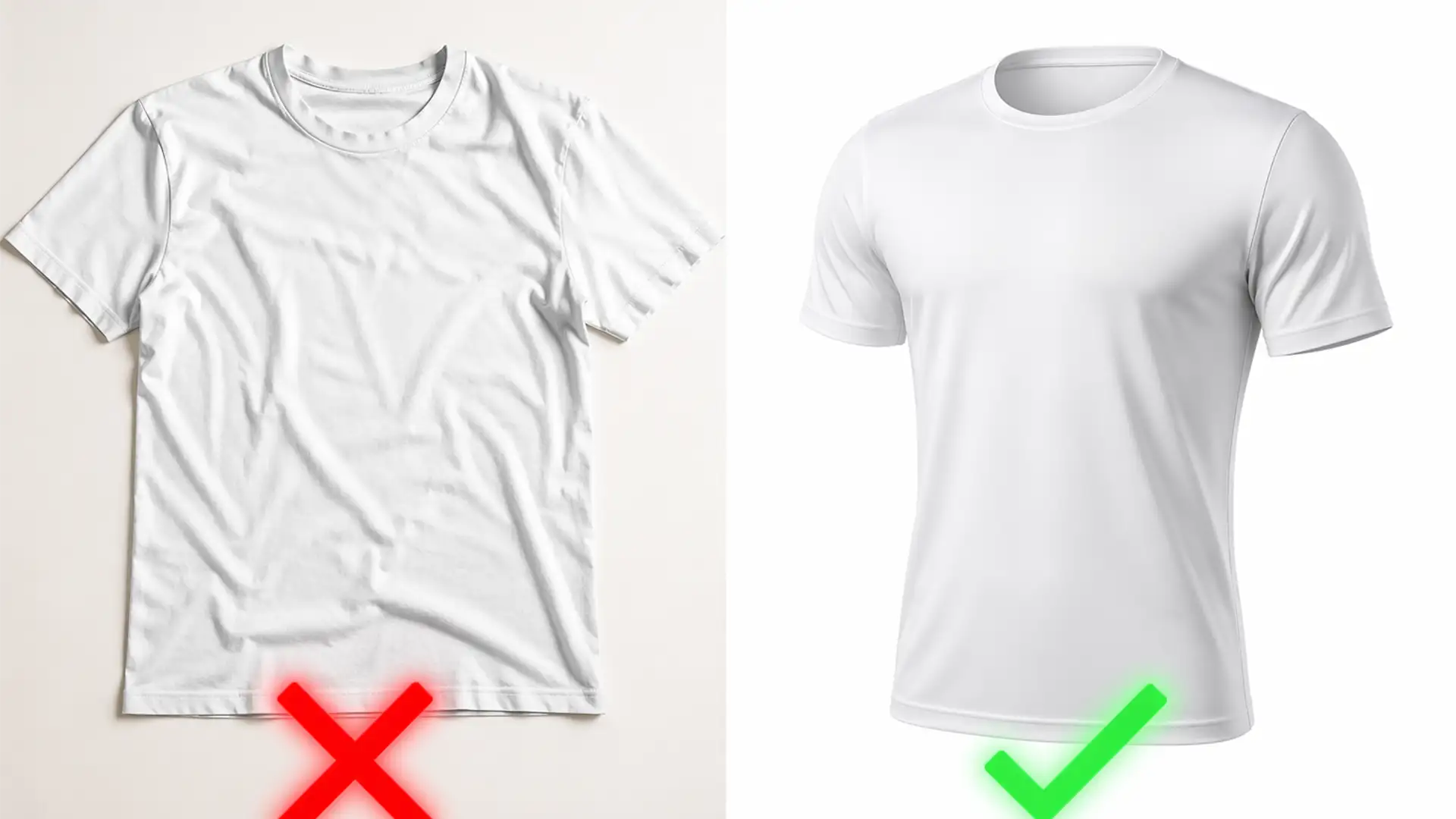
Ghost Mannequin vs. Flat Lay: Which Wins for Amazon Listing Compliance in 2025?
There is nothing worse for an apparel seller than waking up to an ASIN suppression notification. In 2025, Amazon’s A9 algorithm is ruthlessly enforcing its Main Image guidelines, instantly penalizing listings with non-compliant backgrounds, visible props, or mannequins in the...
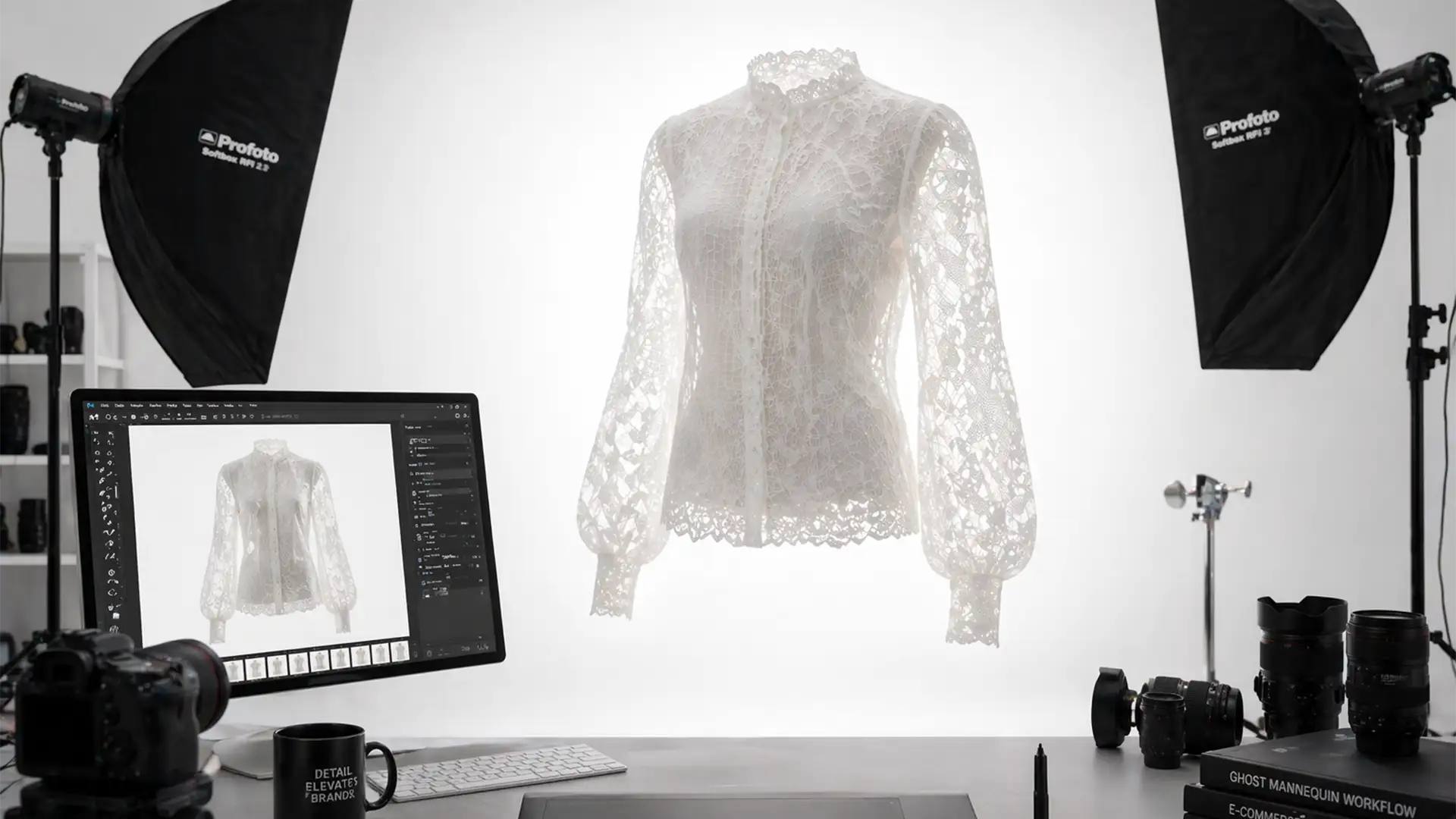
The Transparency Trap: Mastering Ghost Mannequin Edits for Sheer, Mesh, and Lace Apparel
You’ve just shot a stunning collection of sheer blouses and delicate lace lingerie, but the editing process is turning into a nightmare. When you try to create a clean invisible mannequin look, the automated background removal tools destroy the semi-transparent...
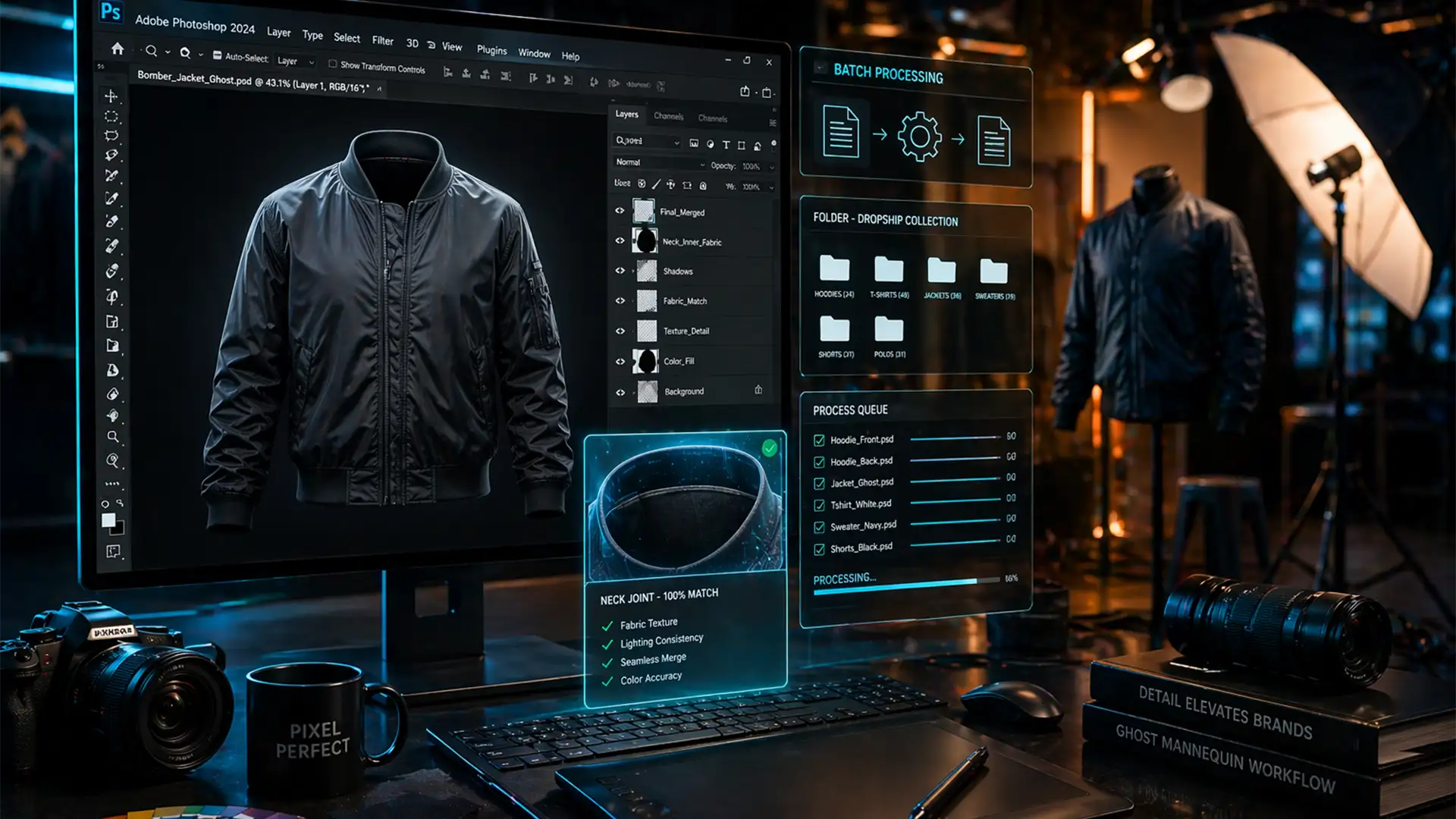
High Volume Batch Ghost Mannequin Workflow 2024 Guide
If your e-commerce studio is processing 500+ apparel shots a day, manual editing is your biggest bottleneck. Aligning the inner collar with the front garment across varying sizes takes time, and running large batch operations often triggers memory leaks or...
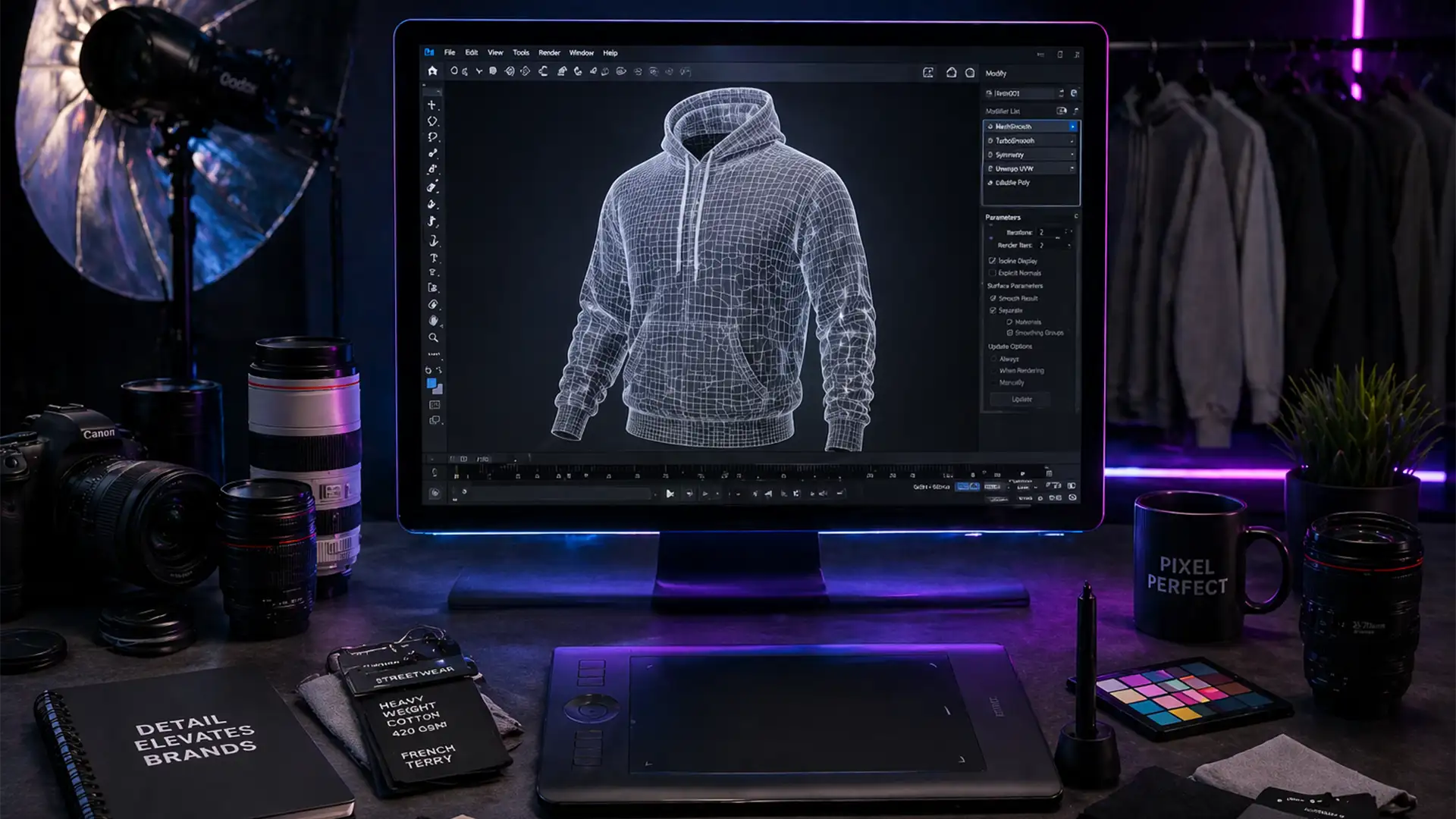
Bulk Ghost Mannequin Workflow for Dropshipping
If you are running a high-volume dropshipping apparel brand, manual image editing is likely the biggest bottleneck delaying your product launches. When dealing with 50+ high-res RAW files daily, the repetitive manual alignment of the front garment and the inner...