
Fix Photoshop Generative Fill Apparel Censorship
You are in the middle of a massive e-commerce photoshop retouching batch, utilizing Adobe’s latest AI tools to speed up your ghost mannequin edits. Suddenly, a red warning halts your progress: “The generated images were removed because they violate user...
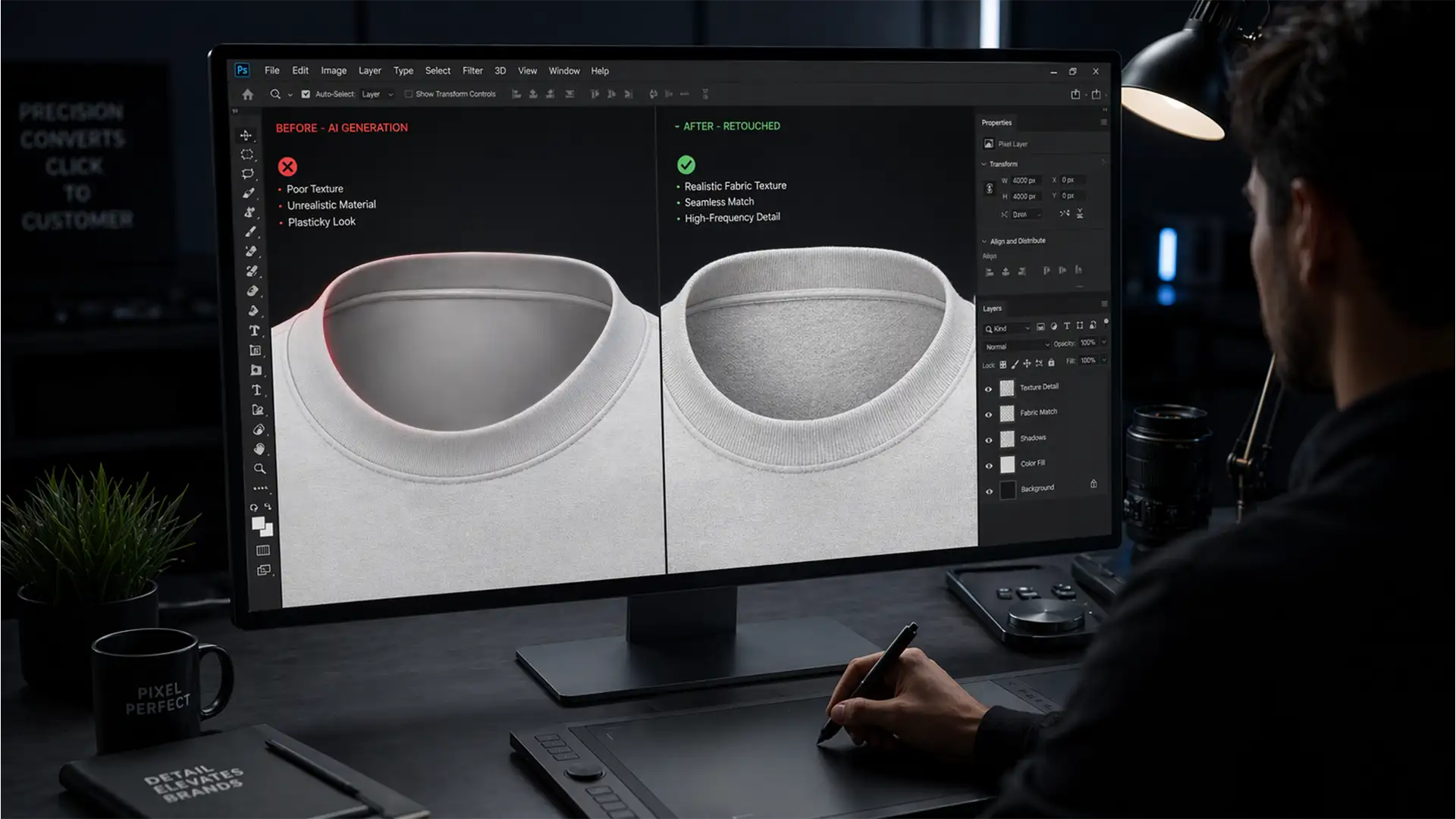
Fix AI Fabric Texture Mismatch in Ghost Mannequins
If you are bulk processing e-commerce apparel using Adobe Photoshop’s Generative Fill, you have likely hit a frustrating roadblock: the dreaded AI fabric texture mismatch. When recreating the inner neck joint for ghost mannequin photography, AI perfectly calculates lighting and...
360-Degree Ghost Mannequin Video: The Next Level for E-commerce Product Pages
If you are transitioning your e-commerce product pages from static images to dynamic motion, you already know the nightmare of trying to create a ghost mannequin for 360 apparel video. When moving from Photoshop to video compositing, standard static techniques...
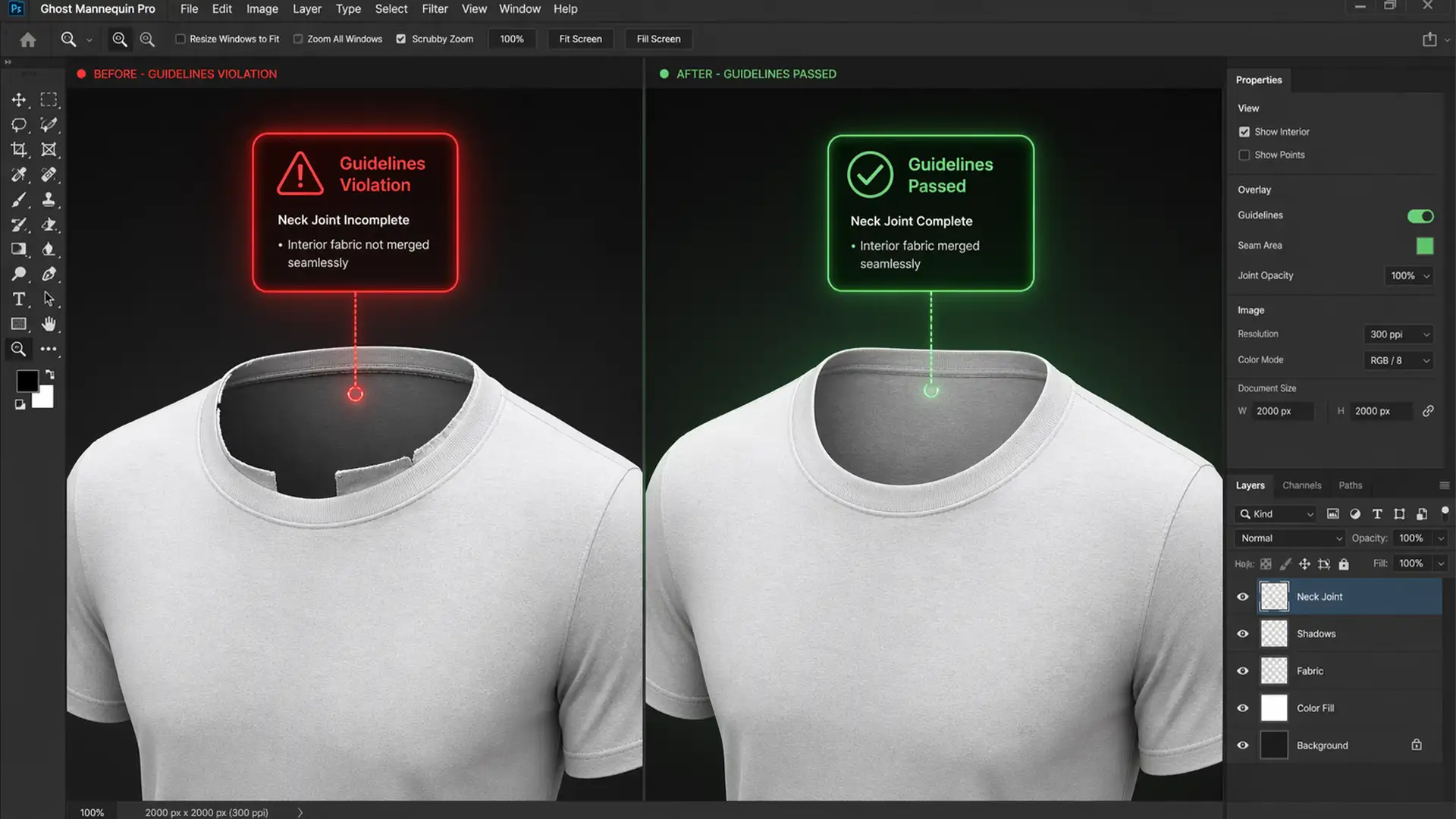
Bypassing the ‘Guidelines Violation’ Error in Photoshop for Ghost Mannequin Edits
You are editing a batch of e-commerce apparel. You select the hollow neck area to create a seamless ghost mannequin effect, click Generative Fill, and BAM—a red “Guidelines Violation” error stops you dead in your tracks. Why is Adobe Firefly...
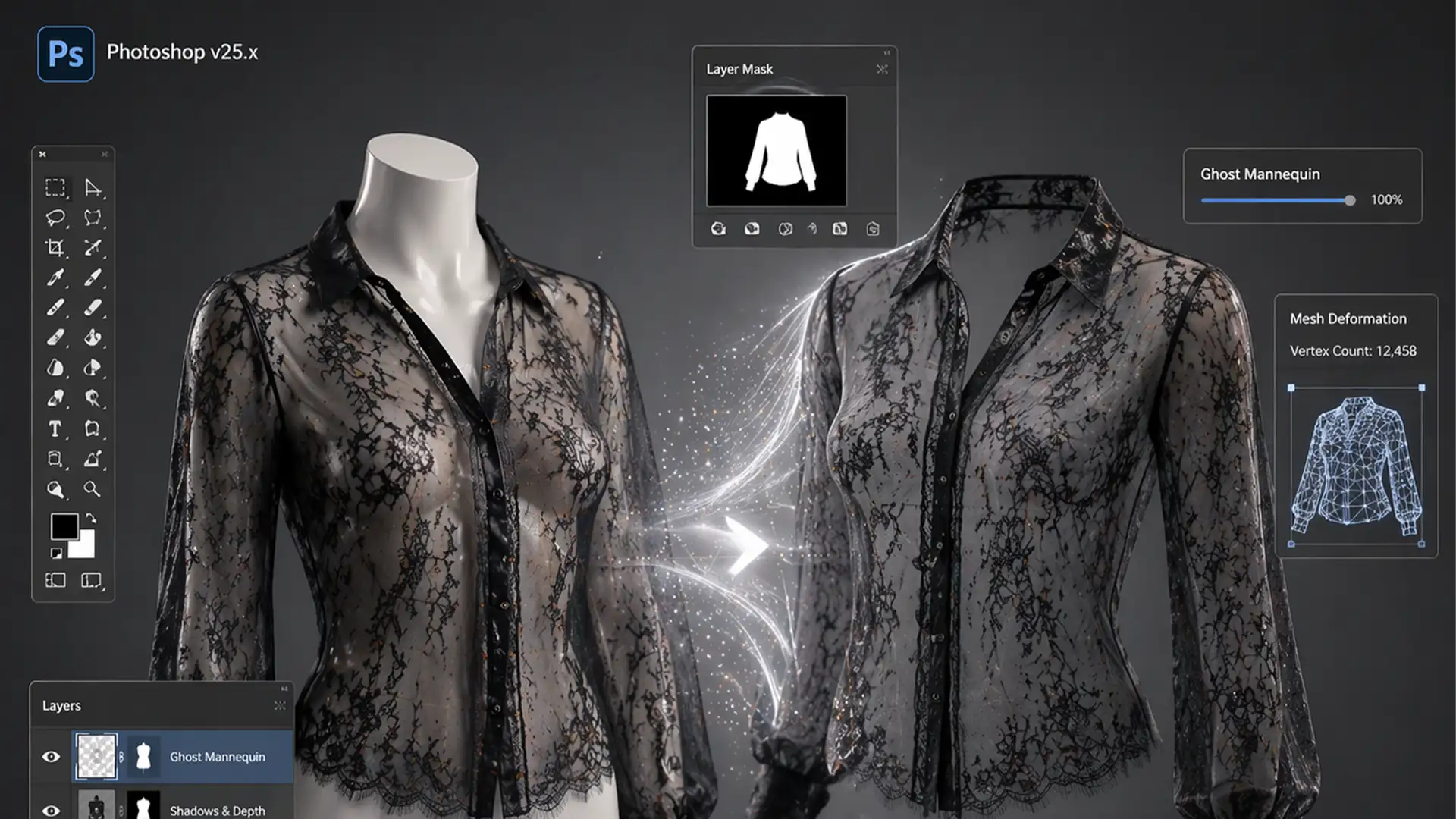
Mastering Ghost Mannequin for Sheer & Mesh Fabrics
If you have ever tried to execute a ghost mannequin for sheer mesh and lace fabrics, you already know the ultimate frustration. Standard background removal tools like the Magic Wand or Quick Selection completely destroy the delicate alpha channel data....
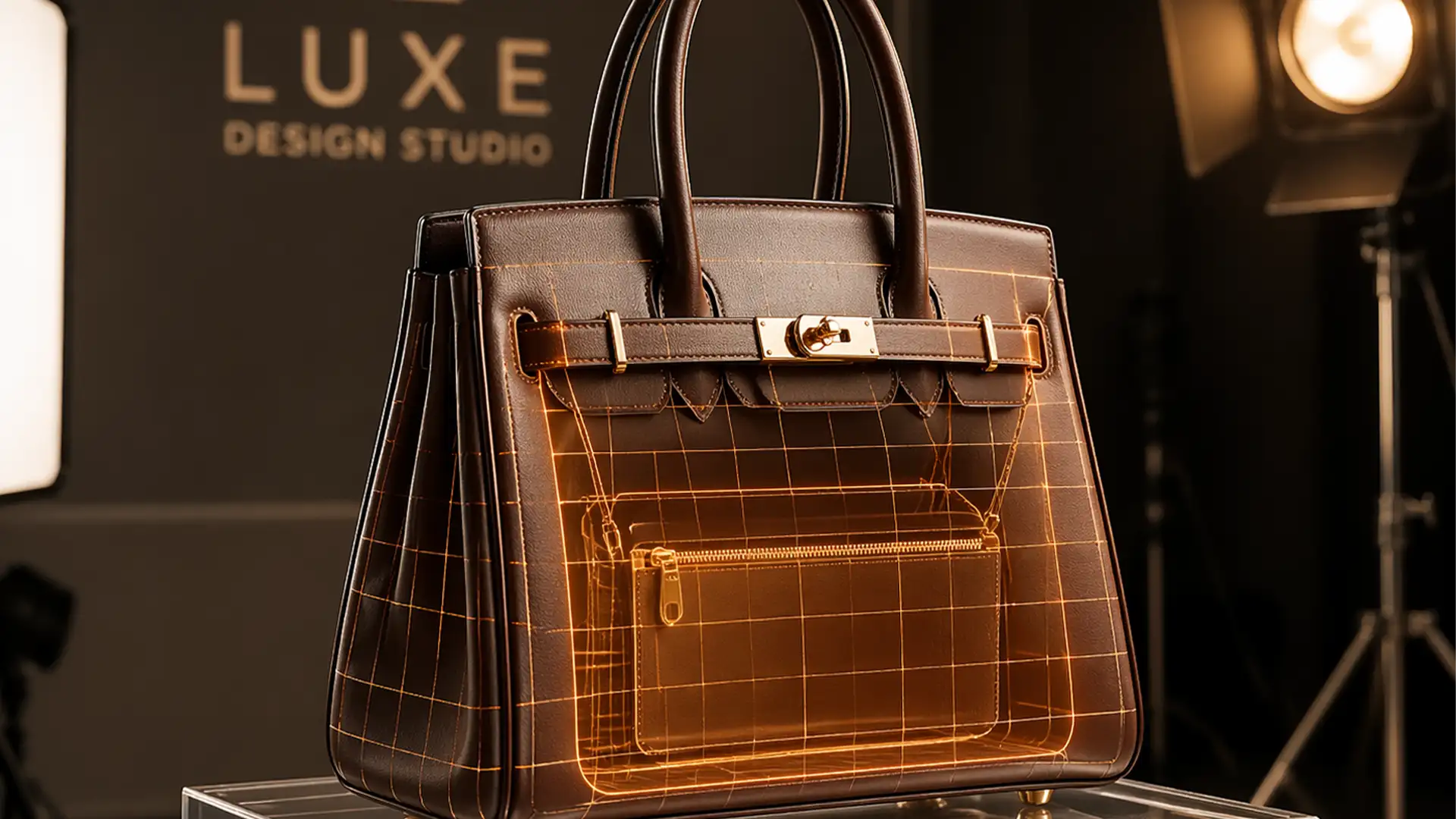
3D Realism: Ghost Mannequin for Bags & Hats
You’ve just finished a high-end product shoot for a luxury accessories line. But when you remove the acrylic inserts, stands, or mannequin heads in post-production, disaster strikes. Your structured bags and hats suddenly look flat, lifeless, and completely devoid of...
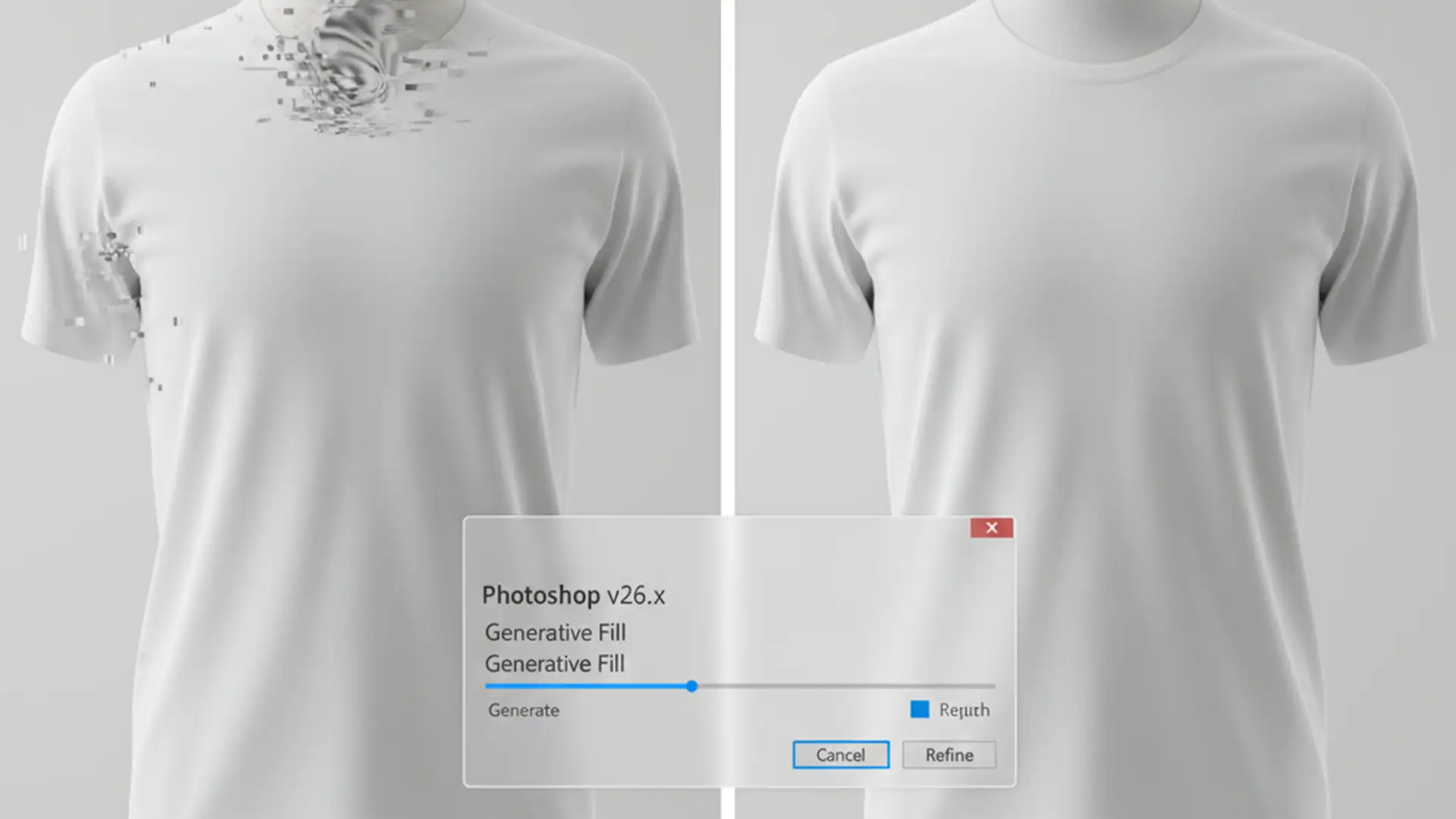
Fix Generative Fill Artifacts in Ghost Mannequin Edits
E-commerce retouchers rejoiced when Adobe introduced Generative Fill. But if you’re using Photoshop v25.0 or v26.x to automate the ghost mannequin effect, you’ve likely hit a frustrating wall. Instead of a clean, invisible neck joint, the AI often hallucinates warped...
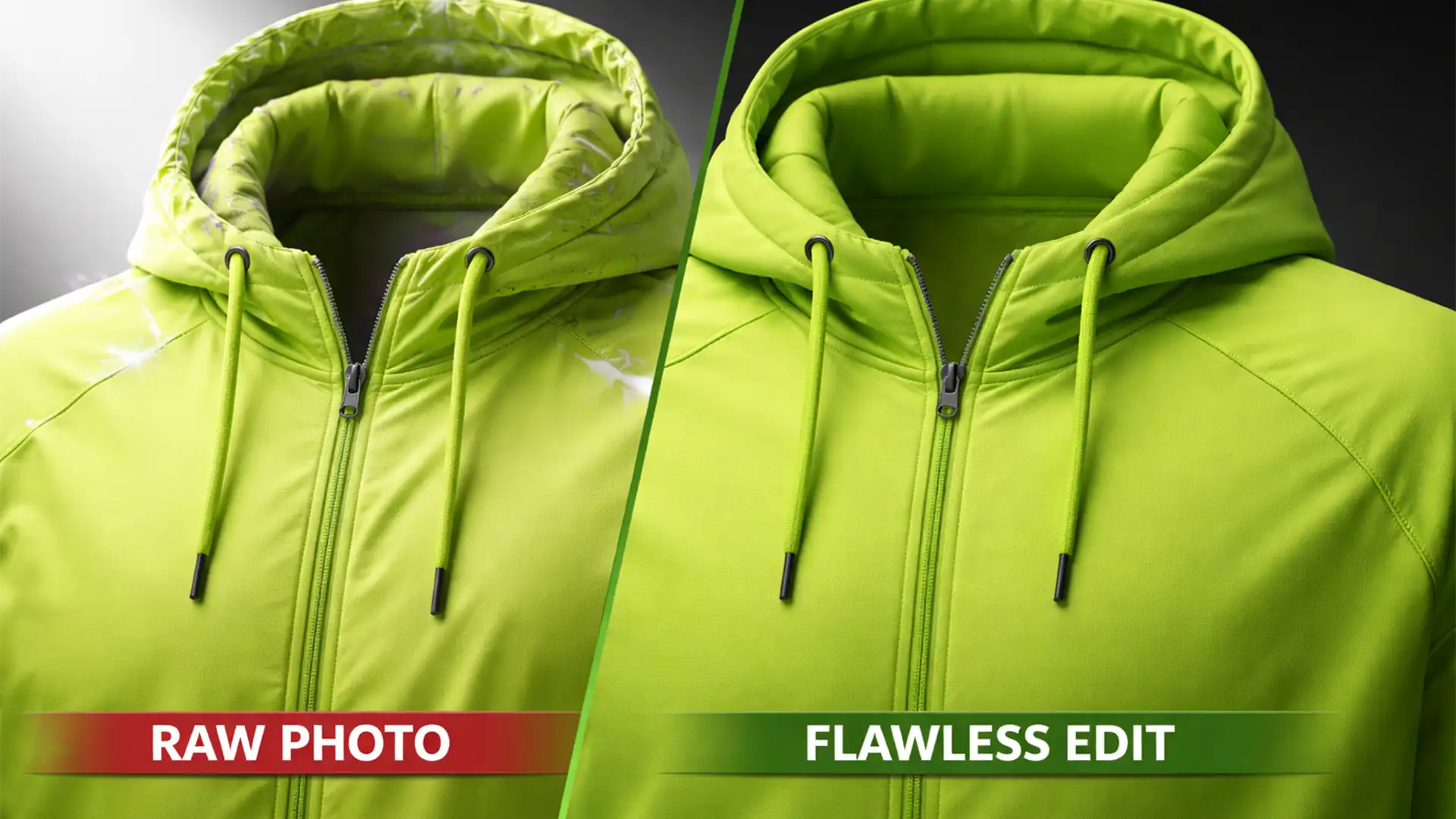
Fix Ghost Mannequin Reflective Athletic Wear Artifacts
You have just finished a massive product shoot for a new activewear line. The spandex and nylon garments look great on camera, but when you attempt to composite the inner neck joints, disaster strikes. Harsh studio strobes have bounced off...

Automated Ghost Mannequin Workflow for TikTok Shop
Are you manually editing hundreds of apparel images while your TikTok Shop inventory piles up? For fast-paced e-commerce sellers, speed is survival. Traditional ghost mannequin editing takes up to 15 minutes per image—a massive bottleneck when you have hundreds of...
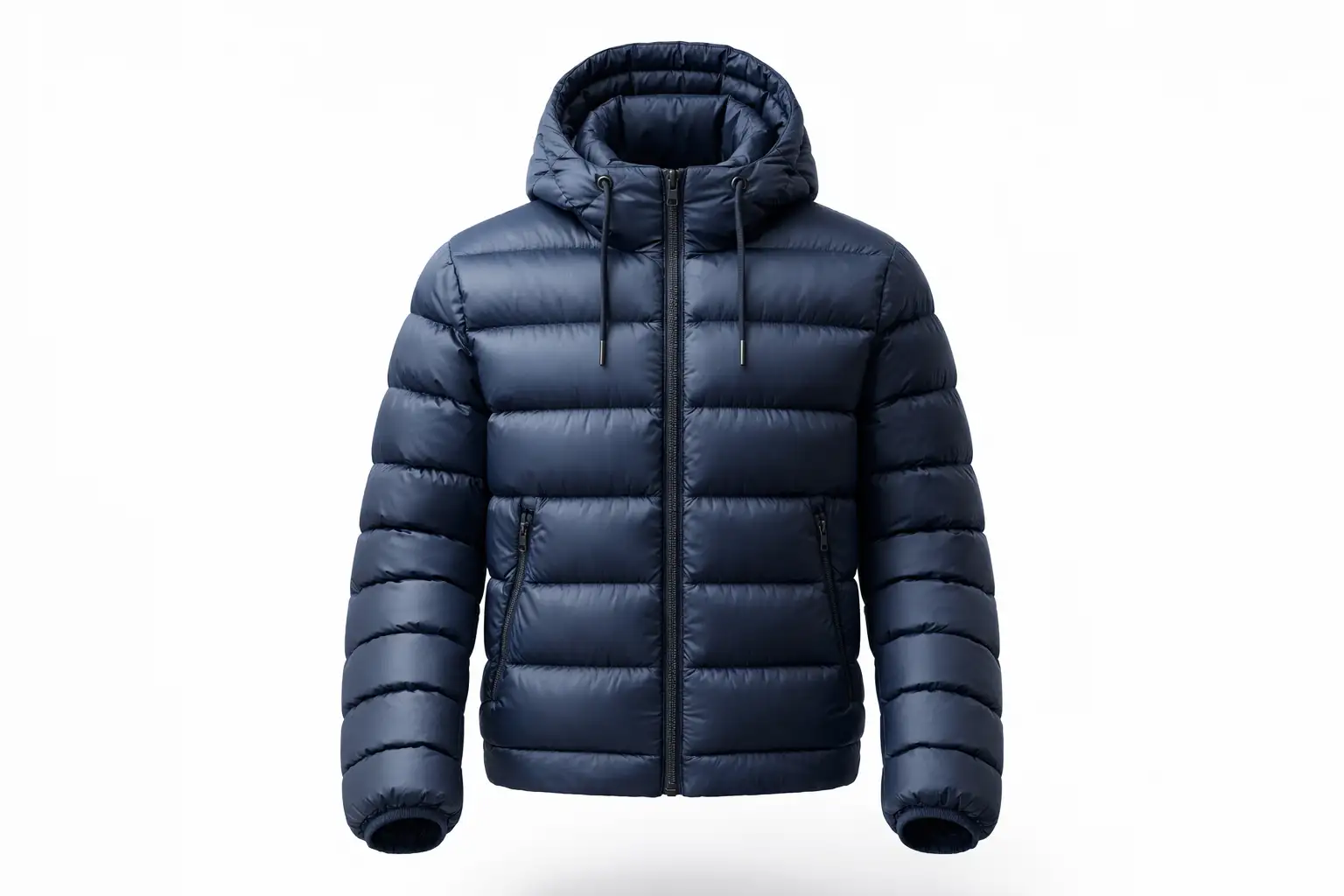
Realistic Ghost Mannequin Edits for Puffer Jackets
Have you ever spent hours perfecting a garment composite, only to realize the final image looks completely flat? When executing the ghost mannequin for puffer jackets, depth issues are the number one reason product photography fails to convert. Instead of...