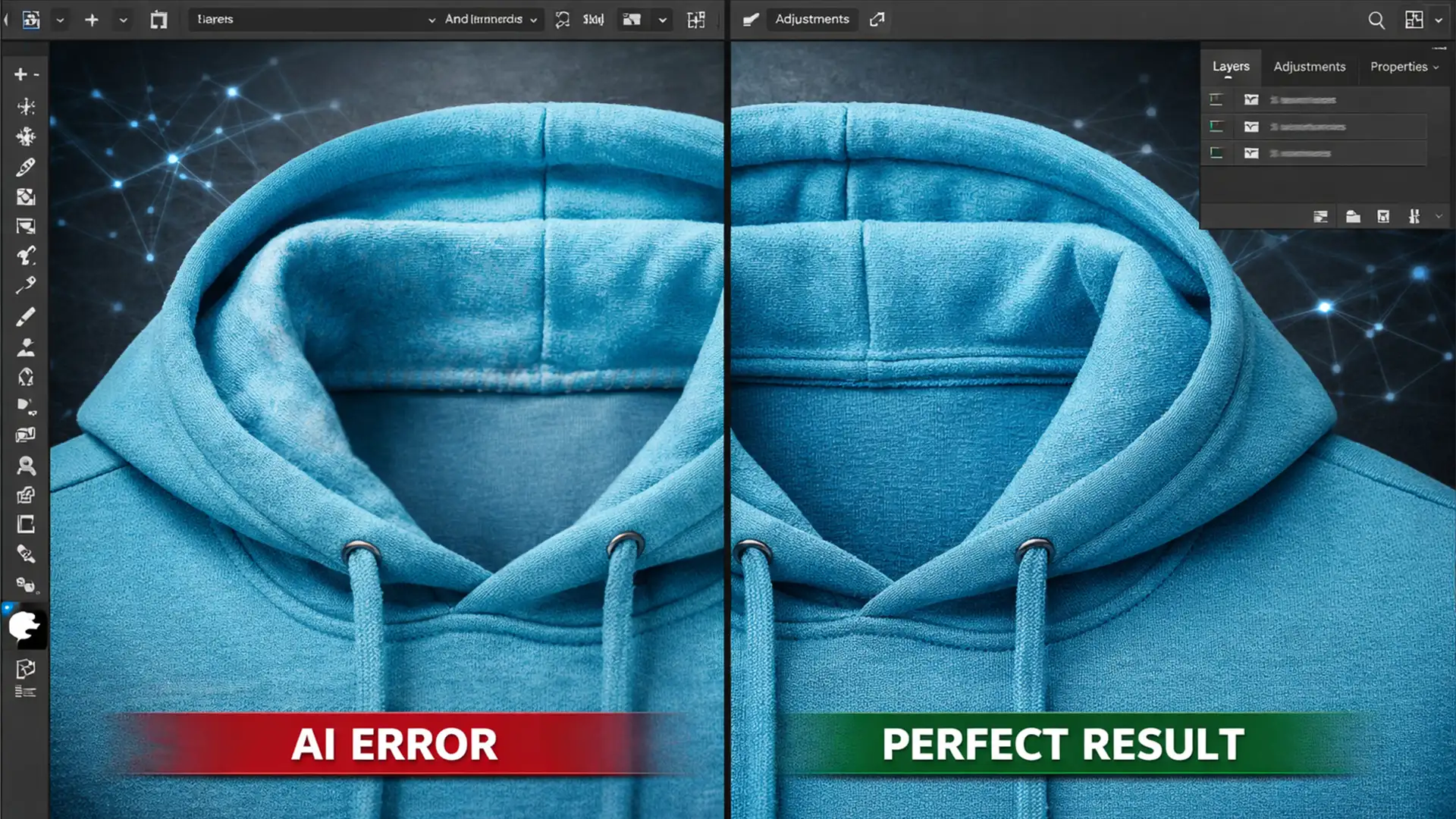

How to Fix AI Texture Mismatches in Ghost Mannequin Neck Joins
You just finished shooting a flawless apparel catalog. You bring your raw files into Photoshop v25.x, line up the inner neck insert with the front chest, and hit Generative Fill to seamlessly merge the ghost mannequin neck joint. But instead...
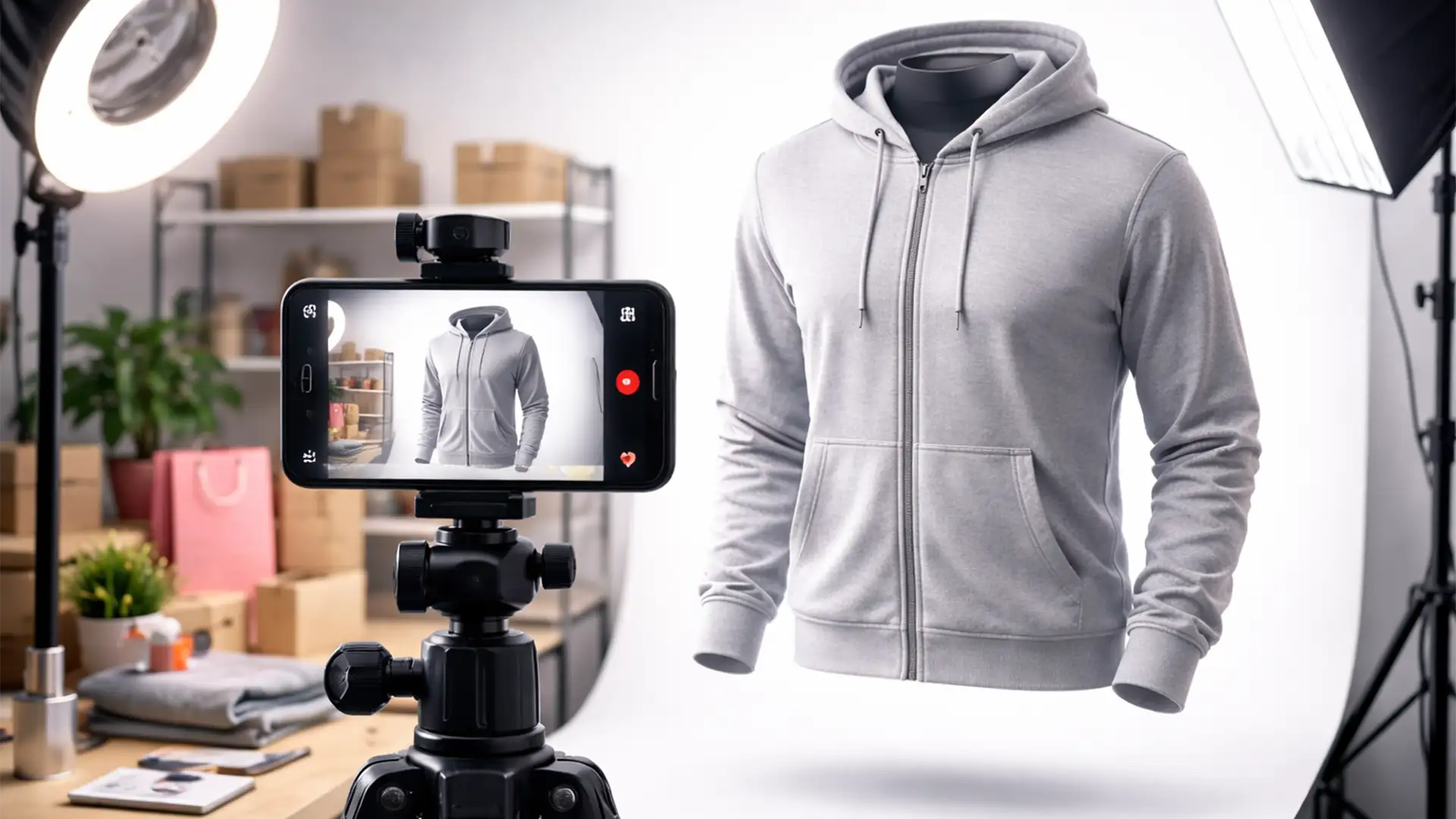
Ghost Mannequin Photos for TikTok Shop Sellers
You’ve sourced the perfect apparel for your TikTok Shop, but there’s a glaring problem. Flat lay photos look amateurish, and hiring live models destroys your profit margins. If you want to stop the scroll and drive rapid conversions, you need...
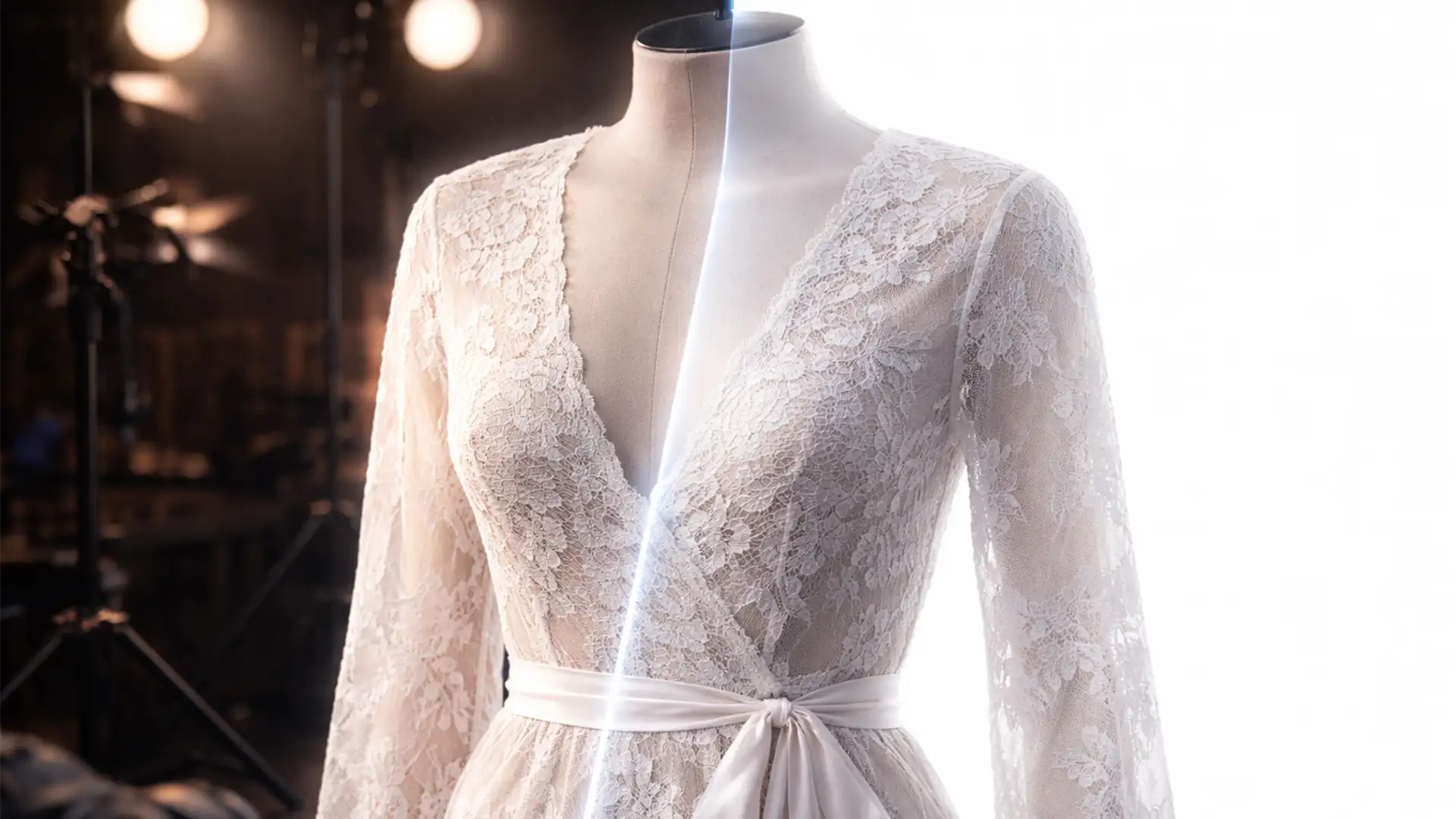
Ghost Mannequin Guide: Sheer & Lace Apparel Editing
E-commerce retouchers know the sinking feeling: you run Adobe Photoshop v25.x’s Select Subject or Generative Fill on a sheer lace dress, and the result is a disaster. The automated AI tools either delete the delicate micro-threads completely or leave behind...
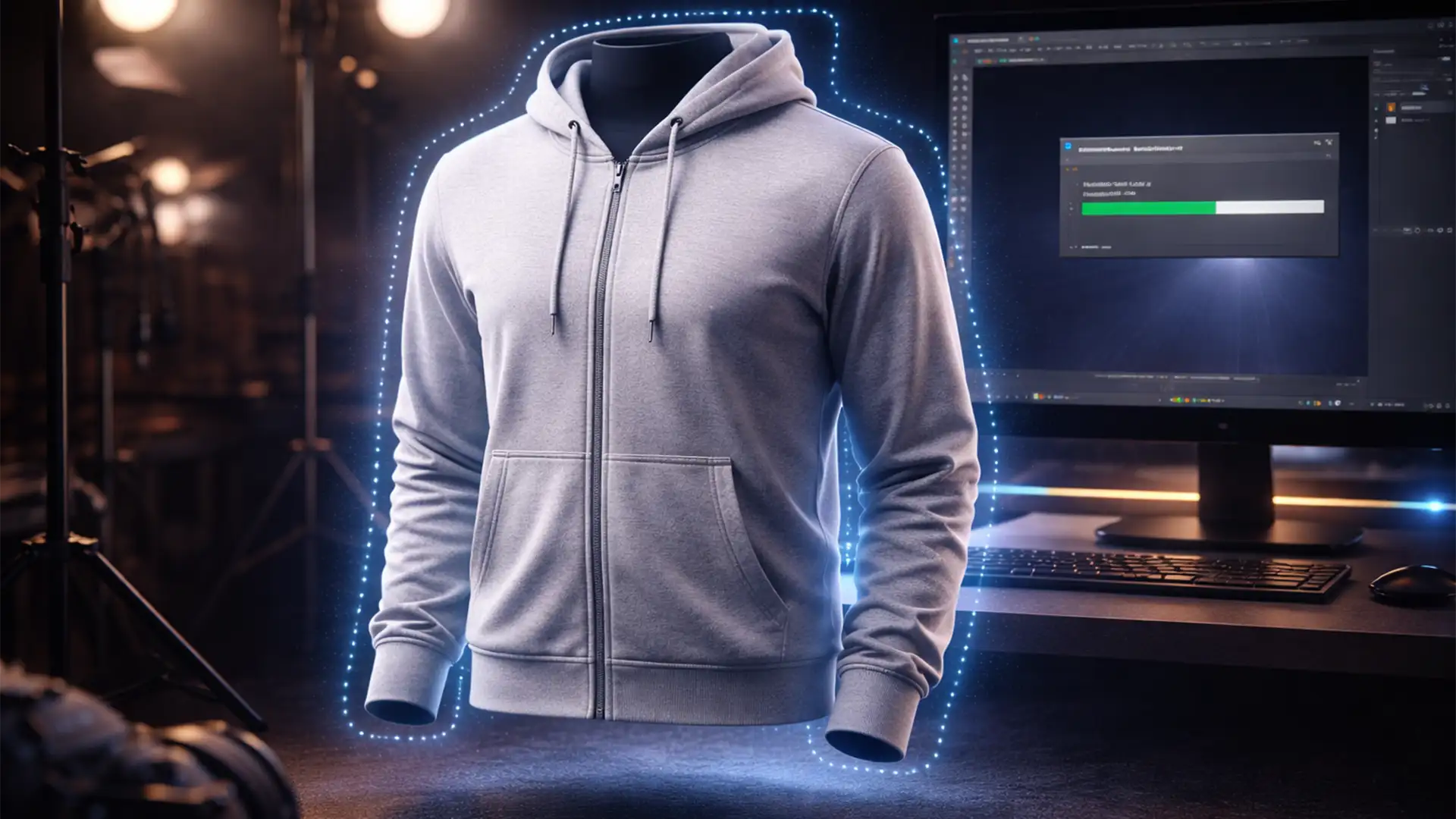
How to Build an AI-Powered Batch Action for Ghost Mannequin Edits
If you run an e-commerce studio, you already know the nightmare of processing thousands of apparel SKUs. Manually creating the invisible mannequin effect is a massive, soul-crushing time sink. You spend hours meticulously masking the front garment, cutting out the...
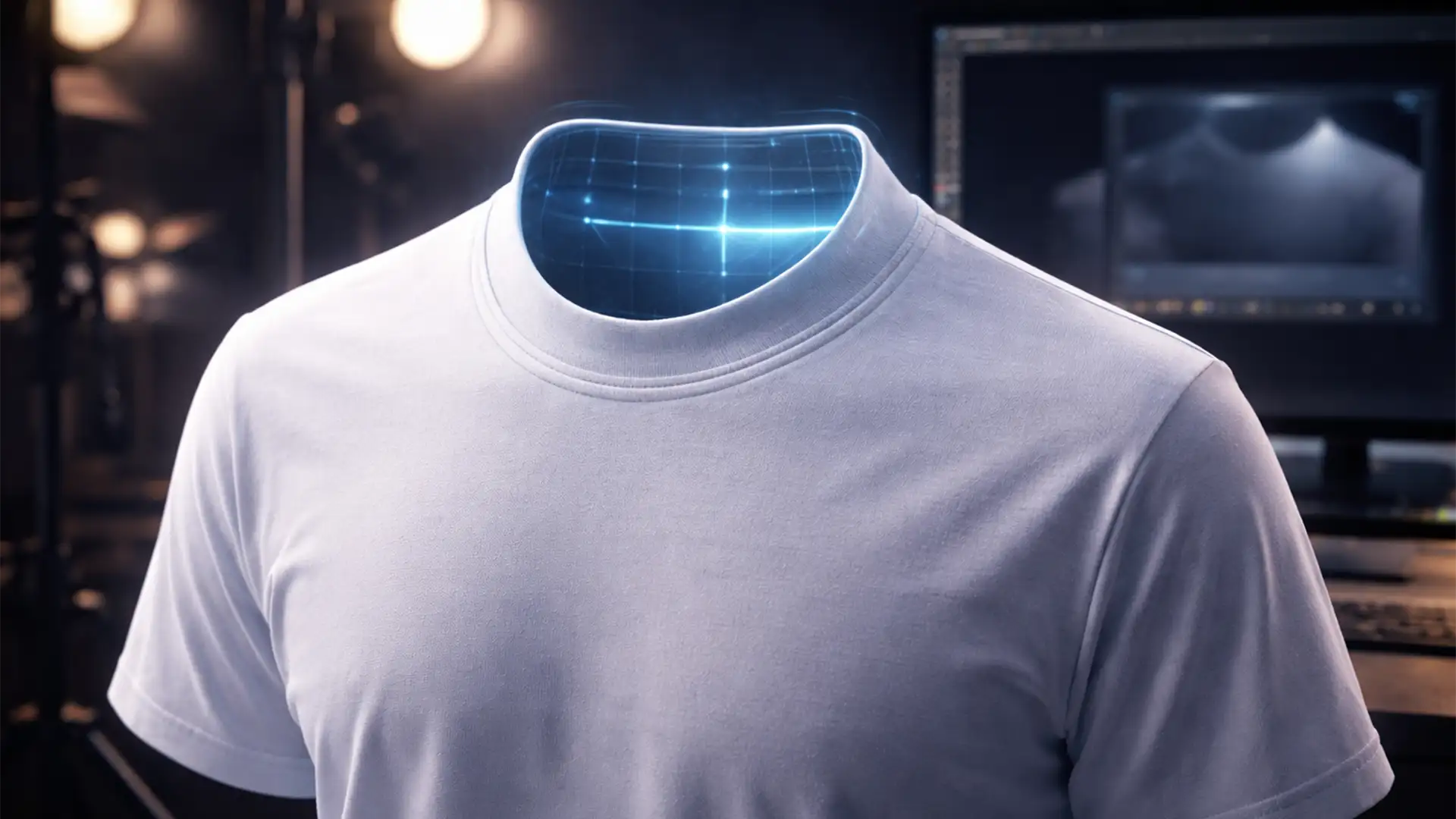
Stop the Hallucinations: Best AI Prompts for Perfect Ghost Mannequin Neck Joints
If you are an e-commerce photo retoucher using Adobe Photoshop v25.0 or later, you have likely experienced the frustration of AI hallucinations. You select the empty collar space of a garment, hit generate, and watch as Adobe Firefly inserts random...
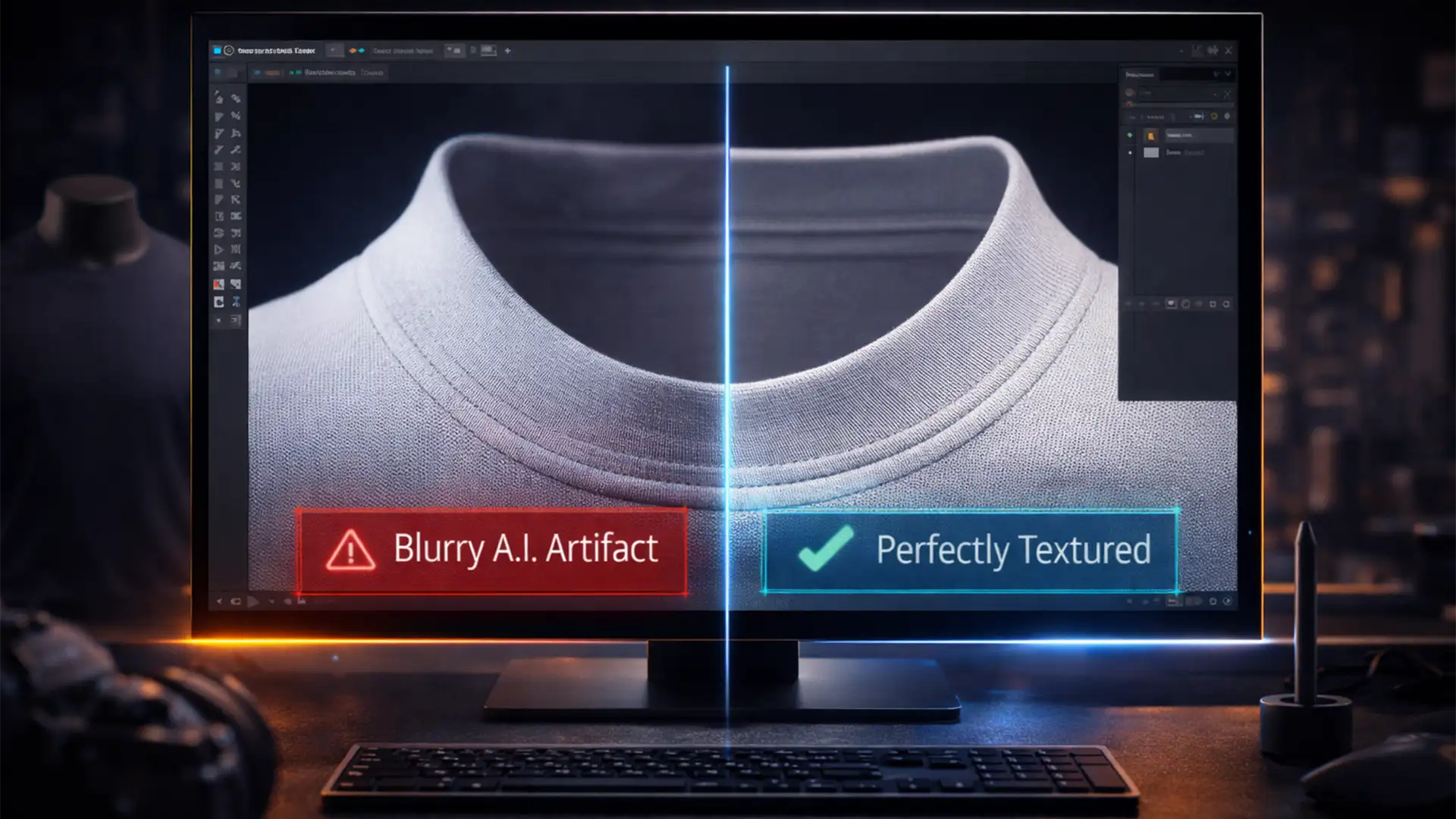
Photoshop 2025 Generative Fill is Blurry: Fixing AI Artifacts in Your Ghost Mannequin Workflow
You just photographed a stunning seasonal apparel line. You are in Photoshop 2025, perfectly executing the ghost mannequin effect, and you turn to Generative Fill to seamlessly reconstruct the inner collar. But instead of crisp cotton weaves or sharp ribbed...
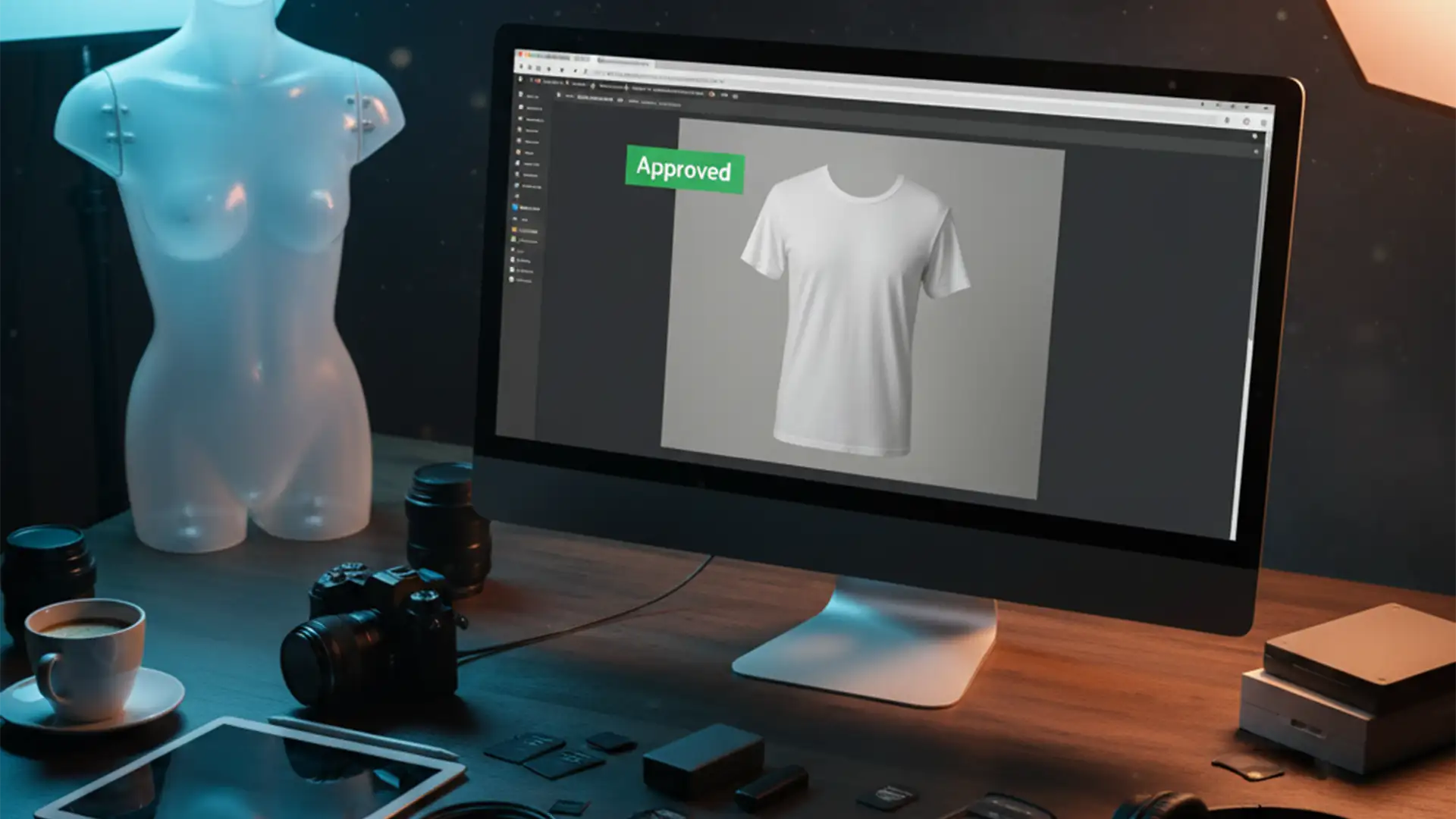
Ghost Mannequin vs. Model Release: How to Get Your Catalog Photos Approved
You just spent hours editing a massive batch of e-commerce apparel shots, uploaded them to the Adobe Stock Contributor Portal, and boom—rejected. The reason? “Missing Model Release.” But there’s no model! It’s a plastic dummy or a ghost mannequin edit....
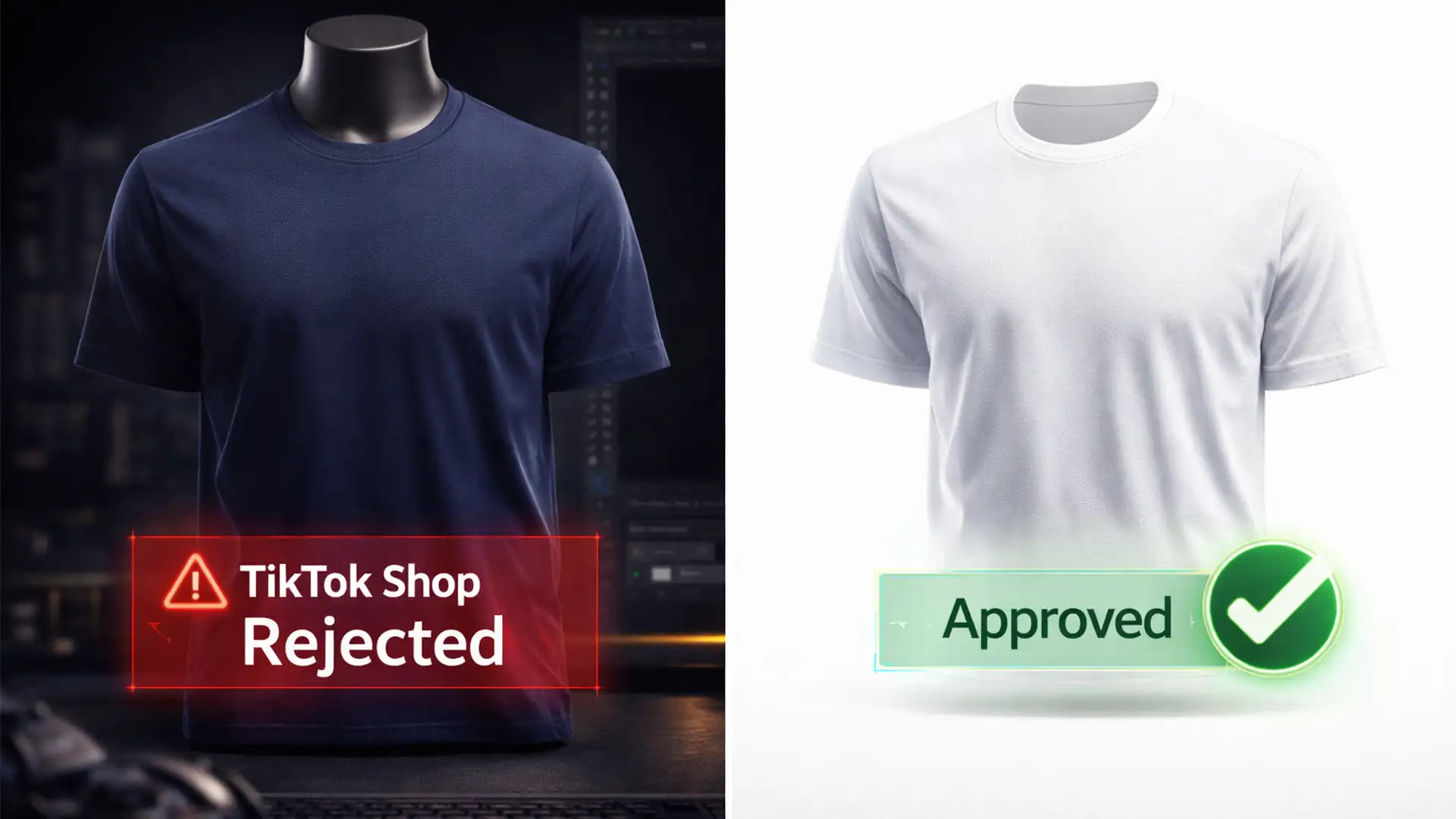
The TikTok Shop Guide to Ghost Mannequin Photography and Editing
Are your apparel listings stuck in a constant loop of TikTok Shop rejections? You are not alone. TikTok Shop’s automated image moderation algorithm is notoriously strict, frequently flagging apparel photos for non-compliant backgrounds, visible mannequins, or incorrect aspect ratios. Every...
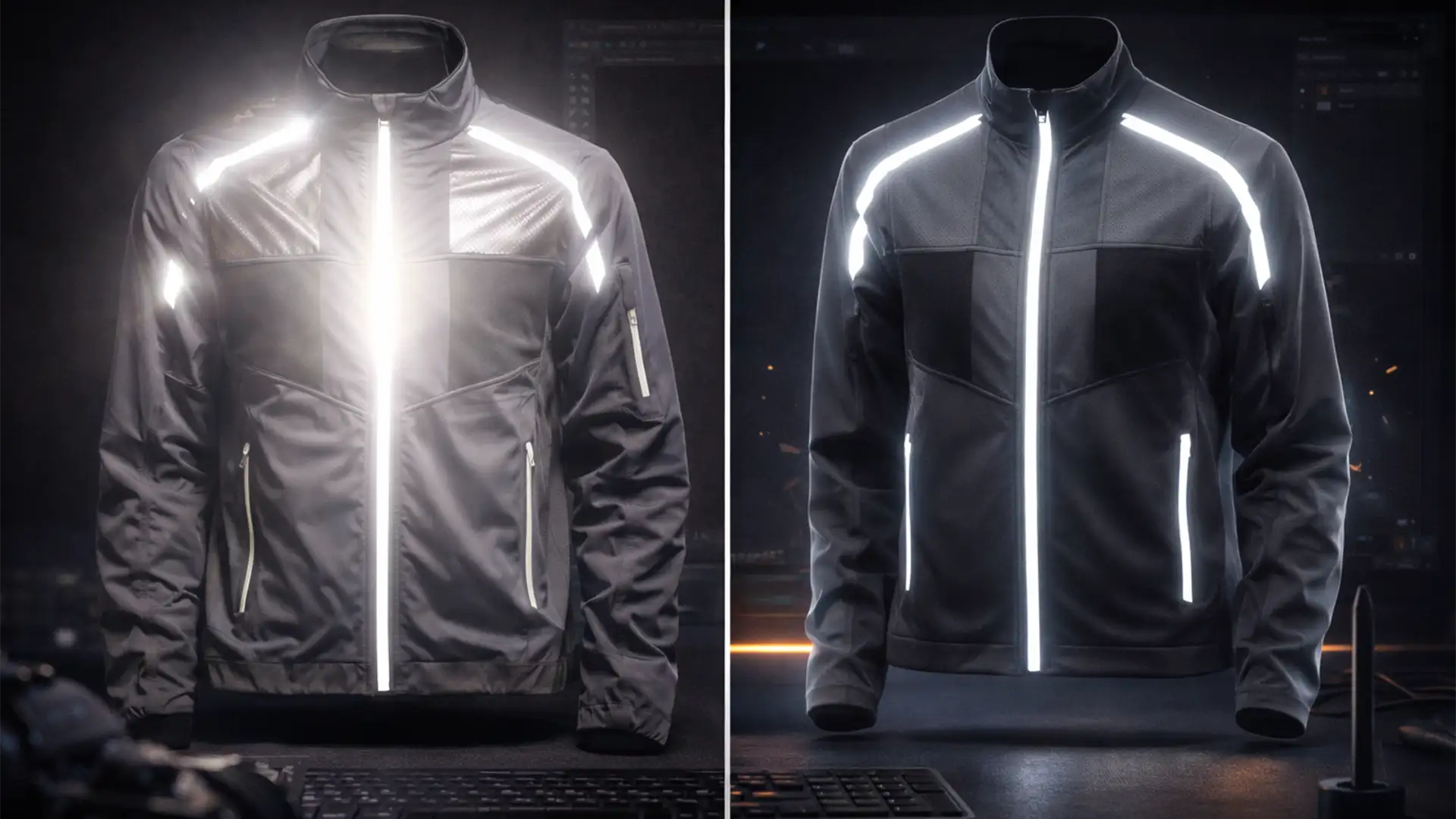
Ghost Mannequin Fixes for Reflective & Mesh Activewear
E-commerce retouchers know the nightmare: you run an automated AI background removal tool on a high-end activewear jacket, and the results are disastrous. The 3M Scotchlite reflective strips bounce the studio flash, creating blown-out highlights that blend directly into the...
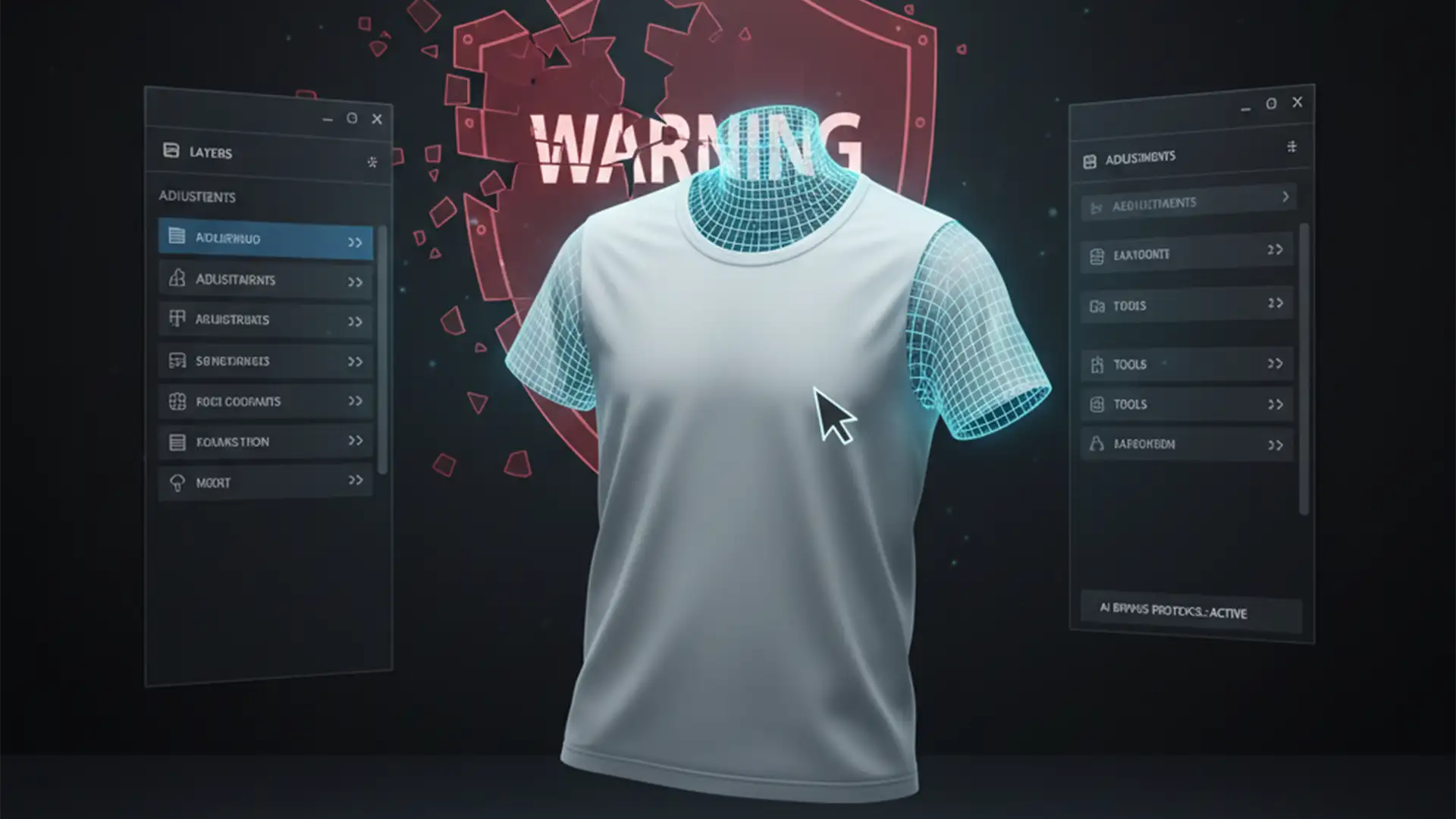
Fix Adobe Generative Fill Content Filter for Ghost Mannequins
You are in the middle of a high-volume e-commerce retouching batch, utilizing Photoshop’s Generative Fill to seamlessly recreate the inner collar of a garment. Suddenly, your workflow halts. A red warning pops up: “The generated images were removed because they...