
Using Generative Fill Without Getting Banned on Amazon
You spend hours crafting the perfect lifestyle background using Generative Fill, upload your listing to Amazon, and wake up to a seller suspension notice. What went wrong? Amazon’s algorithm flagged your image for misrepresenting the physical product. When AI alters...
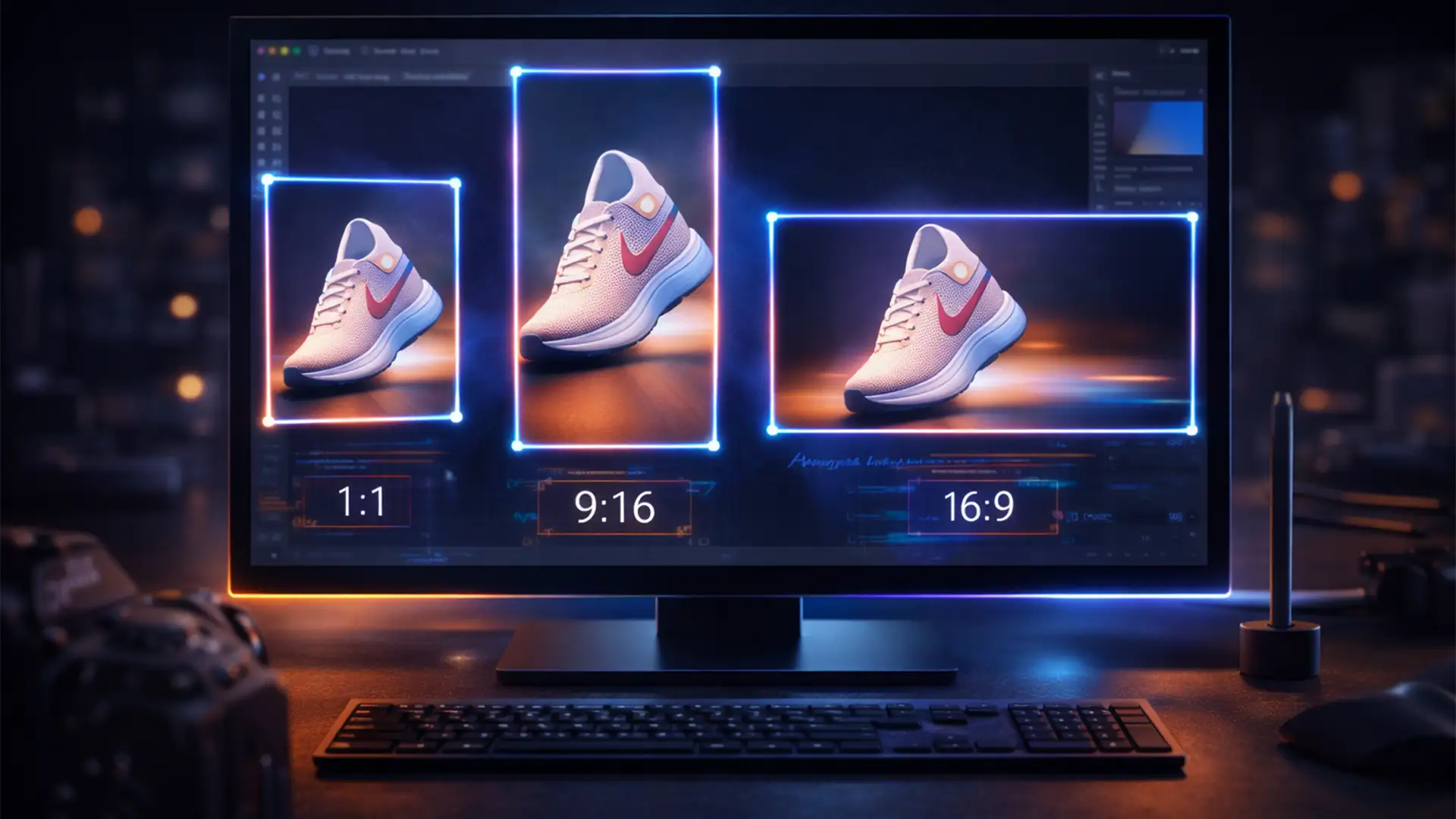
Batch Resize Product Images for 4 Platforms in Photoshop
Are you still wasting hours manually duplicating, cropping, and exporting the exact same product photo for every social media channel? Multi-channel marketing demands that a single SKU be perfectly formatted as a square for Shopify, a vertical video cover for...

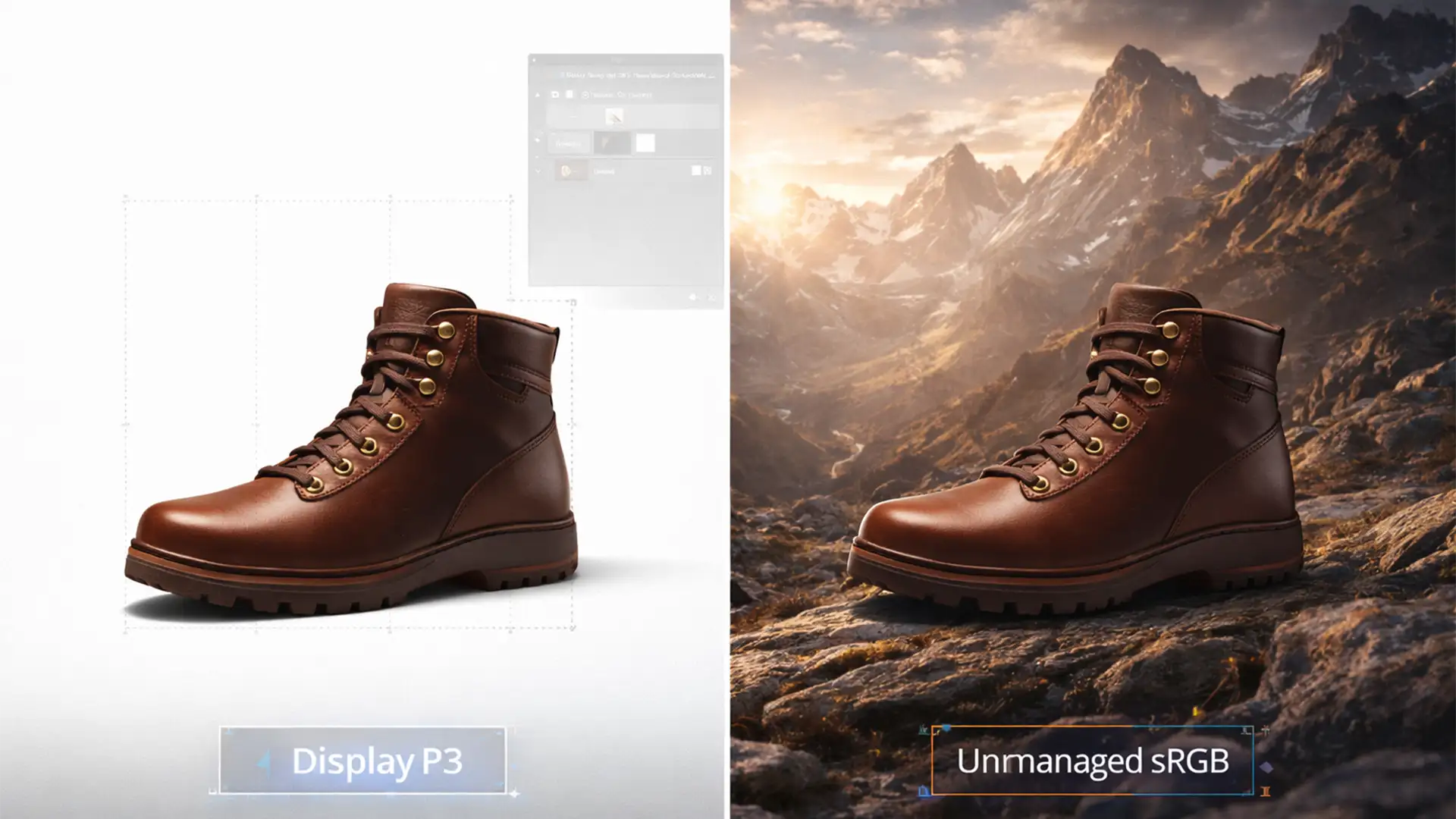
Why Your Product Colors Look Different on iPhone: Solving the P3 vs sRGB Conflict
You just spent hours retouching a product catalog. On your MacBook, the deep reds and vibrant greens look flawless. But the moment your customer views the product on their iPhone, the colors look completely different—either aggressively oversaturated or disappointingly dull....
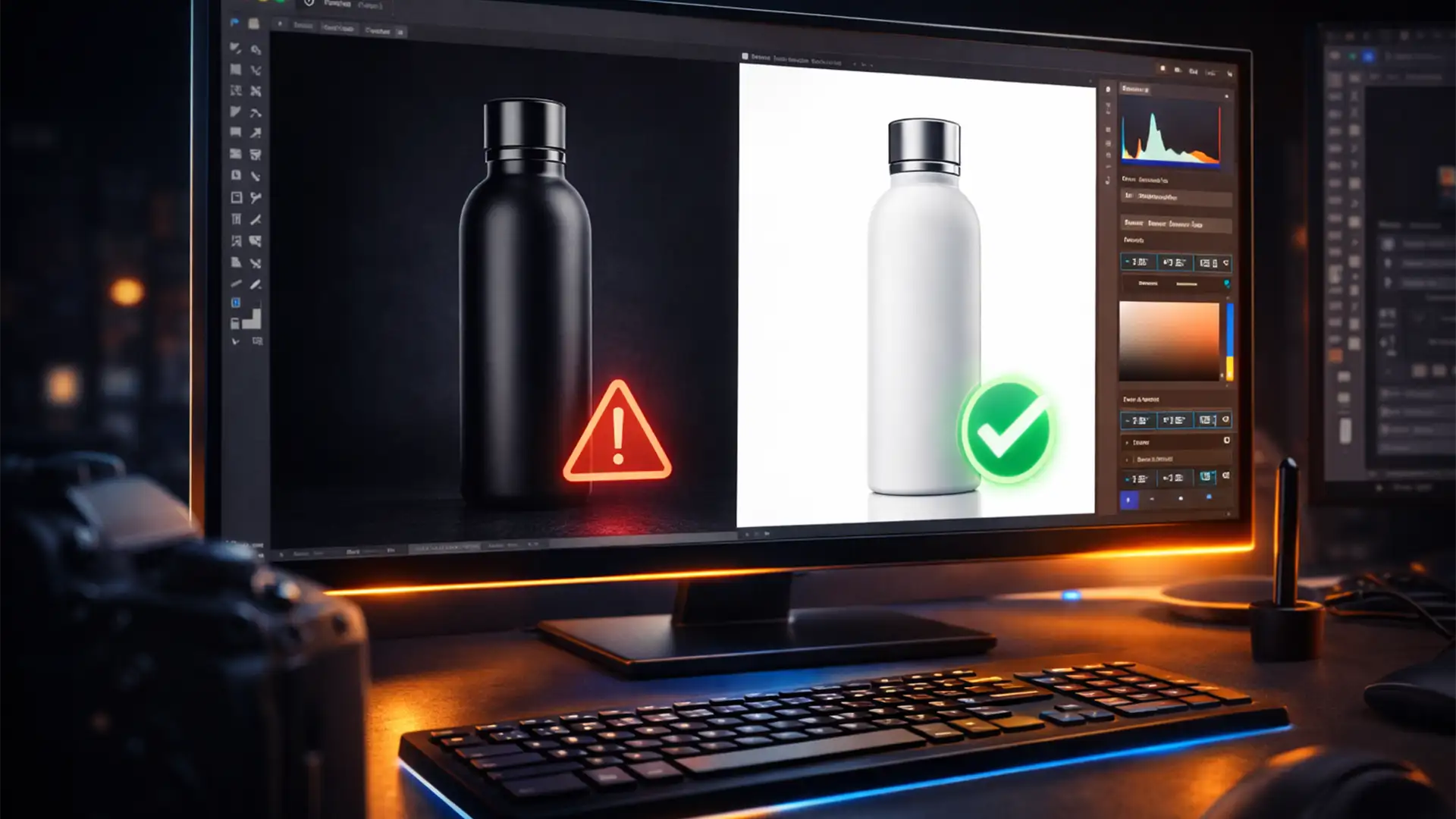
Fix Amazon Listing Suppression: Shadow Bleeding Guide
You wake up to a dreaded notification: your top-selling Amazon listing is suppressed. You check your main product images, and to the naked eye, they look perfectly white. But to Amazon’s ruthless A9 image audit algorithm, they aren’t. You are...
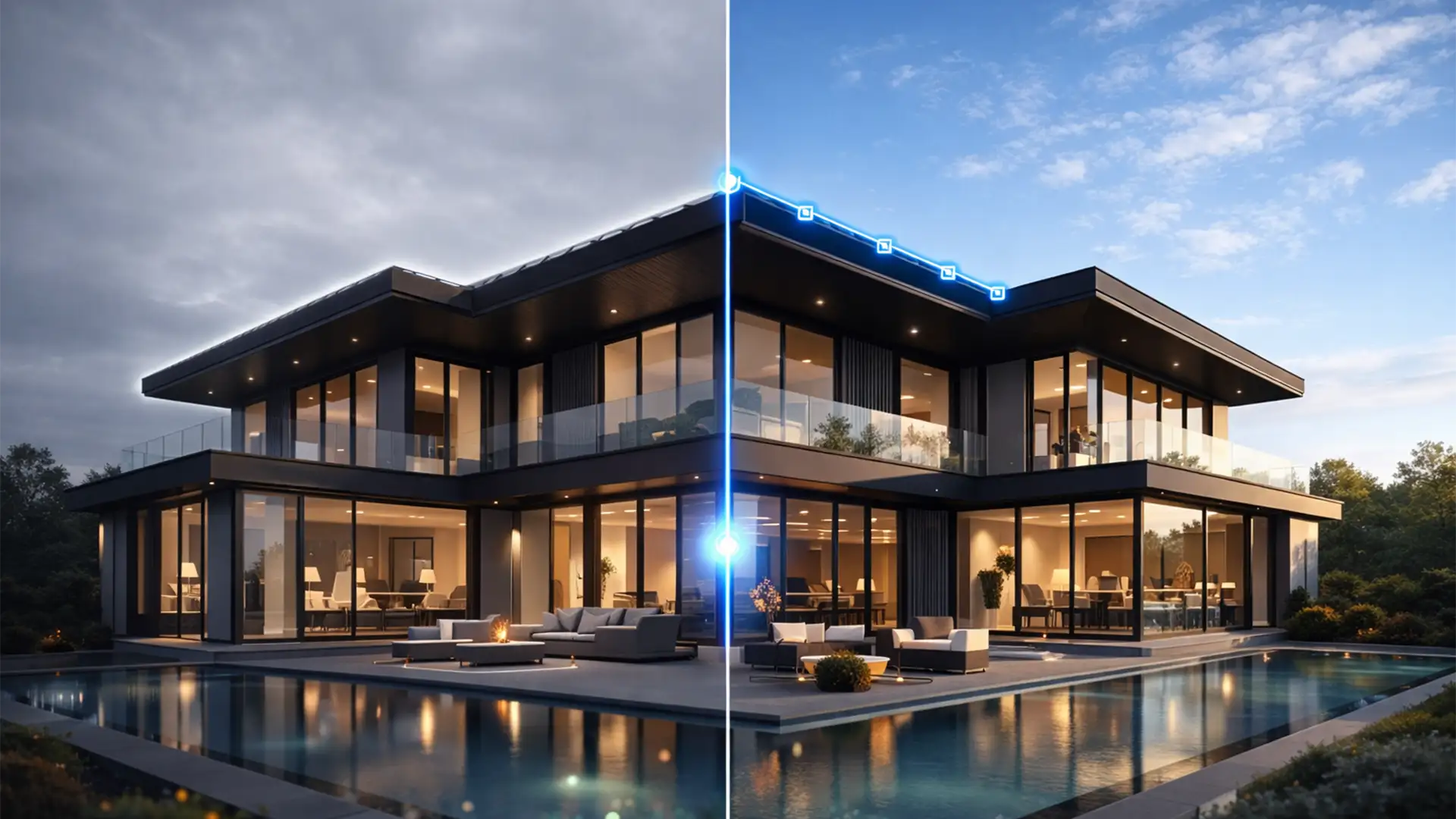
Fixing Edge Halos in Overcast Real Estate Photo Edits
You’ve just shot a stunning property, but the weather didn’t cooperate. You are left with a flat, blown-out overcast sky. No problem, right? Just use Photoshop’s automated tools. But wait—when you drop in that crisp blue sky, a glaring white...
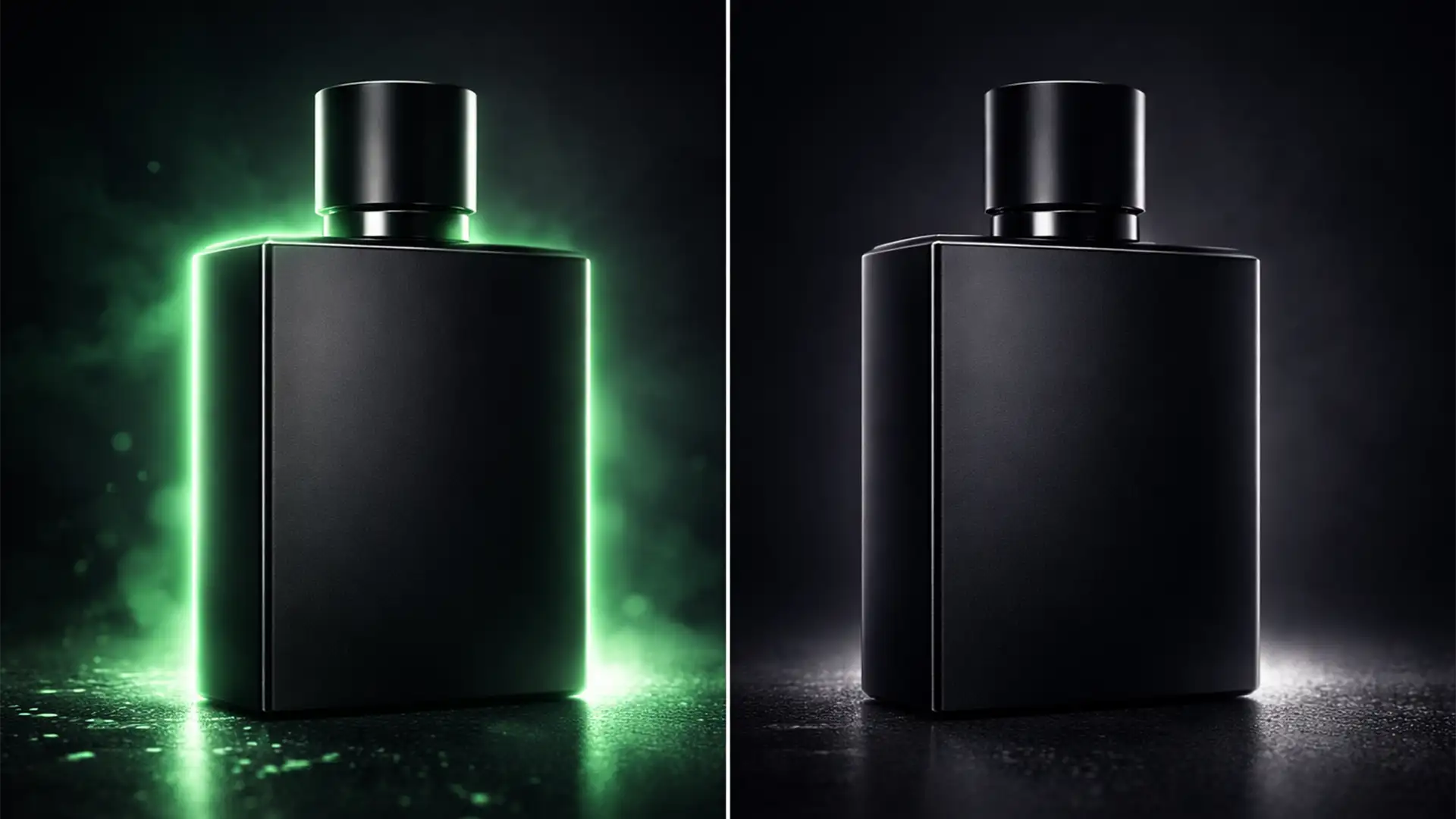
How to Eliminate Background Color Bleed on Product Edges
You just ran a batch of ecommerce photos through an AI background generator, expecting a flawless studio setup. Instead, you get a product that looks like a cheap sticker. The culprit? AI product background color bleed. When you extract a...

Why TikTok Shop is Rejecting Your Photos: 2024 Bulk Fix Guide
Are you losing sales because of constant TikTok Shop product image rejections? You spend hours uploading your catalog, only to be hit with frustrating “Quality check failed” or “Product suspended” notifications. In 2024, the TikTok Seller Center AI bots are...
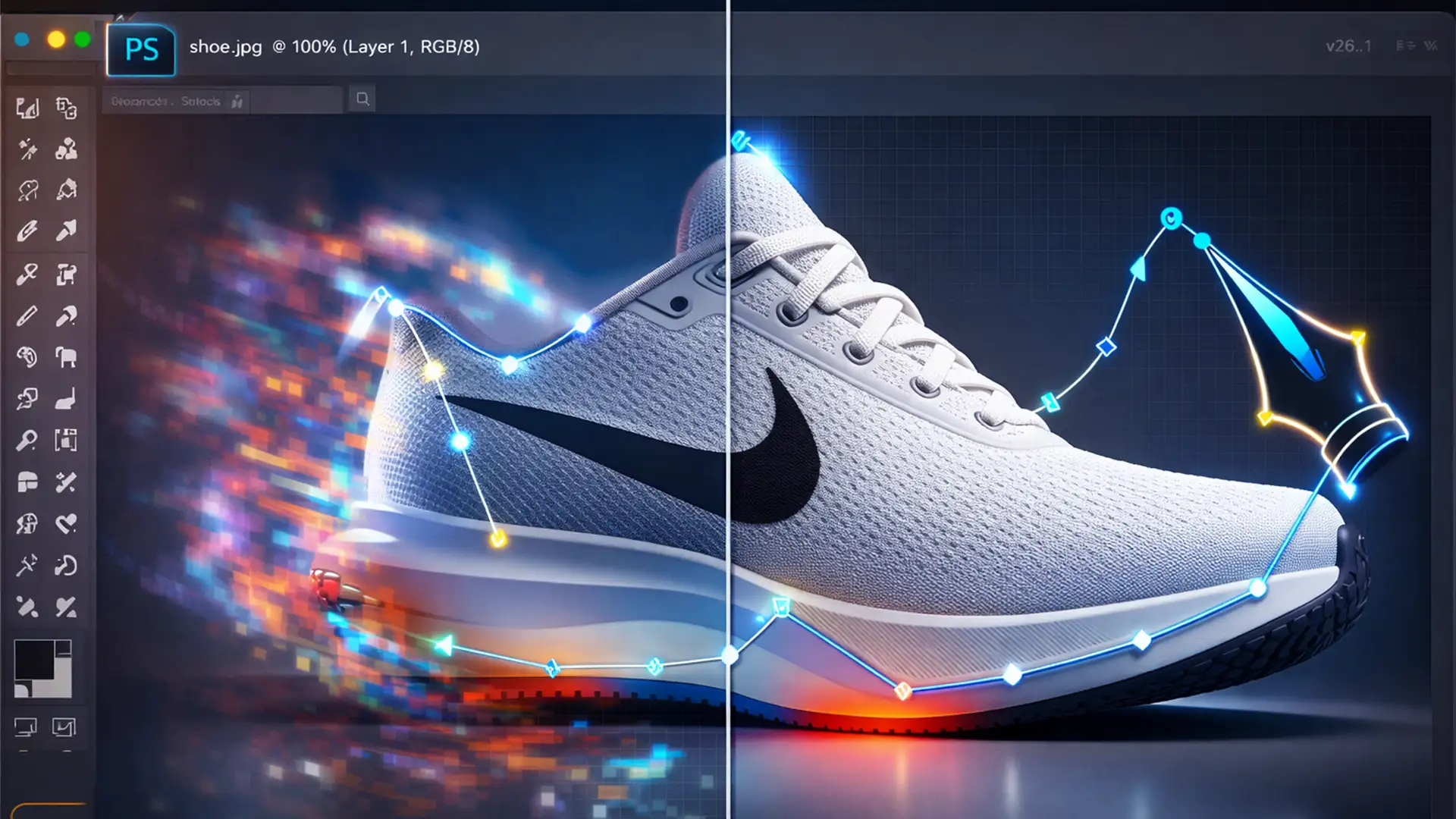
Fix Photoshop v26.1 Generative Fill Selection Bleed Bug
You spend minutes drawing a pixel-perfect pen path around an e-commerce product, activate Generative Fill, and suddenly—your crisp edge is ruined. Photoshop v26.1’s integrated Firefly Image 3 model is notoriously aggressive, automatically feathering mask boundaries by 3 to 5 pixels....

Meta Advantage+ Ruining Your Photos? How to Lock Your Creative Assets
You just invested thousands of dollars into high-end product photography and professional retouching. Your brand colors are dialed in perfectly. But the moment you launch your campaign in Meta Ads Manager, the images look terrible. The colors are blown out,...

Batch Your Sanity Multi-Platform Product Image Workflow
Are you spending more time cropping product photos than actually selling them? For ecommerce sellers, adapting a single master image to meet the stringent dimension and background requirements of different platforms is a massive time-drain. Manual resizing inevitably leads to...