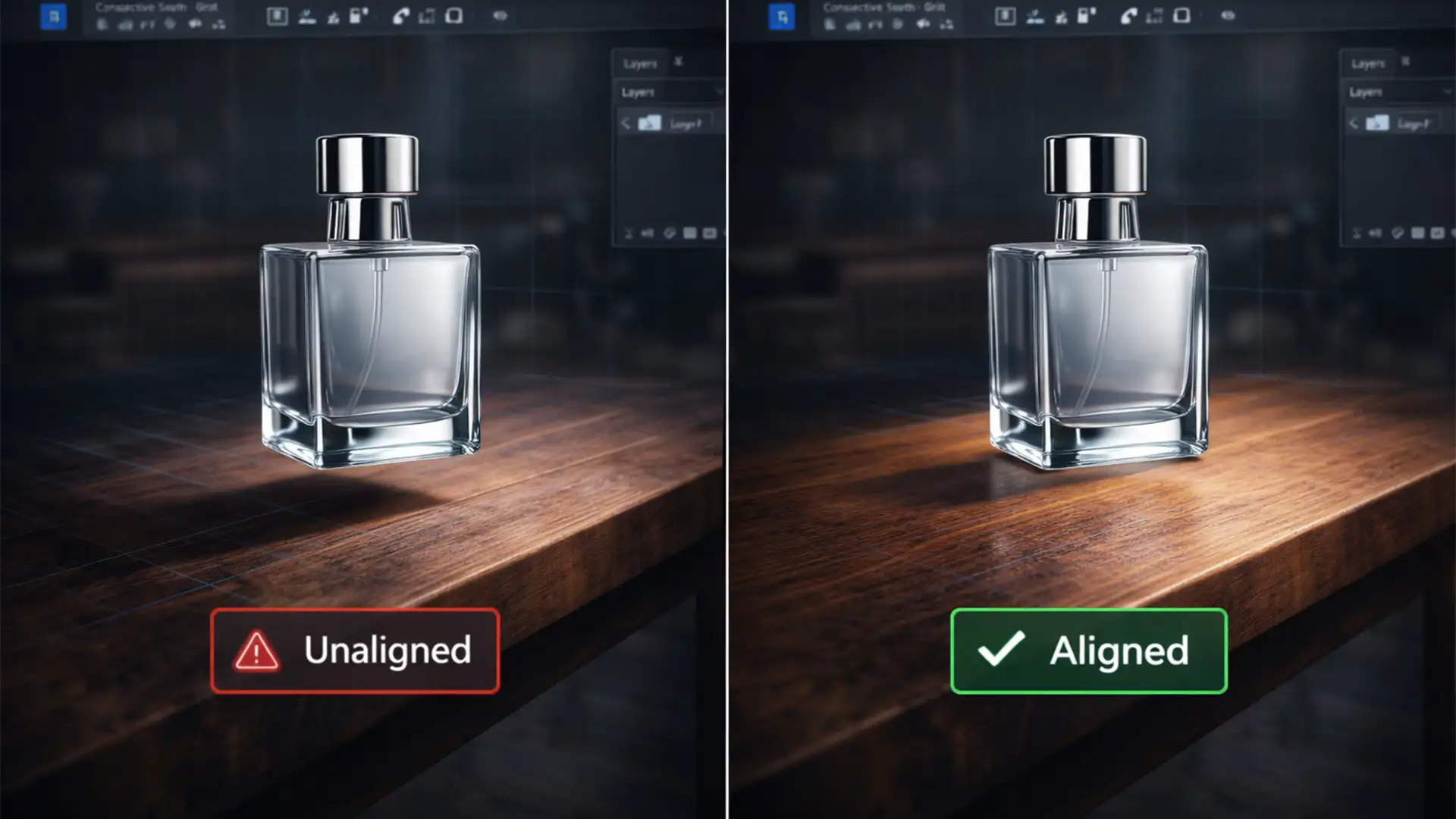

How to Fix AI Background Perspective Mismatch in Photoshop 2026
Have you ever used Photoshop 2026’s Generative Background tool to place your product in a stunning new environment, only to realize it looks like a cheap sticker pasted onto the screen? Your product is suffering from an AI product background...
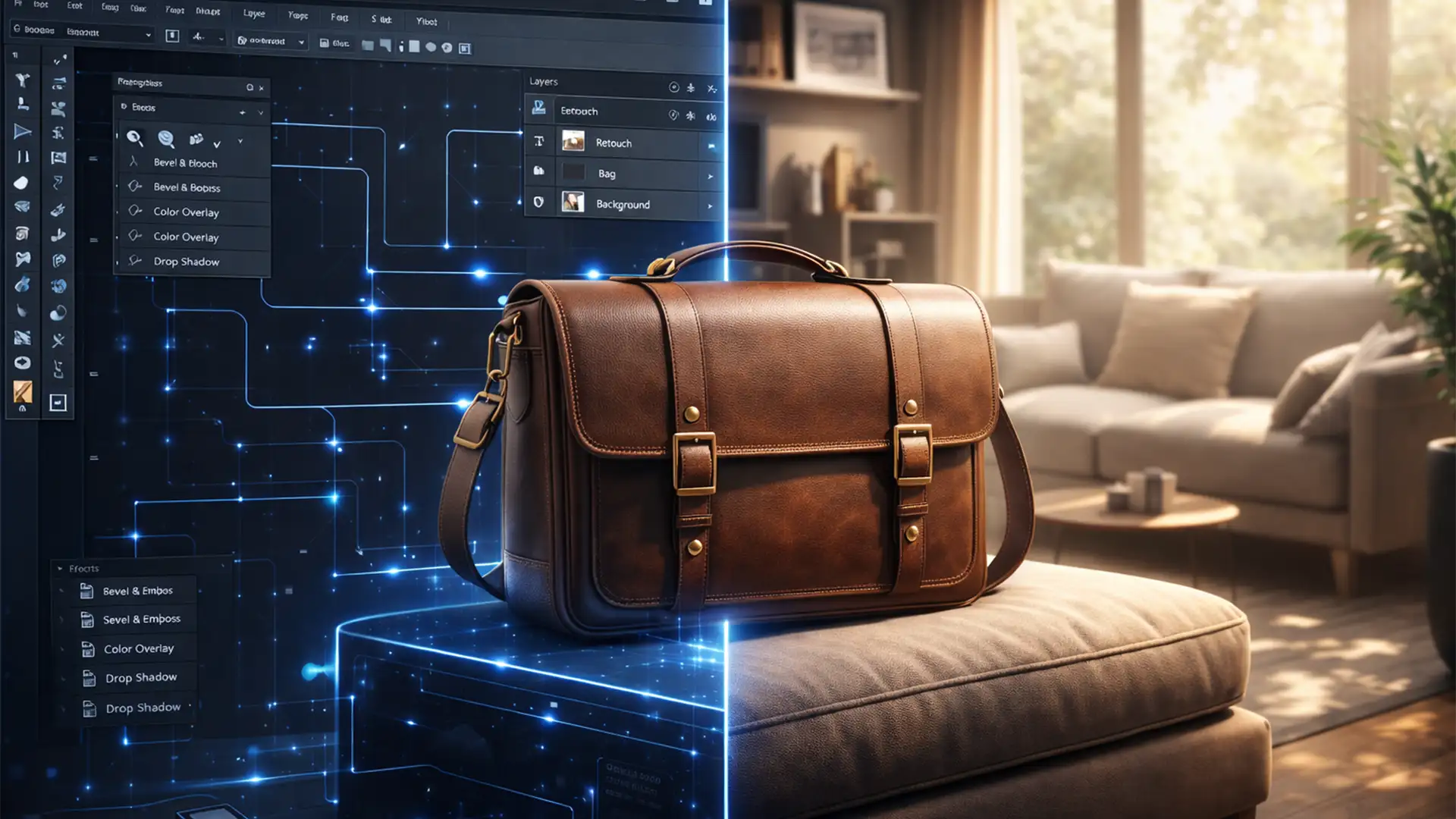
Using Photoshop’s Reference Image Tool for Realistic Ecommerce Lifestyles
You upload a perfectly retouched product photo into Photoshop, select the background, and type a prompt into Generative Fill. You expect a stunning, high-converting lifestyle image. Instead, you get “AI slop.” The product’s logo is warped, the scale is entirely...

Fix: Shopify Background Removal Tool Not Working
You are ready to launch your new product line, but there is a massive roadblock: the Shopify Admin editor is acting up. You click the magic eraser, and the processing bar hangs indefinitely at 99 percent. Finally, the dreaded “Image...
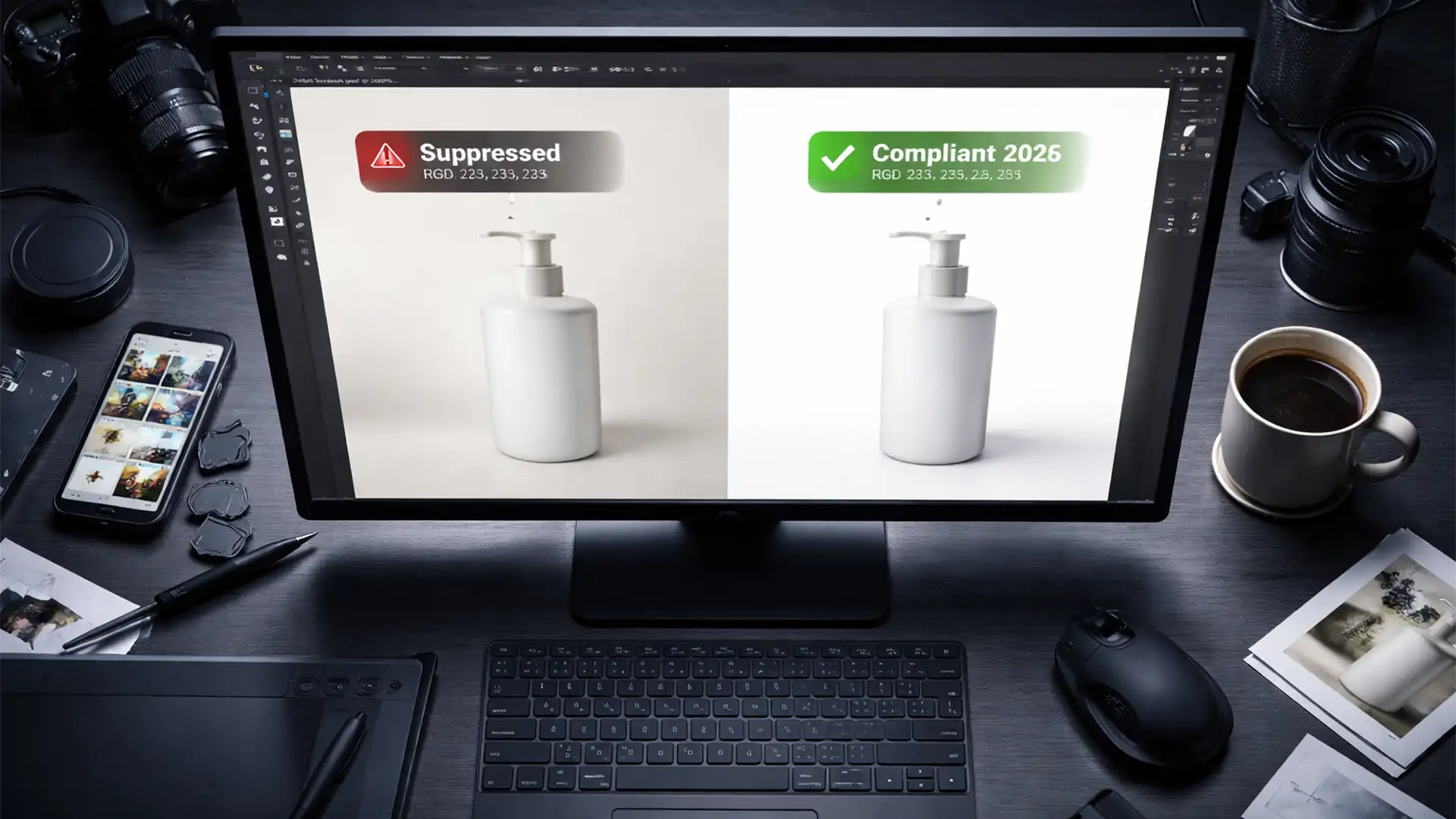
Amazon 2026 Image Standards: Perfect RGB 255 Backgrounds
Imagine waking up to find your top-selling Amazon listing suddenly suppressed. The culprit? Your product image background isn’t purely white. As we approach the rollout of the Amazon RGB 255 background compliance 2026 updates, the platform’s automated validation algorithm is...
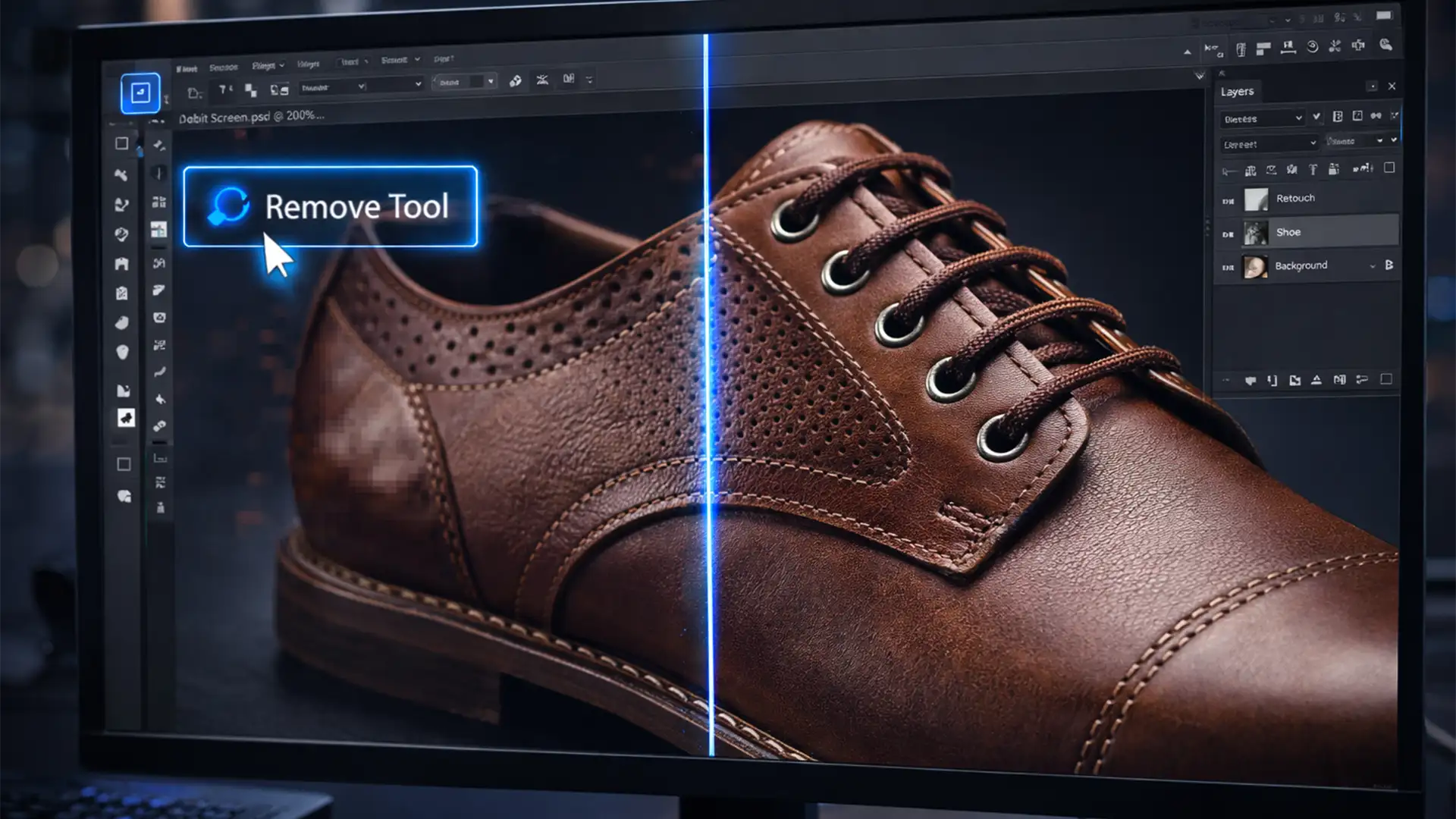
How to Fix Blurry AI Retouching: Optimizing Photoshop 2026 for High-Res Product Edits
You just spent hours shooting a high-resolution e-commerce campaign, only to find that your cleanup process is ruining the image quality. You select the new AI-powered Remove Tool, brush over an imperfection, and wait for the magic to happen. But...
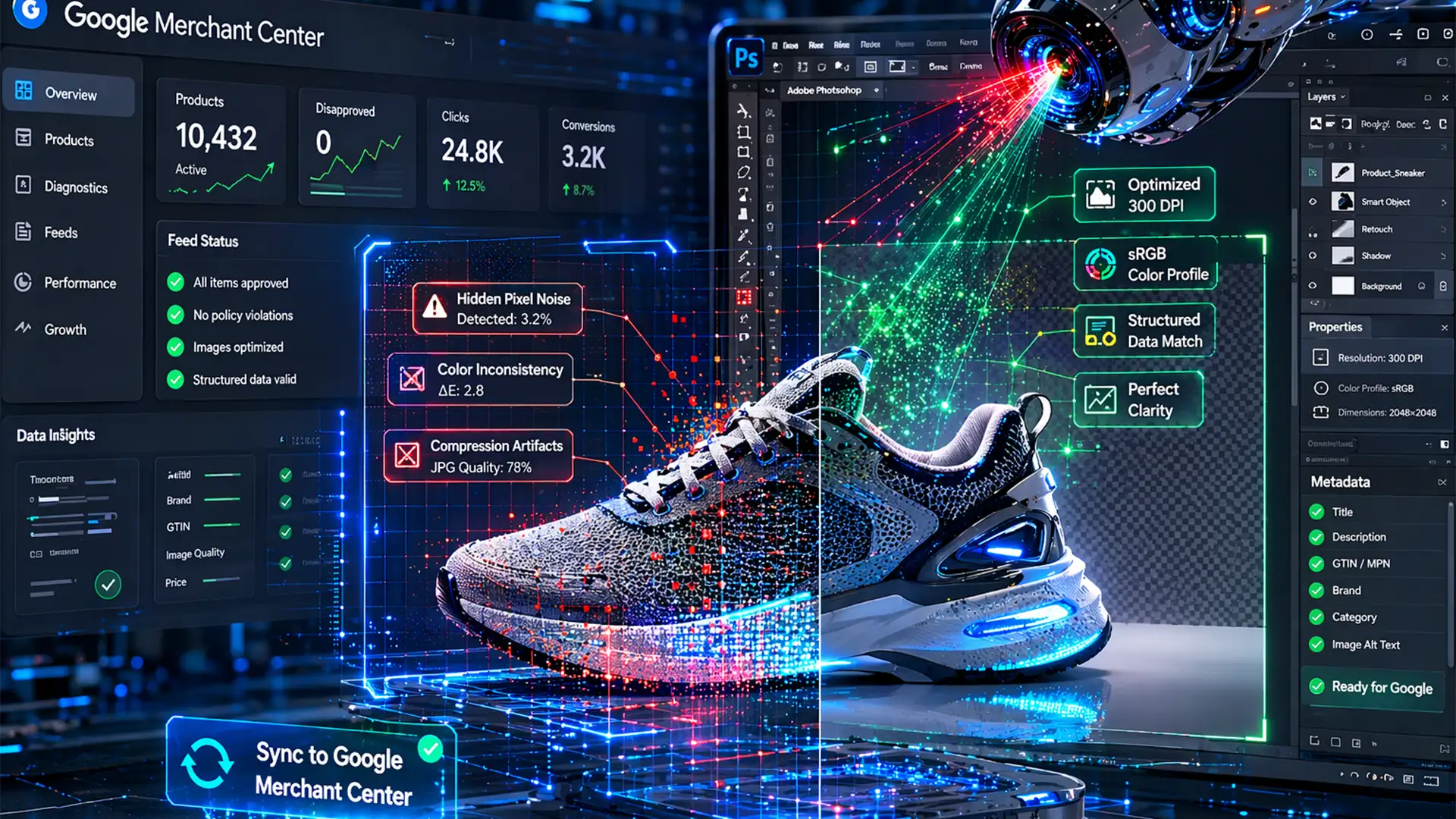
Fix Google Merchant Center AI Image Disapprovals Fast
You spent hours generating the perfect lifestyle backgrounds for your e-commerce products using AI, only to wake up to a nightmare: suspended Google Shopping campaigns. If you are staring at a flooded GMC diagnostics tab filled with “Poor image quality”...
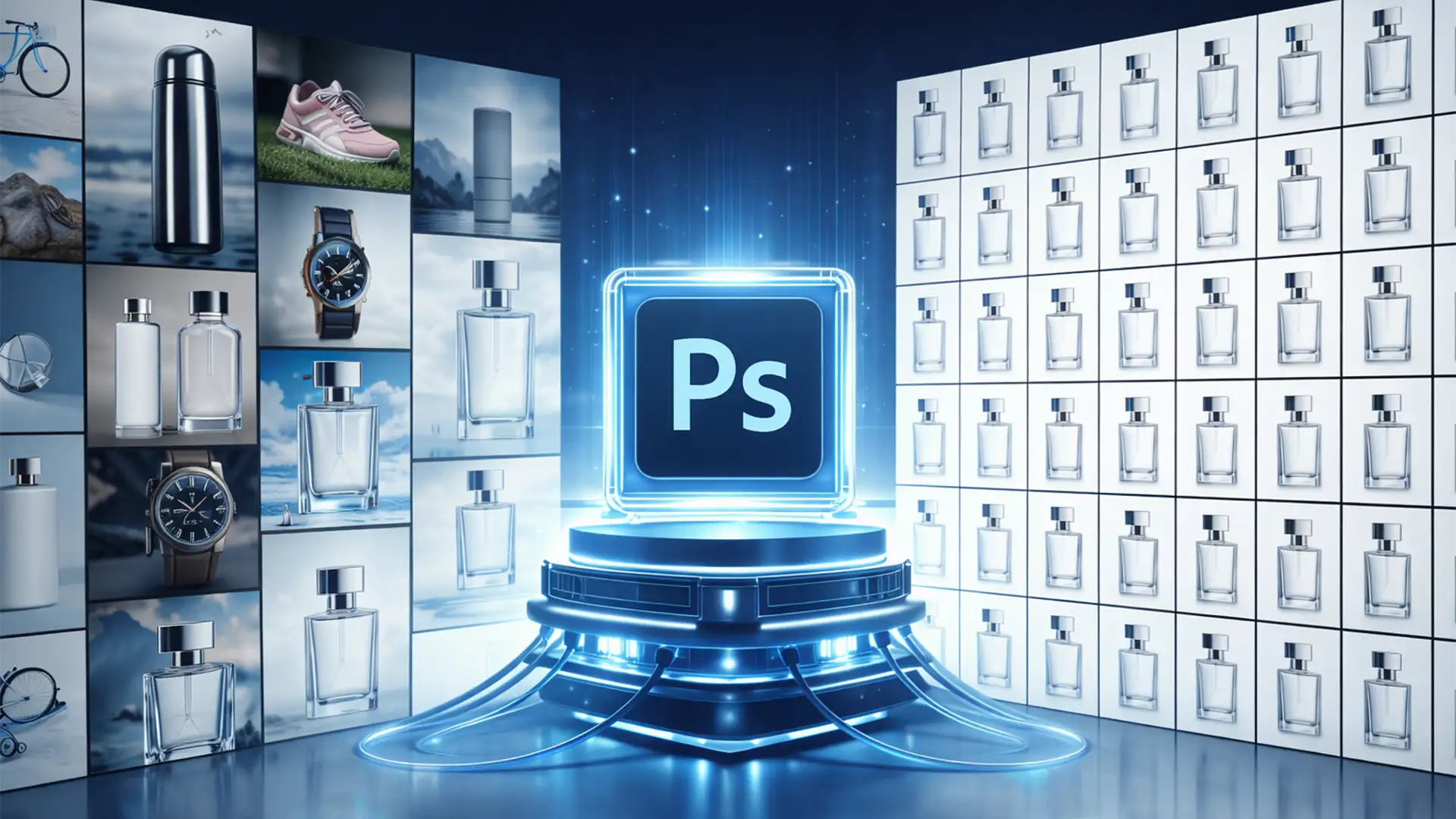
The Secret to Batch Generative Fill Consistency for Ecommerce
You record a Photoshop Action using Generative Fill, point it at a folder of 500 SKUs, and hit play. You come back an hour later expecting a perfectly cohesive catalog. Instead, every single product has a slightly different floor texture,...
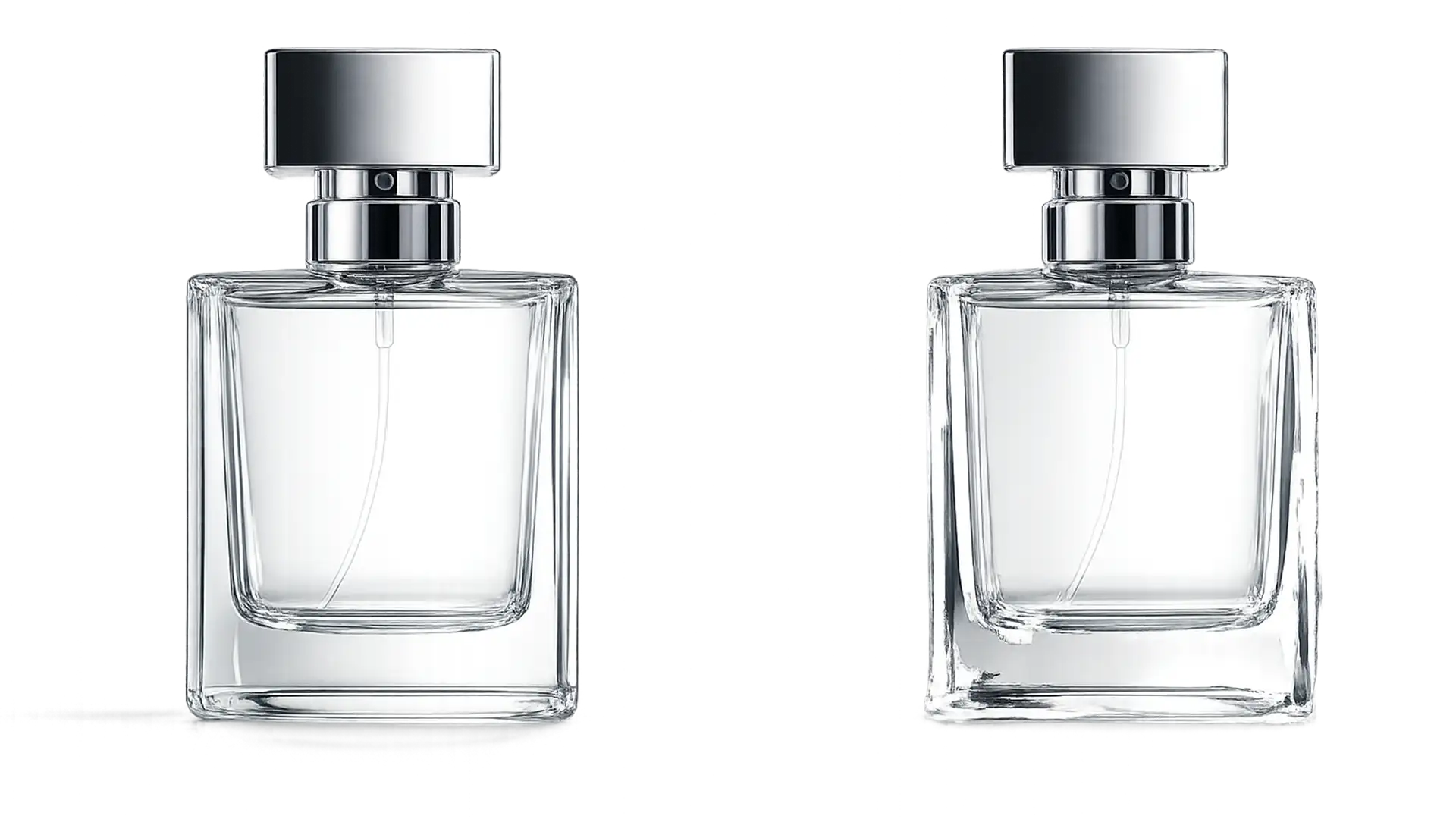
Fix Glass Transparency After AI Background Removal
You click “Remove Background” in Photoshop, expecting a perfect cutout of your glass product. Instead, the AI leaves jagged, opaque edges or deletes the glass body entirely. Automated AI background removal algorithms—even advanced tools in Photoshop v24.x and v25.x—frequently fail...
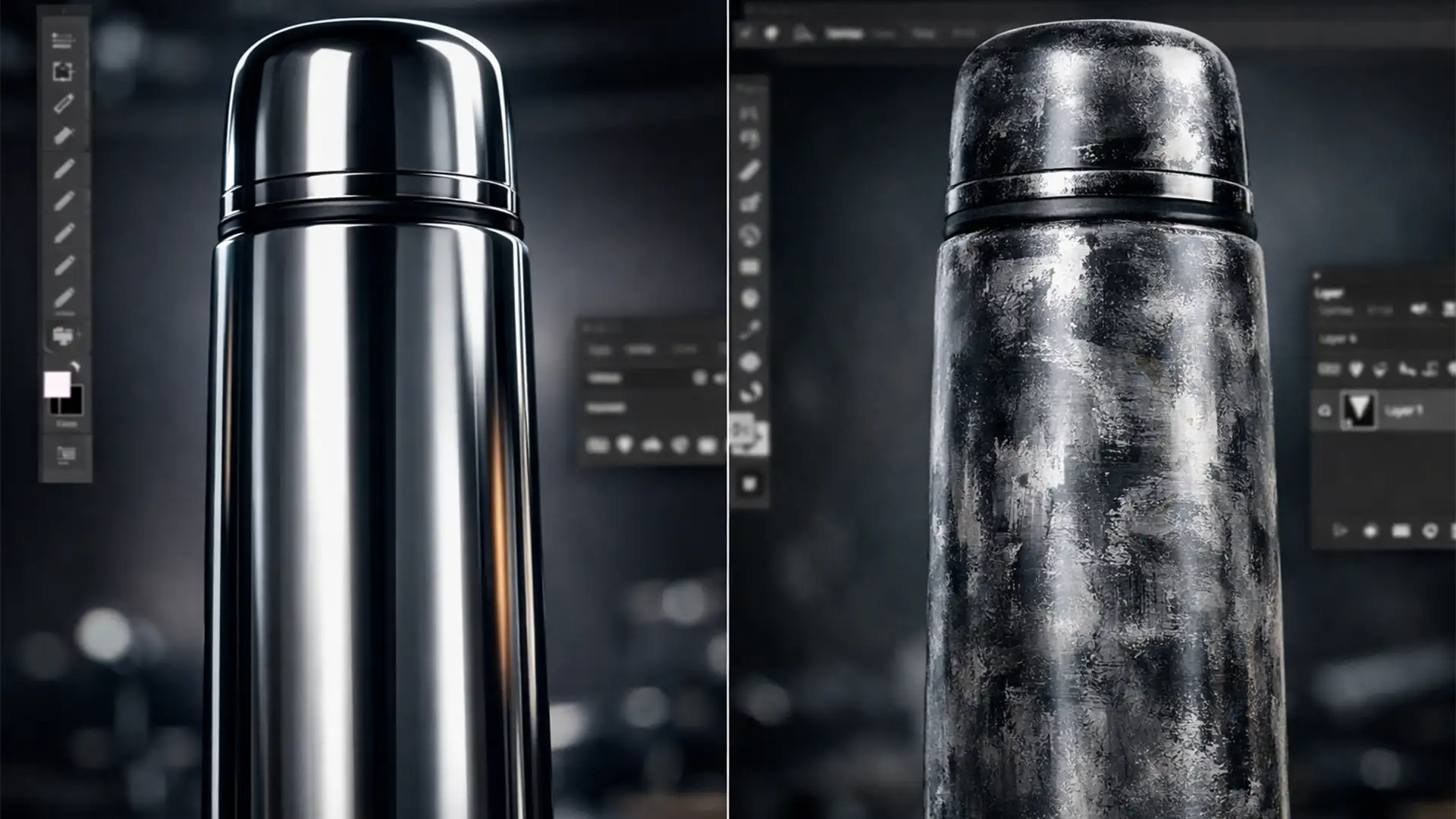
Fix AI Texture Hallucinations on Metallic Products
You use Generative Fill to clean up a minor scratch on a chrome thermos, and suddenly, Photoshop replaces that sleek metallic gradient with a smudged, matte blob. This is known as an AI texture hallucination in metallic product photos, and...
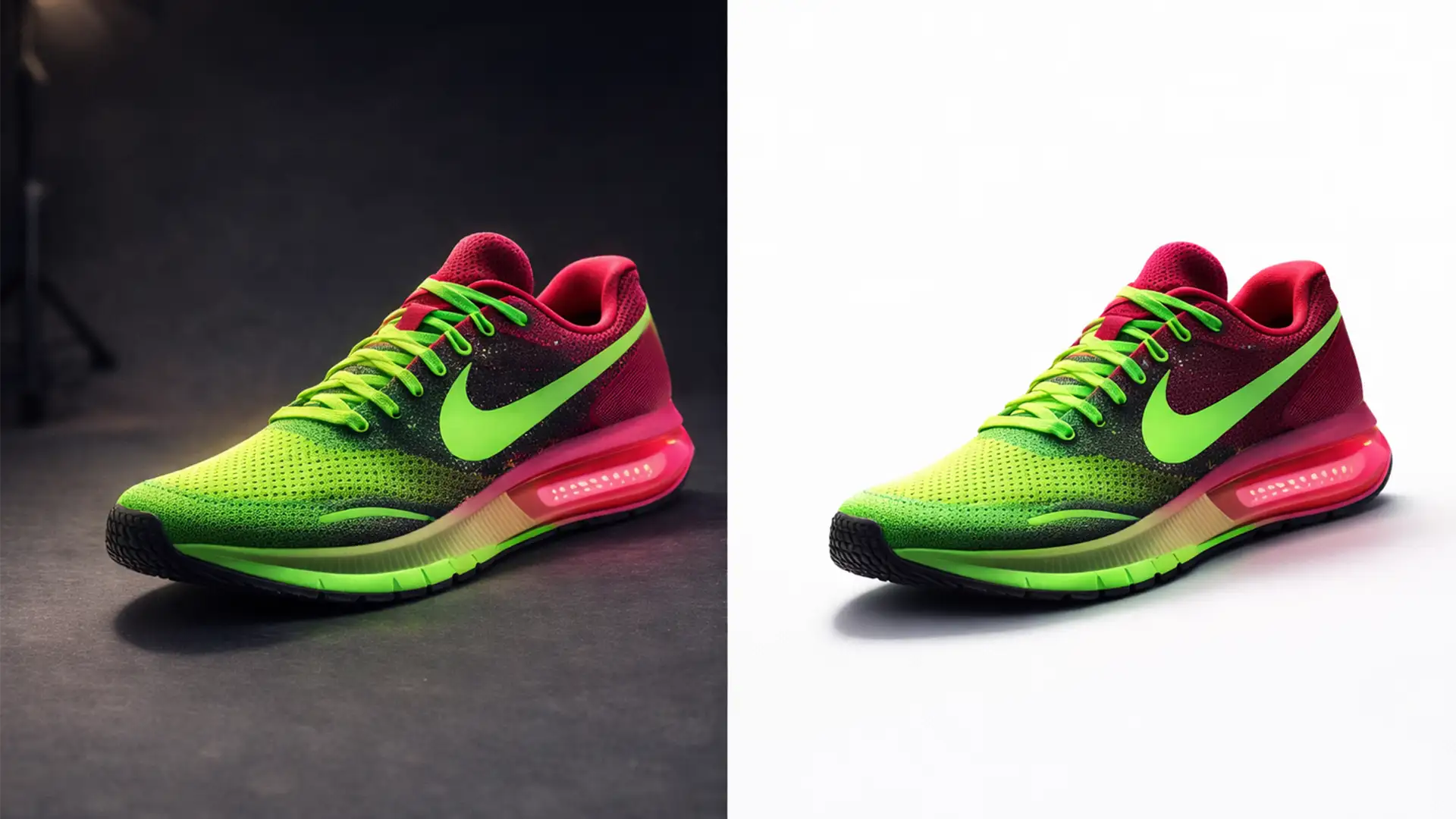
Realistic Product Shadows: How to Keep Contact Shadows on a Pure 255 White Background
E-commerce marketplace compliance dictates one universal rule: your primary product images must sit on a pure RGB 255,255,255 background. However, achieving this often introduces a massive headache for retouchers. When you use automated selection tools or harsh clipping paths to...