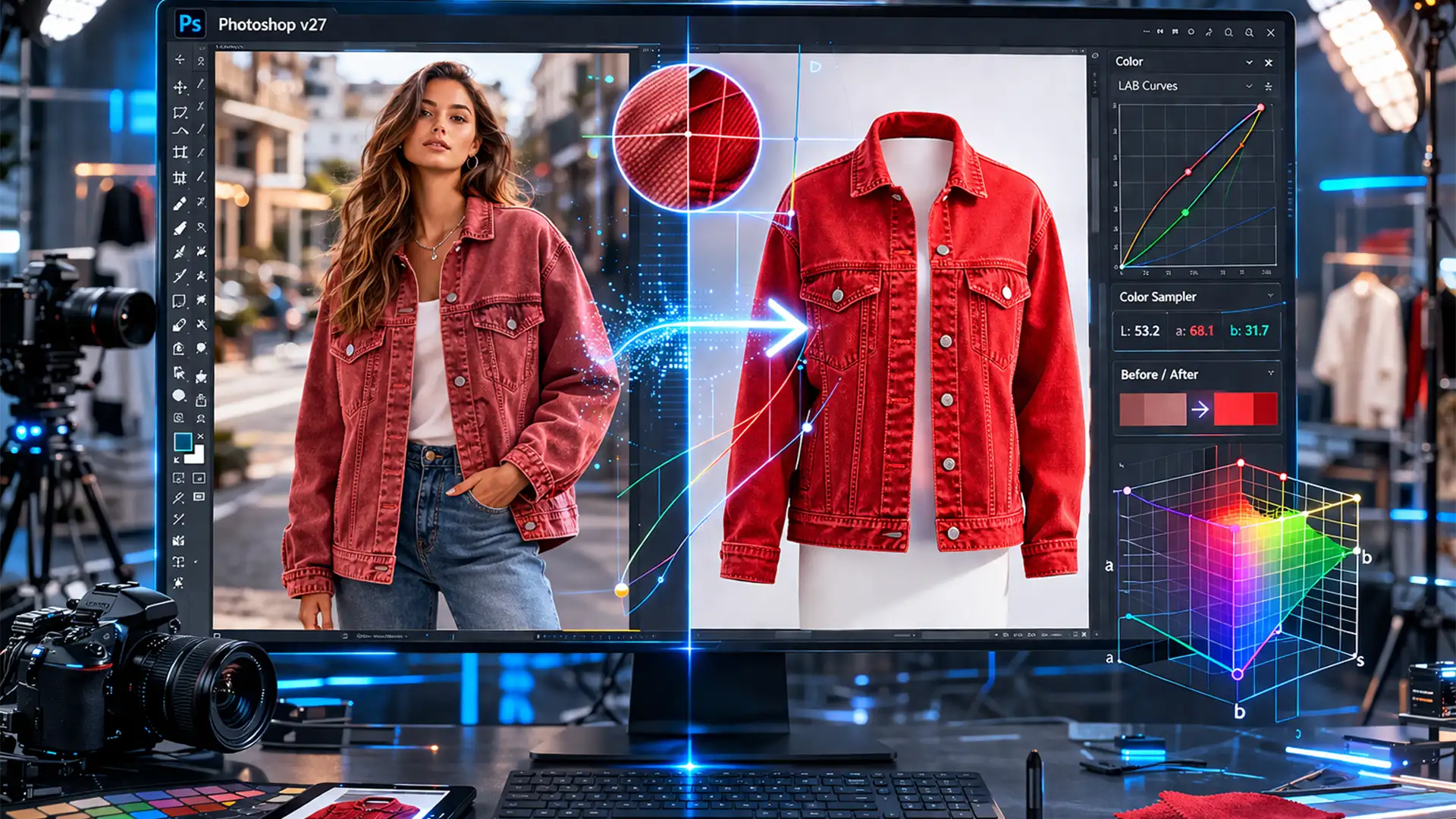

Zero-Hex Color Matching: Align Product Assets in Photoshop
You just received the latest batch of product images from three different agencies. The lifestyle shots look overly warm, the ghost mannequin images are washed out, and the flat lays have a distinct blue color cast. The absolute worst part?...

Fix Photoshop 2026 Batch Process Background Error Fast
There is nothing more frustrating than watching your screen freeze while exporting a massive folder of product images. You set up your files, hit run, and walk away—only to return and find that Photoshop 2026 has hung at 99 percent....

Amazon 2026 Image Guidelines: Avoid AI Listing Suppression
Woke up to a dreaded “Listing Suppressed” notification on your best-selling ASIN? You aren’t alone. As sellers rush to use Photoshop’s Generative Fill to scale their product photography, Amazon has quietly updated its A9 algorithm bots for 2026. The new...
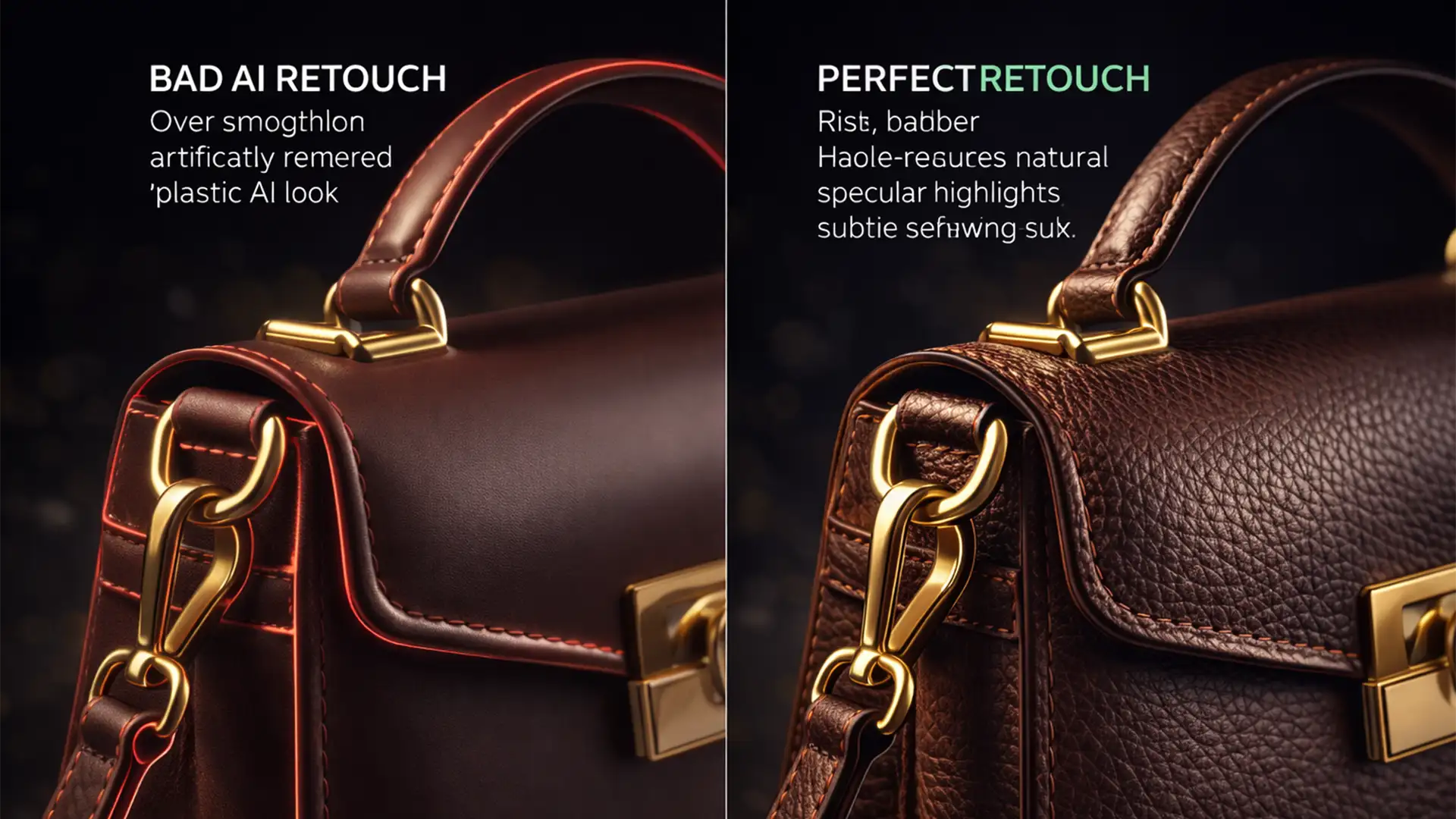
Authentic AI Product Retouching Workflow to Boost Sales
Over-polished, artificial product images are actively killing your e-commerce conversion rates. Modern buyers are highly sensitive to the “uncanny valley” effect; if a product looks artificially rendered rather than photographed, buyer trust vanishes instantly. While modern AI tools like Photoshop...
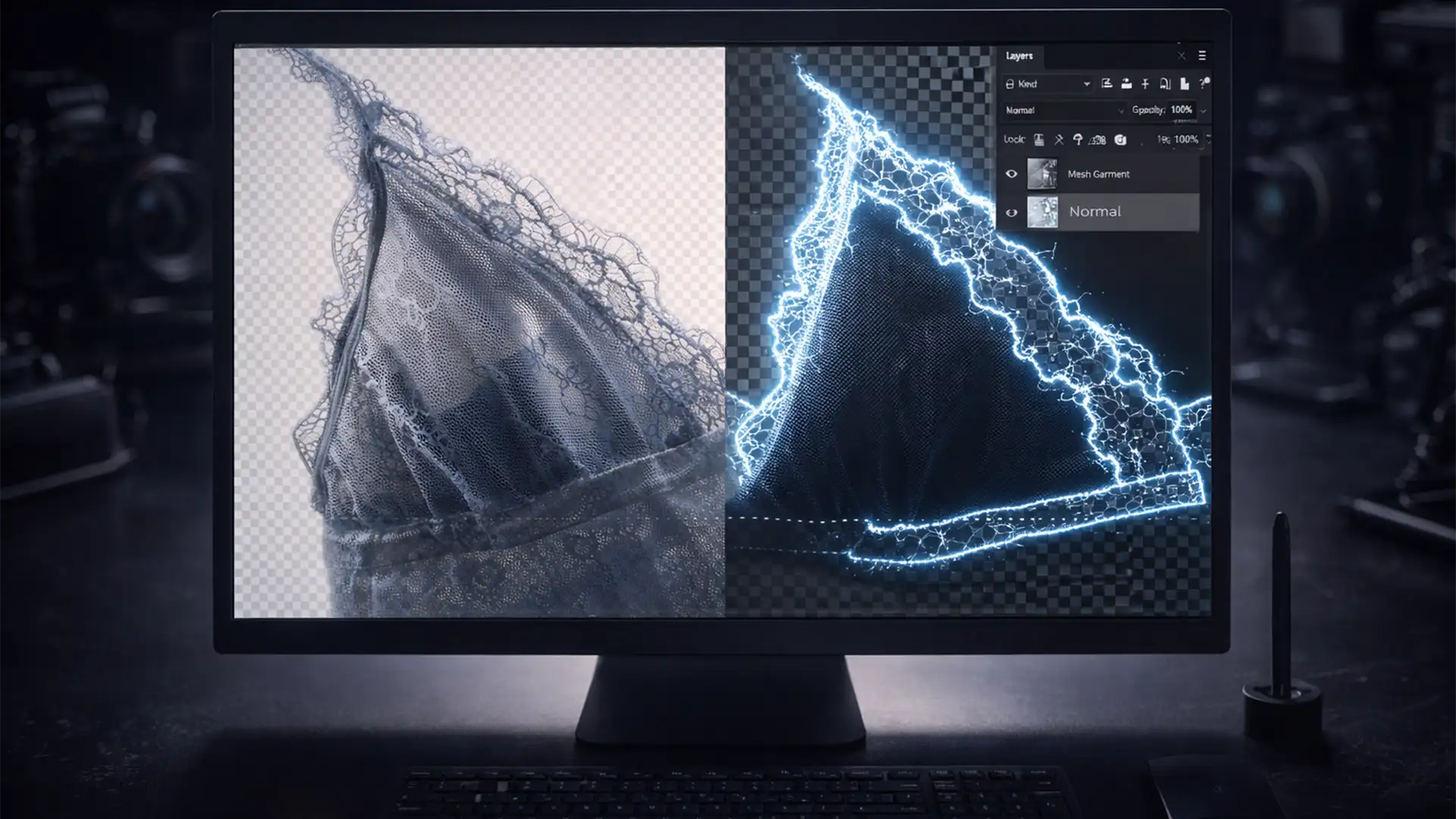
High-Volume Background Removal for Mesh and Sheer Products
If you manage a high-volume eCommerce studio, you already know the nightmare of processing sheer fabrics. You run a standard automated action, and the result is a disaster: the dreaded “AI Halo” where background colors bleed through the mesh holes,...
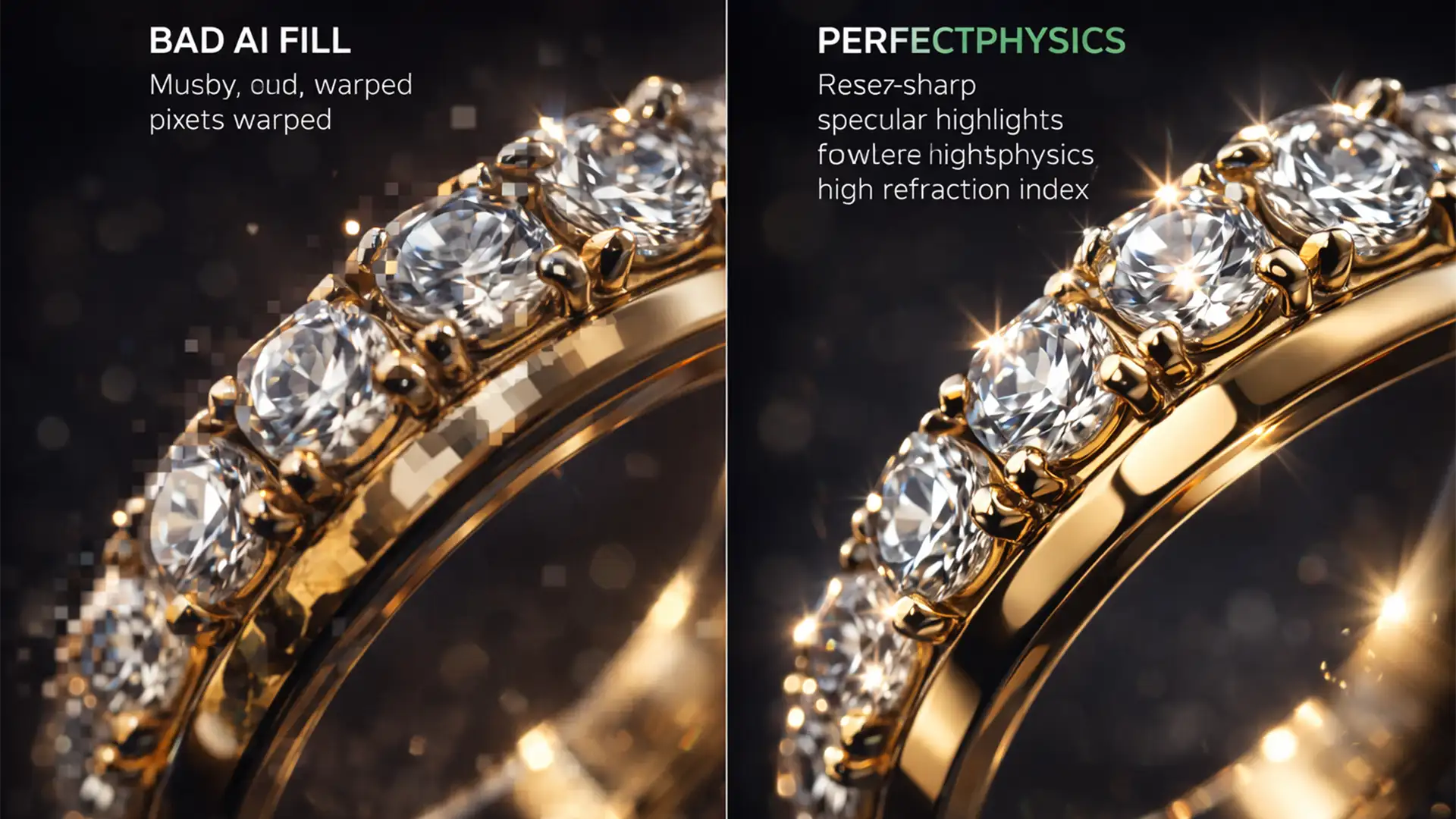
Fix Muddy AI Reflections in Photoshop Jewelry Photography
Generative Fill is a massive time-saver for expanding backgrounds, but if you shoot high-end jewelry, you already know its fatal flaw. In recent Photoshop versions (v25.0 to v27.x), AI background generation consistently destroys the complex optical physics of metallic and...

Fix Google Merchant Center AI Image Disapprovals on Shopify
You spent hours perfecting your product photos using AI, carefully tagging them in Photoshop with the required IPTC metadata. But the moment you upload them to Shopify, disaster strikes. Google Merchant Center hits you with a “Deceptive content” policy violation...
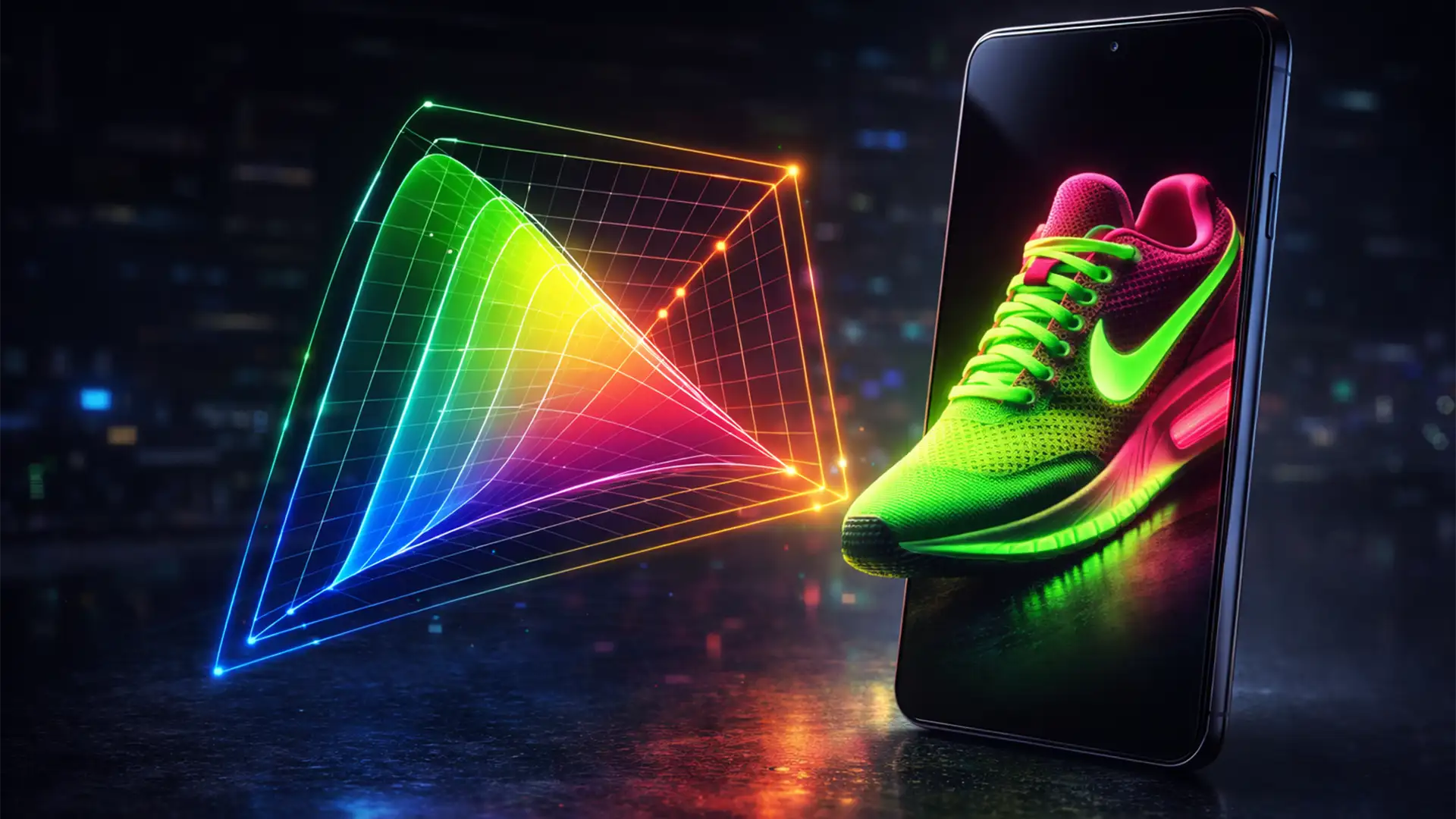
Master P3 Color Profiles for Mobile Ecommerce Displays
You just finalized the perfect edit for a neon product. On your calibrated monitor, the colors pop beautifully. But the moment you check the live listing on your iPhone, the vibrancy is gone. The bright reds look muddy, and the...
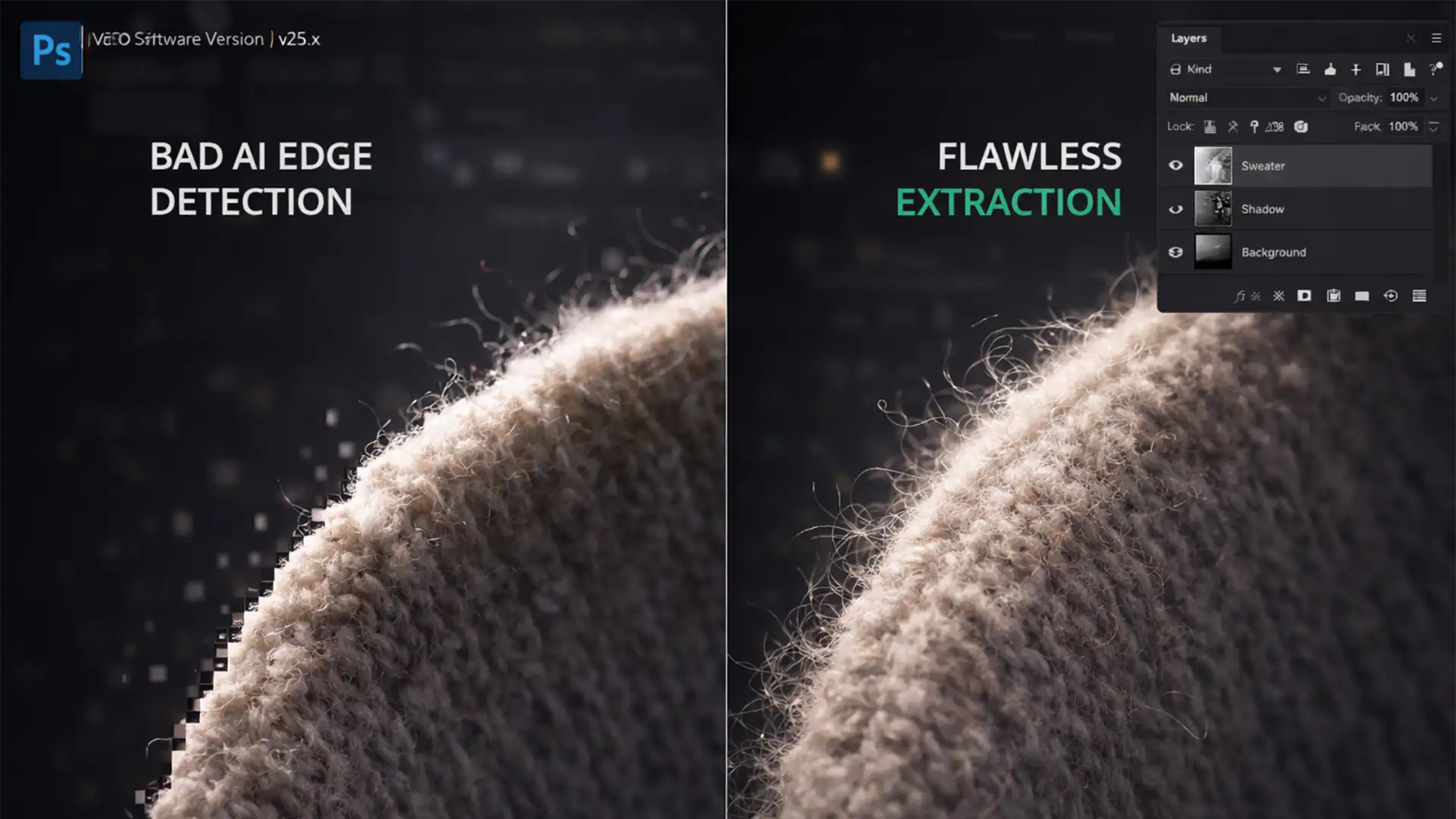
Preserve Texture in AI Background Removal
Have you ever used an automated background removal tool on a fuzzy sweater, lace dress, or faux-fur handbag, only to see the edges chopped off like a cheap plastic toy? You are not alone. While one-click tools save time, preserving...

Stop Blurry Shopify Images: Bypass Compression in 2024
You’ve invested significant time and money into flawless, high-end product photography. But the moment you upload those pristine shots to your store, disaster strikes: your photos look blurry, pixelated, and cheap. Sound familiar? You aren’t alone. Shopify’s aggressive automatic compression...