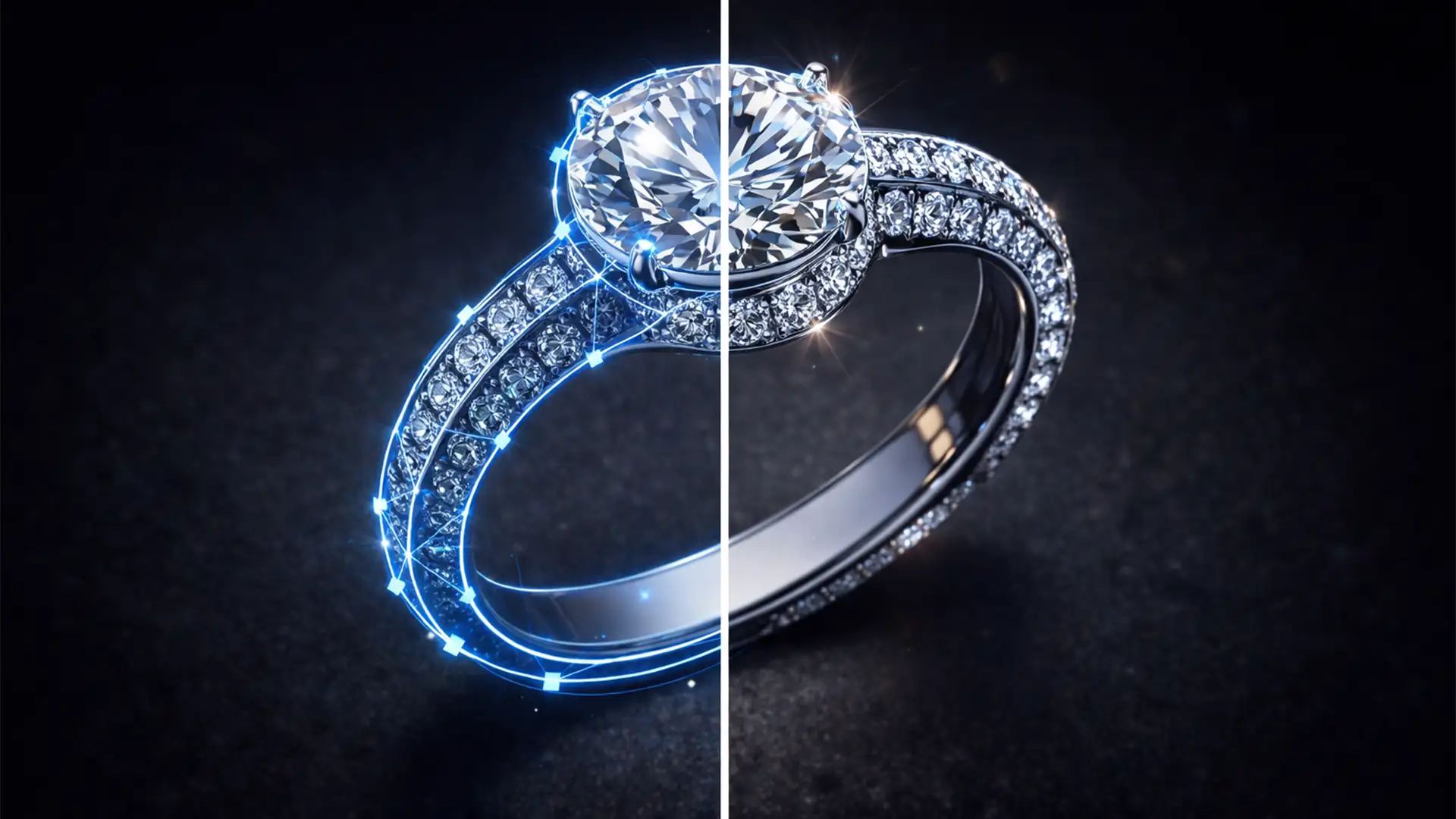

If you sell high-end jewelry online, you already know that sparkle and shine dictate your conversion rates. Yet, when e-commerce managers attempt to speed up their workflow using one-click background removal tools, the results are disastrous. In Adobe Photoshop v24.x and above, AI tools like ‘Select Subject’ consistently fail on complex jewelry photography. They chop off natural refractions, flatten metallic surfaces, and delete crucial inner shadows, leaving you with a fake, plastic-looking product.
To achieve a flawless, premium aesthetic, you must bypass the AI. Mastering the clipping path for complex jewelry reflections is the only way to explicitly define hard metallic edges while selectively retaining semi-transparent reflection data. Here is the technical breakdown of how professionals isolate jewelry without destroying its natural beauty.
Why AI Fails High-End Jewelry Photography
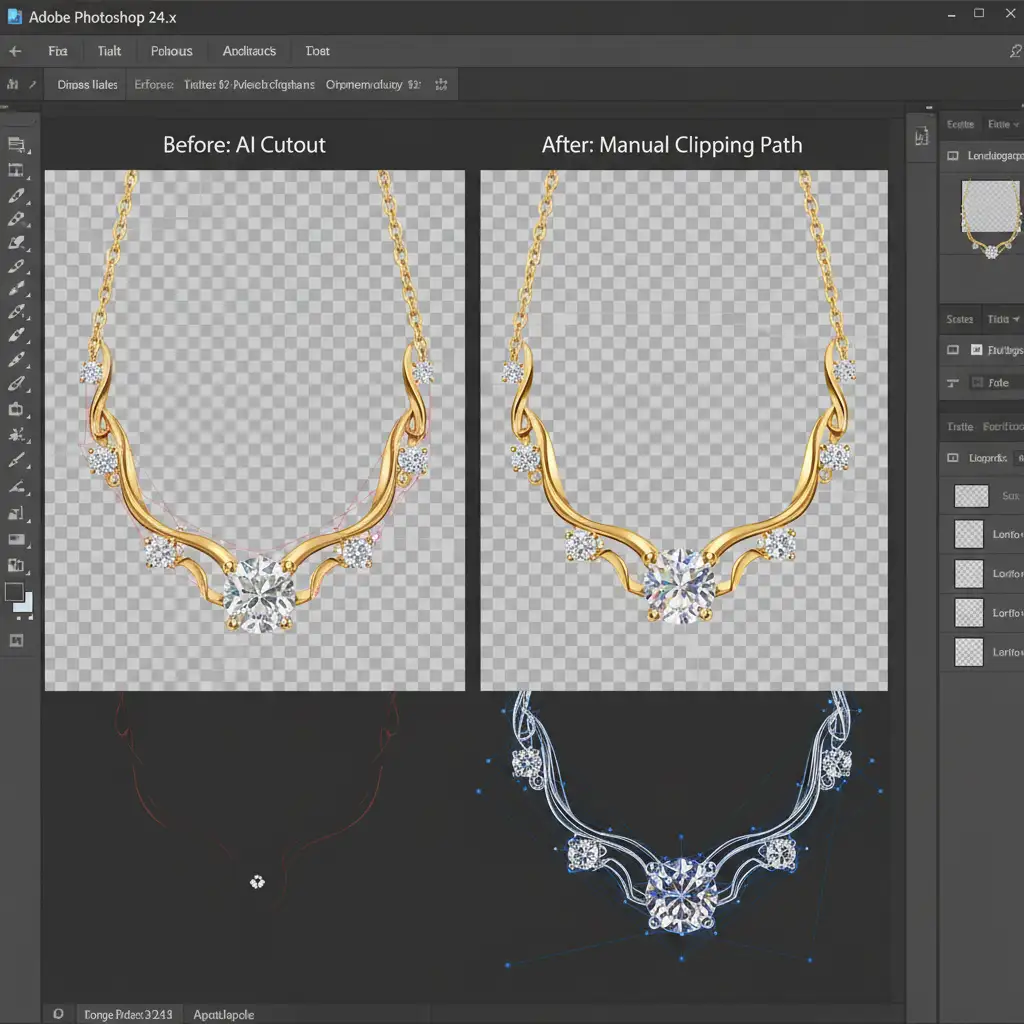
The core problem with automated background removers lies in algorithmic limitations. AI cannot accurately differentiate between a gemstone’s natural refraction, a metallic surface reflection, and the studio background. Because jewelry is highly reflective, it absorbs the colors of its environment. When AI attempts to isolate the subject, it reads these environmental reflections as “background” and erases them.
This results in clipped, jagged edges, missing inner gaps, and an unnatural, floating appearance. Professional workflows demand vector-based isolation.
3 Professional Methods for Perfect Jewelry Extraction
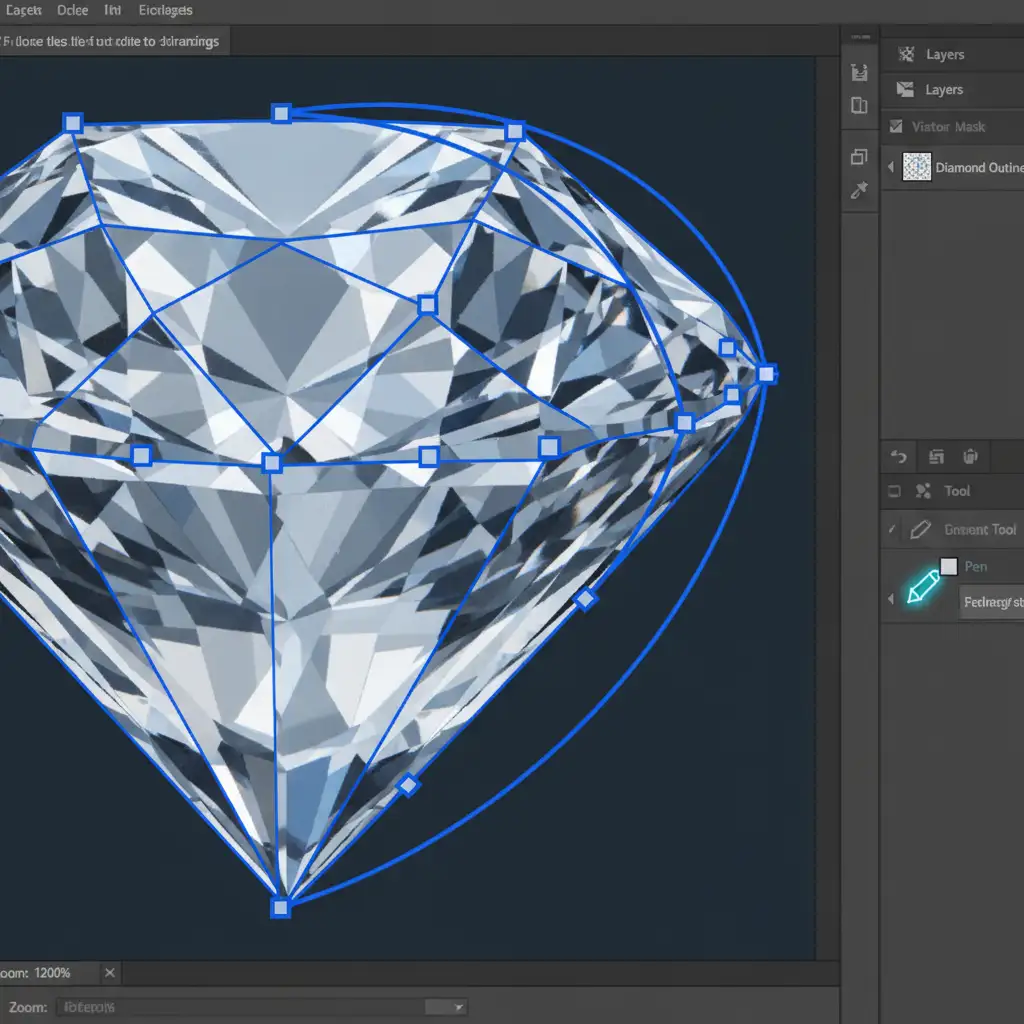
To isolate high-end jewelry cleanly, you must utilize the Pen Tool to create mathematically precise bezier curves. Here are the three industry-standard methods.
Method A: Precision Manual Pen Tool Pathing (The Quick Fix)
For solid metal pieces with minimal transparency, a standard clipping path is highly effective.
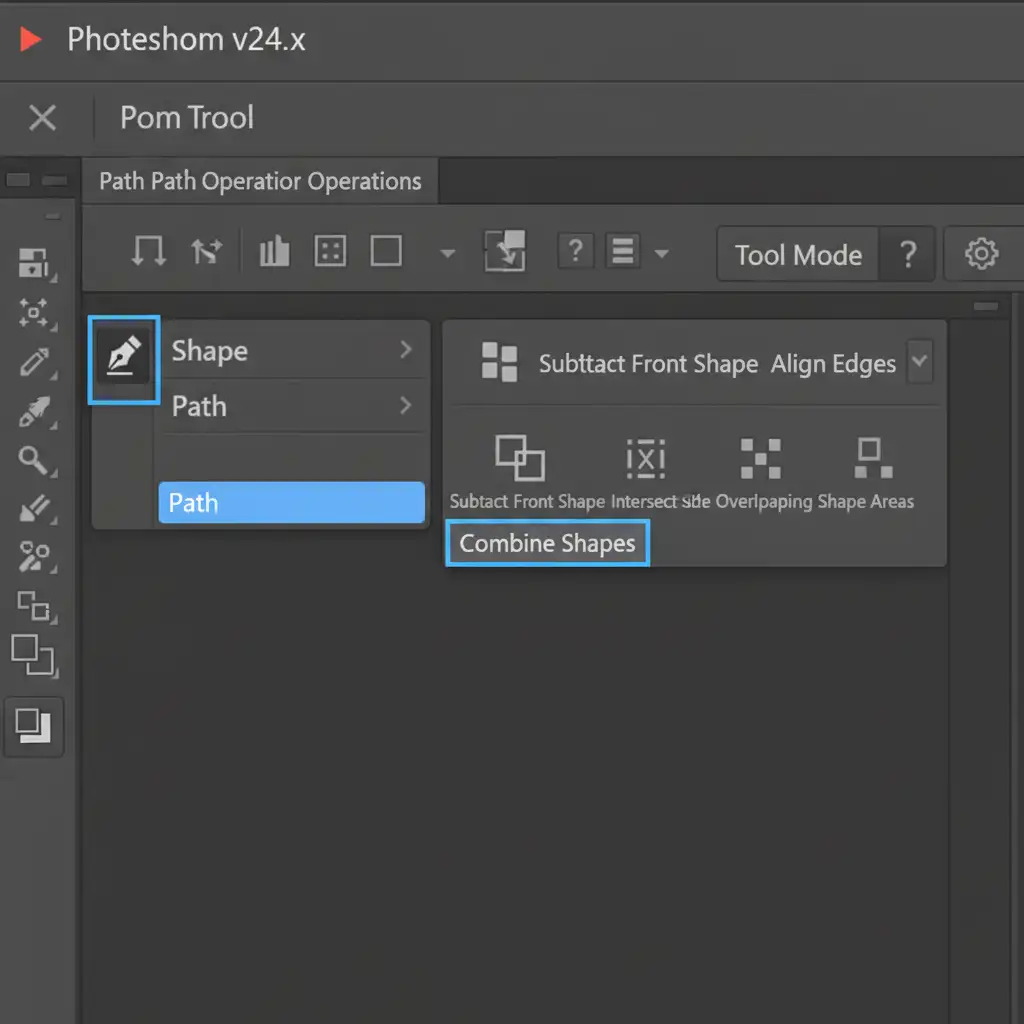
- Select the Pen Tool (P) in Photoshop.
- In the top Options bar, ensure your tool is set to Path mode and the Combine Shapes operation is active.
- Trace the outer edge of the jewelry. Keep your anchor points exactly 1-2 pixels inside the object’s edge. This technique prevents “haloing”-the trapping of original background pixels along the perimeter.
- Save the path.
- When converting the path to a selection, apply a 0.5px edge feathering to ensure the edges look natural and benefit from smooth anti-aliasing.
Method B: Multipath Isolation for Material Control (The Pro Workaround)
Jewelry rarely consists of just one material. A gold ring with a diamond setting requires different color correction for the metal than it does for the gem. This requires a multipath workflow.
Instead of drawing one outline, you create distinct, overlapping paths for different materials:
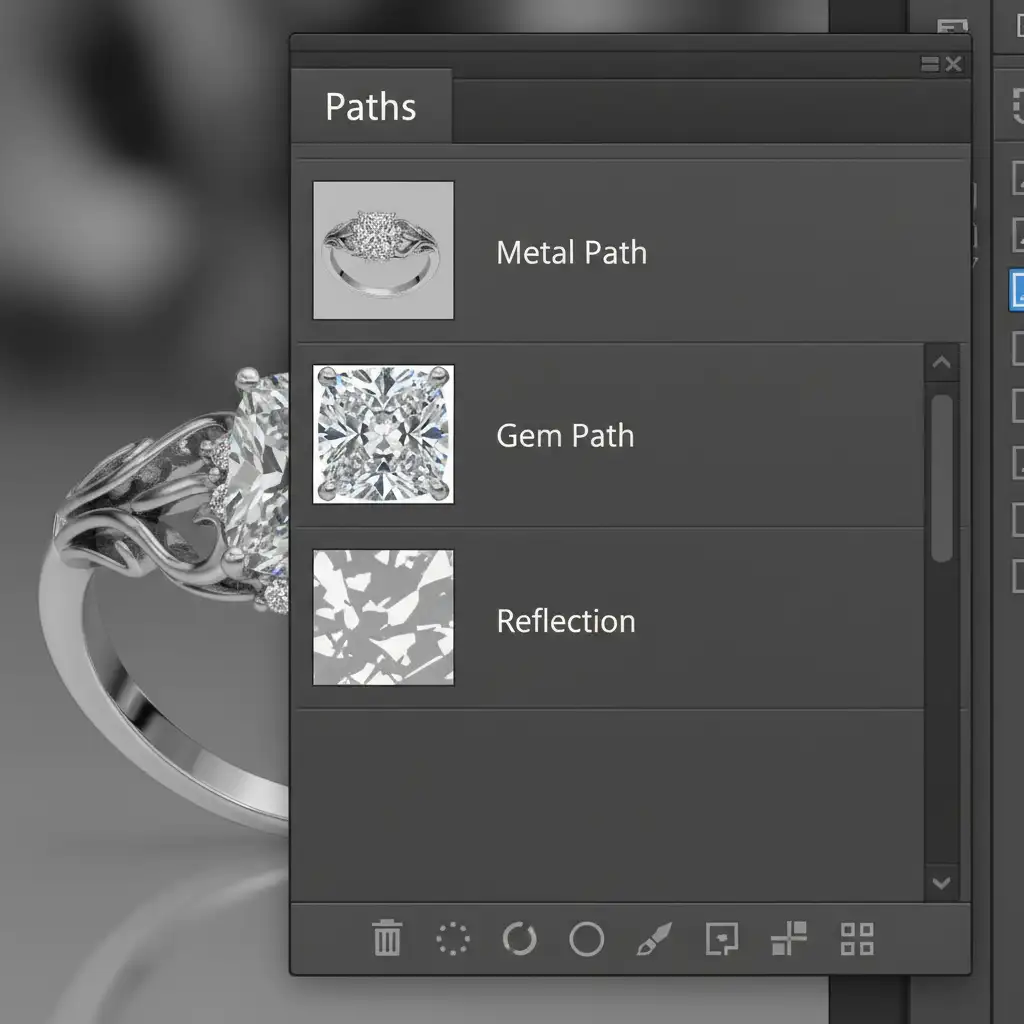
- Path 1: The Gold band.
- Path 2: The Diamonds.
- Path 3: The natural ground Shadows/Reflections.
By keeping these paths separate in the Paths panel, you can convert them into individual selections. You can then apply a layer mask to each specific zone, allowing you to independently color-correct the metal, sharpen the diamonds, and blend the natural reflection into a new background without having to rasterize destructive changes.
Method C: Hybrid Vector-Channel Masking (The Technical Deep-Dive)
For highly complex pieces featuring transparent gems (like emeralds or clear quartz) where light completely passes through the stone, standard vector paths will look too harsh. You need a hybrid approach.
- Use the Pen Tool to map the solid metal edges.
- Switch to the Channels panel. Find the channel with the highest contrast between the gem’s internal reflections and the background (usually the Blue channel).
- Duplicate this channel and use the Levels adjustment (Ctrl/Cmd + L) to force the background to pure black and the reflections to pure white.
- Load this channel masking setup as a selection, and intersect it with your active vector path.
This complex mask preserves the delicate, semi-transparent internal reflections of the gemstone without trapping the original background color, allowing you to seamlessly add a realistic drop shadow later.
Stop Losing Sales Over Fake-Looking Jewelry Photos
Executing a perfect clipping path for complex jewelry reflections is a highly technical, time-consuming process. While knowing the theory behind multipaths and channel masking is great, spending hours tracing anchor points around faceted diamonds is not the best use of a photographer’s or e-commerce manager’s time.
Don’t let subpar background removal ruin your product presentation and cost you sales. Image Work India and Cloud Retouch specialize in pixel-perfect, hand-drawn clipping paths for high-end jewelry. Our expert retouchers understand how to preserve every brilliant facet, inner shadow, and delicate reflection, delivering flawless, ready-to-publish images at scale.
Ready to elevate your jewelry catalog? Contact Image Work India and Cloud Retouch today for professional clipping path services that make your products shine.




